Forever GroundFX
- By
Enhance WoW Forever's world with denser ground vegetation, increased grass rendering distance, and improved vegetation fade distance. Switch between Enhanced Graphics and Default Graphics instantly with two simple buttons.
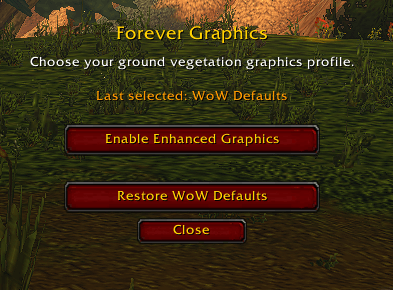
ForeverGraphicsOff.png
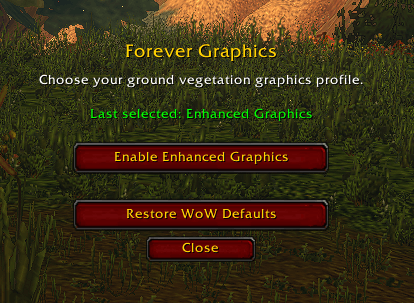
ForeverGraphicsON.png
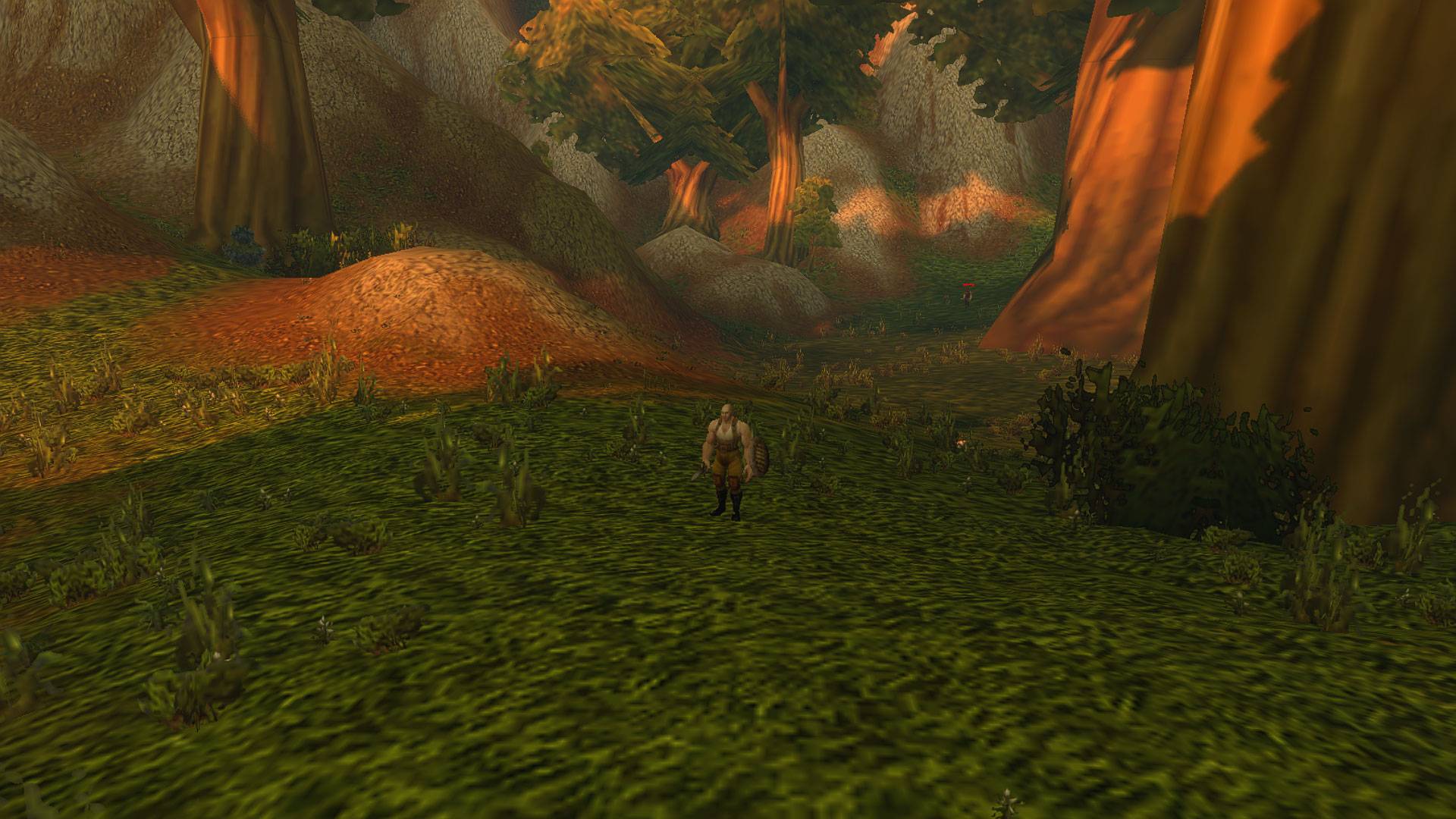
WoWScrnShot_111626_082451.jpg
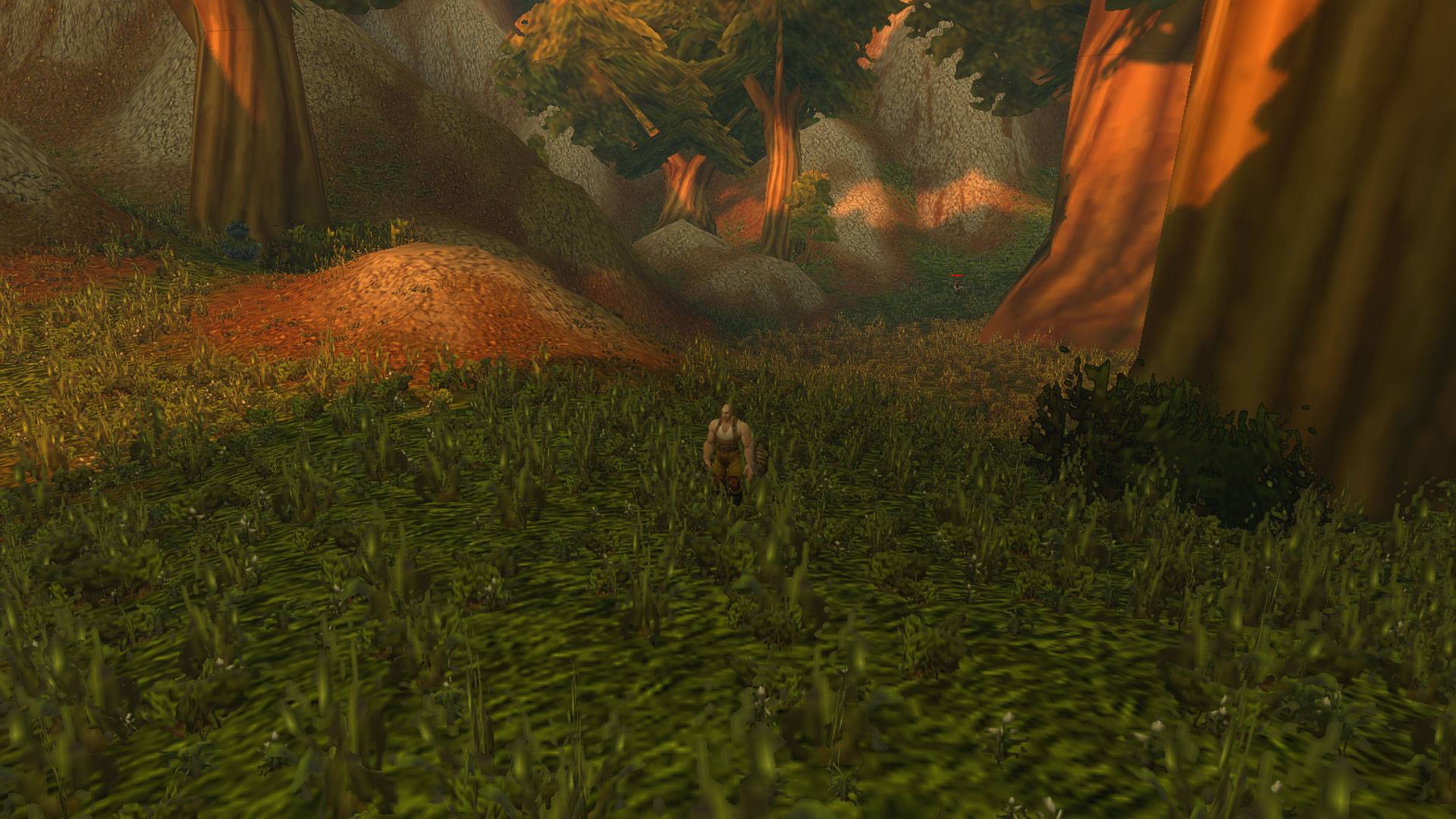
WoWScrnShot_111626_082438.jpg
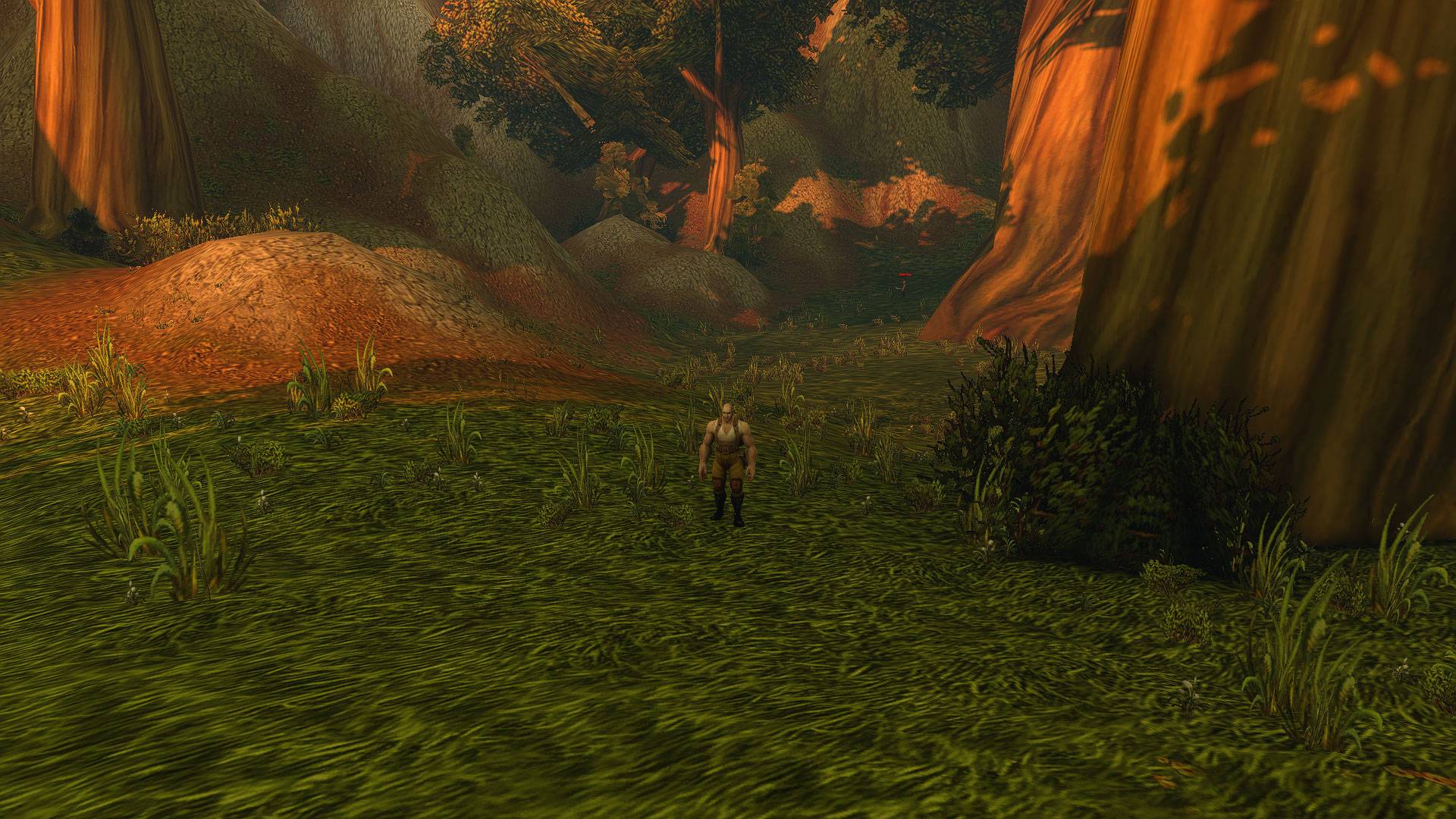
WoWScrnShot_111626_082739.jpg
Description
Forever GroundFX
Bring the world of Azeroth to life with enhanced ground vegetation!
Forever GroundFX is a lightweight graphics enhancement addon for World of Warcraft Forever (1.60.1). It allows you to switch between two ground vegetation graphics profiles using a simple, easy-to-use in-game settings window.
Want a more immersive world with denser grass, more visible vegetation and greater ground detail? Enable Enhanced Graphics.
Prefer the original vegetation density and rendering distances? Restore WoW Defaults with one click.
No complicated configuration, no unnecessary options. Just two buttons that do exactly what they promise.
Features
Enhanced Graphics
Enables increased ground vegetation detail and rendering distances:
-
Increased ground vegetation density.
-
Greater vegetation fade distance.
-
Increased ground vegetation rendering distance.
-
Applies all seven configured graphics CVars.
Restore WoW Defaults
Returns the three vegetation settings to the default values specified for this addon, while retaining the other graphics settings.
Simple Settings Window
-
Clean and easy-to-use interface.
-
Two dedicated graphics profile buttons.
-
Visual status indicator showing the last selected profile.
-
Draggable settings window.
-
Persistent profile indicator across game restarts.
-
No unnecessary configuration menus.
Slash Commands
Open or close the settings window using:
/fg
Alternative command:
/forevergraphics
Graphics Profiles
The addon changes the following console variables:
| Graphics Setting | Enhanced | Default |
|---|---|---|
| ResampleAlwaysSharpen | 1 | 1 |
| groundEffectDensity | 256 | 48 |
| groundEffectFade | 370 | 70 |
| groundEffectDist | 500 | 200 |
| cameraDistanceMaxZoomFactor | 4.0 | 4.0 |
| HDROutput | 1 | 1 |
| HDRFactor | 1 | 1 |
The three ground vegetation settings are responsible for the differences in vegetation density and rendering distances between the two profiles.
Installation
-
Download Forever GroundFX.
-
Extract the
ForeverGraphicsfolder. -
Place it inside your WoW AddOns directory:
World of Warcraft/Interface/AddOns/
-
Start the game or type
/reload. -
Type
/fgto open the settings window.
Compatibility
-
Game: World of Warcraft Forever
-
Client version: 1.60.1
-
Addon version: 1.2
Dependencies
None. Forever GroundFX is completely standalone.
Project Philosophy
Forever GroundFX was created with one simple goal: make it easier to enjoy a more detailed and immersive world without having to manually enter multiple console commands every time you want to change your graphics settings.
Enjoy the enhanced world of Azeroth!
Forever GroundFX — Enhance your world.
Forever GroundFX Team