Forever Fishing Atlas
- By
Explore fishing waters, fish and bycatch, save shore pins, view skill information and keep a personal catch journal.
Forever Fishing Atlas
Remember your fishing waters. Build your own catch journal.
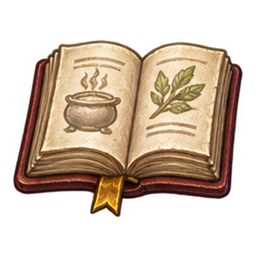
Explore fish and bycatch references, mark useful shores and revisit the places where your character actually caught something. The illustrated atlas keeps your waters, fishing skill and personal catch history together.
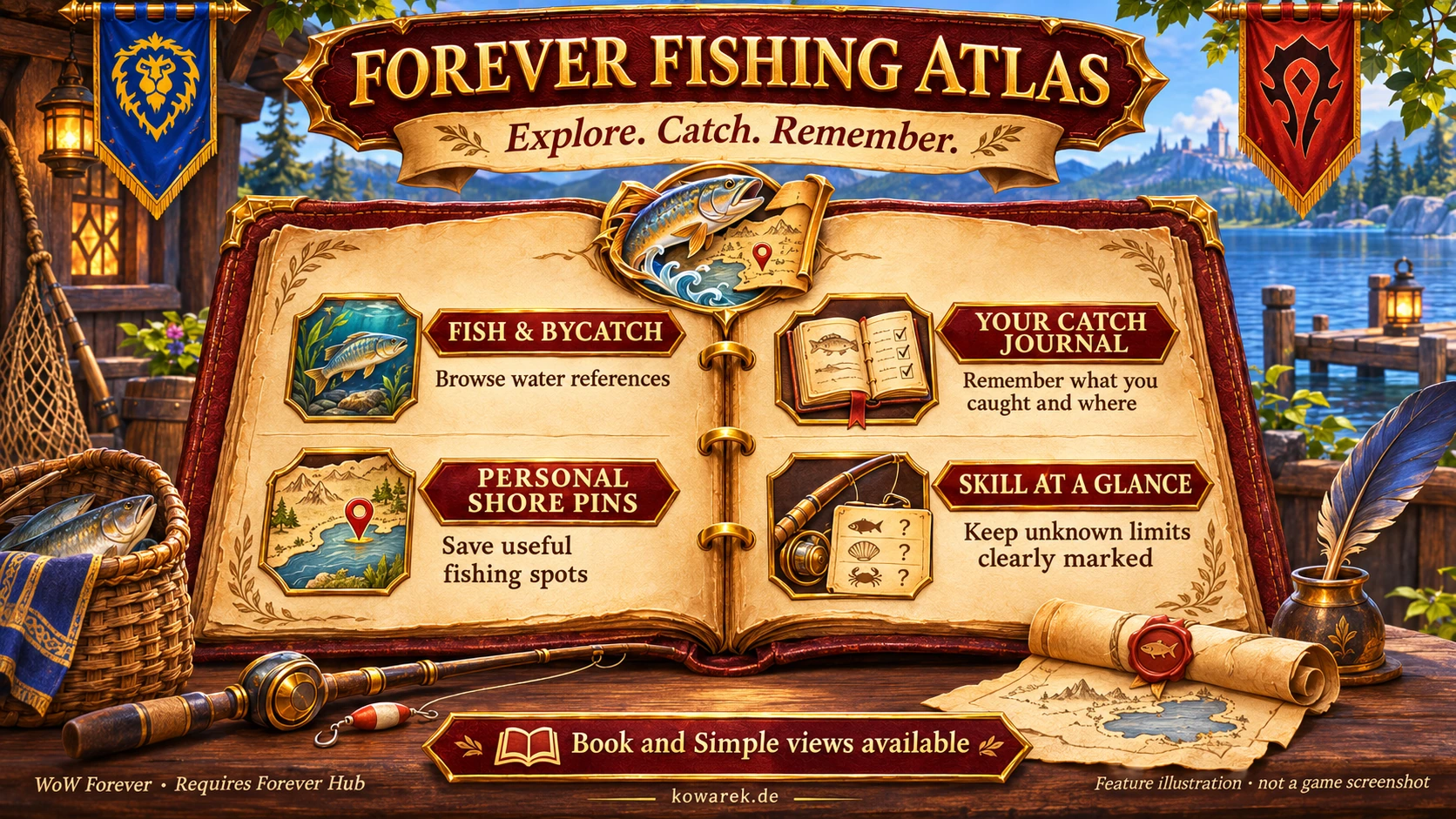
Illustrated feature overview, not a game screenshot. Explore fish and bycatch references, keep a personal catch journal, save shore pins and check your fishing skill.
Waters, fish and map pins
- Search named waters, areas or fish and inspect their fish and bycatch lists.
- Hover world-map shore pins for details and click to open their entry.
- Save up to 100 named personal shore locations with Pin this shore or /fatlas pin. Remove a personal pin from its details.
- Reference pins and your historical catch positions are distinct from active fishing schools. An entry without coordinates opens its area map without inventing a location.
Your personal catch journal
The atlas records fishing loot after you collect it, keeping the latest 1,000 item-stack observations per character. Each record includes quantity, time, available shore position and fishing-skill components. Buying fish, ordinary loot, chat messages and opening containers do not create direct fishing records.
Recording and map-pin visibility can be switched independently. Your journal stays local; there are no automatic messages or uploads. The addon does not cast, target or fish for you.
Skill and honest data labels
Your available Fishing rank and cap, modifier and temporary points appear separately. Unknown minimum and recommended skill requirements stay unknown. A successful catch is not used to invent a skill threshold or drop rate.
This first version contains a limited reference baseline: 23 fish items, five regional bloated-fish references and three distinct reference shore coordinates. Supplied references are explicitly unconfirmed for Forever. Your own observations build a separate history as you fish.
Duplicate events are suppressed within the current loot window. A recent cast identity can also recognize a reopened catch. Without that identity, reopening may create another entry; the journal labels this limitation.
Open the atlas
Install Forever Hub alongside this addon; Hub 1.11.13 adds its collection shortcut. Fully restart WoW after first installation. Open /fatlas, /fishingatlas, the fish-and-map launcher or the Hub collection entry.
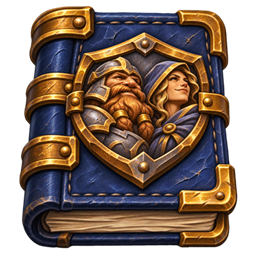
Choose the illustrated Book design or the Simple fallback. Both have your faction banner and the same features. Click the launcher again, press Escape or right-click the window background to close. English and German interface; game-provided names follow the client language.
Built for WoW Forever 1.60.1 / interface 16001. The supplied checklist was tested successfully in game before this release; unconfirmed reference data remains clearly labelled.
Website
Visit the Forever Fishing Atlas website for the feature overview, gallery and setup guide.
Changelog
Read each file's Changelog here or the complete version history on kowarek.de.
Deutsch
Gewässer, Fische und Beifang durchsuchen, Uferpunkte auf der Karte merken und ein eigenes Fangbuch führen. Aufgenommene Angelbeute wird pro Charakter mit Menge, Zeitpunkt, verfügbarer Uferposition und Skillwerten gespeichert. Unbestätigte Gewässerdaten sind markiert, unbekannte Skillgrenzen bleiben offen. Historische Pins zeigen keine aktuell vorhandenen Fischschwärme an.
Buchansicht und schlichte Alternative sind wählbar und zeigen das passende Fraktionsbanner. Öffnen mit /fatlas, /fishingatlas oder im Hub. Forever Hub wird benötigt. Nach der Erstinstallation WoW vollständig neu starten. Die bereitgestellte Testliste wurde im Spiel erfolgreich geprüft.
Forever Fishing Atlas Team