Forever Field Guide
- By
Your next adventure starts with what you discover.
A creature worth remembering. An item worth hunting. A place worth returning to. Turn what you find into knowledge you can use.
Forever Field Guide brings a creature journal, personal loot records, hunt planning and encounter maps together inside World of Warcraft: Forever. It grows from the creatures you encounter and the eligible loot you inspect, giving your discoveries a home and your next adventure a direction.
Discover creatures. Learn their loot. Set your sights on what comes next.

A field guide written by your adventures.
Build a collection of the creatures you meet, with their names, levels, creature types, encountered zones and recorded loot. Search your journal, favourite memorable finds and jump straight to the creature you are targeting.
- Simple by default: a clean journal with search, favourites and quick access to your current target.
- More when you want it: Advanced view adds level, coverage and item-category filters, sorting and source evidence comparisons.
- Your Field Desk: catch up on recent discoveries, personal totals and progress during your current login. Find creatures that can help with several unfinished tracked items.
- Easy browsing: use favourites, This zone and Back / Next to get back to what matters. Friendly NPCs are hidden by default and recorded quietly; you can reveal them in Settings.
Give every hunt a purpose.
Need more cloth, a particular recipe or another item you have already discovered? Track it, set a quantity target and build a plan from your recorded creature sources.
Choose items to hunt takes you to Items. Plan hunt tracks the selected learned item and opens its plan.
- Up to 10 pinned items: keep several goals together in one movable tracker, with pages for longer lists. Shift-drag its header to move it.
- A finish worth noticing: completed plans and pins turn green with TARGET REACHED. A distinct gold banner and its own customisable sound celebrate the finish. Hunt completion alerts and sound are on by default.
- Easy to change plans: unpin an item, remove its target or confirm removing it from Hunt Plans. Your lifetime loot records remain.
Unpinning or hiding the tracker keeps your target and progress.
Hunt progress counts copies seen on newly recorded eligible corpses after you set the target, including stacks and loot left behind. It measures loot seen rather than items in your bags. Targets are shared across characters; character views filter their contributions.
Find the loot worth coming back for.
Weapons, armour, cloth, recipes, trade goods, vendor junk and coins - see what eligible creatures have actually shown you.
Rarity-coloured item names make noteworthy finds stand out. Browse an item to discover its recorded creature sources.
Inspect eligible loot to build a picture of what each creature has shown you - even when you leave an item behind. Compare recorded sources and keep useful loot information close while exploring. Optional learned-source information can also appear on item tooltips.
Understand your discoveries
- Corpses checked: distinct eligible corpses whose loot was recorded.
- Times seen: how many checked corpses contained an item.
- Total items: the quantity seen, including stacks.
- Observed rate: how often an item appeared in your checked corpses. Seen on 12 of 60 corpses means 20%.
- Coins: recorded amounts and average coins per checked corpse with a known amount, including known zero amounts.
These numbers describe the loot you have seen. They are not official drop chances, bag counts or money earned.
Meet the creatures behind the names.
Creature cards show a model by default. Open Inspect model for a larger, comfortable window and take a closer look.
- Left-drag: rotate.
- Right-drag: move.
- Mouse wheel: zoom.
- Reset view: return to the centre.
Hover creature names in Places, Items and Hunt Plans for a model preview. Available appearances are saved privately for your other characters.
Older entries may need a fresh encounter to cache their appearance; some models are unavailable in the game client.
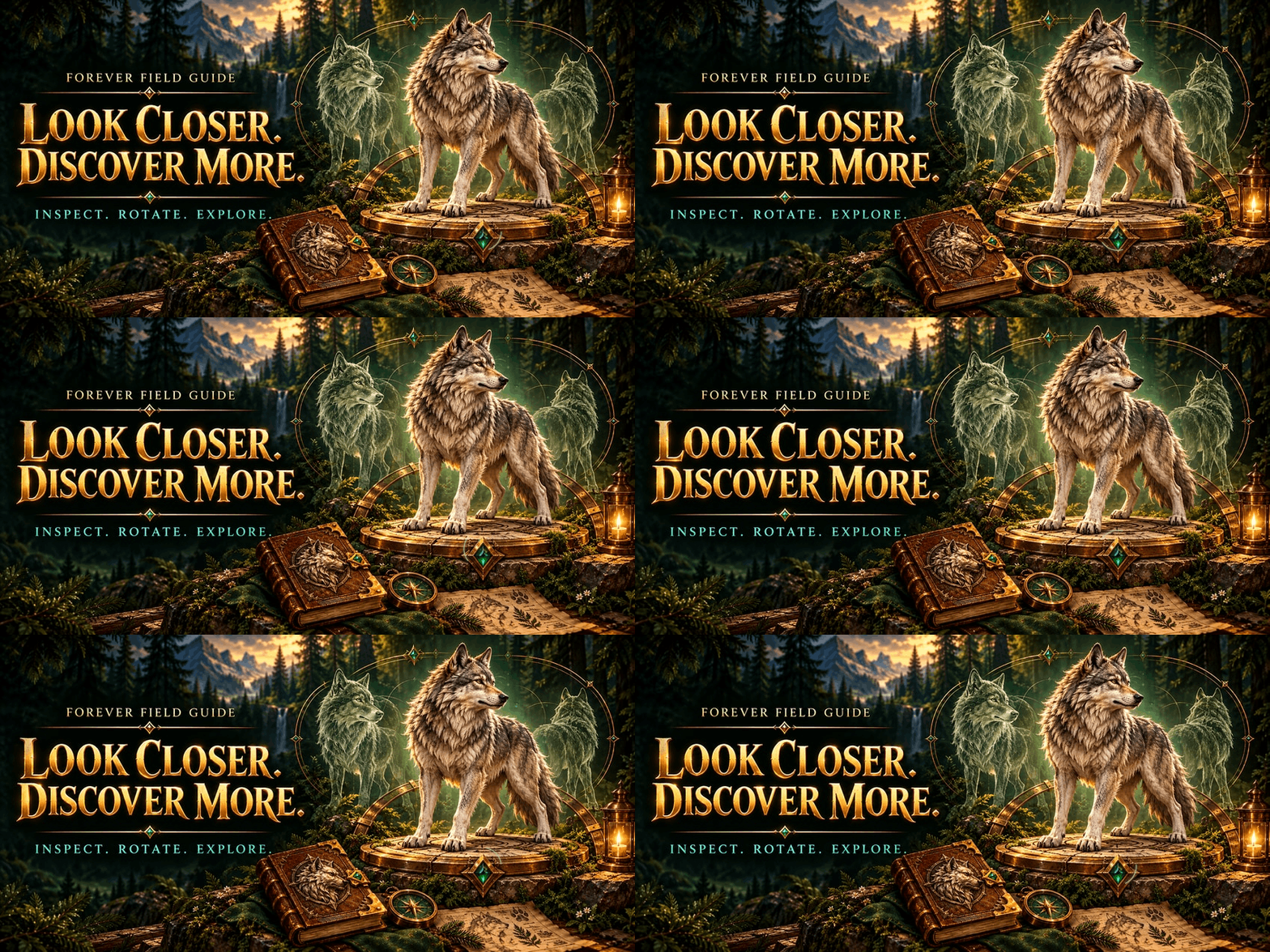
Put your discoveries back on the map.
Open View locations to revisit recorded encounter areas. Select numbered markers, see when an area was last encountered and toggle Group nearby sightings to keep busy maps readable.
Browse learned creatures by zone in Places, then set or remove a matching native waypoint where supported.
Locations represent approximate past encounters, based on your position when you encountered the creature. They do not show live creature positions.
Up to 64 areas per creature are retained. Nearby encounters refresh an area; new areas replace the oldest when the limit is reached.
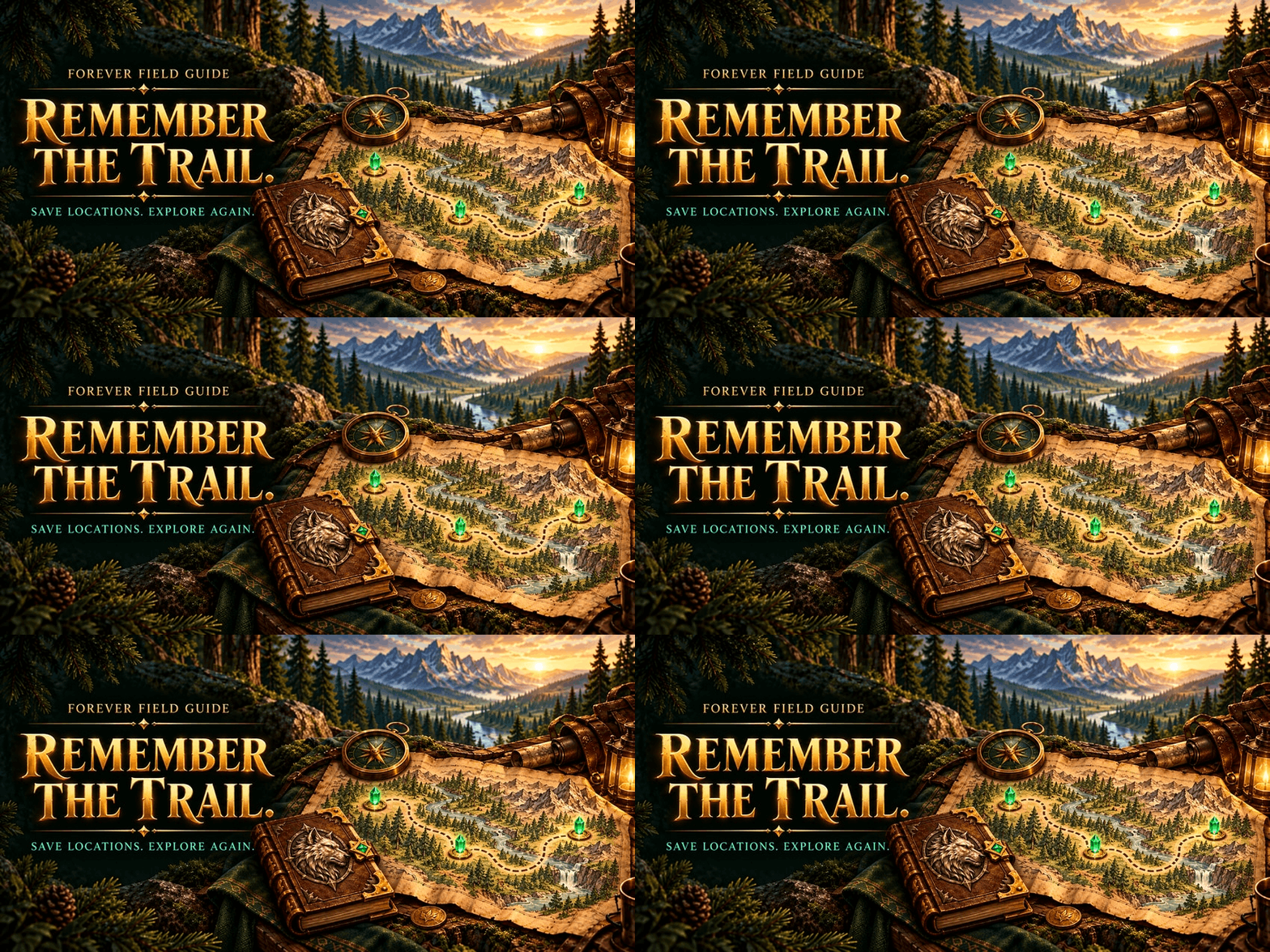
Make the guide feel like yours.
Notes you can spot
Remember a useful detail, a favourite farming spot or something unusual about a creature.
Choose from nine colours, enter your own hex colour, select from six text sizes up to 34px, and add optional outlines. Click, select and edit your notes normally, with a live style preview.
Saved note excerpts appear with hover loot. Empty notes add nothing.
Discoveries with personality
Choose alert designs, sound presets or a custom game sound-kit ID, supported volume and gentle animations.
Discoveries, tracked loot and completed hunts have independent controls, so each can have its own look and sound.
Preview changes immediately or use reduced motion. Tracked-loot alerts remain optional.
A look that feels at home
Keep the original parchment or try Forest, Frost and Ember palettes.
Adjust background opacity, journal size, launcher size, starting page and discovery placement or duration. Shift-drag the book icon to put it somewhere comfortable.
Information where you want it
Choose loot information:
- Inside the creature tooltip.
- In any of four screen corners.
- Off, when you prefer a quieter screen.
Optionally keep your selected target’s information visible in that placement. Other creature hover panels stay out of the way until you clear the target, when normal hover information returns.
A separate world-hover model preview is available and starts off.
Useful extras, your choice
Turn on rare target/mouseover alerts and learned item-source tooltips when you want them. Both start off.
Appearance and discovery preview buttons let you check changes without finding another creature or item.
One guide. Every character.
All characters is the default. Enjoy one growing collection, or switch to a character to browse its personal creatures, loot, coins and sightings.
Recording continues for the character you are playing, whichever view you browse.
Older records collected before character attribution remain available under Earlier, unattributed. Imported records appear in All characters → Combined.
Updating preserves your existing records and preferences - no fresh start needed.
Share discoveries. Keep your personal touches.
Copy a share code or paste a friend’s code into Import / Export. Repeated imports do not double the same records.
Creature and loot records can be shared. Character identities, notes, favourites, settings, hunt plans, model caches and detailed locations stay local.
Your guide is saved locally with your game’s addon data. No external account or companion service is required.
Share codes are for creature and loot records. Use a full WTF backup to preserve your complete personal setup.
Starting fresh
Reset requires typing DELETE MY DATA.
Back up first: resetting clears collected records, statistics, locations, notes, favourites, character history and hunt plans/progress. Display preferences are kept.
Open your guide and get exploring.
Install through CurseForge, launch your supported Forever client, then click the book near the minimap or type /ffg.
Target creatures and inspect eligible loot to start your collection.
- /ffg — open your Field Guide.
- /ffg settings — open preferences.
- /ffg help — open the in-game guide.
- /ffg resetposition — recentre the journal.
What gets recorded?
Creature discoveries and eligible loot observations are different parts of your guide. Encountering a creature can add its journal information without creating a loot record.
Loot recording covers solo outdoor, single-creature body loot after a kill credited to you or your pet during the current login session.
Group, instance, area/AoE, profession, fishing and container loot are excluded. Quest-dependent, locked, currency, empty or unreadable windows may also be skipped.
Statistics → Show skipped checks explains skipped observations.
Across client updates
A new build number alone does not pause recording. The addon checks the game features it needs.
An actual compatibility failure pauses loot recording with a specific reason and keeps your journal available.
The All game builds view combines compatible item-and-coin observations; rates can span loot changes. Older item-only records stay separate.
Models and sounds
Availability depends on the Forever client and game assets. Per-alert volume is used where supported; older legacy audio supports 100% only and keeps lower volumes silent. Global sound settings are untouched.
Explore with purpose. Remember what matters.
The world is full of things worth finding. Make them part of your Forever Field Guide.
Forever Field Guide Team