FolioLink
- By
Automatically saves your Omnium Folio rune choices for each talent build and restores them when you switch builds.
Description
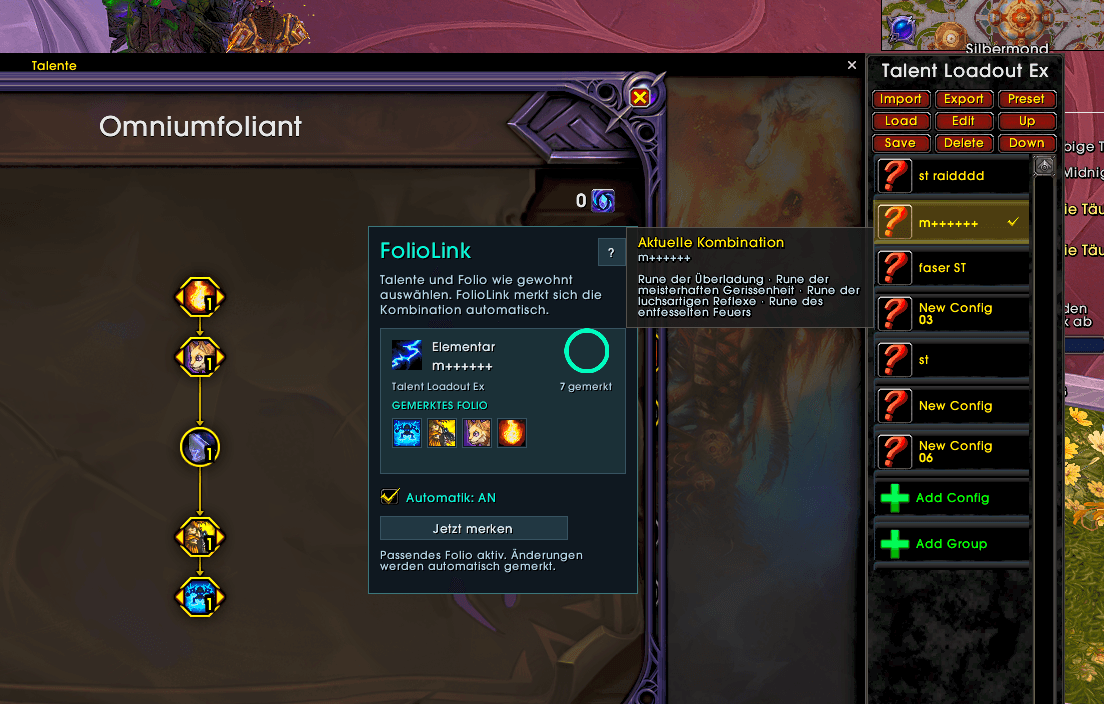
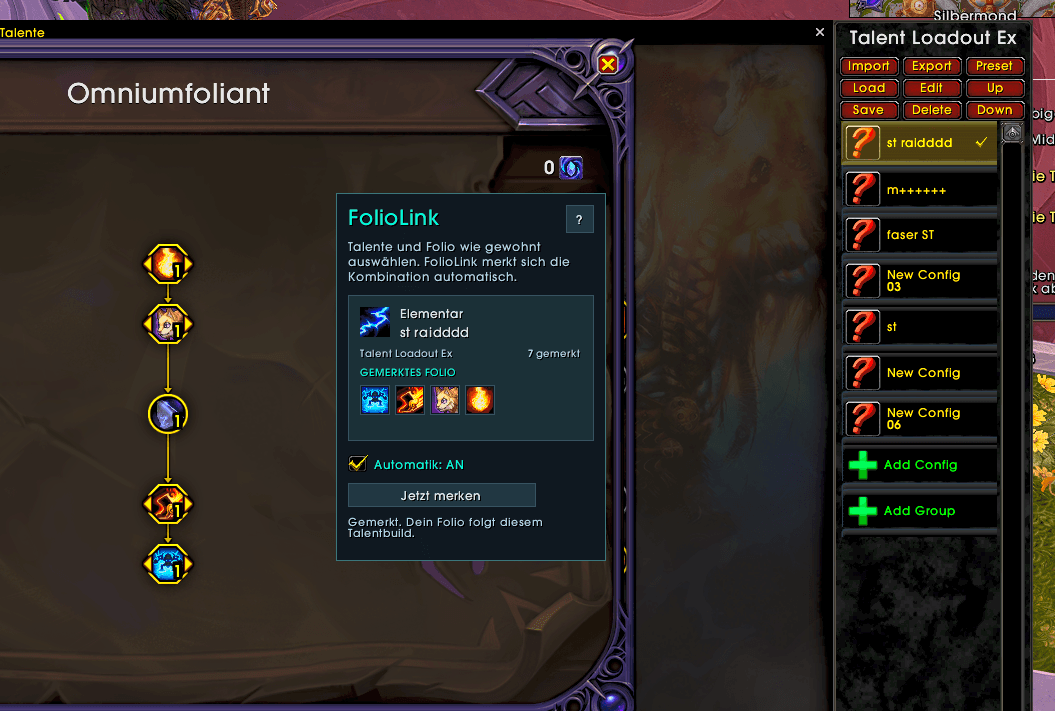
FolioLink remembers your Omnium Folio rune choices for each talent build. When you return to that build, the addon automatically restores the matching runes. This lets you use different Folio setups for raids, Mythic+, or different playstyles, provided you use separate talent builds for them. What does FolioLink do?
- Automatic saving: Choose and confirm your talents and Folio runes in the game as usual. FolioLink remembers the combination.
- Automatic switching: Switching to a known talent build restores its saved rune choices.
- Remembers changes: Confirmed changes to your Folio choices are automatically saved for your active build.
- Blizzard and Talent Loadout Ex support: Works with standard talent loadouts and Talent Loadout Ex. Builds are matched by their actual talent choices.
- Switches after combat: During combat, FolioLink waits until switching is possible again.
- Clear overview: Shows the detected talent build, saved runes, and current status.
- Pause automation: Turn automatic switching off whenever you need to.
- Prepared for additional runes: Detects additional Folio choice slots once they become available in the game and are unlocked.
- English and German: The interface follows your game client’s language. There is no need to create or name separate Folio sets. For a new talent build, FolioLink initially remembers your current Folio choices. Commands
- /fl or /foliolink: Open the window
- /fl on: Enable automation
- /fl off: Disable automation
- /fl diag: Open diagnostics Note: If you use other Folio addons, disable their automatic rune switching to prevent the addons from overwriting each other’s selections.
FolioLink Team