
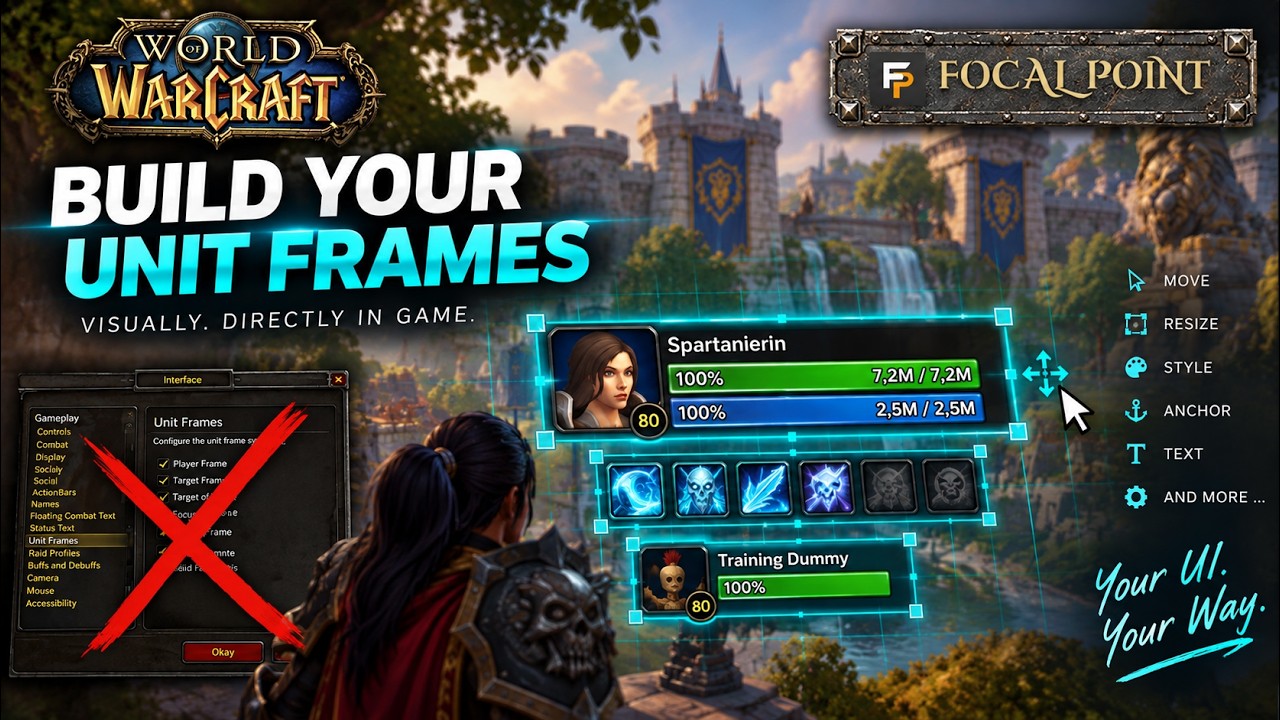
No Options Maze – Build Your Frames Visually
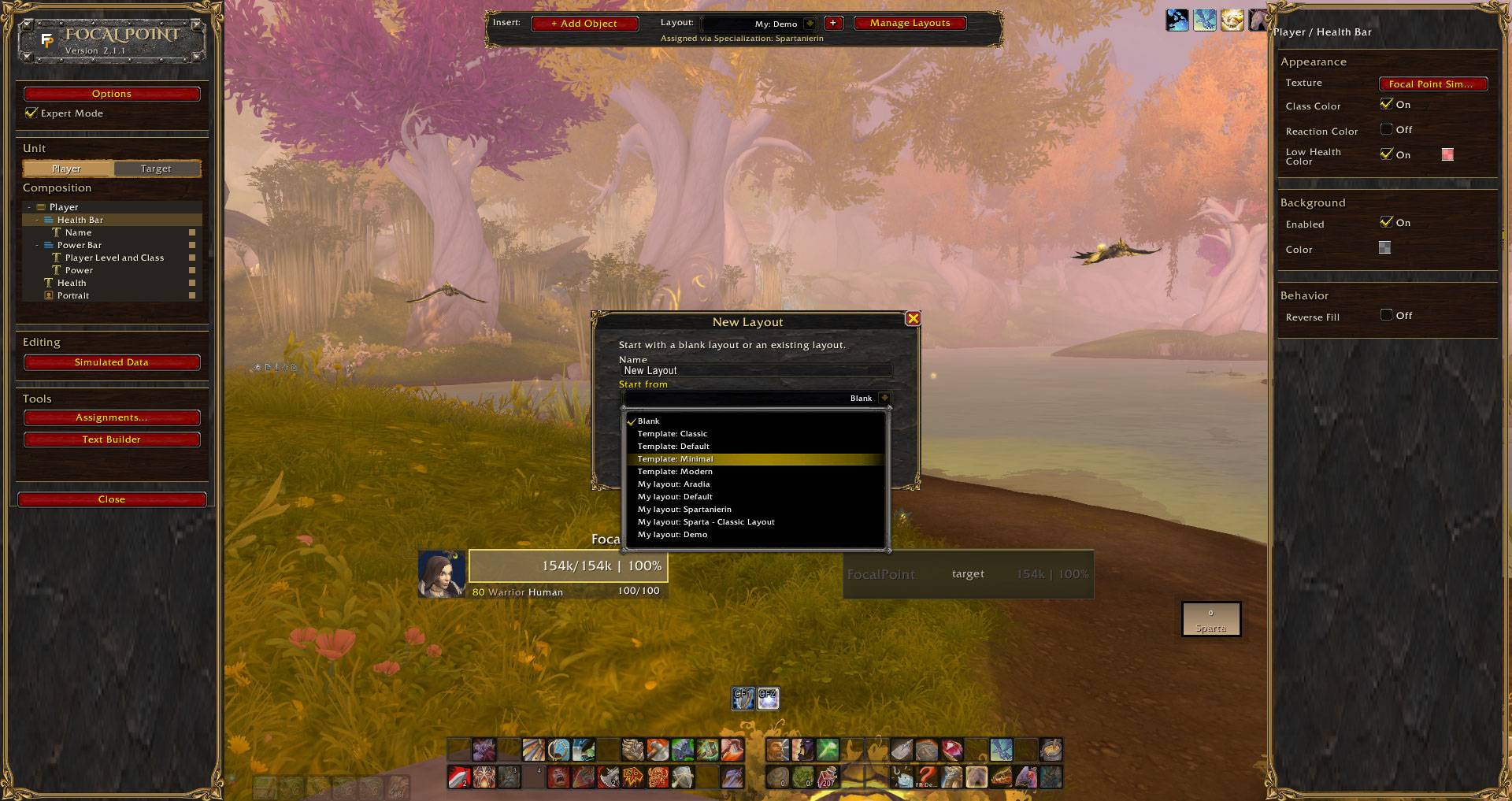
Create a blank layout and build it yourself, or choose a built-in template to get started.
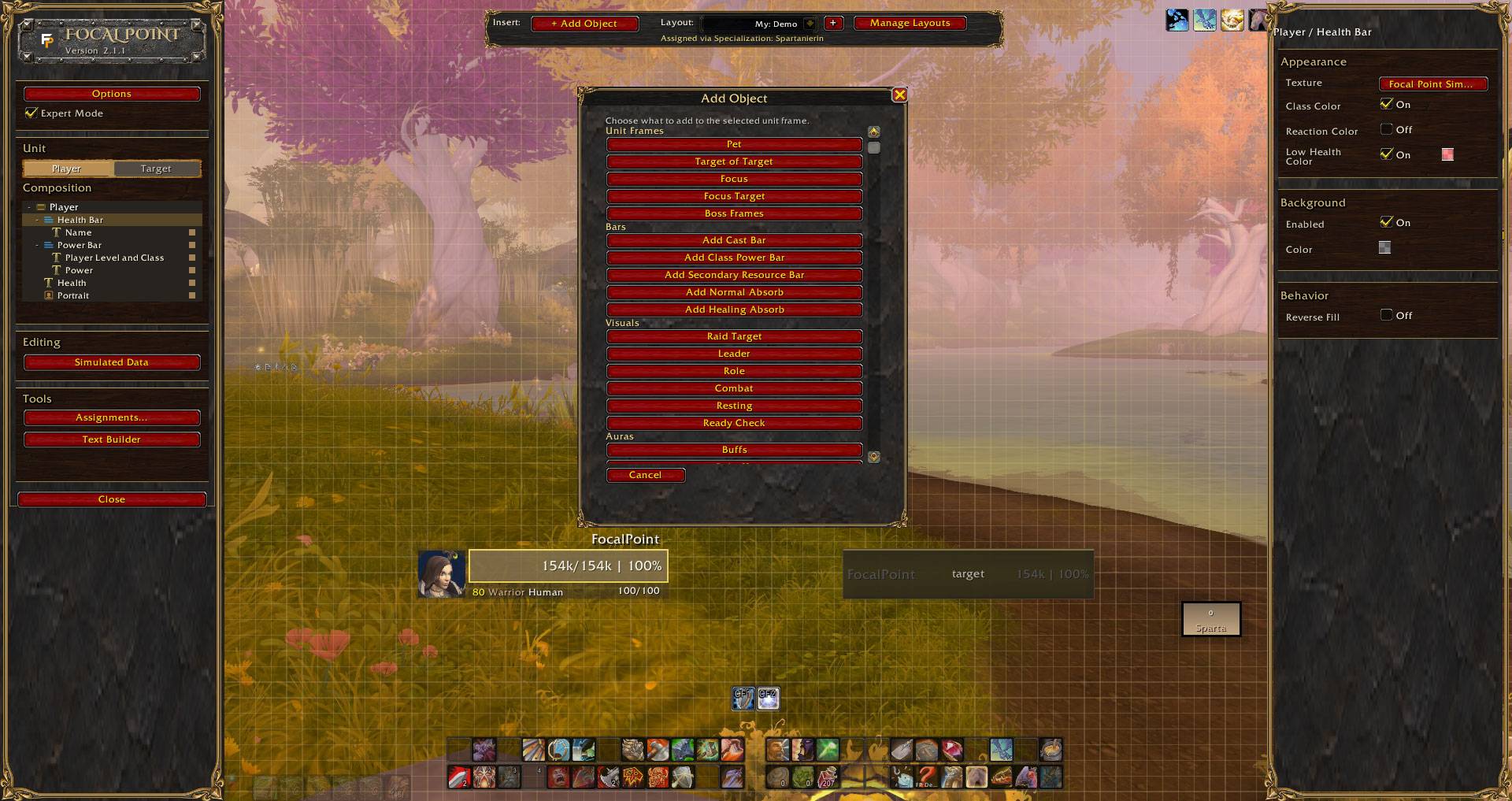
Add the elements you need wherever you need them, instead of searching through option menus to find the right setting.
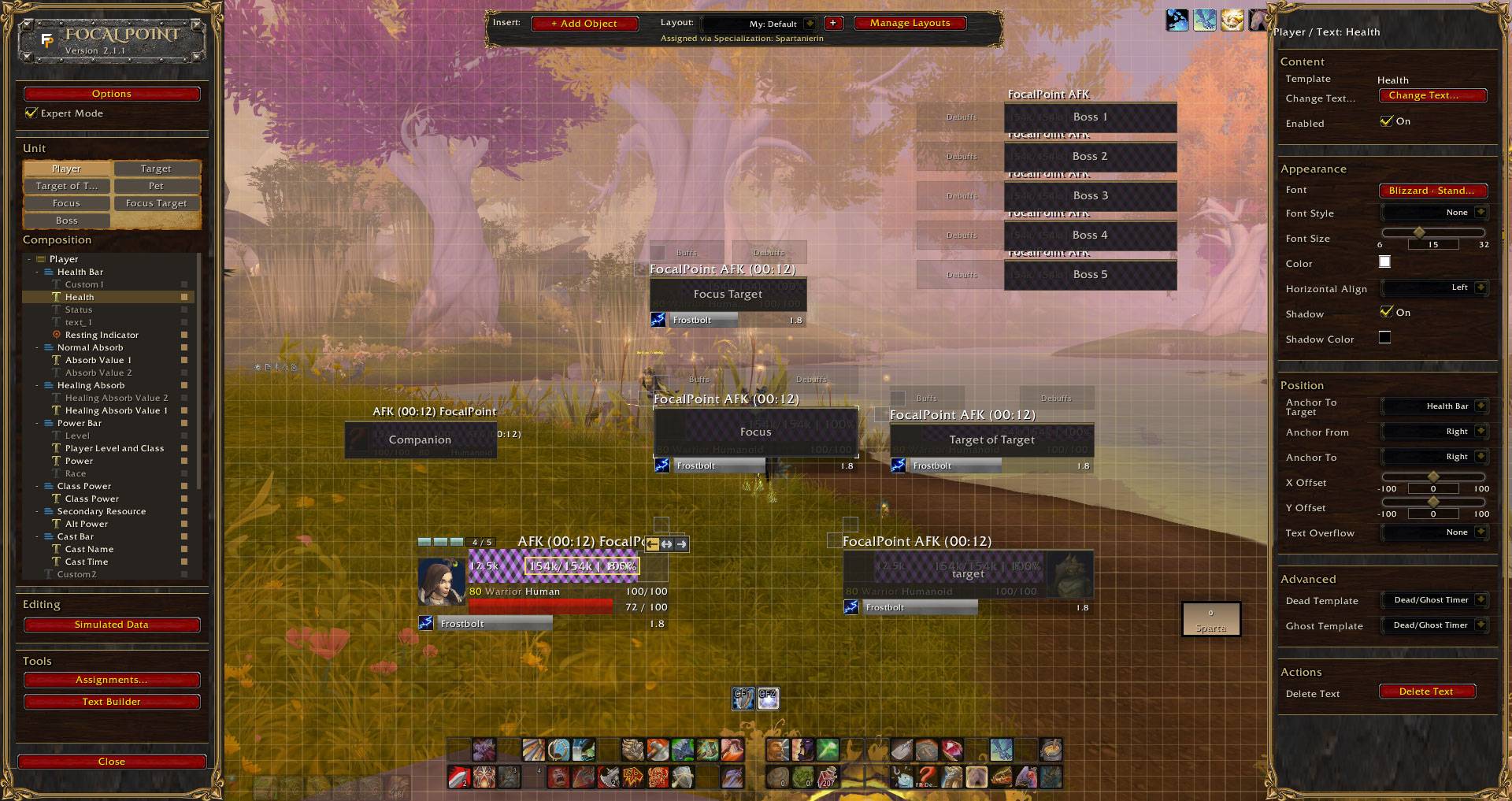
The built-in Default layout is fully prebuilt and ready to use immediately. Start playing as it is, or make it your own.
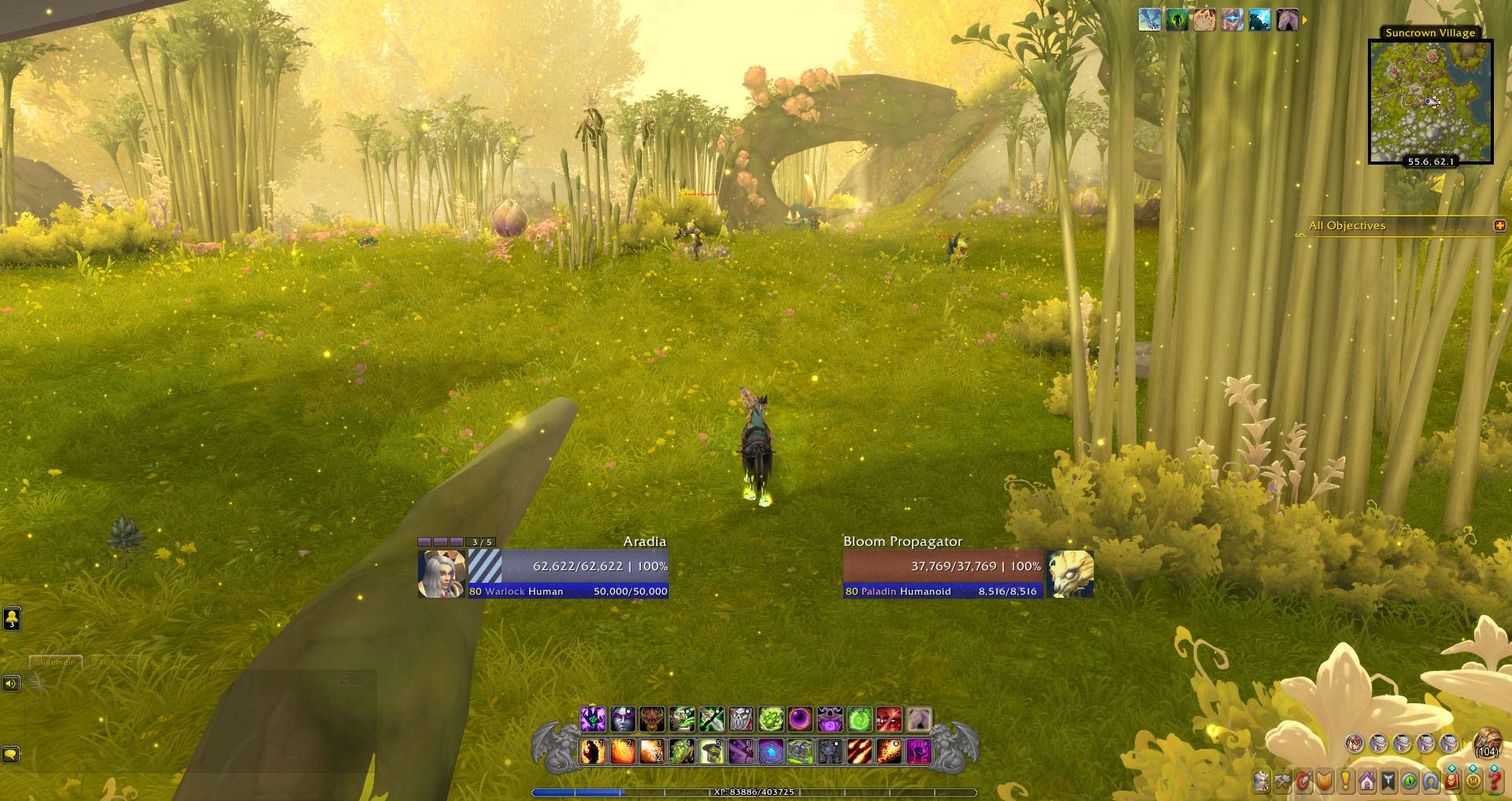
Focal Point is a visual unit frame editor for World of Warcraft. Build Player, Target and supporting frames directly in game while keeping the rest of the UI you already use.
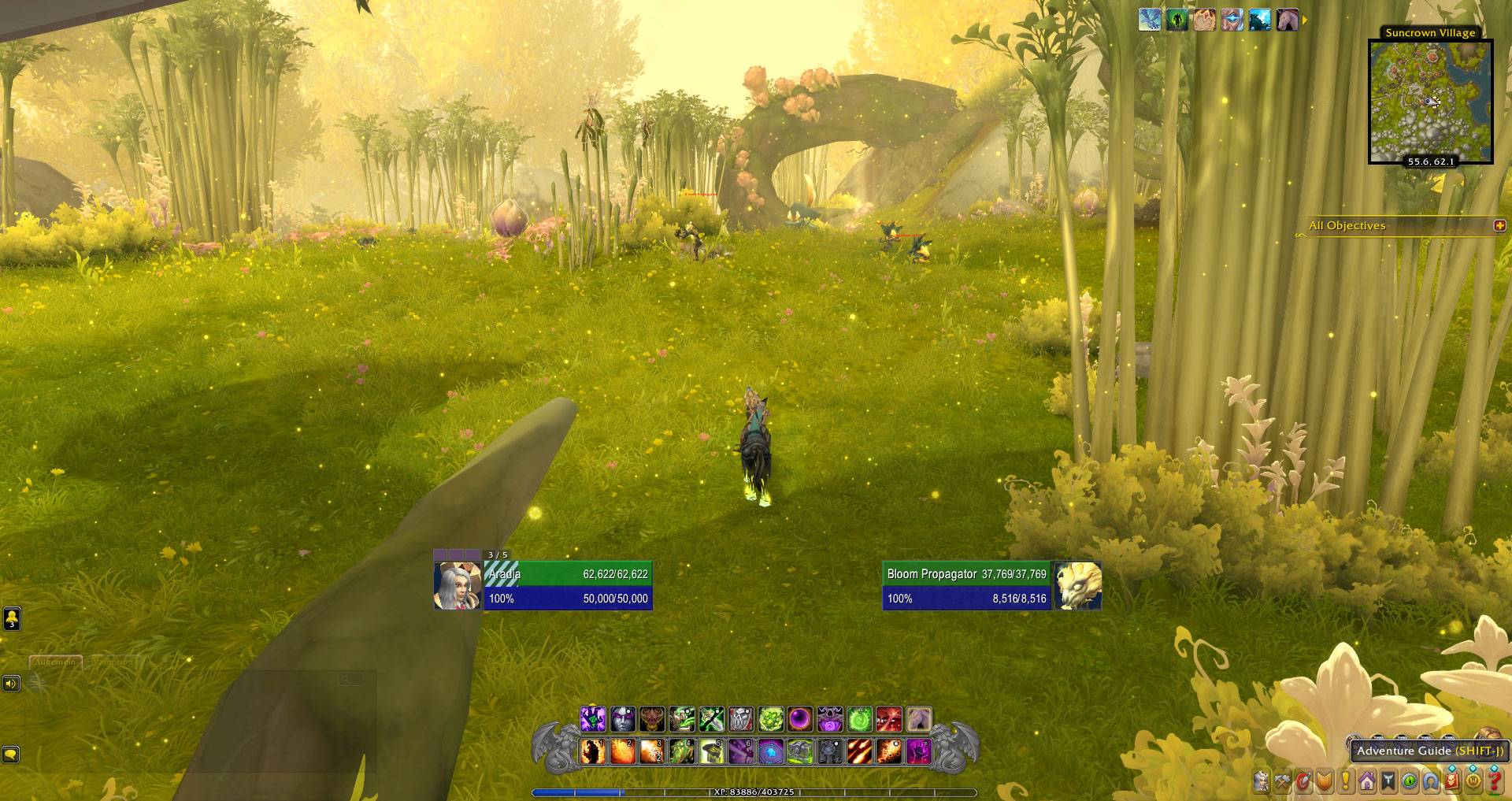
Focal Point does not lock you into a predefined style. Change structure, portraits, bars, text and positioning to create a layout that fits your UI.