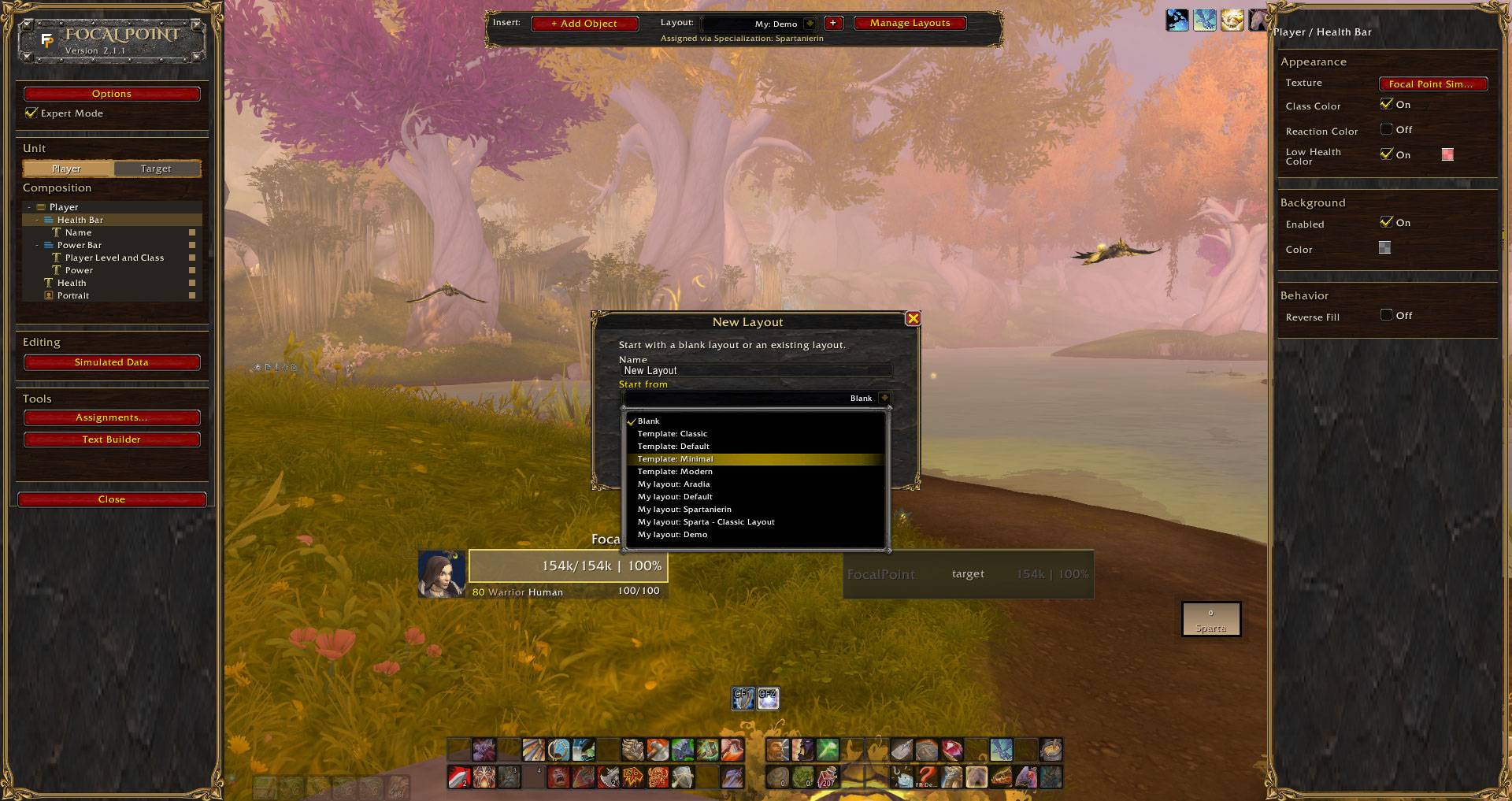
Create a blank layout and build it yourself, or choose a built-in template to get started.
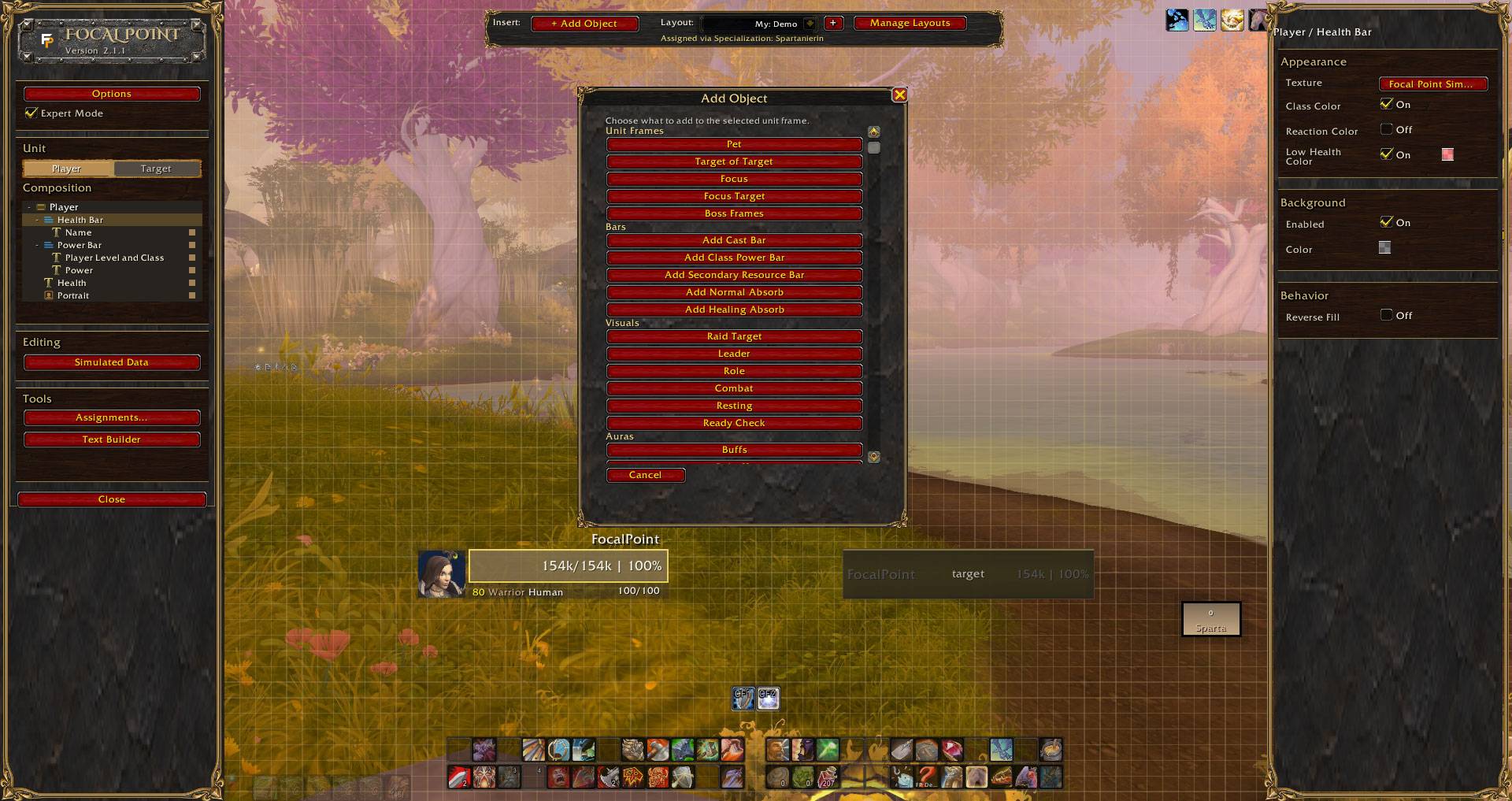
Add the elements you need wherever you need them, instead of searching through option menus to find the right setting.
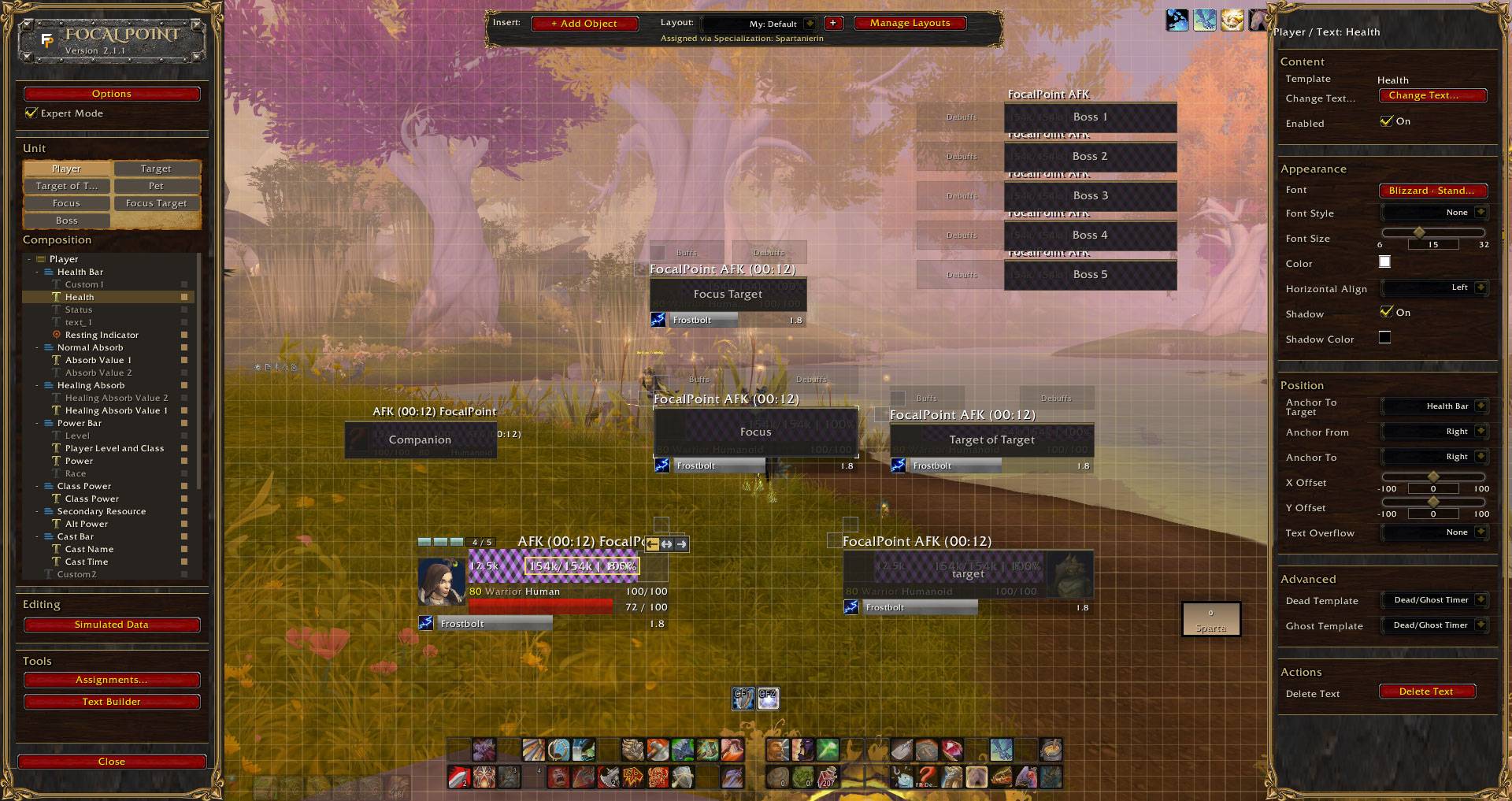
The built-in Default layout is fully prebuilt and ready to use immediately. Start playing as it is, or make it your own.
Description
Focal Point
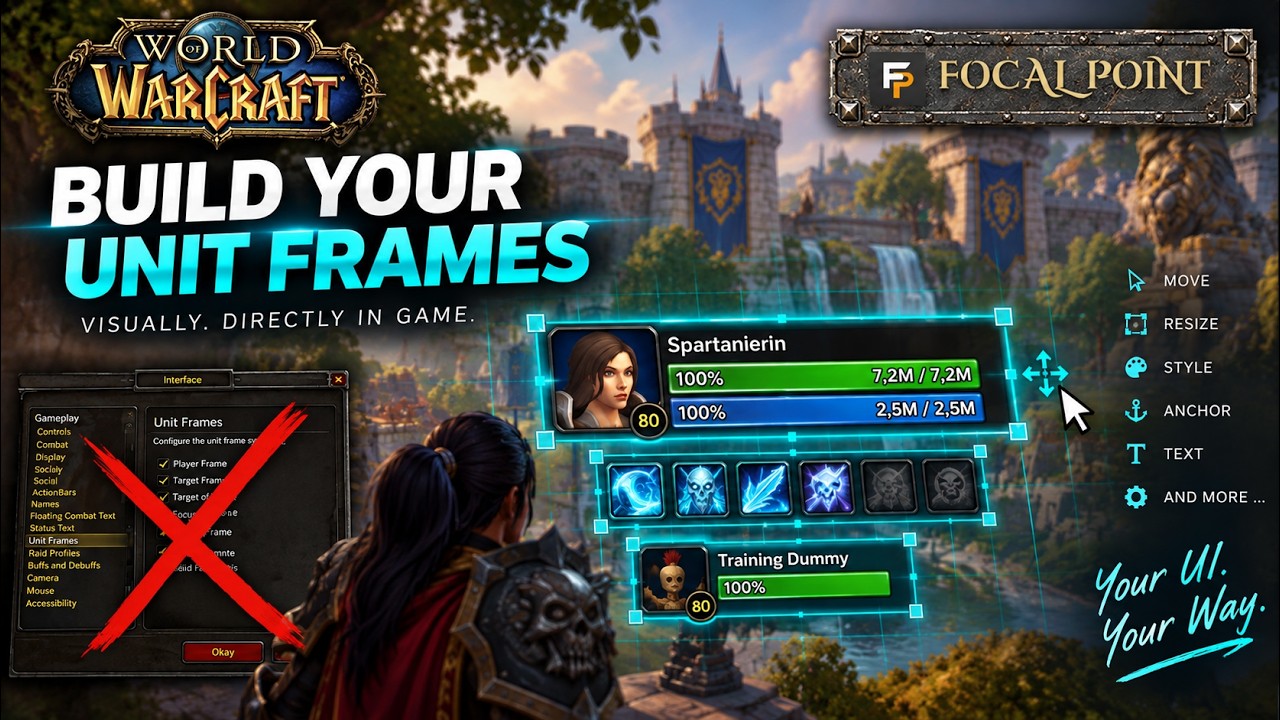
Don't configure your unit frames. Build them.
Focal Point is a visual unit frame editor for World of Warcraft Retail and Forever.
Choose one of the complete built-in Layouts and start playing right away - or make it yours.
Select a frame or one of its components directly in-game. Move it, resize it, change it, add what you want, or build an entirely new Layout from the ground up. Keep the rest of your UI. Focal Point replaces only your unit frames.
Build visually
- Select and edit frames directly in the game world
- Move and resize with the mouse
- Build frames from individual components
- Edit bars, text, auras, portraits and indicators
- Use the Composition Tree for complex frames
- Fine-tune exact values in the Inspector
- Preview changes immediately
- Create, import and export complete Layouts
- Automatically switch Layouts by specialization
Use a Layout. Make it yours. Or build something completely new. Canvas first. Inspector second.
Supported frames
Player · Target · Target of Target · Focus · Focus Target · Companion · Boss
Getting started
Install Focal Point, type /fp, unlock the editor and select a frame.
That's it. Build the rest.
Focal Point – Visual Unit Frames Editor Team