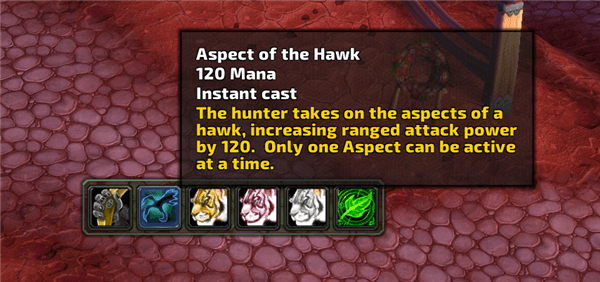
aspect-bar-tooltip.png
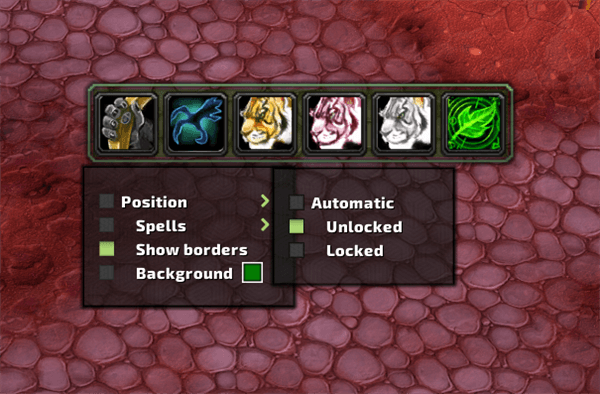
aspect-bar-options.png
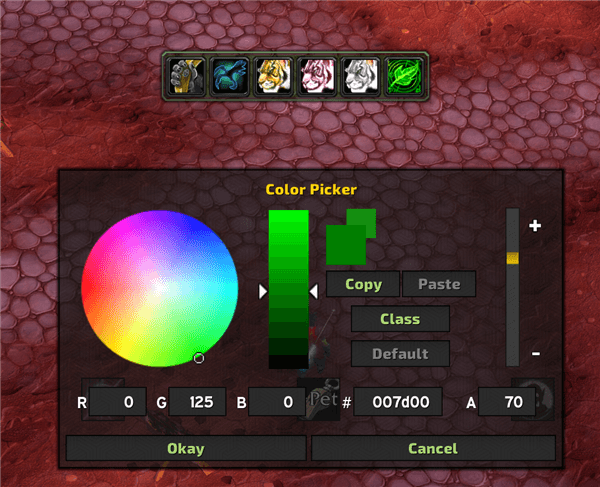
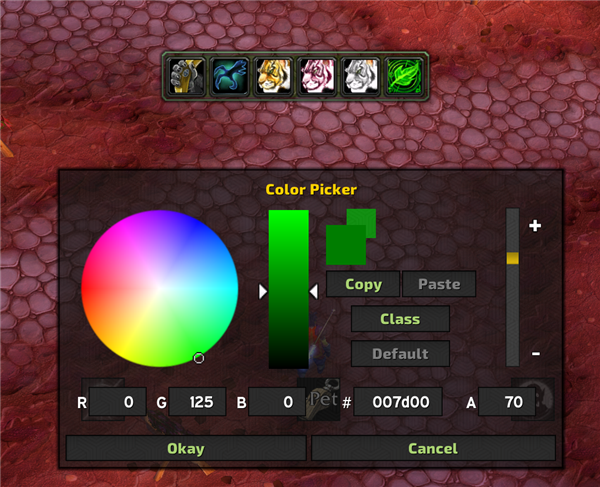
aspect-bar-colorpicker.png
Description

Every hunter aspect on one small bar, made for WoW Forever.
Monkey, Hawk, Cheetah, Beast, Pack and Wild as clickable buttons with cooldowns and keybinds, sitting above your action bars or anywhere you drag it. Originally by Floraline (MPL 2.0), maintained for WoW Forever by paradosi-Dreamscythe.
WoW Forever only (interface 16001). Version 1.3.0 was the last for Classic Era and TBC Anniversary; it stays downloadable but gets no updates.
Features
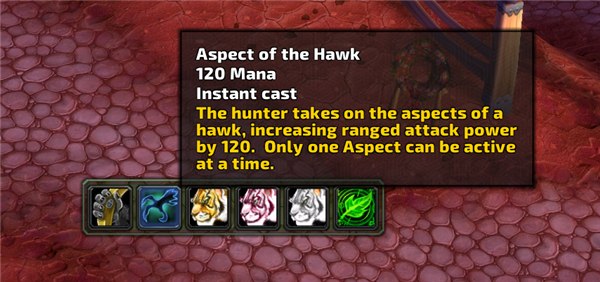
- One click per aspect. Left-click to cast; hover for the spell's tooltip.
- Keybinds. Uses the game's Shapeshifting bindings (Key Bindings > Action Bar > Shapeshifting).
- Your order, your aspects. Drag spells on and off the bar to reorder it; hide the aspects you don't use.
- Where you want it. Automatic (above your action bars), locked, or unlocked to drag anywhere.
- Your look. Background colour and opacity, borders on or off, scale from 50% to 200%.
- Settings panel in the same navy-and-gold look as the author's other WoW Forever addons: Esc > Options > AddOns > FloAspectBar, or Options… in the bar's right-click menu.
- Minimap button. Left-click for settings, right-click to lock or unlock, drag to move it. It can be turned off; the addon is also in the addon compartment.
Slash commands
| Command | Does |
|---|---|
/fab |
Help, the version and the GitHub link |
/fab options |
Open the settings panel |
/fab minimap |
Show or hide the minimap button |
/fab lock / /fab unlock |
Lock the bar, or unlock it to drag |
/fab auto |
Place it automatically above your action bars |
/fab scale <num> |
Set the scale, e.g. /fab scale 1.5 |
/fab borders / /fab noborders |
Show or hide borders |
/fab show |
Bring back aspects you hid |
/fab status |
What's on the bar, what's hidden, where it is |
/fab reset |
Reset all settings (reloads the UI) |
Works well with
FloTotemBar: its trap bar docks to the right of the aspect bar.
Help and bug reports
The settings panel shows the installed version, and its Help and bug reports button gives you the GitHub address to copy. Source, full documentation and issue tracker: github.com/paradosi/FloAspectBar-Classic
Licence: Mozilla Public License 2.0. The bundled fonts (Oswald, JetBrains Mono) are under the SIL Open Font License.
FloAspectBar Forever Team