Fishing Pole Warning
- By
A add-on that tells you when you have a fishing pole active and to warn you when you are in combat
Screenshot 2026-11-15 173024.png

Screenshot 2026-11-15 173054.png
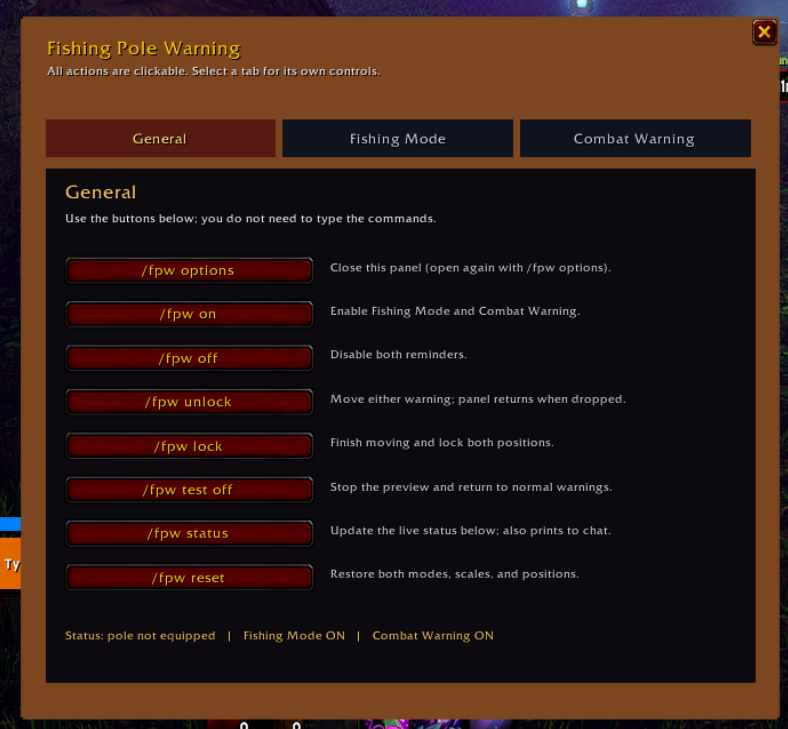
image.webp
Screenshot 2026-11-15 173115.png
Description
FISHING POLE WARNING (COMBAT-ONLY) - WORLD OF WARCRAFT: FOREVER
TWO-SIZE WARNINGS
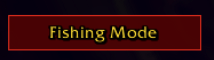
- Wearing a fishing pole OUTSIDE combat: a smaller, single-line reminder on
the right that says ONLY "Fishing pole Equipped" (no switch instruction).
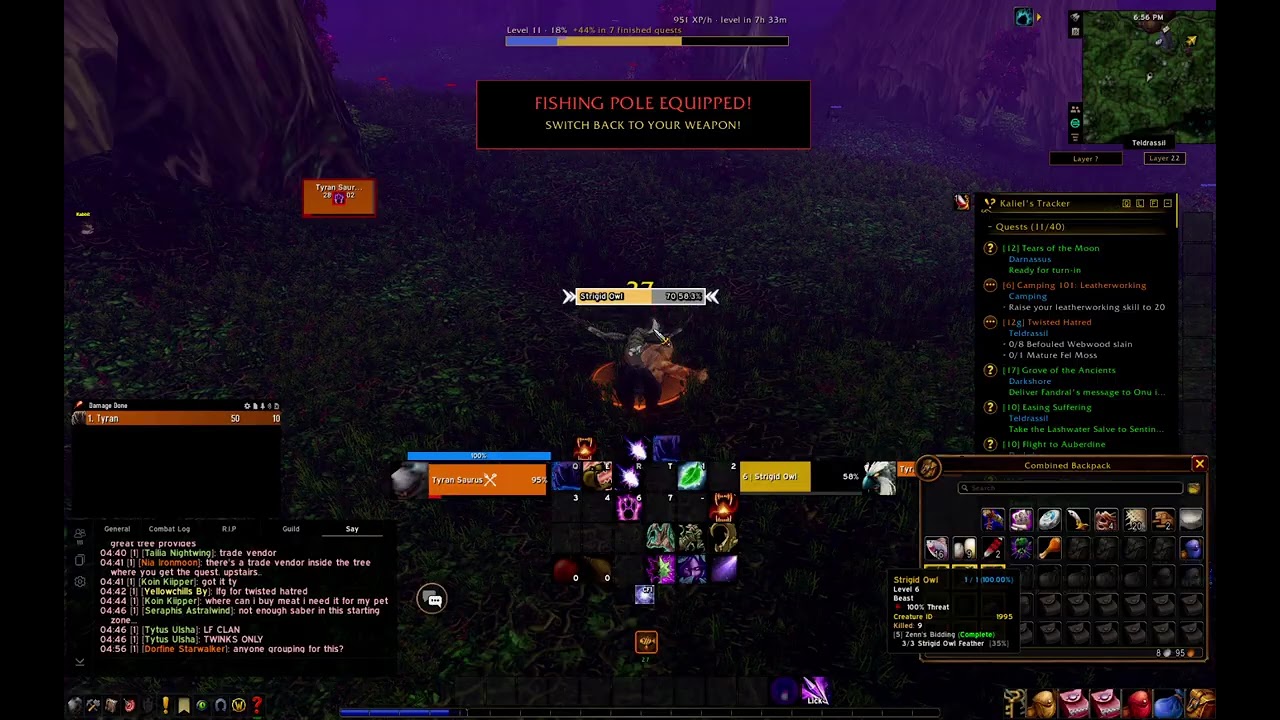
- Entering combat / incoming attack with fishing pole on: BIG red-and-gold alert
WARNING ALERT SAYS:
FISHING POLE EQUIPPED!
SWITCH BACK TO YOUR MAIN WEAPON!
- Switching back to a normal main-hand weapon: both warnings disappear.
- The add-on never equips weapons automatically.
MOVE BOTH WARNINGS INDEPENDENTLY
1. Type /fpw Options
2. Have the ability to move both, Fishing Mode, or Combat Warning
Positions are saved per account in SavedVariables. The two locations are independent.
DEFAULT PLACEMENTS
Small: right side of the screen, just below the minimap area.
Combat: just above the center of the screen, at 0.8 scale.
COMMANDS
/fpw unlock Show and drag BOTH independent warnings
/fpw lock Save positions and return to normal behavior
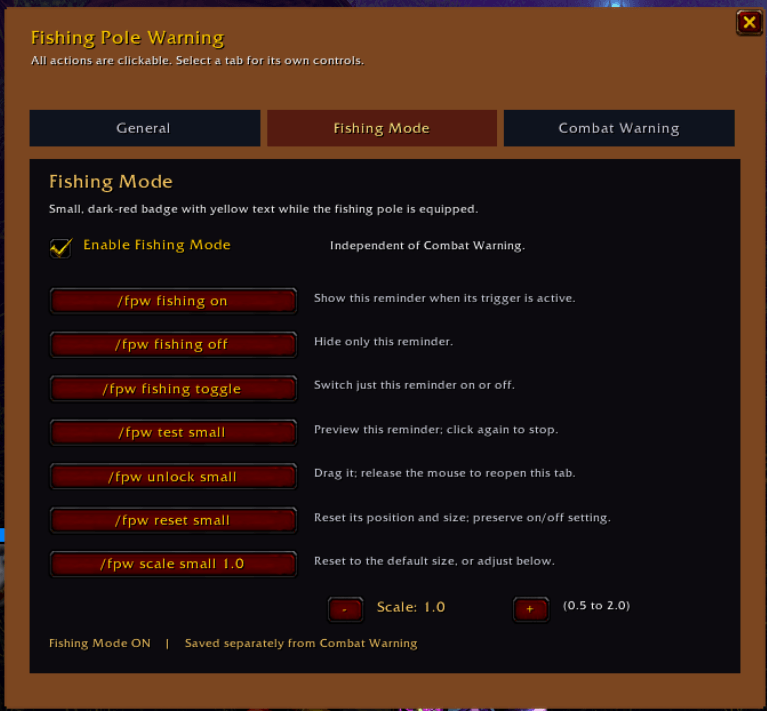
/fpw test small Preview small only (toggle off with same command)
/fpw test combat Preview combat only (toggle off with same command)
/fpw test Shortcut for combat-only preview, compatible with v1.2
/fpw test off End preview
/fpw scale small 1.0 Adjust small reminder scale (0.5 to 2.0)
/fpw scale combat 0.8 Adjust combat alert scale (0.5 to 2.0)
/fpw scale 0.8 Shortcut for combat size (compatible with v1.2)
/fpw on Enable the add-on
/fpw off Disable the add-on
/fpw status Show equipped-pole detection and state
/fpw reset Restore both default positions and sizes
/polewarning Alias for /fpw
Thanks to GrdenGnome for helping me with this project
Fishing Pole Warning Team