
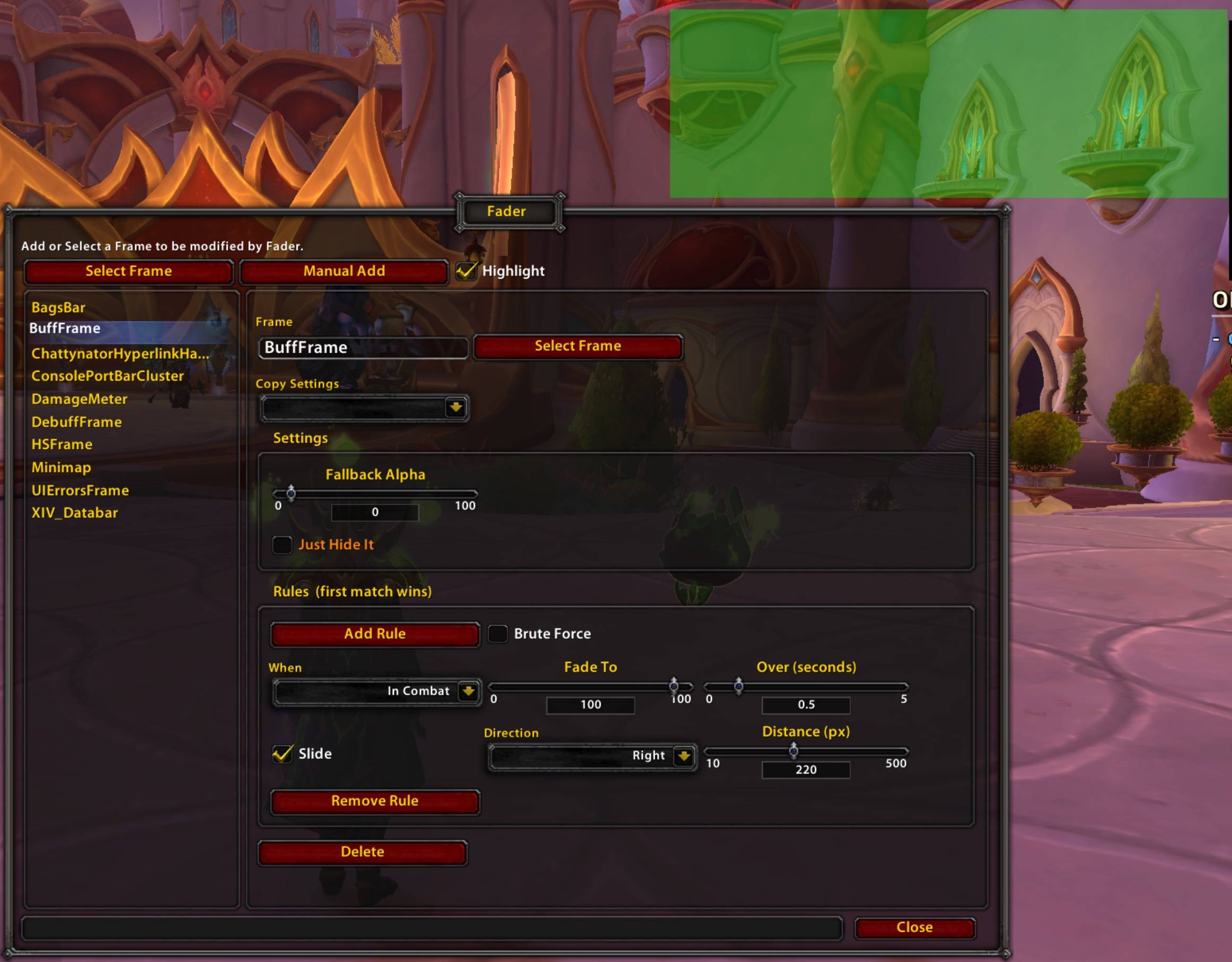
Fader Options, with highlighting of the edited frame.
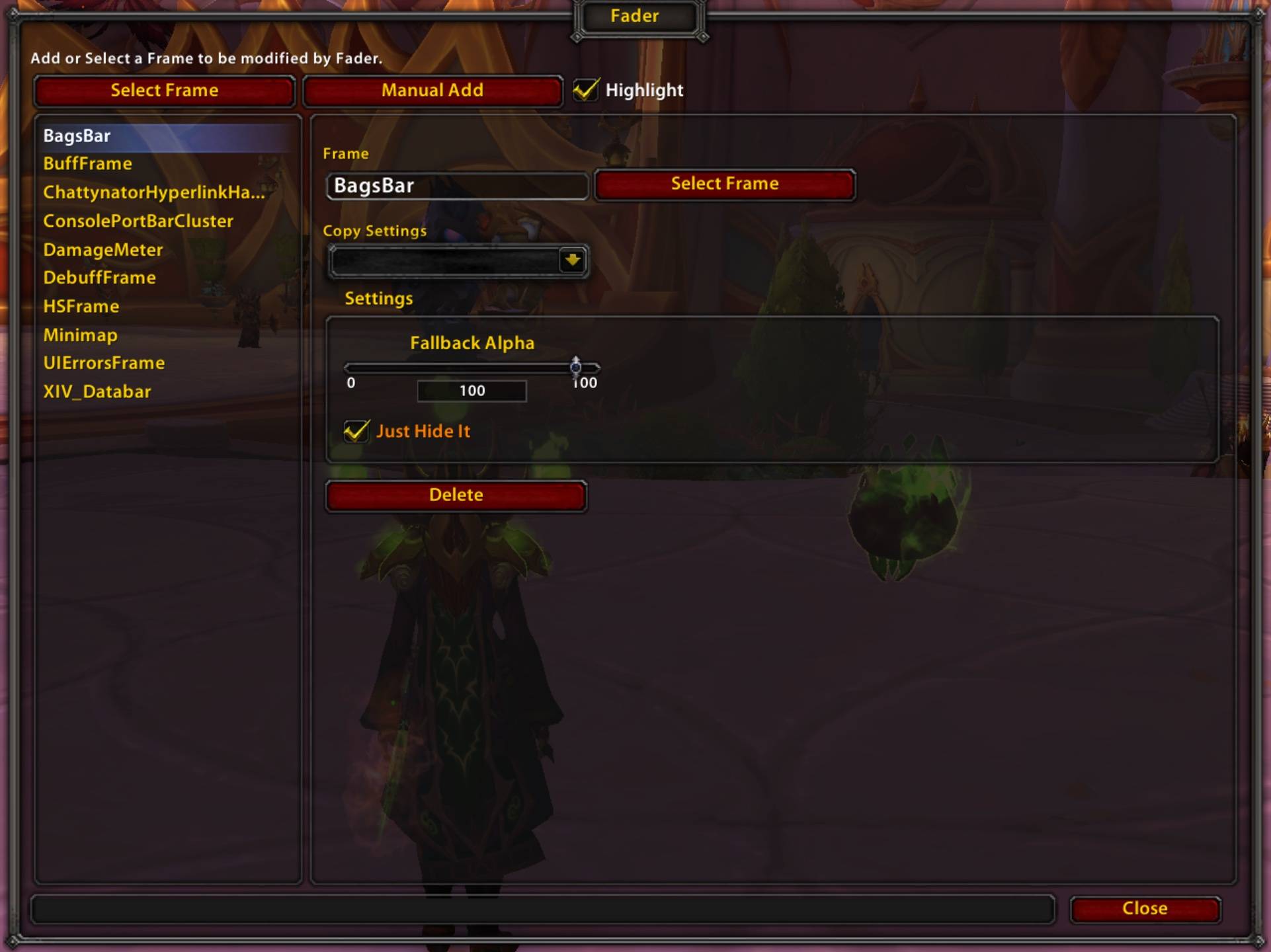
Has the ability to just straight up hide frames
Description
You know that feeling when you're about done with building your UI, and you're at the point where you're handling conditionally showing / hiding / fading UI elements. You open the Blizzard 'Edit Mode' - and realize there's no options. Then you open your favorite addon is see they have a toggle for Show / Hide In Combat. You open another addon, and it has options to change the alpha based on having a target. What if instead it was all handled by a single addon instead? No fiddling in each addon to find where the setting is. No dealing with different opacity changing times which aren't even configurable! No dealing with trying to figure out how to just completely hide Blizzard's Stance Bar.
Fader lets you control the transparency of any UI frame based on in-game conditions.
How It Works
Add any named WoW frame (like Minimap, PlayerFrame, or ObjectiveTrackerFrame) and define a set of rules. Each rule pairs one or more conditions with a target alpha. Even usable with your favorite addons!
Features
- Visual frame picker — hover over any UI element and click to add it. No need to know the internal frame name.
- Multiple conditions per rule — conditions are OR'd together, so a rule fires if any of its conditions are met.
- Rule priority — reorder rules with ↑/↓ buttons. The first matching rule always takes effect.
- Smooth fading — each rule has its own fade duration. Restoring the frame mirrors the speed of the fade that preceded it.
- Just Hide It — skip the rules entirely and permanently hide a frame with one checkbox.
- Brute Force mode — reparents stubborn frames under a wrapper to guarantee alpha control works.
- Copy settings — clone an existing entry's rules and settings onto another frame.
Usage
Type /fader to open the settings panel.
Fader Team