

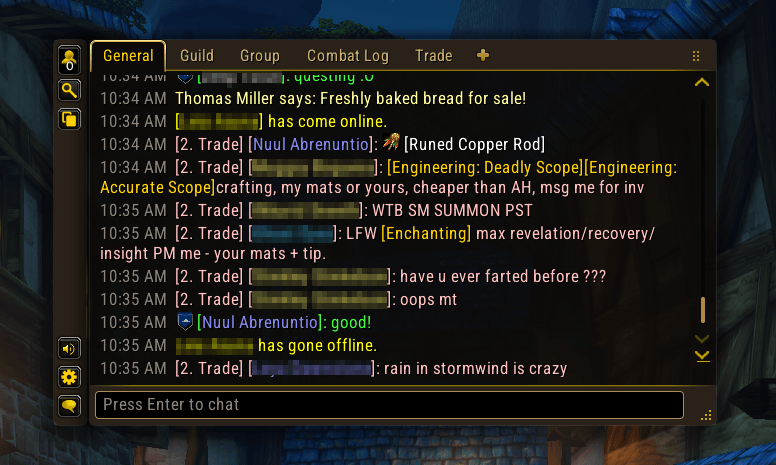
A chat that looks like part of the game: rounded card, tab header, side rail and a real typing field.
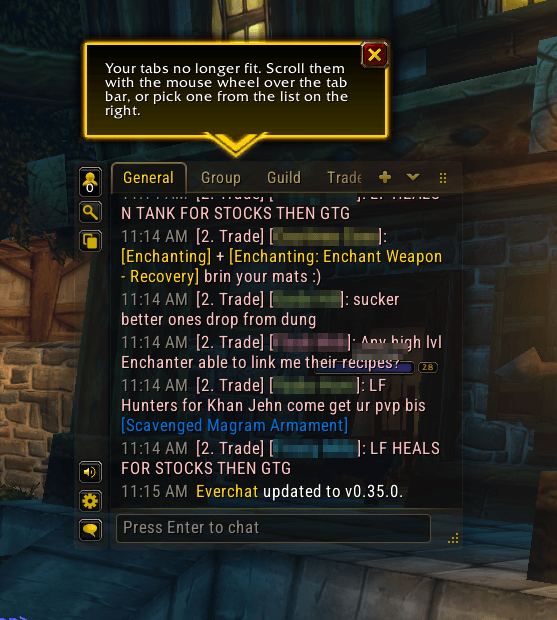
More tabs than fit? Scroll them with the mouse wheel or pick one from the list. A tip shows you the first time.
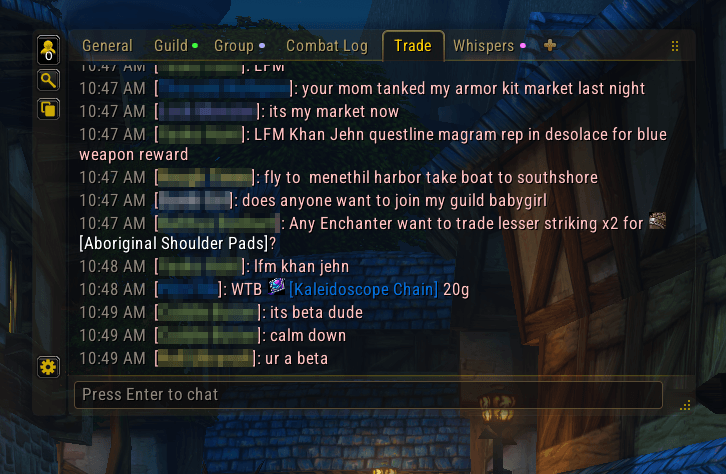
Each tab shows a dot in the color of its unread messages: guild green, party blue, gold when mixed. Single-channel tabs drop the channel label.
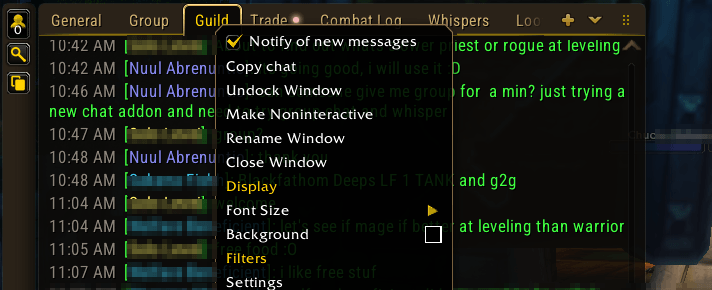
Turn a tab's alerts on or off from its right-click menu, next to Copy chat.
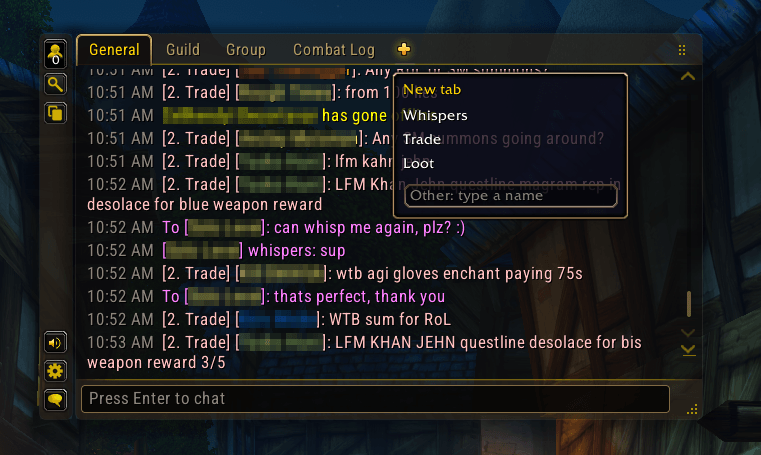
Guild, Group, Whispers, Trade or Loot tabs, or any name. Presets already open aren't listed. No reload.
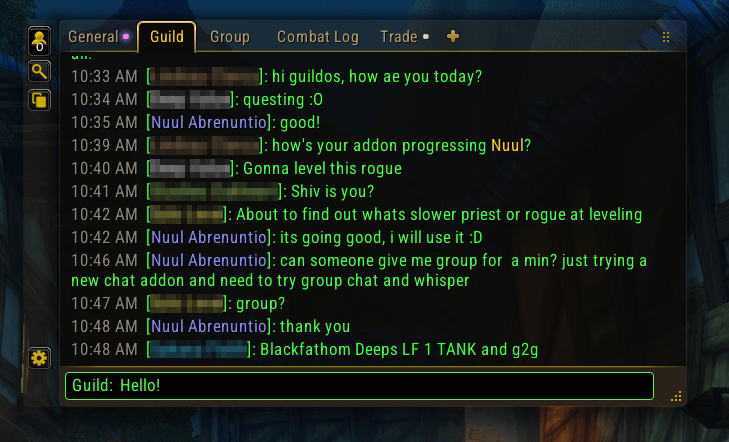
Its edge takes the channel's color while you type. In a guild-only tab, guild lines drop their label.
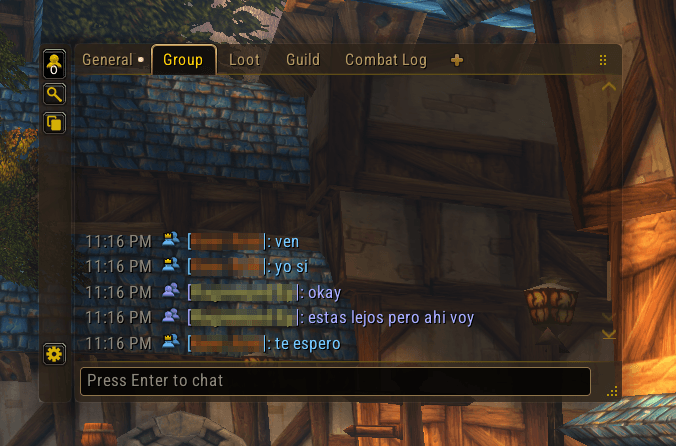
Party, raid and instance lines show an icon in the chat's color; a crown marks the leader.
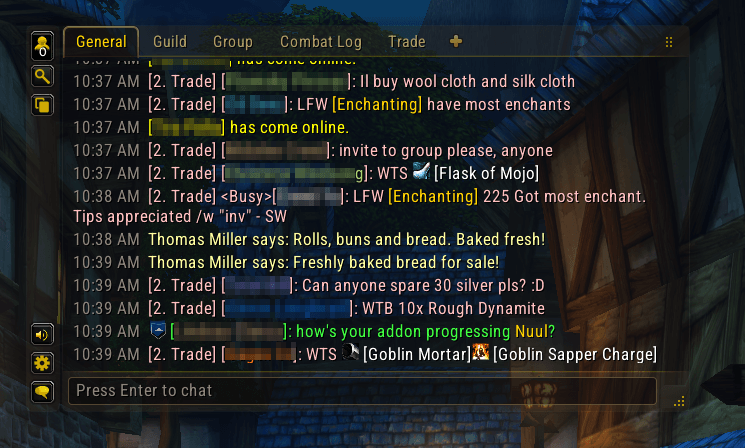
When someone writes your name it shows in gold, and the tab lights up.
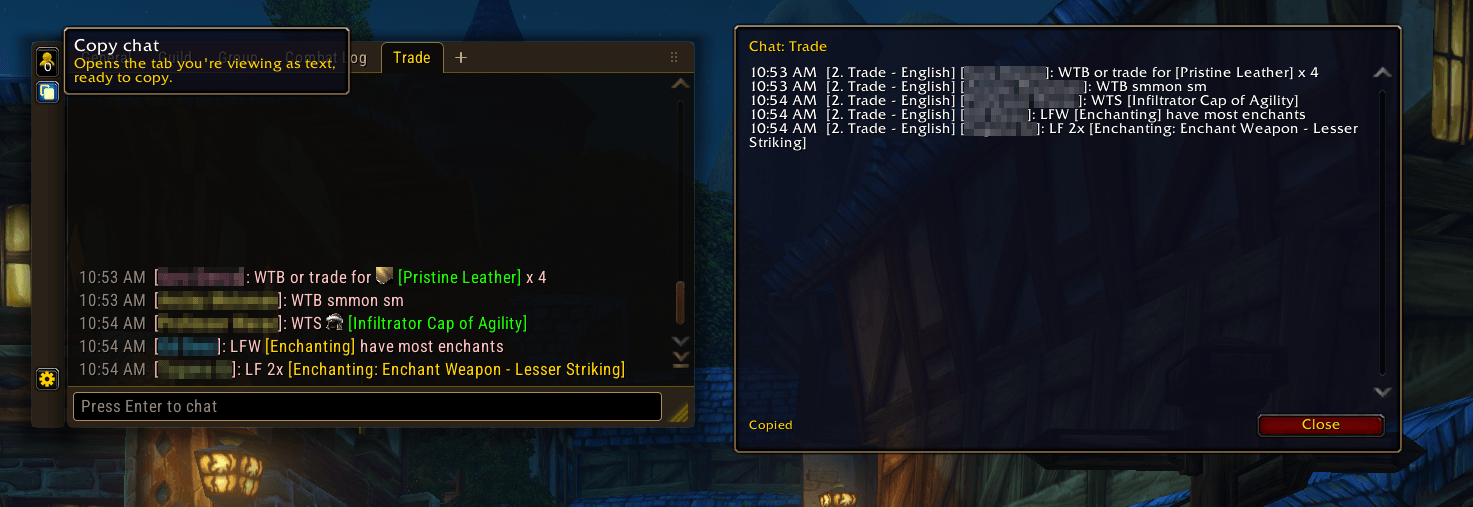
Copy the tab you're viewing as plain text, from the side button or the tab's menu.
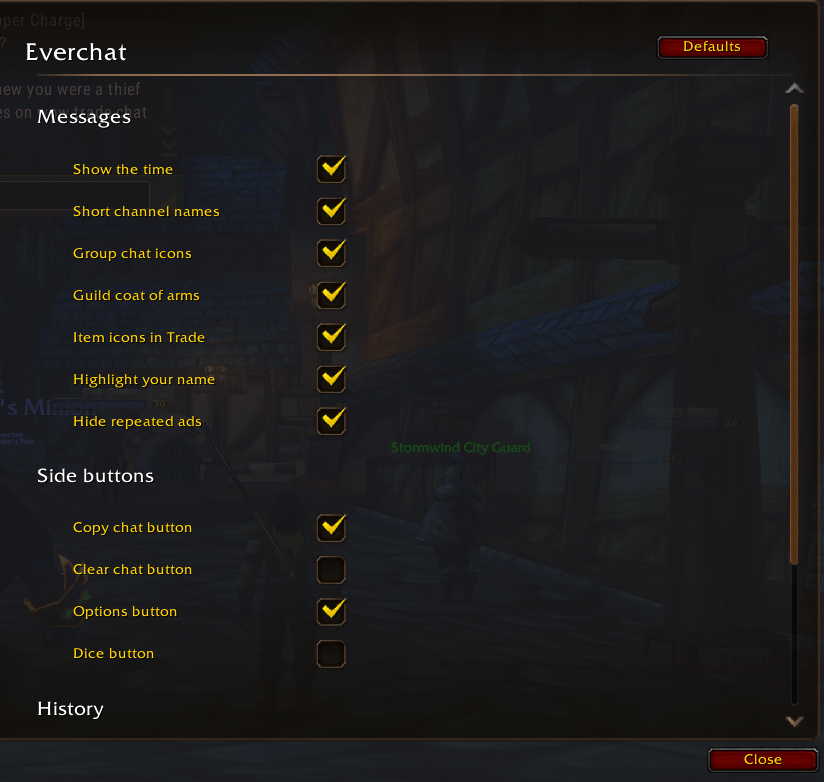
Everything in the game's own settings, nothing to configure to get started.

