EnhanceTBC
- By
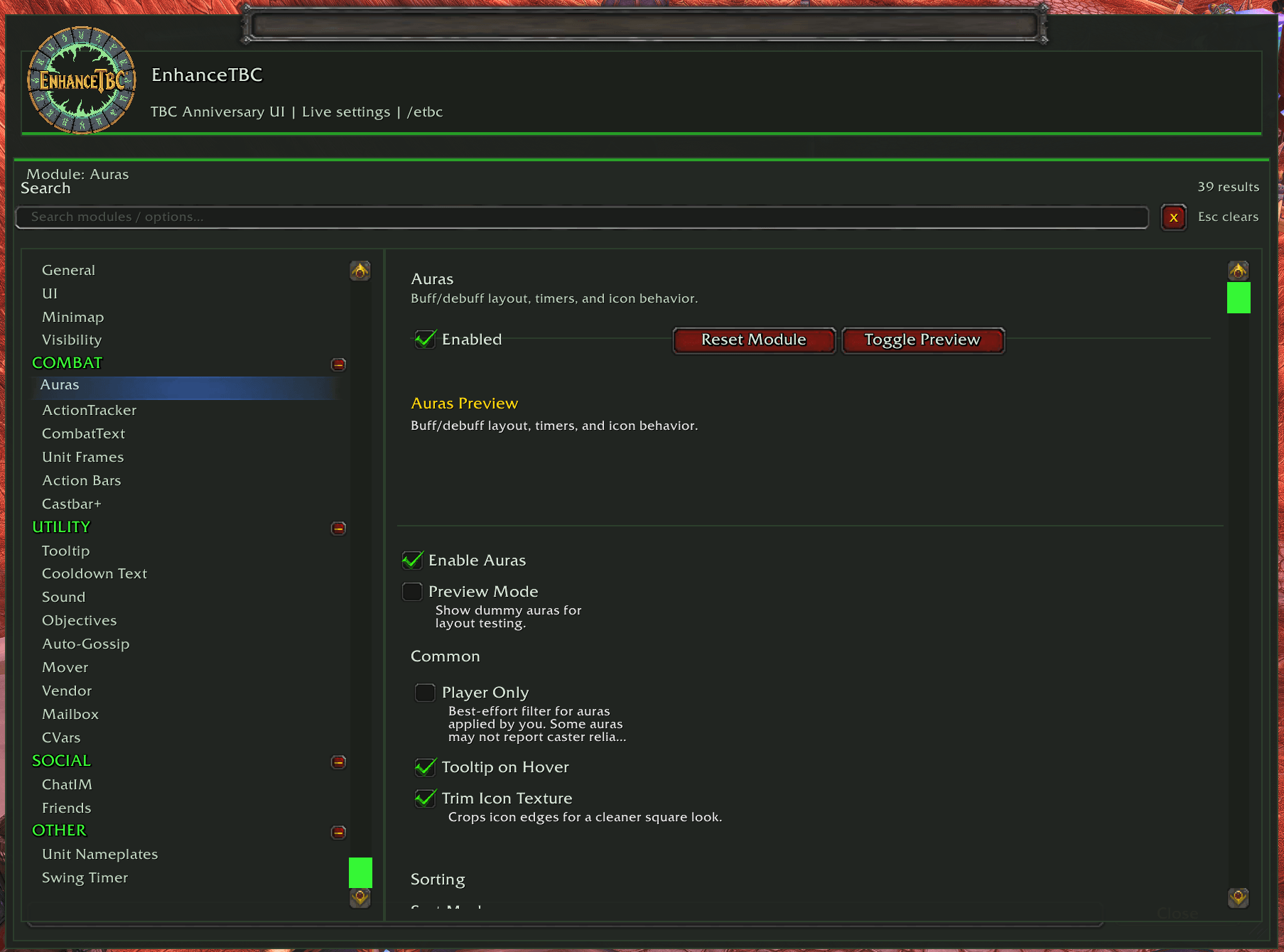
EnhanceTBC is a modular quality-of-life addon for WoW TBC Anniversary that modernizes the default UI with configurable minimap, castbar, action bar, cooldown, tooltip, and utility improvements while preserving the classic feel.
Screenshot 2026-02-20 143052.png
Screenshot 2026-02-20 143339.png
Screenshot 2026-02-20 143043.png
Description
EnhanceTBC is a modular quality-of-life addon suite for World of Warcraft: The Burning Crusade Anniversary Edition.
It modernizes Blizzard UI behavior while preserving the classic TBC feel and gameplay.
Built for Interface 20505 (v2.5.5).
Why EnhanceTBC?
- Modular design: enable only the features you want.
- Custom config window with live apply for most settings.
- Built-in mover system for drag-and-drop UI placement.
- Profile tools: export, import, and share.
- Per-module reset support in UI and slash commands.
- No separate dependency install required (Ace3/libs are embedded).
Feature Overview
- UI: max camera zoom controls and optional DELETE confirmation for rare/epic/legendary item deletion.
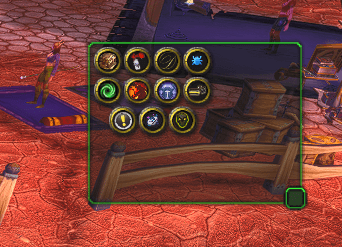
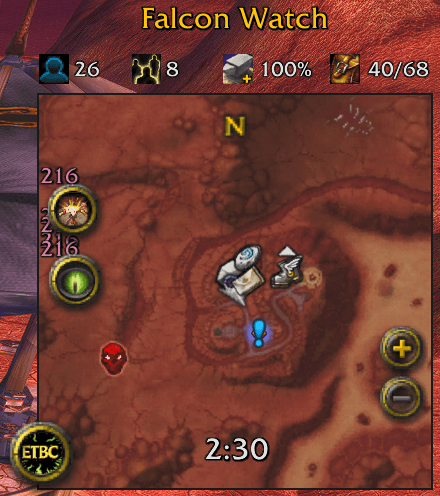
- MinimapPlus: square minimap mask, performance/info rows, tracking state display, addon minimap-button sink tray.
- Castbar+: player/target/focus castbars with timer text, latency safe-zone, cast/channel/non-interruptible colors, fade controls.
- Unit Frames: class-color health bars, health/power text options, font/scale styling for Blizzard unit frames.
- Unit Nameplates: enemy/friendly sizing, health text, debuff display, class/totem coloring, Plater-safe handling.
- Action Bars: button size/spacing, macro/hotkey visibility, out-of-combat fade, range tinting.
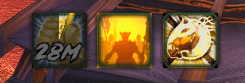
- Auras: buff/debuff layout controls, sorting, cooldown spirals, count/duration text styling.
- Cooldown Text: OmniCC-style cooldown numbers with formatting, thresholds, and style controls.
- Swing Timer: main-hand/off-hand melee swing bars with preview, textures, and visibility rules.
- Combat Text: configurable floating combat text with crit styling and optional Blizzard FCT suppression.
- ActionTracker: recent action icon tracker with cooldown and layout options.
- Tooltip: item/spell/NPC/quest IDs, item level/vendor price/stat summary, anchor and subtle skin options.
- Friends: class-colored names, level/location improvements, better friend-list readability.
- ChatIM: timestamps, clickable URLs/emails, short channel tags, whisper sounds, chat copy tools.
- Sound: mute/volume controls with optional smart combat-based muting behavior.
- Objectives: objective tracker styling, combat hide/fade, auto-collapse completed quests.
- Vendor: auto-repair and auto-sell junk with safety filters and confirmations.
- Mailbox: auto-collect gold/items, optional empty mail cleanup, queue-safe throttling.
- Auto-Gossip: auto-select NPC dialog options by pattern or option ID, with shift bypass.
- CVars Panel: curated interface CVar controls and reset categories (including fast auto-loot options).
- Visibility Engine: shared combat/instance/group visibility presets for supported modules.
- Mover: global move mode, grid snap, handle scaling, and nudge controls.
Slash Commands
- /etbc or /etbc config - Open config
- /etbc moveall [on|off|toggle] - Toggle master mover mode
- /etbc reset - Reset full profile
- /etbc resetmodule <moduleKey> - Reset one module to defaults
- /etbc profile export
- /etbc profile import <data>
- /etbc profile share <player>
- /etbc listgossip
- /etbc addgossip <pattern>
- /etbccopy - Chat copy helper
Notes
- Most settings apply immediately.
- Some CVars/UI changes may require /reload.
- Focused on enhancing Blizzard UI, not replacing it entirely.
- Included locales: enUS, deDE, frFR, esES, ruRU, koKR, zhCN, zhTW, ptBR.
The EnhanceTBC Team