
Enchant Advisor
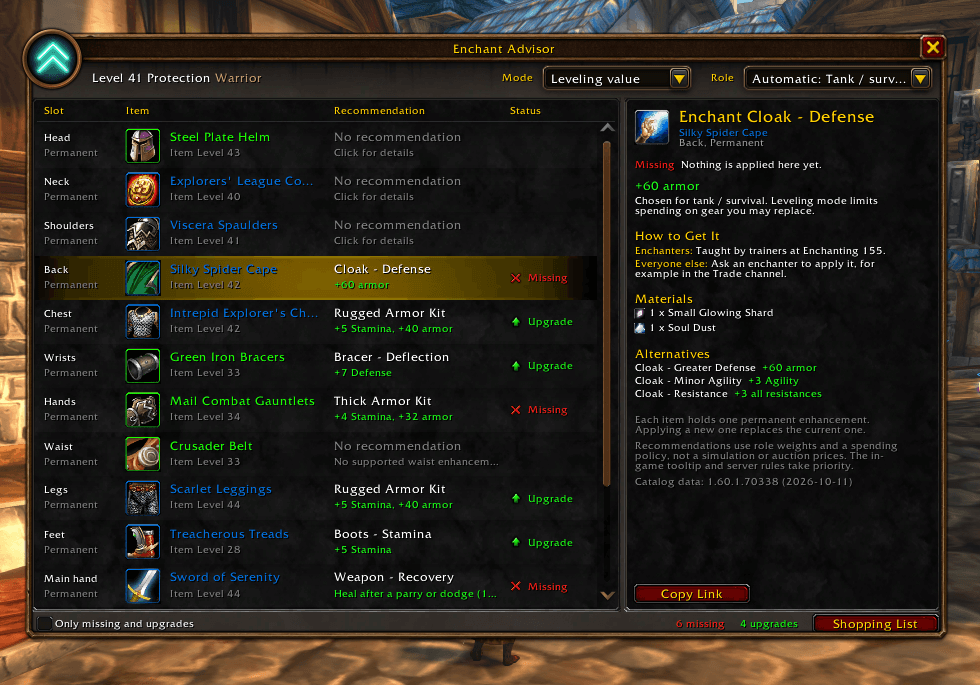
Your equipped gear with the recommended enhancement and status for each slot. Click a slot to see why it was picked, how to get it, the materials needed, and alternatives.
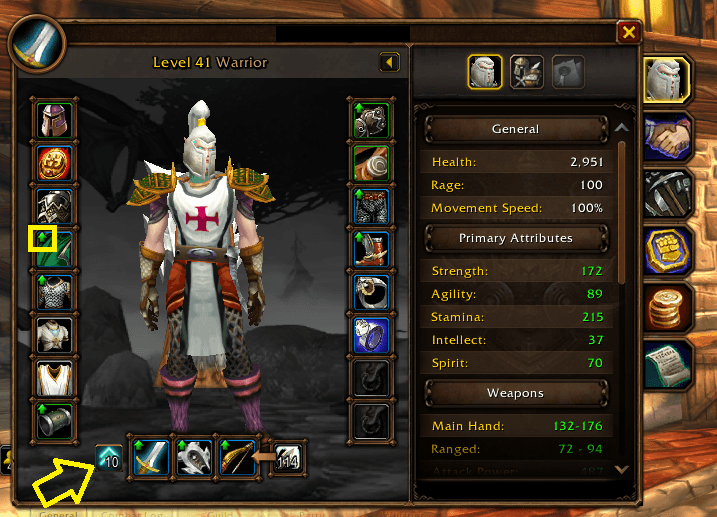
Green arrows mark the gear slots you can enchant or upgrade. The Enchant Advisor button beside your weapons shows how many there are; click it to open your recommendations right next to the Character frame.
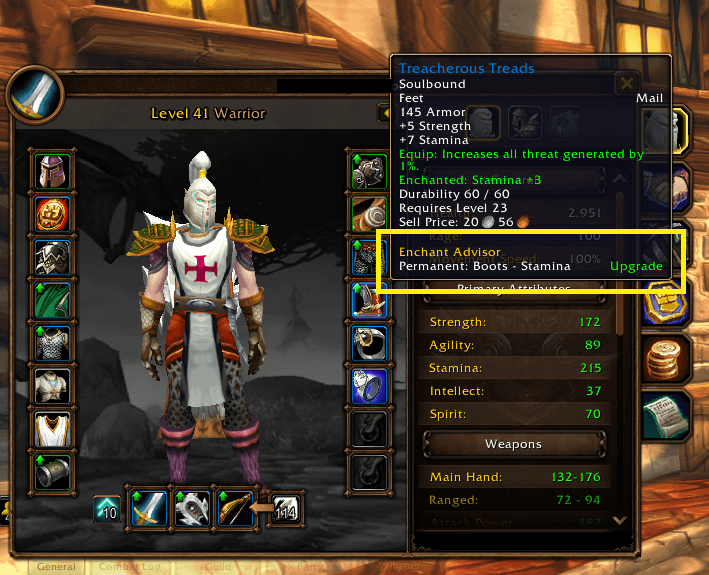
Hover over any equipped item to see its recommended enchant, oil, or stone, and whether it’s Missing, an Upgrade, or already Good.
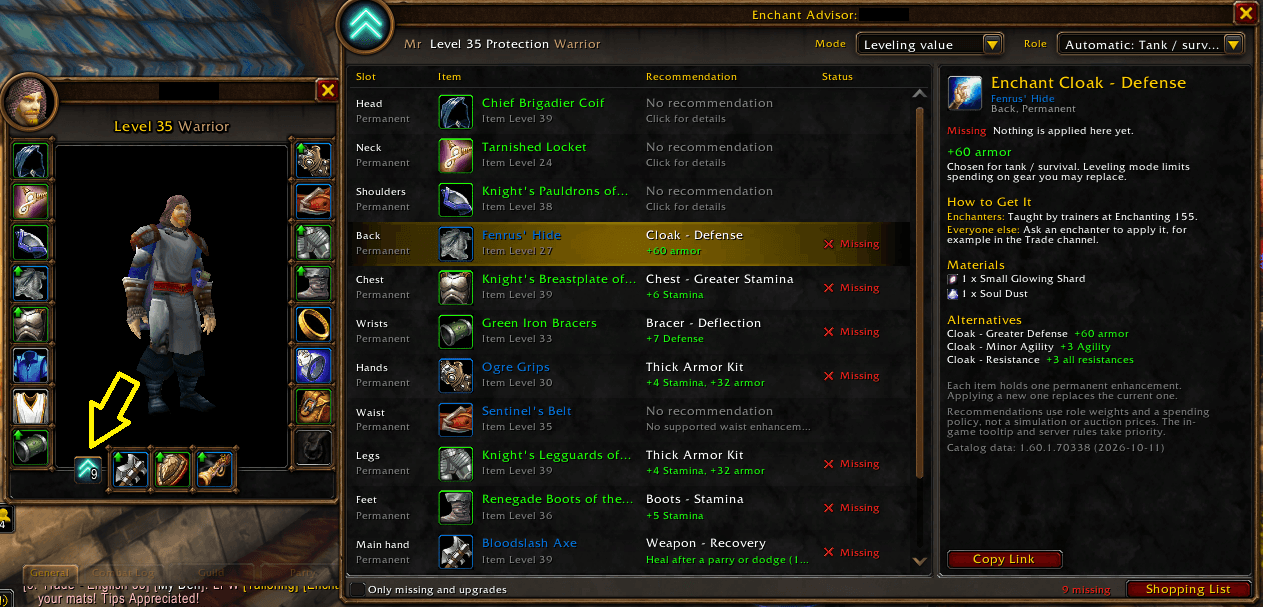
Inspect another player and click the Enchant Advisor button on their Inspect window (arrow) to see what their gear is missing. Their role is read from their talents, and each slot shows the recommended enchant and how to get it.
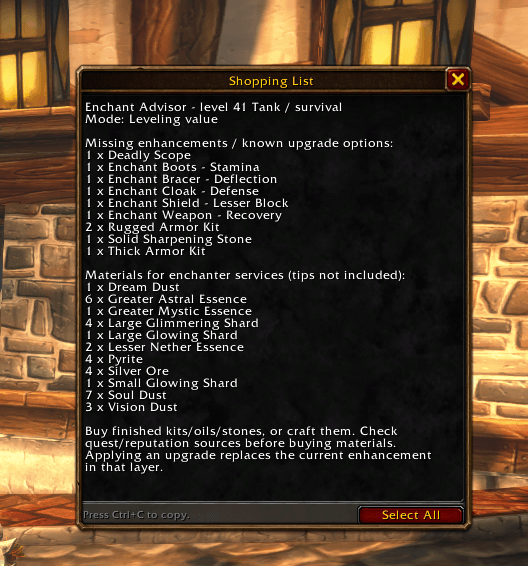
A copyable list of the enhancements to buy or ask a crafter for, plus the enchanting materials you’ll need.
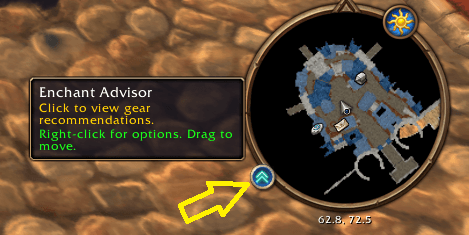
Click to open Enchant Advisor, right-click for options, or drag the button around the minimap.