EmoteForever
- By
An emote wheel for WoW Forever: hold a key, flick the mouse towards an emote and release – wave, thank, dance or cheer at your target.
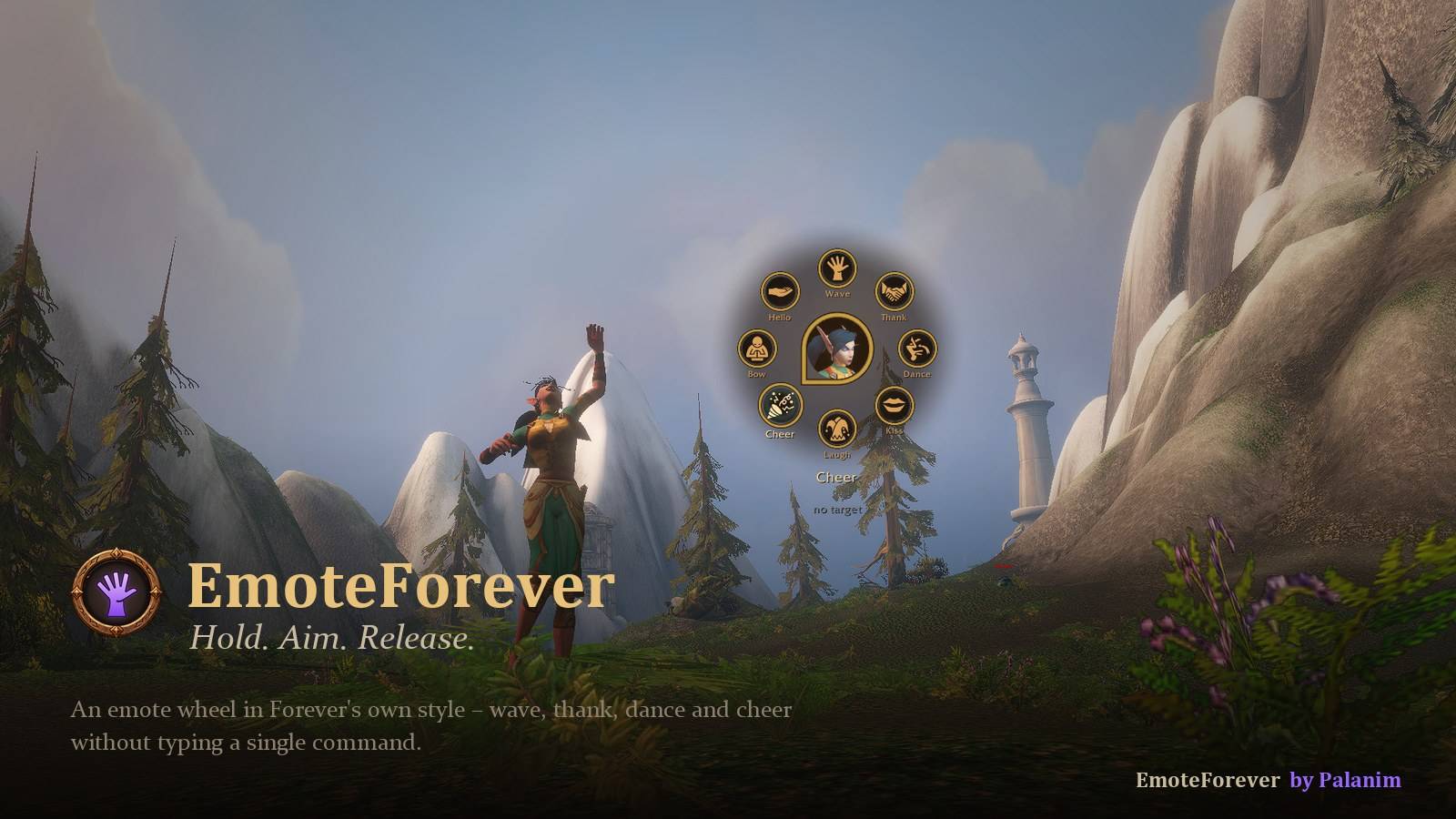
An emote wheel in Forever's own style – hold, aim, release
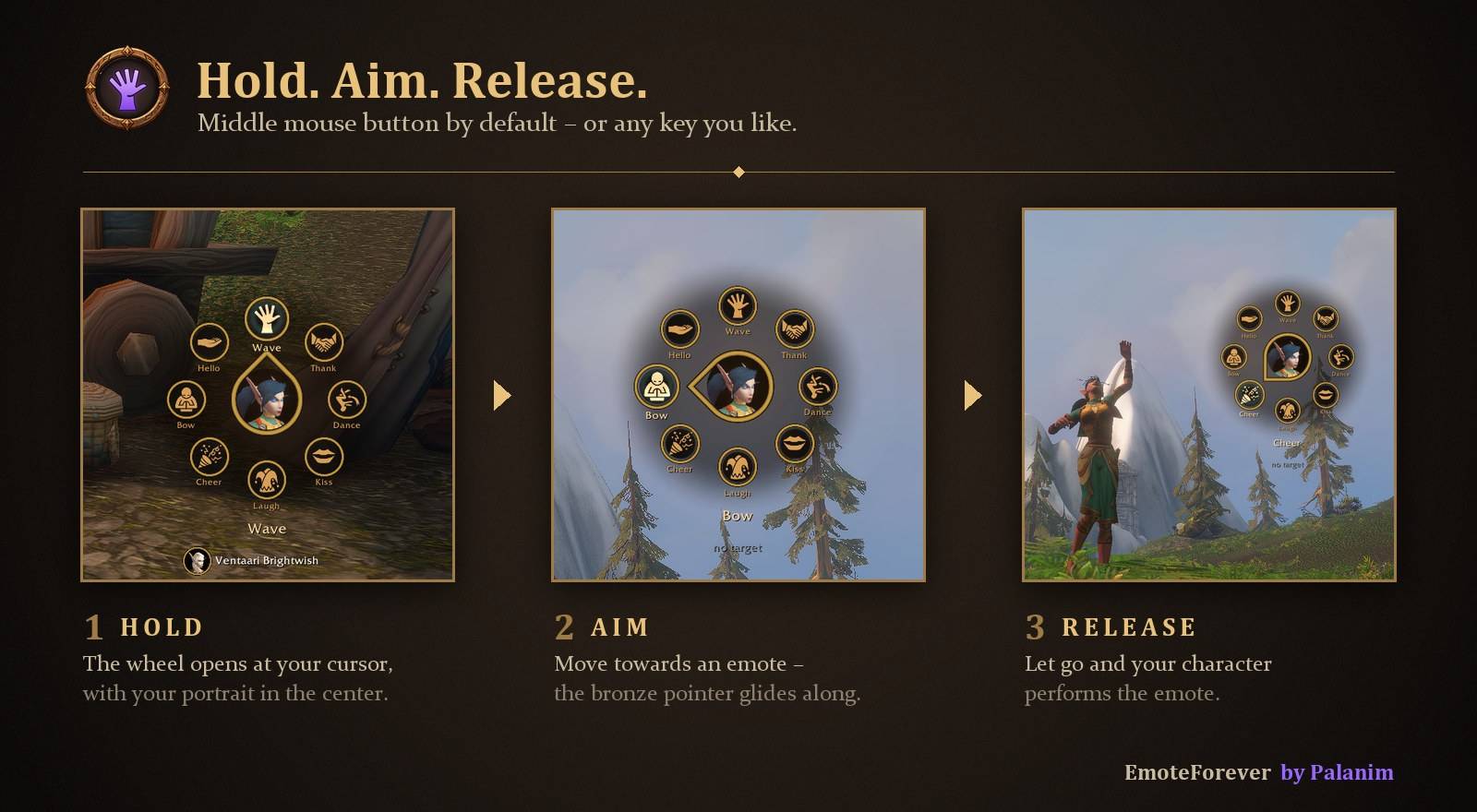
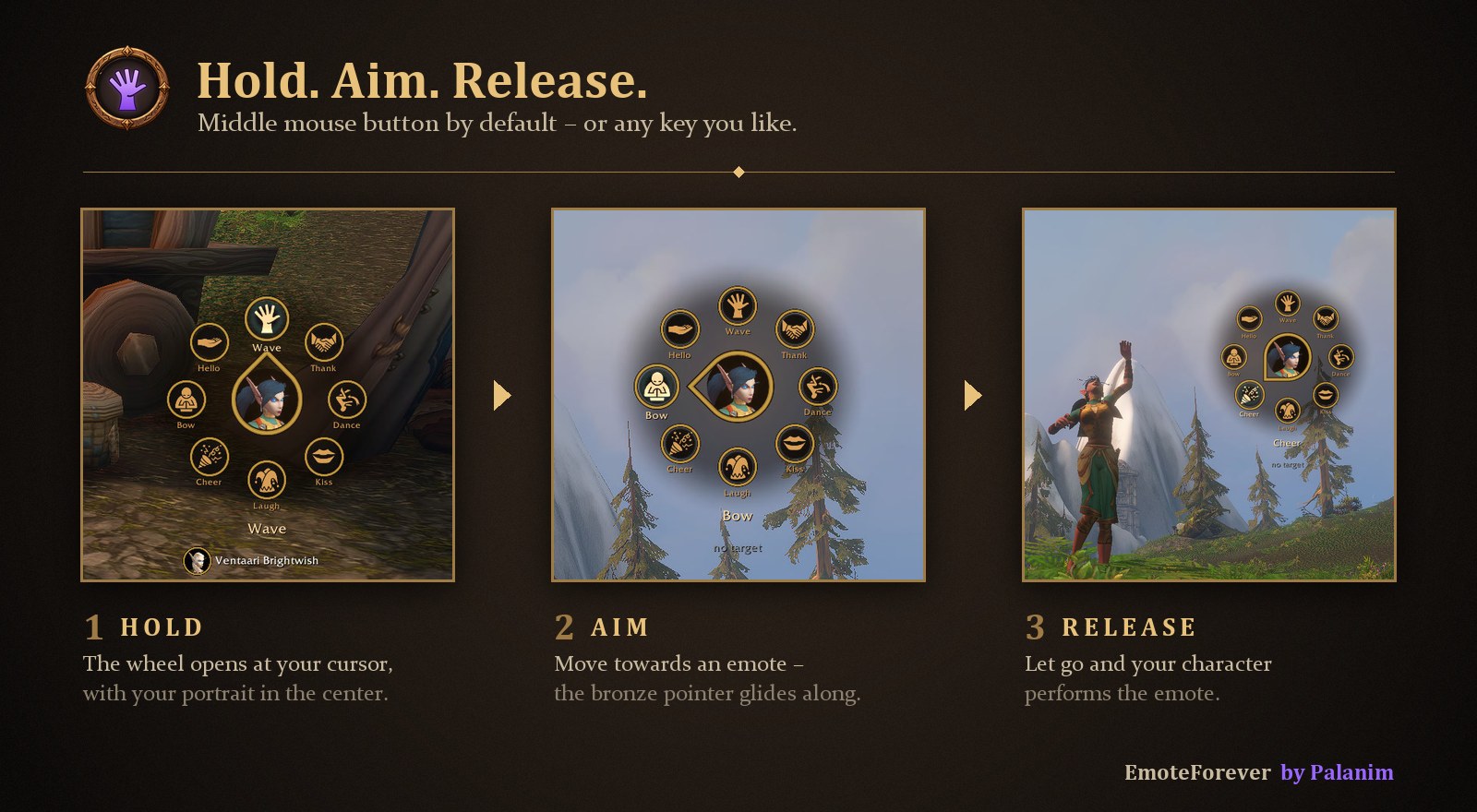
Hold your key, move towards an emote and let go – your character performs it
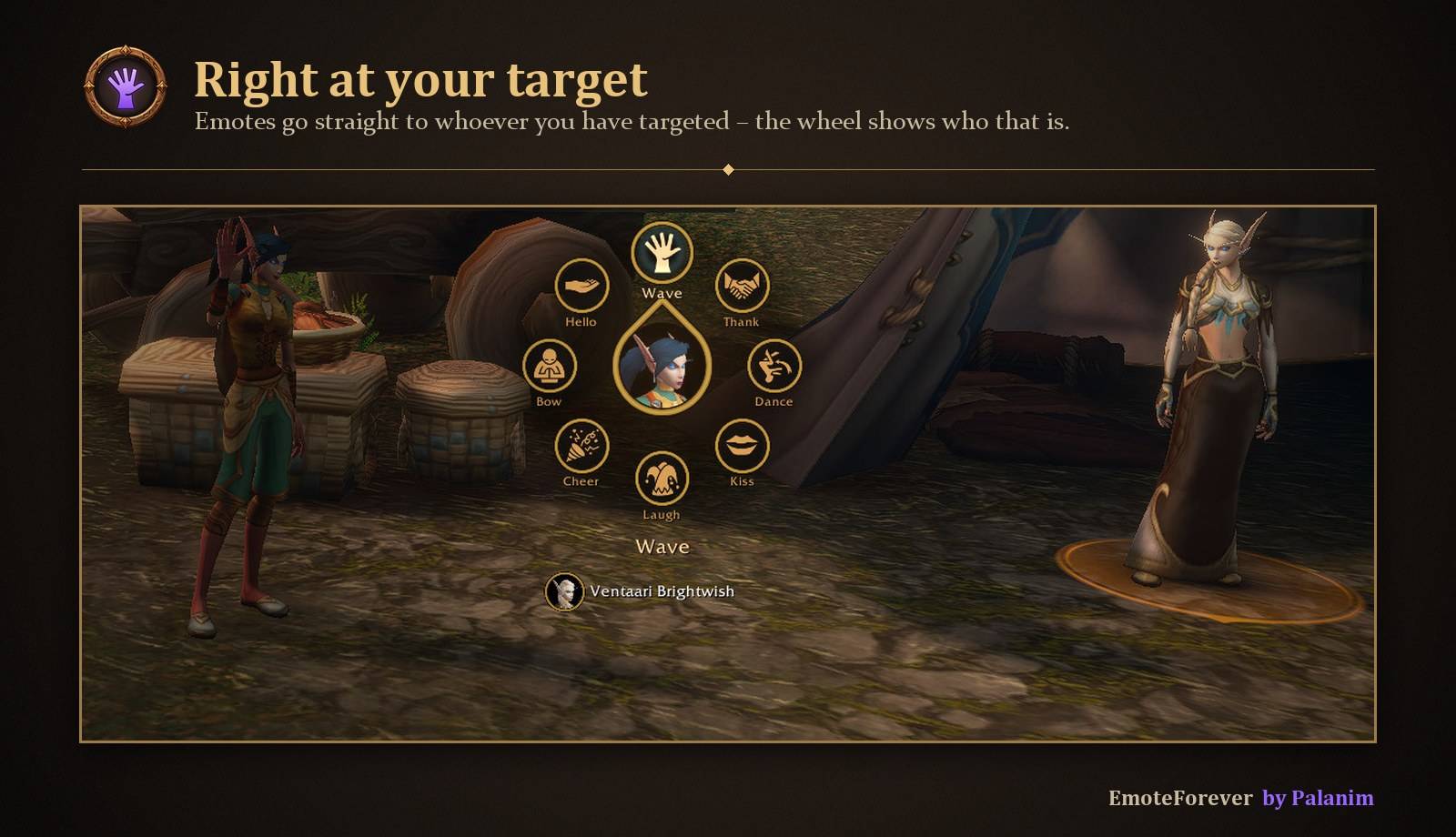
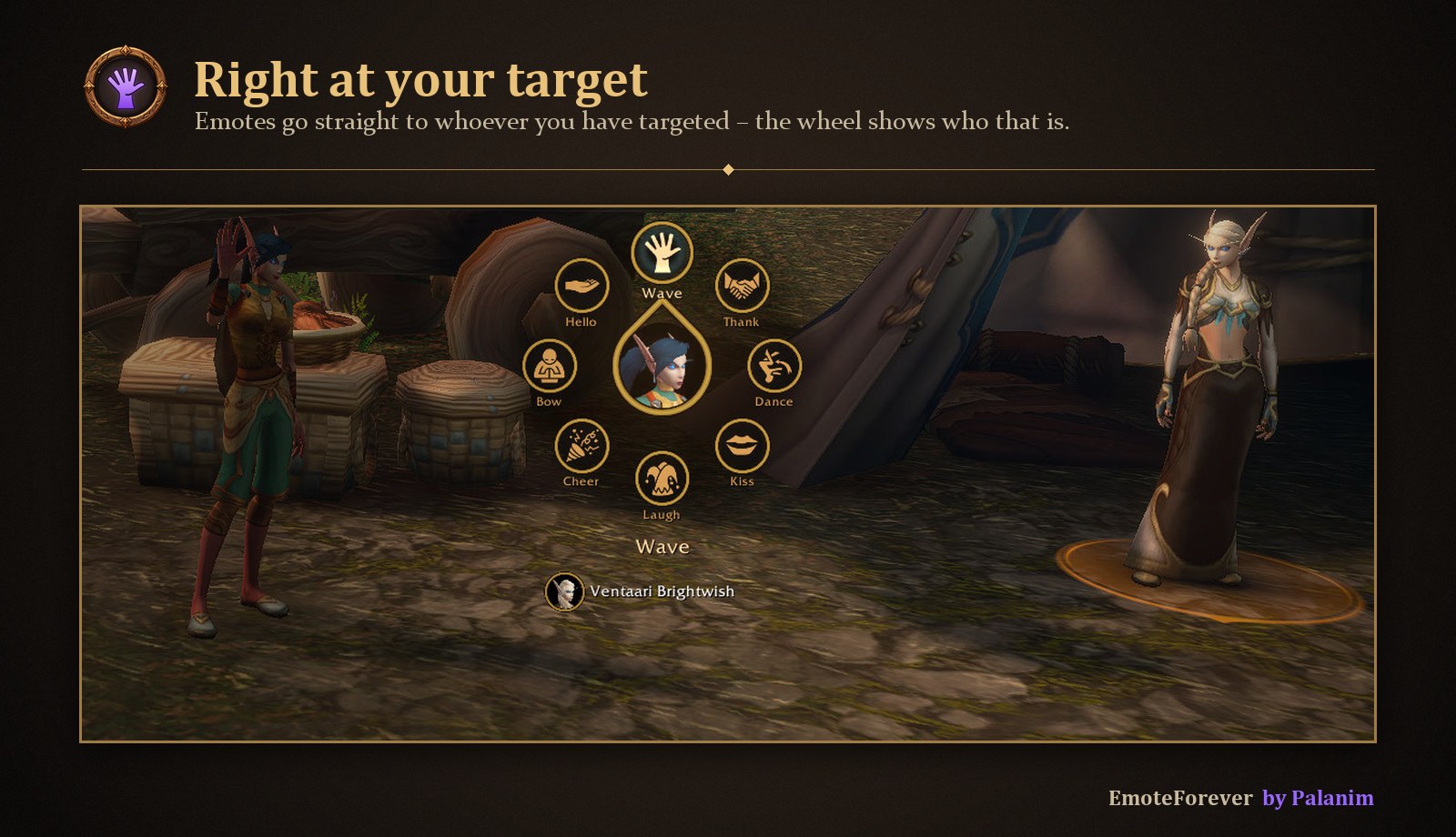
Emotes go to your target; the wheel shows who that is
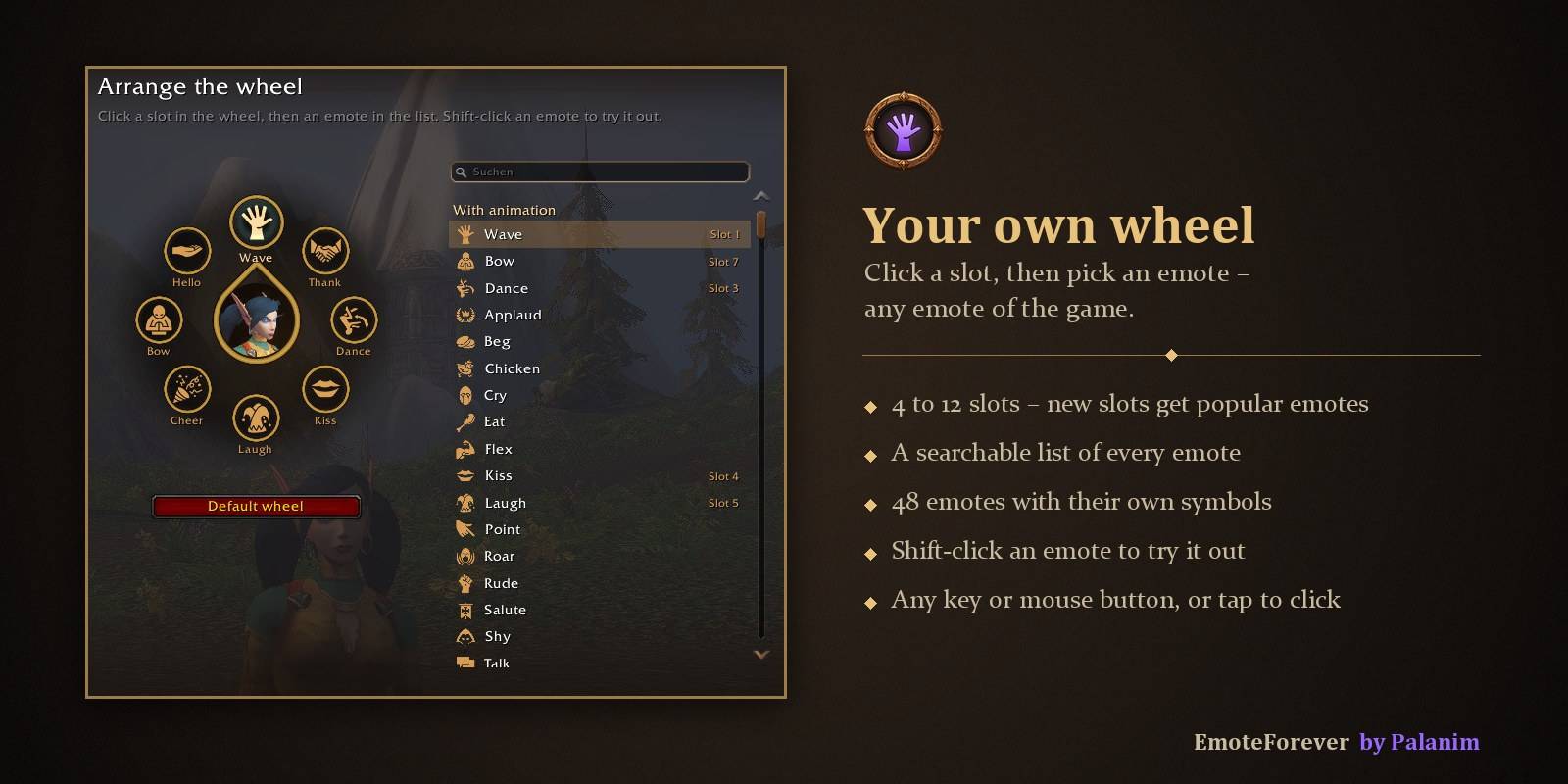
4 to 12 slots, any emote of the game, in a searchable editor
Description
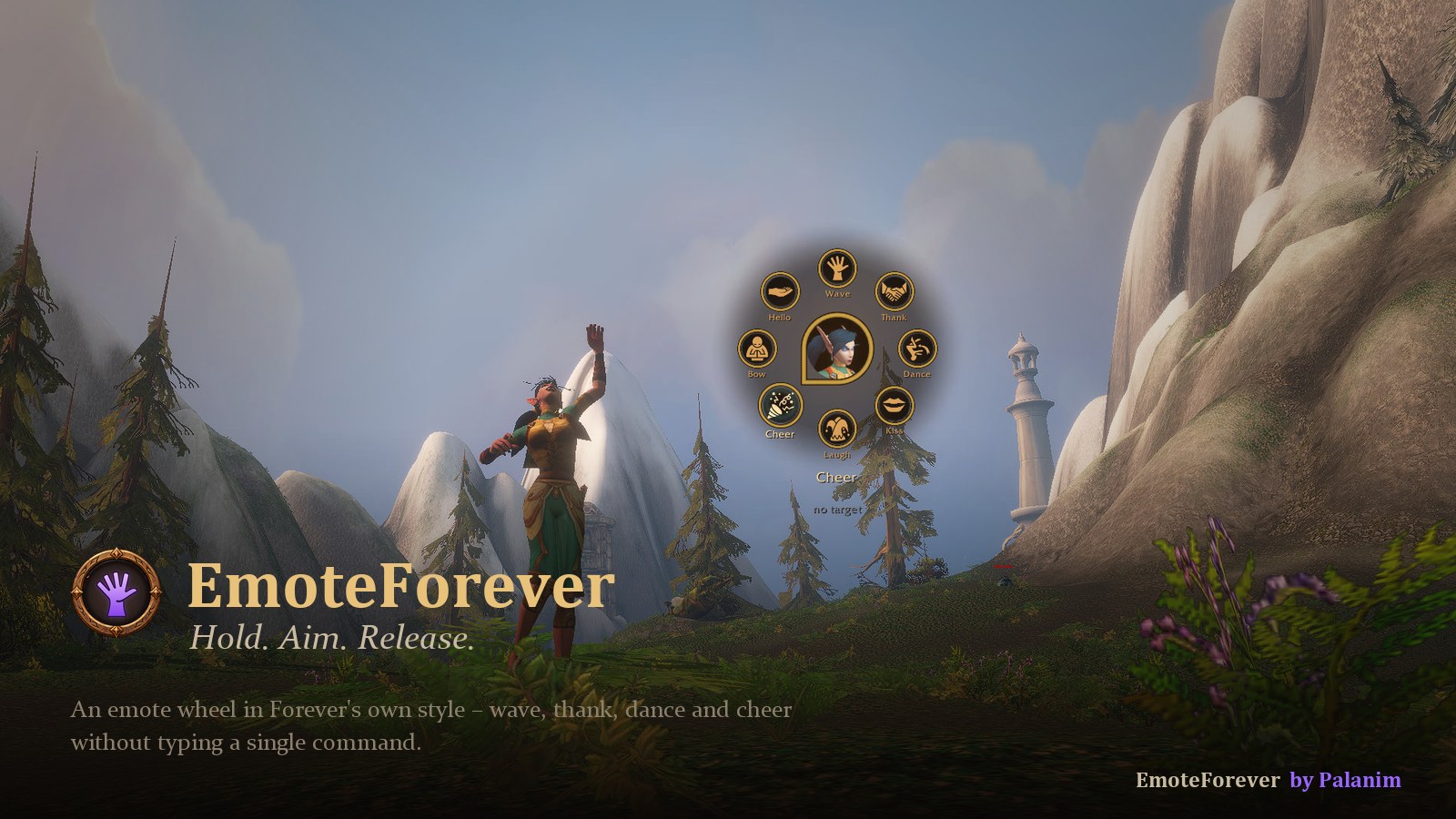
EmoteForever is an emote wheel made for World of Warcraft: Forever. Hold a key, flick the mouse towards an emote and let go – your character waves, thanks, dances or cheers at your target. No typing, no macros.
Highlights
- Hold, aim, release – the wheel opens right at your cursor
- Right at your target – the wheel shows who your emote goes to
- 48 emotes with their own symbols – plus every other emote of the game
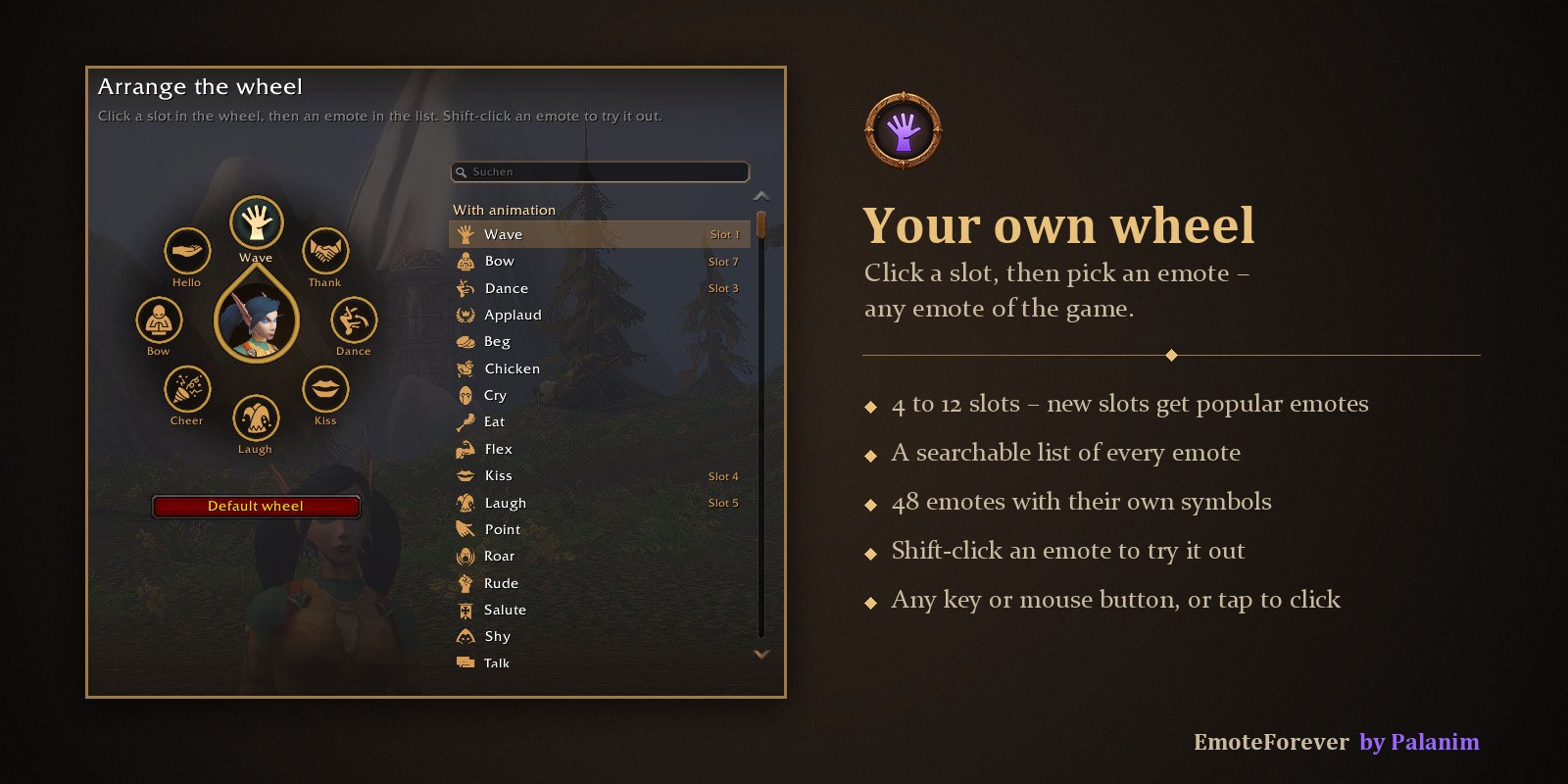
- Your own wheel – 4 to 12 slots, arranged in a searchable editor
- Any key – middle mouse button by default, or any key or mouse button you like
- Fits the game – bronze rings like Forever's unit frames, your portrait in the center
Hold. Aim. Release.
Hold the middle mouse button and the wheel opens at your cursor, with your portrait in the center. Move towards an emote – a bronze pointer glides along – and let go. Prefer clicking? Tap the key briefly and the wheel stays open until you choose.
Right at your target
Emotes go straight to whoever you have targeted. The wheel shows their name and portrait right below it, so you always know who gets the wave.
Your own wheel
Choose 4 to 12 slots and put any emote on any slot: click a slot, then pick from a searchable list of every emote in the game. Shift-click an emote to try it out first. New slots start with popular emotes.
Usage
- Hold your key, aim, release – perform an emote
- Tap your key – keep the wheel open and choose with a click
- /emf – open settings · /emf edit – arrange the wheel
- Minimap button – left-click for settings, right-click opens the wheel
FAQ
My middle mouse button is already in use? EmoteForever tells you and lets you pick another key in the settings (/emf). Can I use emotes that are not in the list of 48? Yes – every emote of the game can go on the wheel; emotes without their own symbol get a neutral one. Where are the settings? Options → AddOns → EmoteForever, or /emf.
Credits
The emote symbols are from game-icons.net by Caro Asercion, DarkZaitzev, Delapouite, Lorc, Sbed and Skoll, licensed under CC BY 3.0. The full list is in the README.
Made by Palanim · Languages: English, Deutsch · Source & issues on GitHub
EmoteForever Team