


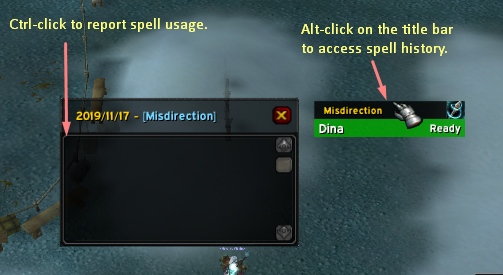
If you alt click on the spell name you will access to the spell's usage history that you can report to the group using ctrl+click on a single log.
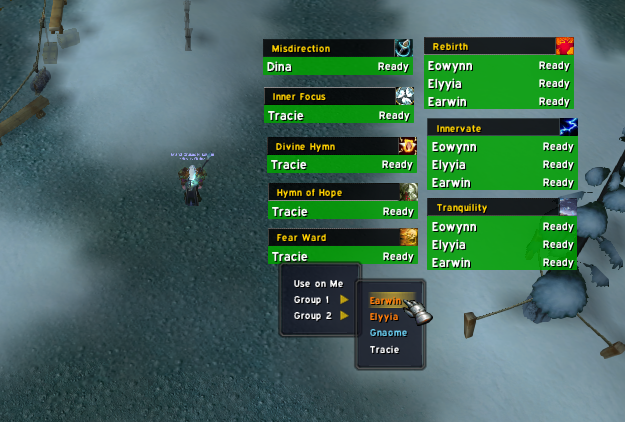
Ready spells are green with Ready next to them. Spells on cooldown will be red with the timer next to them. You see on this image spells I chose to track for demonstration purposes only.
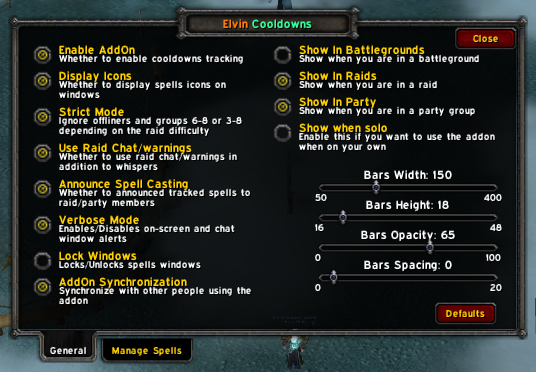
You can access this by typing "/elvin". Here you can alter addon's behavior to what suits you and you can even change the size and addon's usage too.
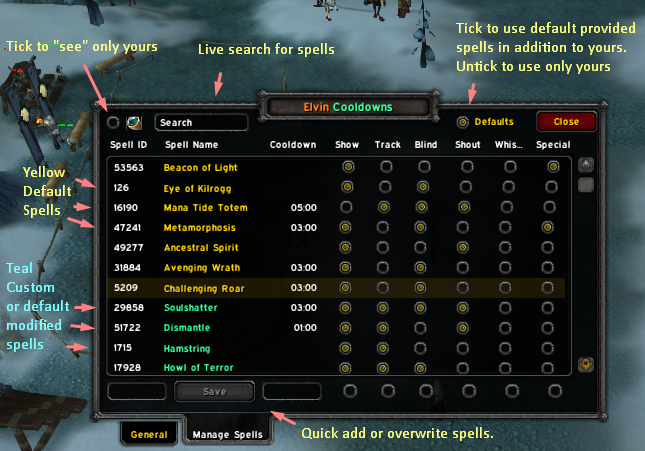
The addon allows you add as many spells as you want or simply use default provided ones. A modified provided spell (yellow) will be copied to your custom list (teal). You can filter, search or edit, delete or overwrite. Play with tou see.