DistanceStatsWF
- By
How far have you really walked? Track every yard you travel in WoW Forever — on foot, swimming, by taxi or zeppelin — with steps, records, titles and guild rankings.
1-this-character.png
2-session.png
3-account.png
4-zones.png
5-records.png
7-titles.png
8-ranking.png
9-brag-panel.png
Description
DistanceStatsWF
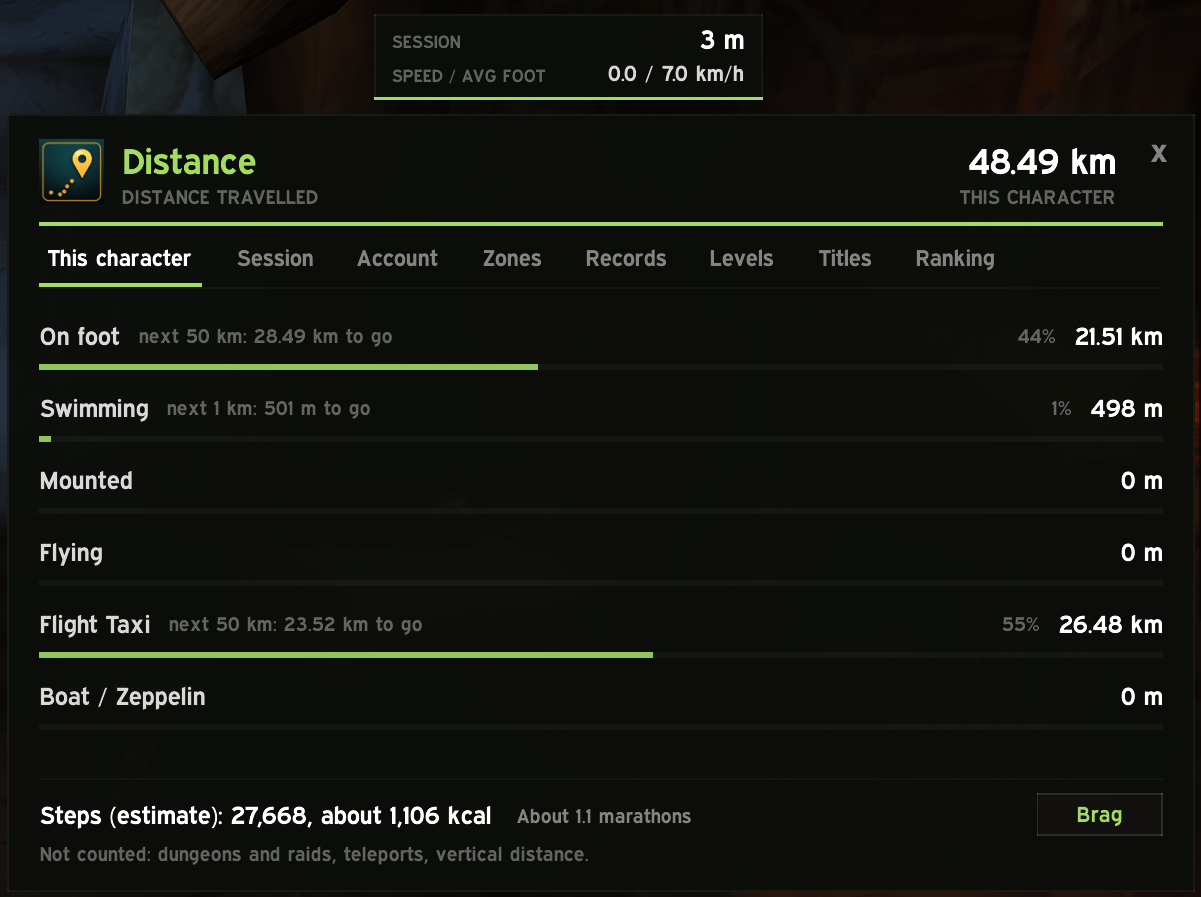
Ever wondered how far your character has actually walked? DistanceStatsWF counts the distance you travel in World of Warcraft: Forever, split by how you travelled, and estimates the steps you took.
| Travel mode | What counts |
|---|---|
| On foot | Walking and running, including the run back as a ghost |
| Swimming | Any time the character is swimming |
| Mounted | On a ground mount |
| Flying | On a flying mount |
| Flight Taxi | Flight paths |
| Boat / Zeppelin | The distance a transport carries you |
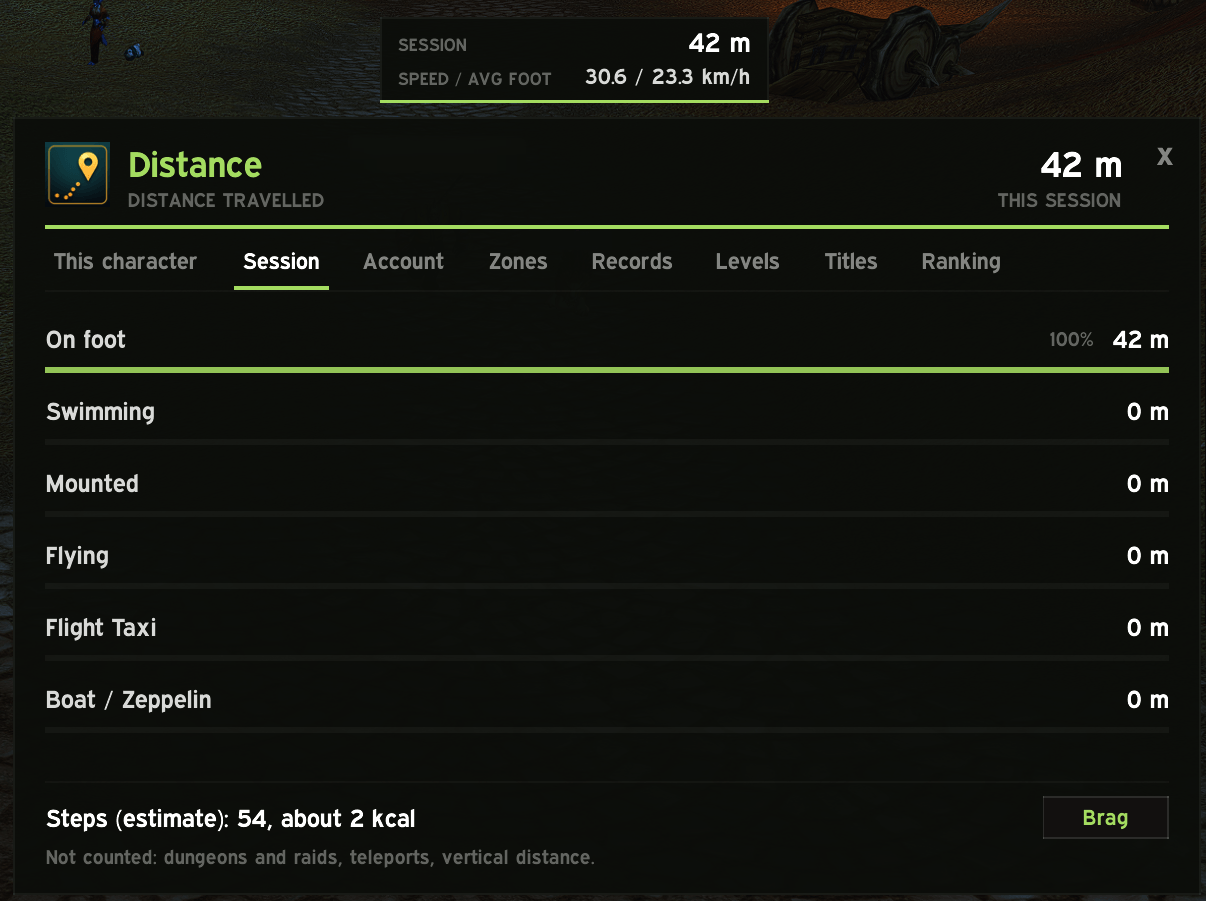
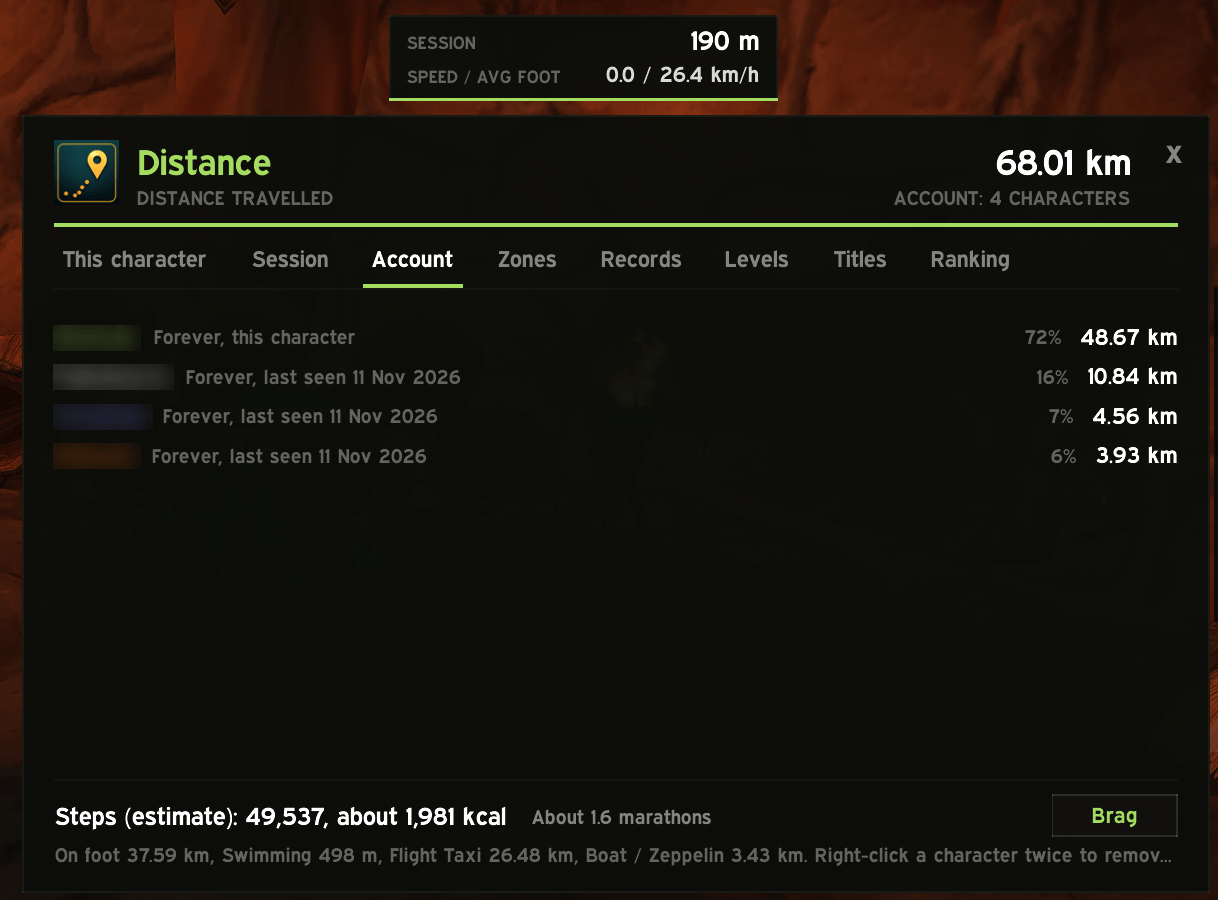
Distances are kept per character, for the current session and for the whole account.
Features
- Window with eight tabs: this character, session, account, zones, records, levels, titles and ranking.
- Estimated steps from the distance on foot, with a stride per race (a gnome takes more steps than a tauren), and a rough calorie count for fun.
- Real-world comparisons: from football pitches and marathons to trips to the Moon.
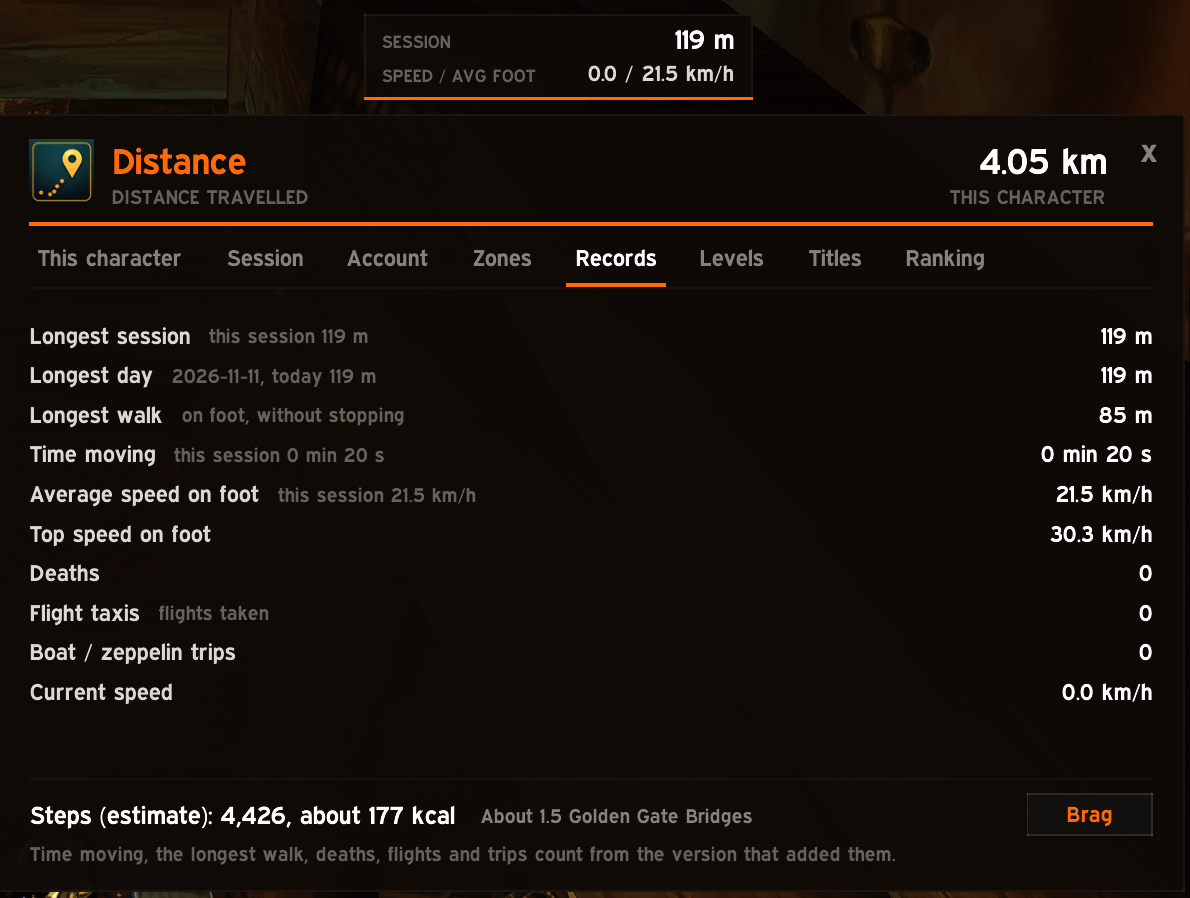
- Records: longest session, day and walk, time moving, average and top speed, deaths and distance as a ghost, flights and boat or zeppelin trips taken.
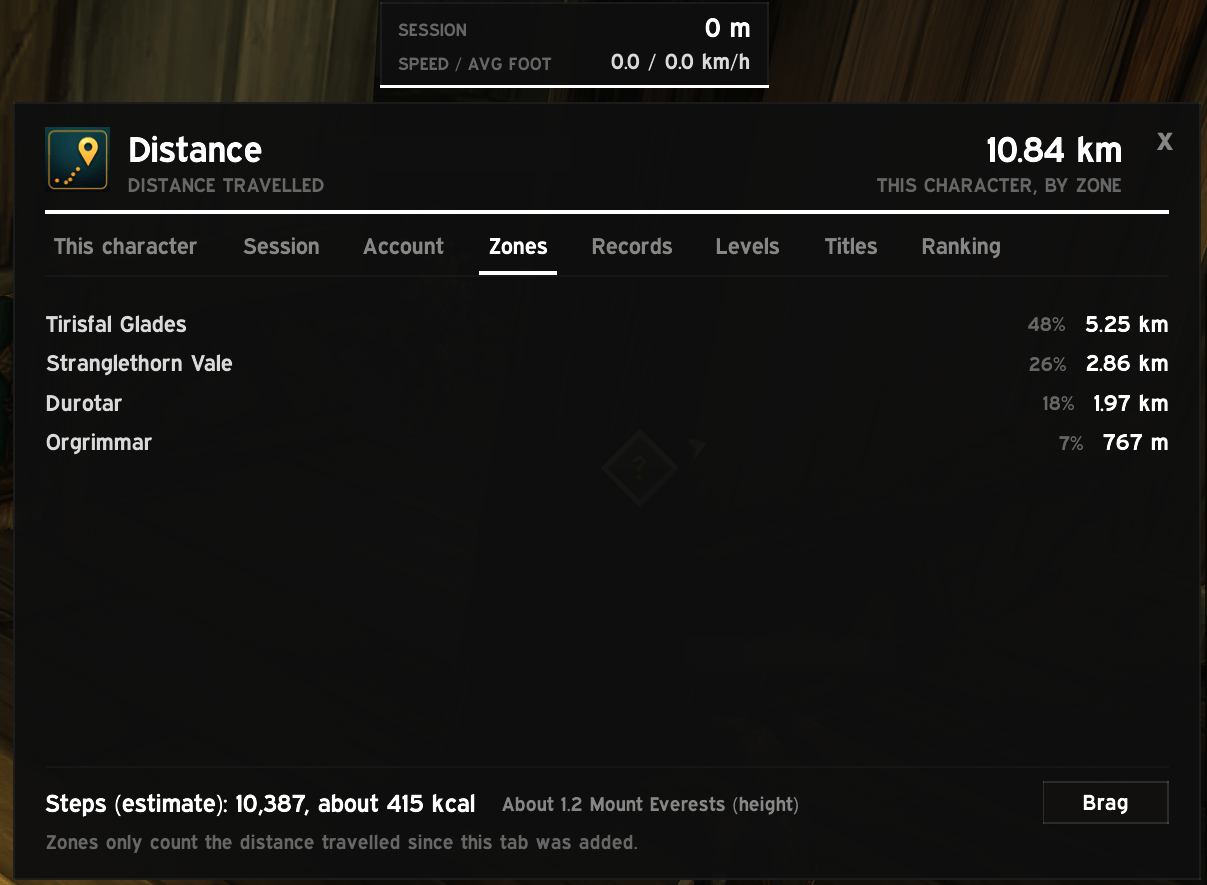
- Distance per level and per zone.
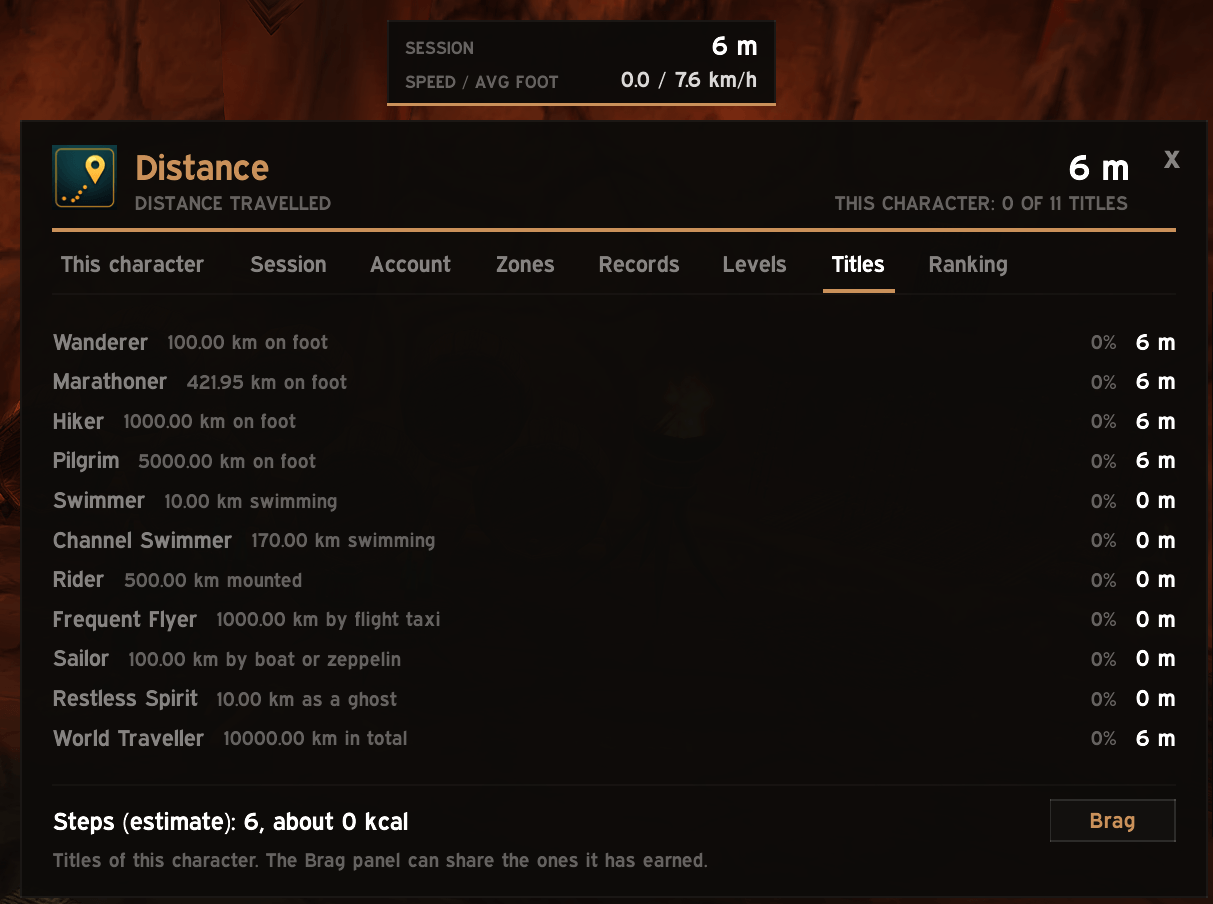
- Titles earned by distance: Wanderer, Marathoner, Frequent Flyer, Sailor, World Traveller and more.
- Milestones: the next one for each travel mode, and an optional line in your own chat when you pass one.
- Mini panel, always visible, with the distance of this session and your speed.
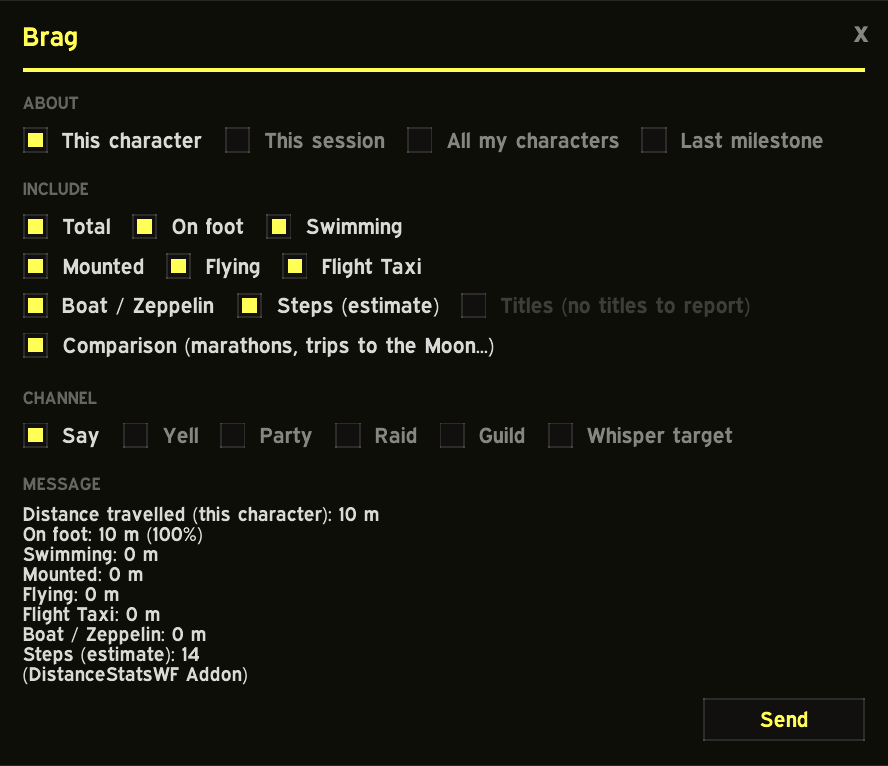
- Brag panel: share your numbers in Say, Yell, Party, Raid, Guild or a whisper, as a small table. You choose what goes in it, and nothing is sent until you click Send.
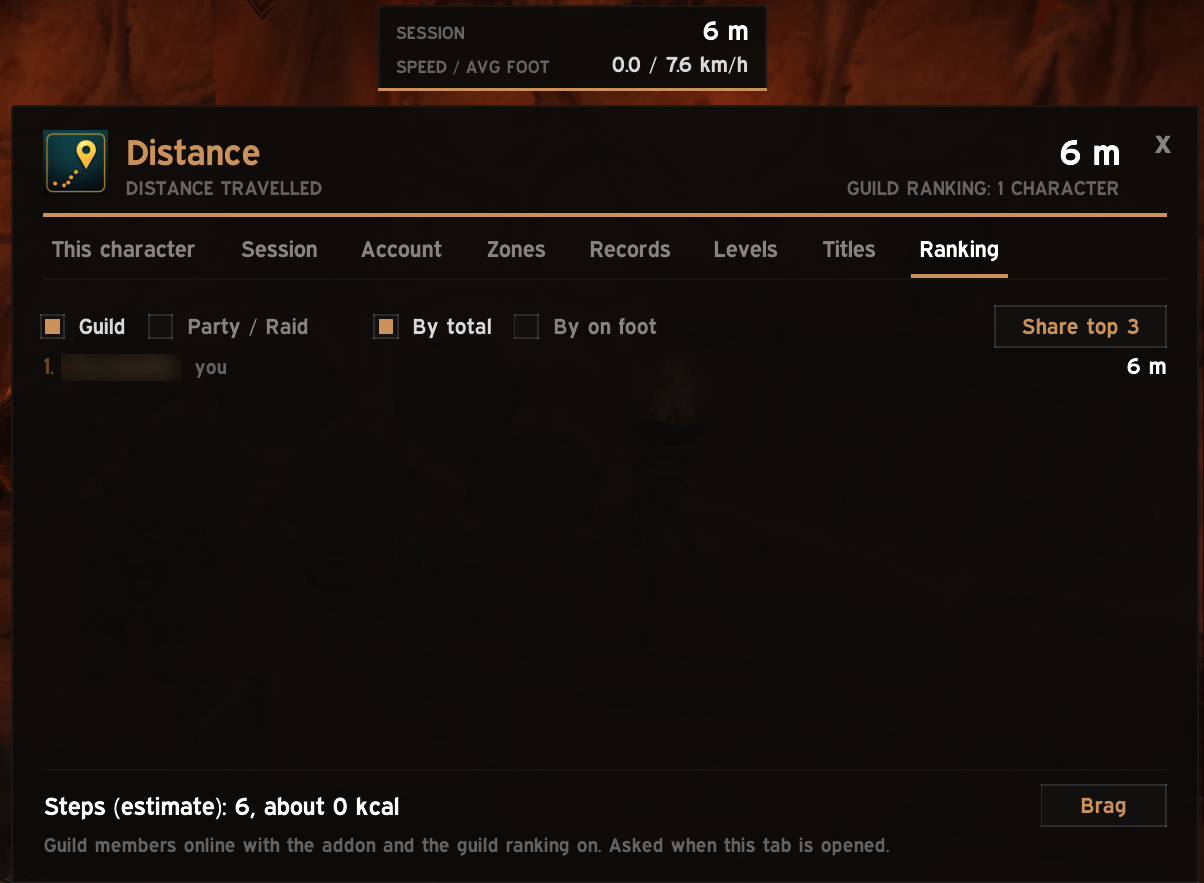
- Rankings (off by default): compare distances with your guild, or with your party or raid.
- Minimap button with a summary tooltip; right-click it for the options.
Commands
| Command | What it does |
|---|---|
/dswf |
Open or close the window |
/dswf status |
Print the distances of this character |
/dswf options |
Open the addon page in the game options |
/dswf mini |
Show or hide the mini panel |
/dswf lock |
Lock or unlock the mini panel |
/dswf speed |
Show or hide the speed row of the mini panel |
/dswf milestones |
Turn the milestone lines in your own chat on or off |
/dswf guild, /dswf group |
Turn the guild or the party / raid ranking on or off |
/dswf minimap |
Show or hide the minimap button |
/dswf mem, /dswf cpu |
Show the addon's memory and processor use |
What is not counted
- Dungeons, raids and battlegrounds: the game does not give addons a position there.
- Height: climbing or falling straight down adds nothing.
- Teleports: hearthstones, portals and the jump to a graveyard are left out on purpose.
Steps are an estimate: the game does not expose them.
What the addon sends
Nothing, unless you ask.
- Brag sends the lines you see in its preview, to the channel you picked, when you click Send.
- Guild and group rankings are off by default. Turned on, the addon answers members who open their Ranking tab with this character's total distance, distance on foot and steps, through the hidden addon channel. Nothing is sent on a timer.
- Share top 3 posts the first three of a ranking in guild or group chat when you click it.
Performance
The addon reads your position twice per second while you move and once every two seconds while you stand still. Nothing runs per frame. The window is a separate load-on-demand addon, loaded the first time you open it.
Compatibility
World of Warcraft: Forever only. Other game versions are not supported.
DistanceStatsWF Team