Dan's Riches
- By
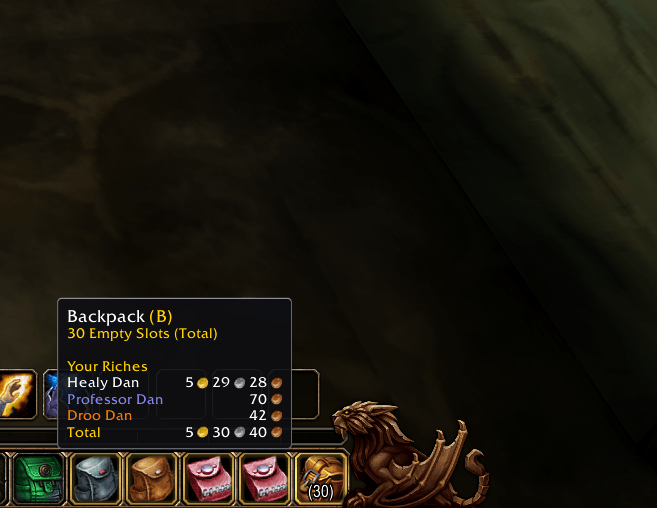
A simple gold tracker for WoW Forever: hover your backpack to see how much gold each of your characters has, with a total. Choose which characters show up and put them in any order you like.
screenshot-2026-11-13_14-10-14-steam-app-battlenet.png
screenshot-2026-11-13_14-12-25-steam-app-battlenet.jpg
screenshot-2026-11-13_14-12-08-steam-app-battlenet.jpg
Description

Dan's Riches
All your gold at a glance for WoW Forever: hover your backpack to see how much gold each of your characters has.
Dan's Riches adds a Your Riches section to the tooltip Blizzard already shows on your backpack button. You don't get a new window or a minimap button, just your characters, their gold and a total, right where you look when you check your bags.
Features
Gold in the backpack tooltip
Hover the backpack button on your bag bar to see:
- each of your characters on this realm, class colored, with their gold
- a Total line for all of them together
Every character, automatically
A character is added the first time you log in on them, and their gold is kept up to date while you play. Nothing to set up.
Your list, your way
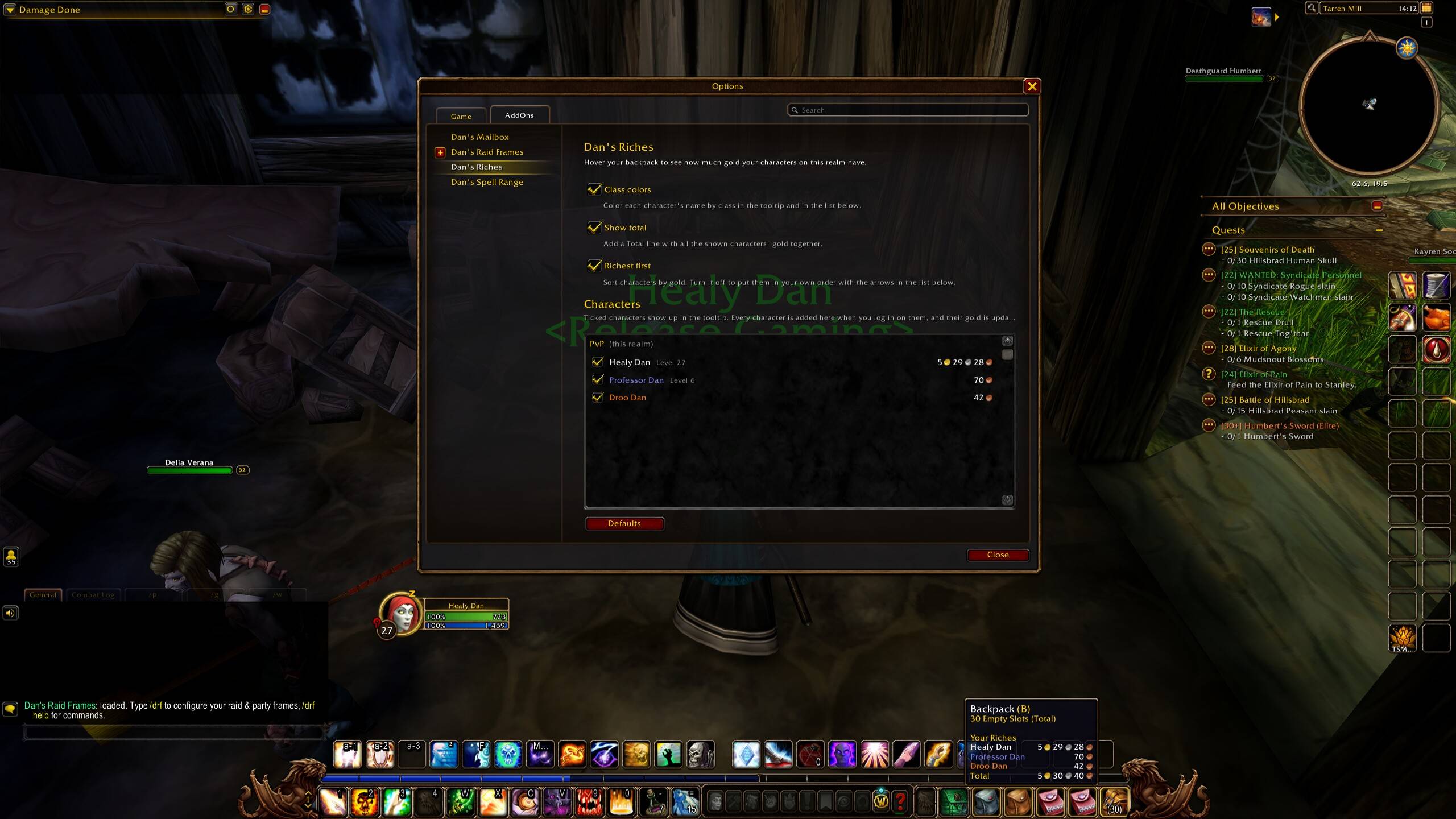
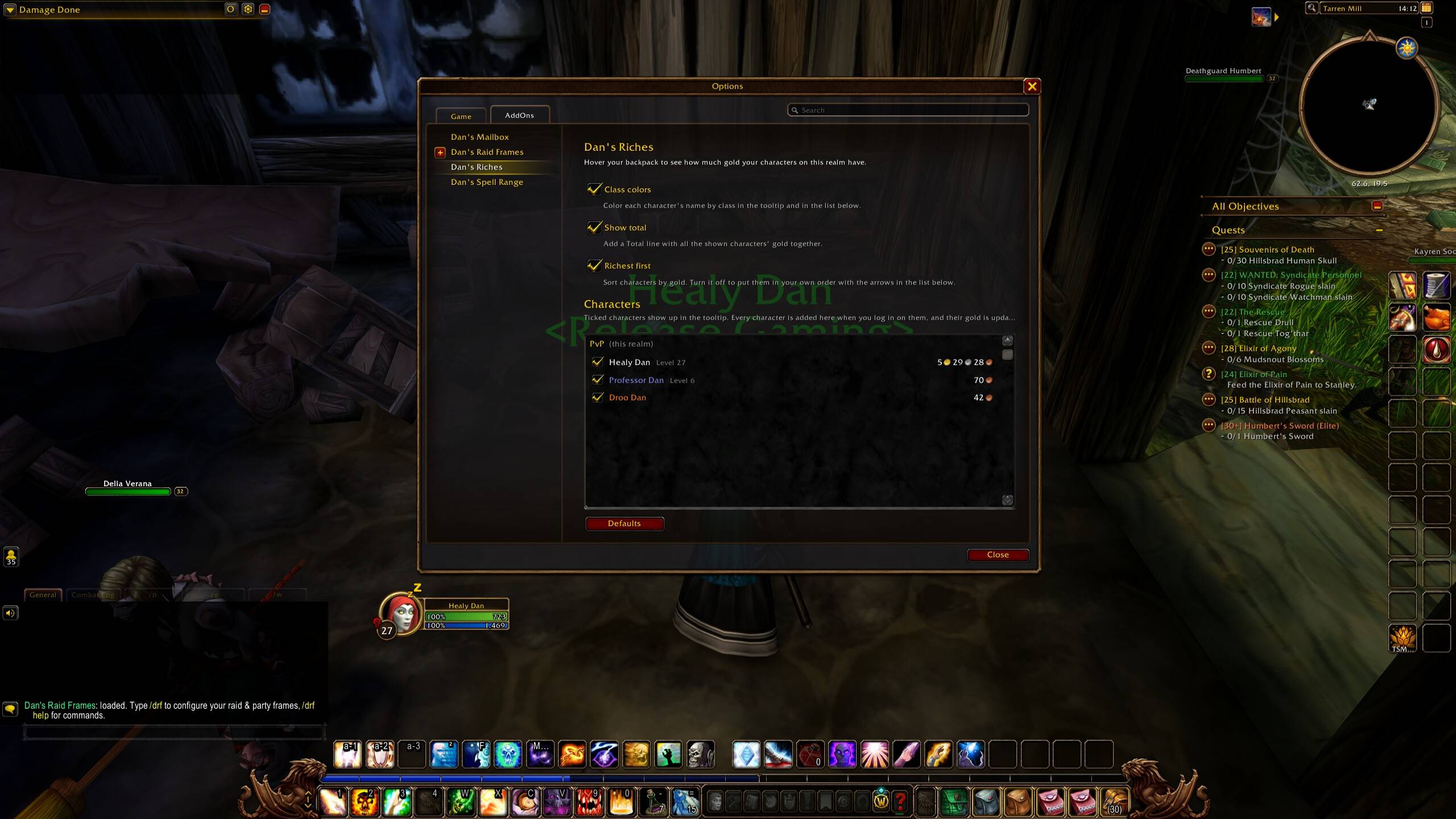
The options page lists all your characters with their level and gold.
- Tick or untick a character to show or hide them in the tooltip
- Richest first, or turn it off and put them in your own order with the up and down arrows
- Class colors and the Total line can each be turned off
Alts you haven't played yet
If you use Syndicator (it comes with Baganator), the characters it already knows show up straight away with their last known gold.
Usage
Hover your backpack. To change what's shown, type /riches, or open Esc → Options → AddOns → Dan's Riches.
/riches reset: reset all settings and show every character again
Good to know
- A character's gold is known once you've logged in on them with Dan's Riches (or Syndicator) installed.
- WoW Forever names are unique per ruleset and the server you land on can change, so characters are grouped by PvP, PvE or RP instead of by server name.
- Both factions are listed together.
Also by me
- Dan's Mailbox: tick mail to take or return it all at once, and mail your alts in two clicks
- Dan's Raid Frames: resize, rearrange and move Blizzard's party and raid frames without Edit Mode
- Dan's Spell Range: thicker, bolder action bar keybinds that turn red out of range
Source and bug reports: github.com/MachineDan/Dans-Riches
Dan's Riches Team