DandyMap - Resizable Terrain Map & Quest Pins
- By
A detailed terrain world map designed to feel like it belongs in vanilla. Explore Azeroth with quest navigation, map markers, and the familiar Forever UI. No extra map download required.
Screenshot 2026-09-26 145127.png
Screenshot 2026-09-26 144830.png
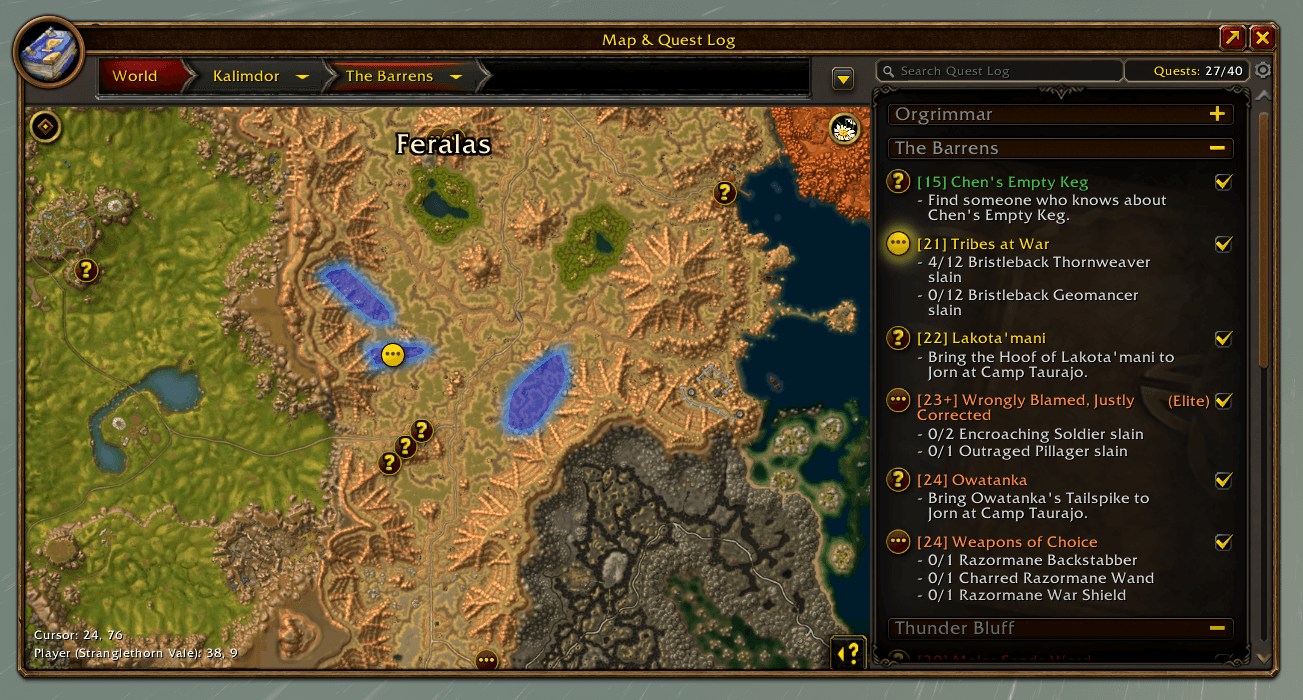
Screenshot 2026-09-26 144918.png
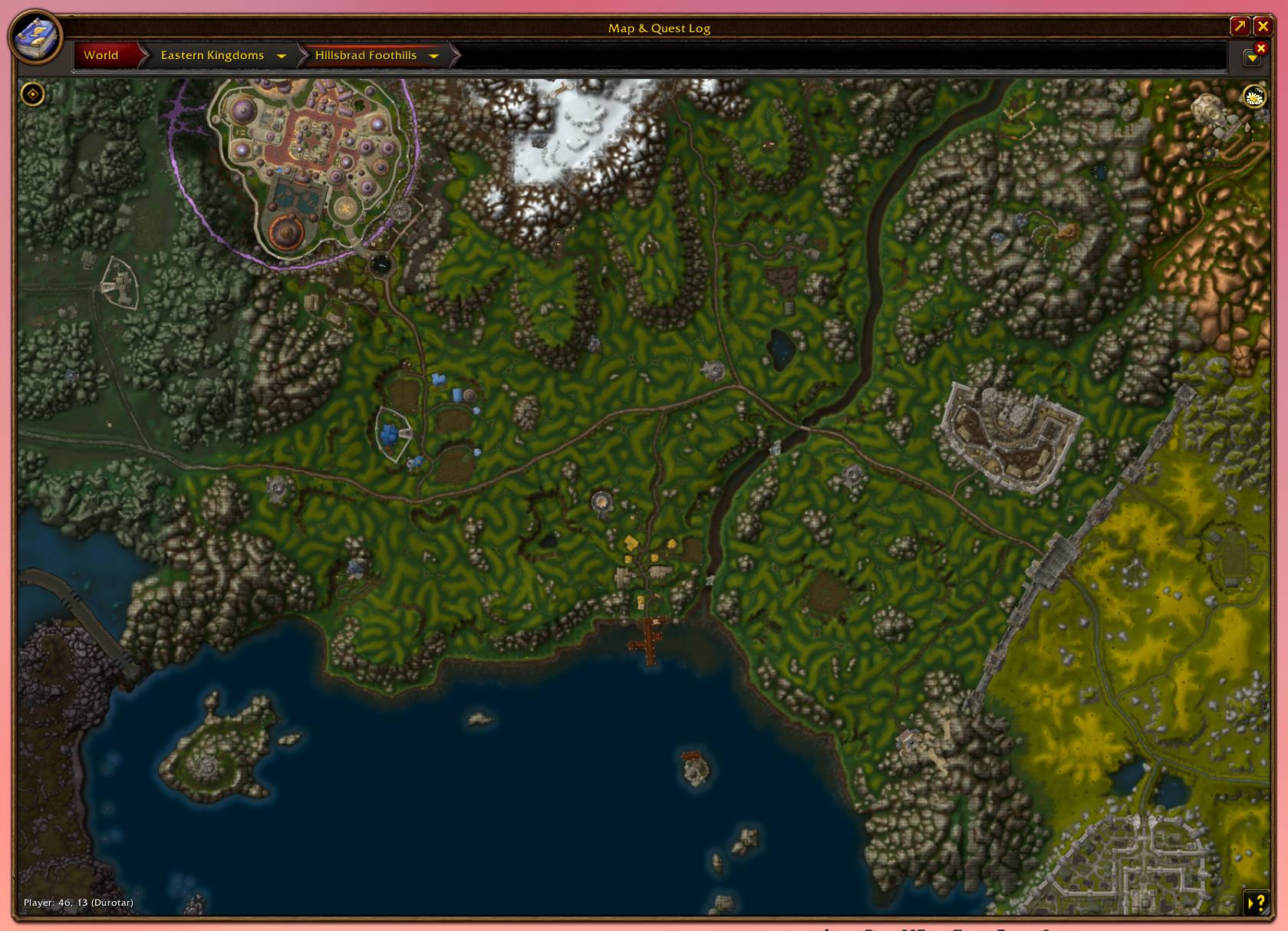
dandymap.jpg
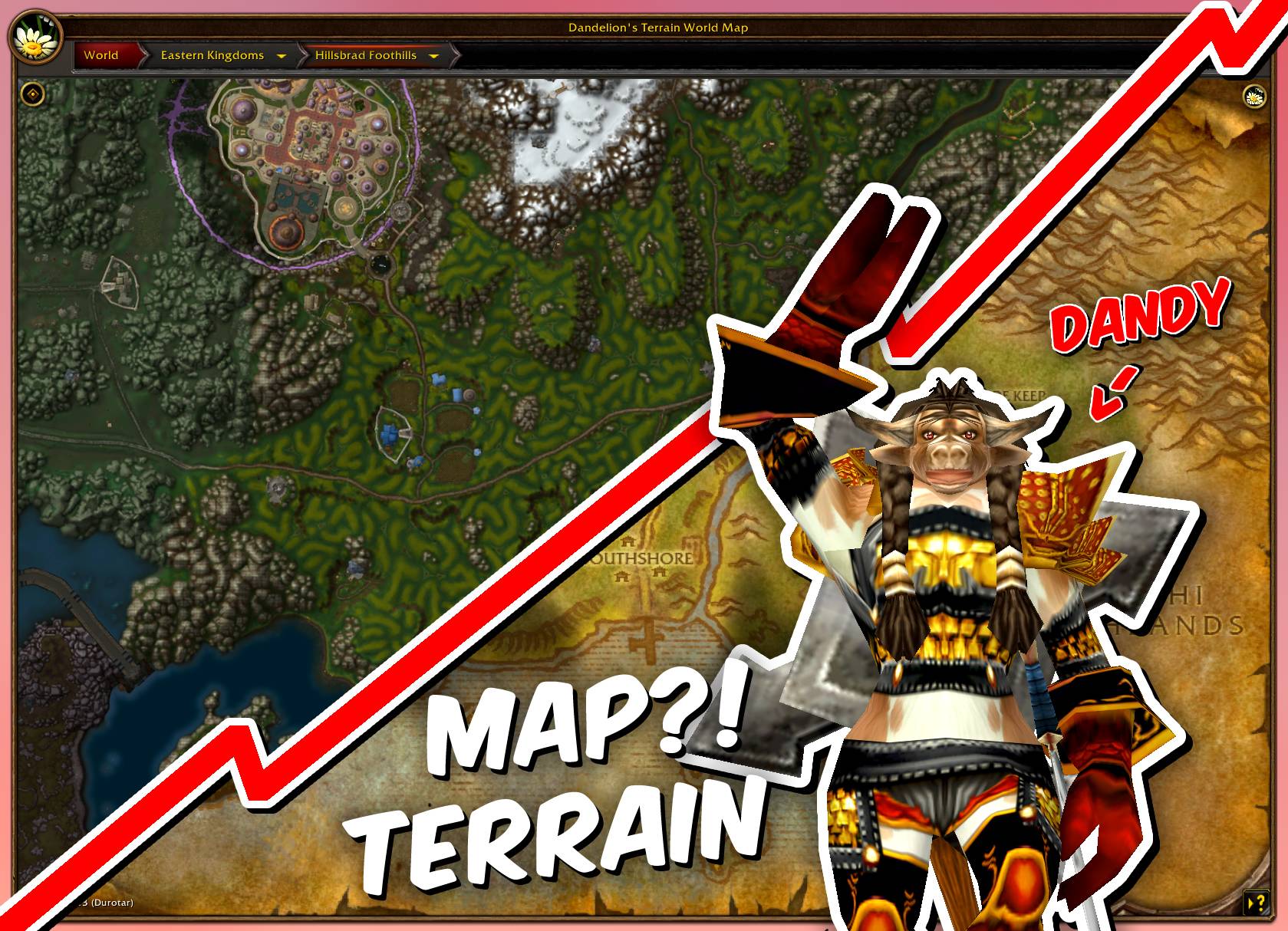
dandymapbanner.jpg
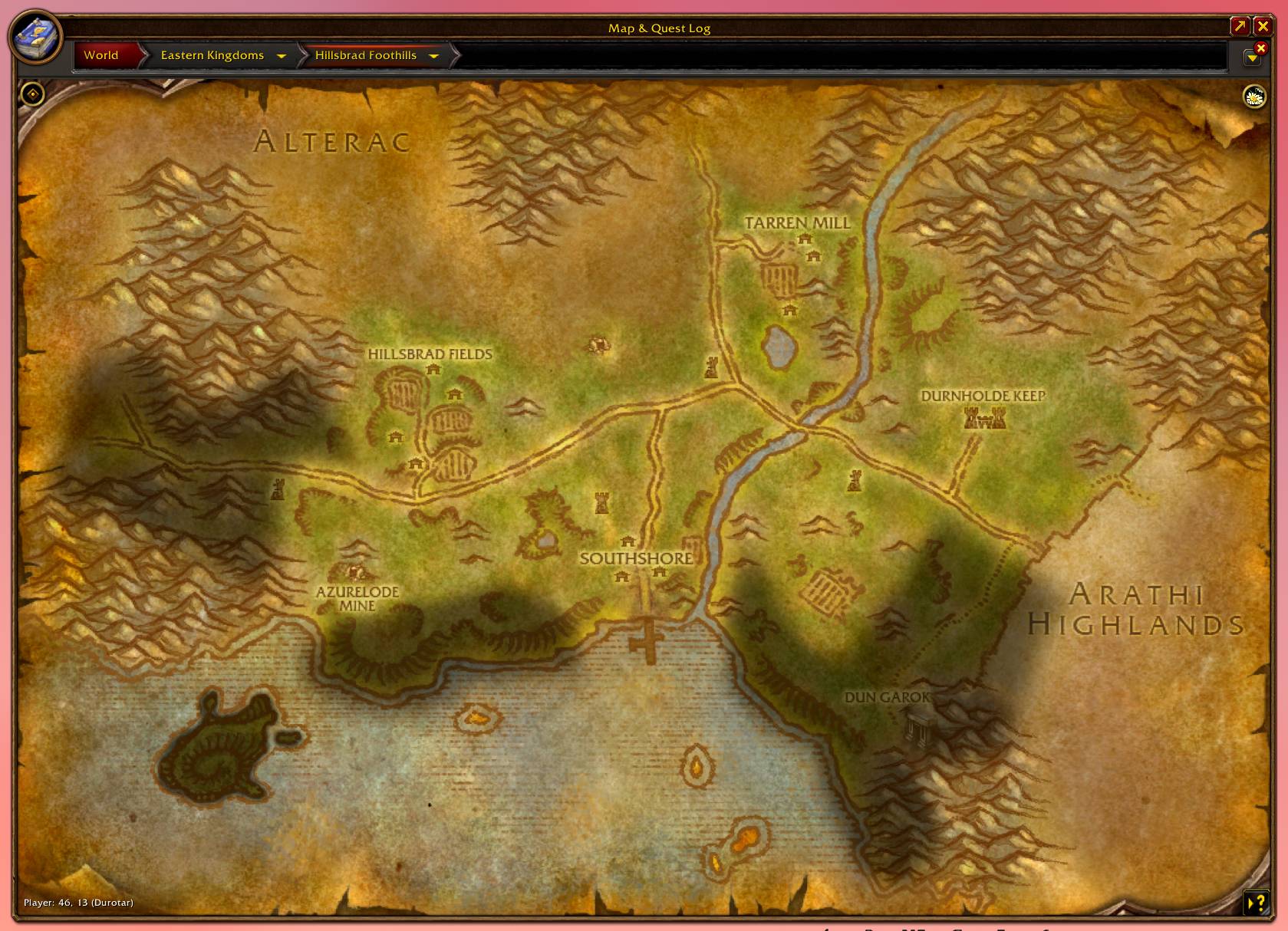
mapdiscovered.jpg
Screenshot 2026-09-26 145049.png
Description
DandyMap
A detailed terrain world map designed to feel like it belongs in vanilla.
Explore Azeroth with terrain maps, quest navigation, useful location filters, and Blizzard’s familiar controls.
No additional map download is required. DandyMap uses terrain textures already included in your game.
For pre-rendered terrain tiles, prebuilt zoom levels, enhanced water, and additional interior maps, download the optional DandyMapData Texture Pack.
Built for WoW Forever beta 1.60.1.
Explore Azeroth
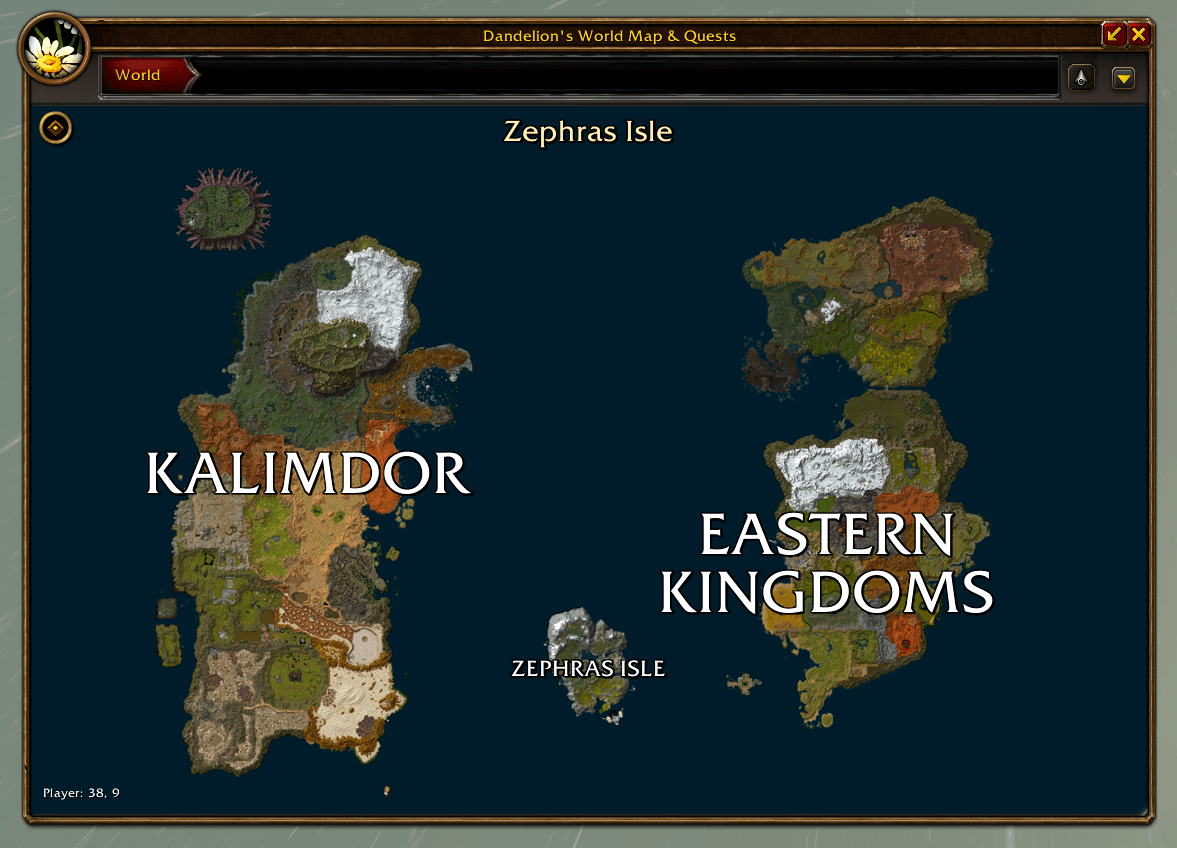
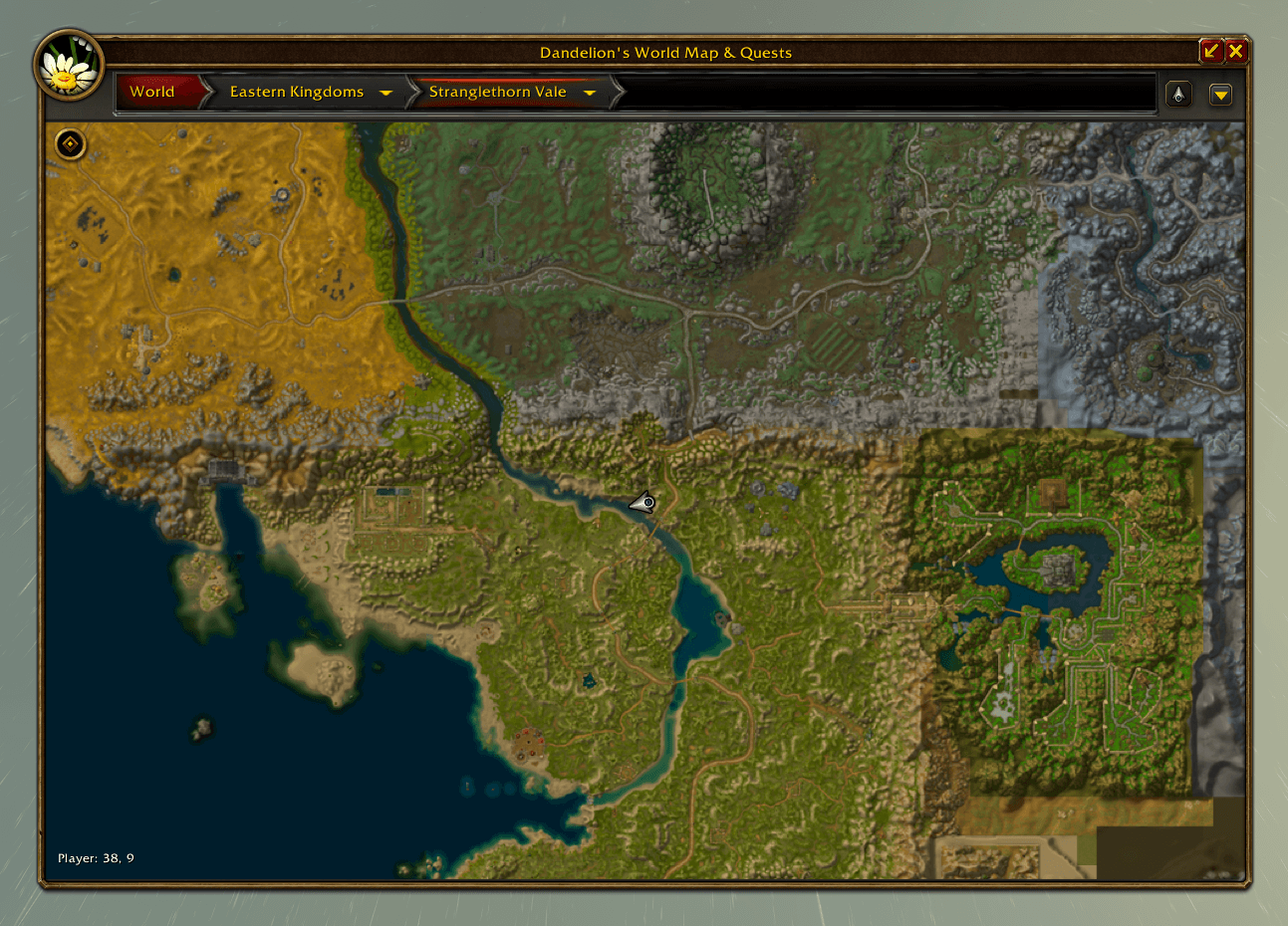
- Terrain maps for Eastern Kingdoms, Kalimdor, and Zephras Isle.
- A movable, resizable map window with fullscreen mode.
- World, continent, and zone navigation.
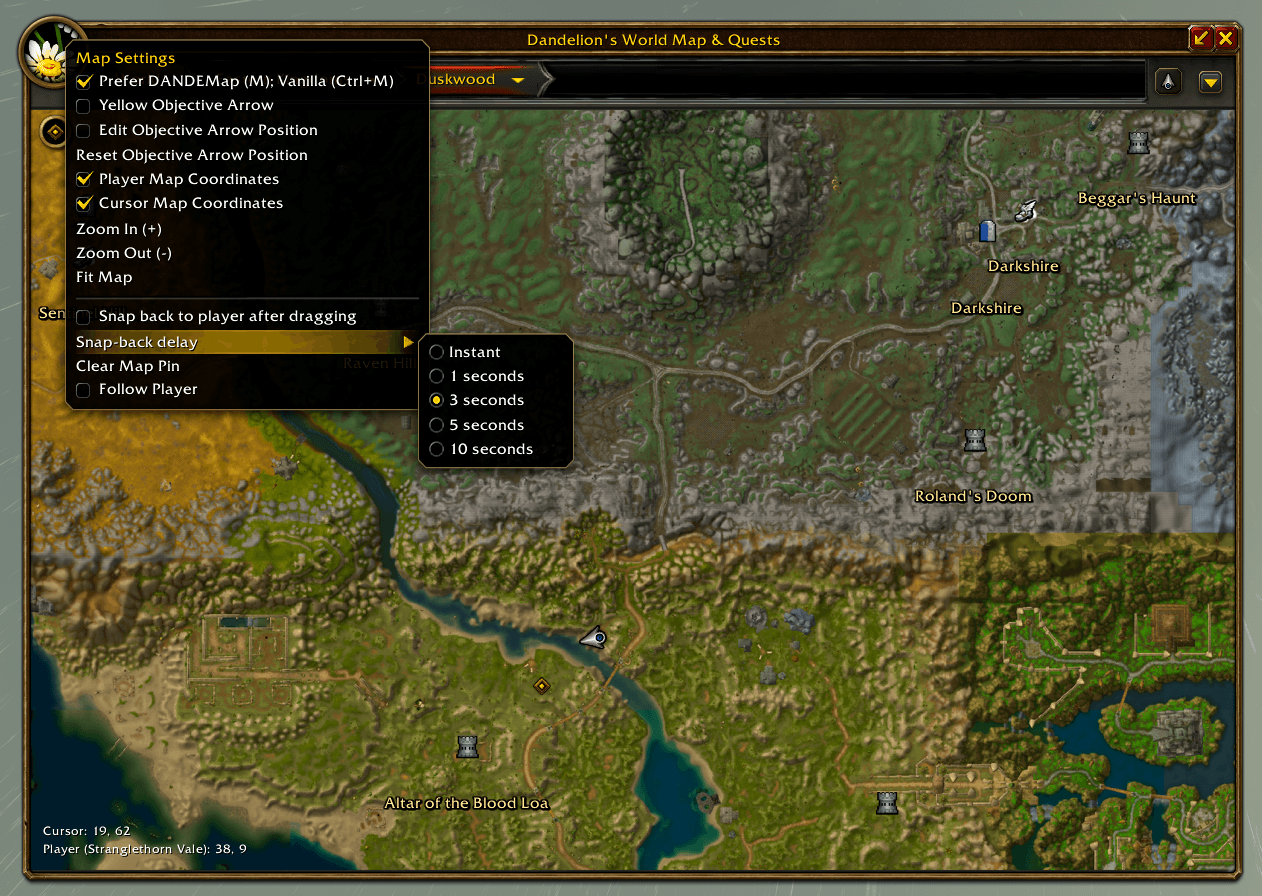
- Smooth zooming, dragging, follow-player controls, and adjustable snap-back.
- Optional fading while moving.
- Player and cursor coordinates.
- Faction-colored town labels and optional zone level ranges.
- Interior terrain overlays for Ironforge and Undercity.
- Party markers with names and optional class icons.
- Corpse locations, guard directions, personal waypoints, and navigation pointers.
Pins load for the area you’re viewing, letting you pan into neighboring zones to explore their locations. Adjustable pin distances and grouped markers help control clutter.
Quests and navigation
- Native quest icons, objective areas, and a movable objective arrow.
- An optional Blizzard quest-log sidebar, retaining quest details, rewards, and familiar controls.
- Tracking options for all quests, completed quests, uncompleted quests, dungeon quests, and your current zone.
- Optional automatic untracking when quests are ready to turn in.
- A picker for abandoning selected gray quests, with confirmation before abandonment.
Discover additional quest sources through three independent filters:
- Quest-starting Drops: creatures that drop items starting quests.
- Quest-starting Objects: objects that start quests or supply starter items.
- Quest Objects: quest-item pickups, containers, interaction objectives, and object-based turn-ins.
Only quests I can currently do hides completed, accepted, wrong-level, and prerequisite-locked sources using the available quest data. Reputation, profession, and server-specific requirements may still apply.
Find useful locations
Choose what appears through organized filters for:
- Towns, cities, banks, auction houses, inns, mailboxes, and repairs.
- Class trainers, profession trainers, suppliers, and reagent vendors.
- Flight masters, boats, portals, and other transport.
- Dungeon and raid entrances.
- Creatures, rares, elites, herbs, minerals, fishing pools, and collectibles.
- Graveyards, spirit healers, seasonal content, and World & Events.
My Faction & Usable Services Only filters services using recognized faction, class, and profession restrictions. Profession suppliers use profession colors. Stable masters show by default for hunters with new settings.
Simplified Service Pins groups nearby matching services into one marker. Hover to see the NPCs represented, or disable grouping to show individual locations.
Green flight-path icons mark routes not yet confirmed as learned. Opening a flight master’s window records the current and reachable routes separately for each character.
Optional addon integrations
Questie is optional. DandyMap includes a private QuestieDB provider for location data and prefers a compatible enabled standalone provider when available.
- Questie: live quest pins, party objectives, townsfolk, notes, patrol routes, and familiar tooltip actions.
- Attune: quest-giver pins, character-specific next steps, and terrain in supported quest-detail maps.
- Forever Dungeon Journal: terrain in supported dungeon maps, retaining native boss interactions and floor controls.
- ClassicUI Forever: automatic detection of its enabled world-map skin, including silver, bronze, dark, custom, and flat styles. Manual selection is available under Map Theme.
- DandyUI: matching terrain-window border styling.
Attune and Dungeon Journal terrain views can switch back to their original maps using the peacebloom button. Unsupported locations fall back to the original map.
Optional enhanced textures
Download DandyMapData: Enhanced Textures on GitHub
The optional pack adds prebuilt terrain tiles, enhanced water, and additional exported interior artwork. DandyMap detects it automatically when enabled.
- Download DandyMapData-1.2.zip from the release assets.
- Close WoW and extract the DandyMapData folder into
Interface/AddOns. - Check that
Interface/AddOns/DandyMapData/DandyMapData.tocexists, without an extra nested folder. - Restart WoW and enable both DandyMap and DandyMap - Local Textures.
The current download is approximately 1.25 GiB, using 6.31 GiB when installed. Download the texture ZIP rather than GitHub’s Source code archives.
The pack contains 67 exported map datasets, including some unused client maps. Not every interior floor is supported.
Make it yours
Customize map pins, your player marker, and navigation pointers through the searchable icon picker. Save your choices or share them through import and export.
Settings are available through the peacebloom menu and Options → AddOns → DandyMap.
- M: Open your preferred map.
- Ctrl + M: Toggle the default map. Both maps can remain open.
- /dandymap: Toggle DandyMap.
- /dandyicons: Open the icon picker.
- Mouse wheel: Zoom.
- Drag: Pan.
- Right-click the peacebloom: Open settings.
Parchment settings let you Show Unexplored Areas and Dim Unexplored Parchment independently.
Existing saved settings and personal icon choices are retained when updating.
Notes and support
Database locations can differ from the current Forever world. Some markers represent conditional or unused content, and NPCs may move or have multiple spawn locations.
Terrain fog remains experimental and disabled by default.
For bug reports, include your client build, location, reproduction steps, and any Lua error. For misplaced pins, include the NPC or object name and enabled pin source.
Credits
- Blizzard Entertainment: original terrain, artwork, and native UI.
- Questie and QuestieDB: quest and location data.
- wow.export: client terrain, texture, and metadata extraction.
- wow.tools.local and WoWDBDefs: client data inspection and schema references.
- Wowhead and community world maps: reference and inspiration.
Third-party artwork, data, and tools retain their respective rights and licenses.
DandyMap is an unofficial community addon, unaffiliated with or endorsed by Blizzard Entertainment.
DandyMap - Resizable Terrain Map & Quest Pins Team