


CurtainCall
- By

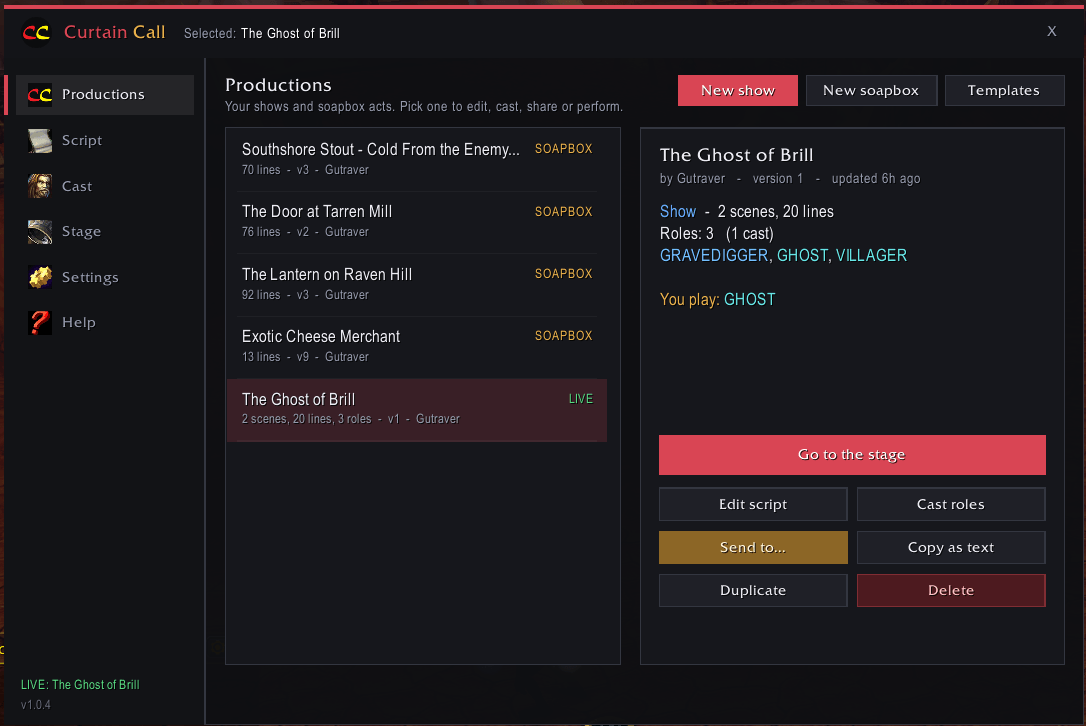
Manage and view saved shows, soapboxes, and live performances currently running .
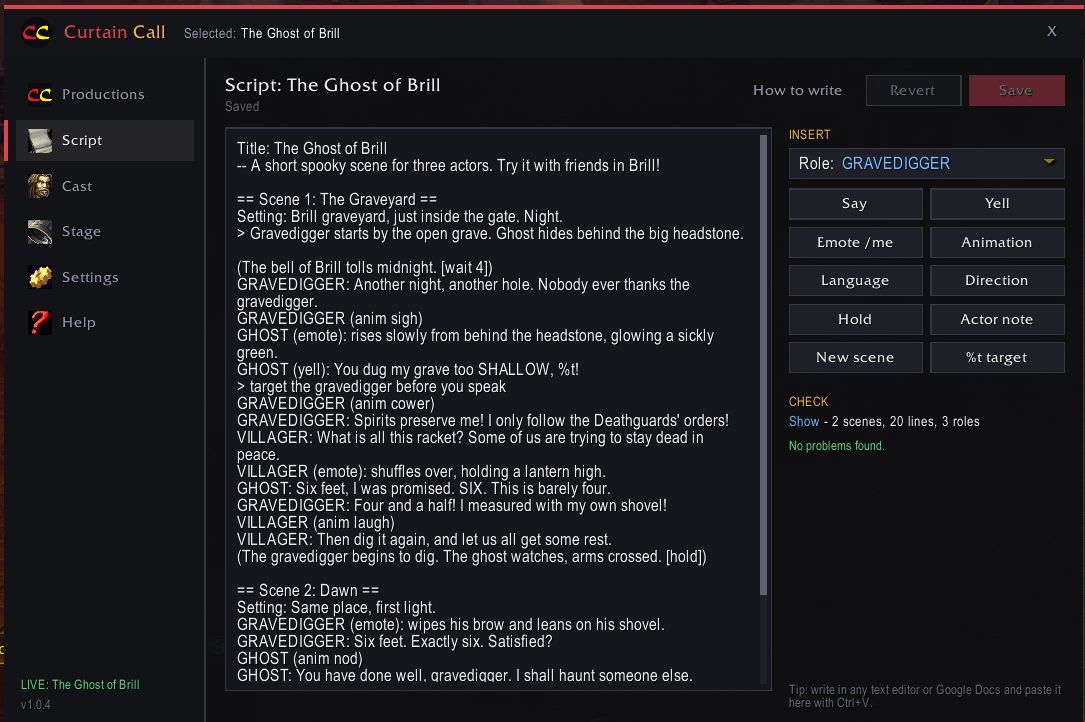
Edit scripts, in detail, with the help of commands all in one place (or paste from another text document!).
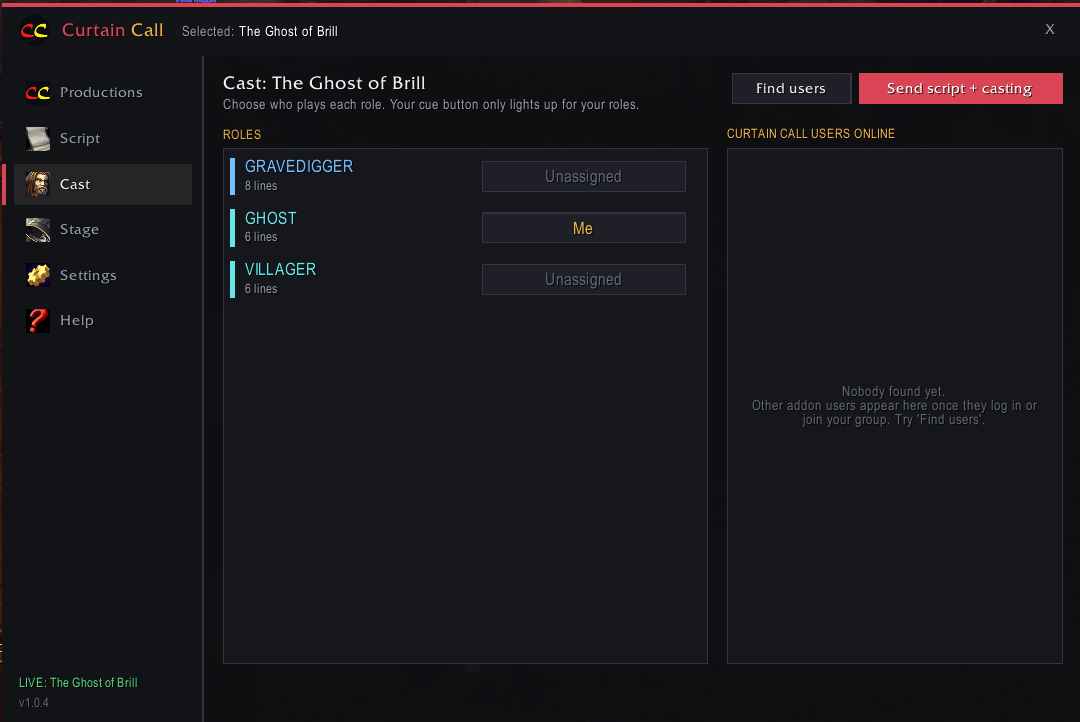
Manage your cast and assign specific roles.
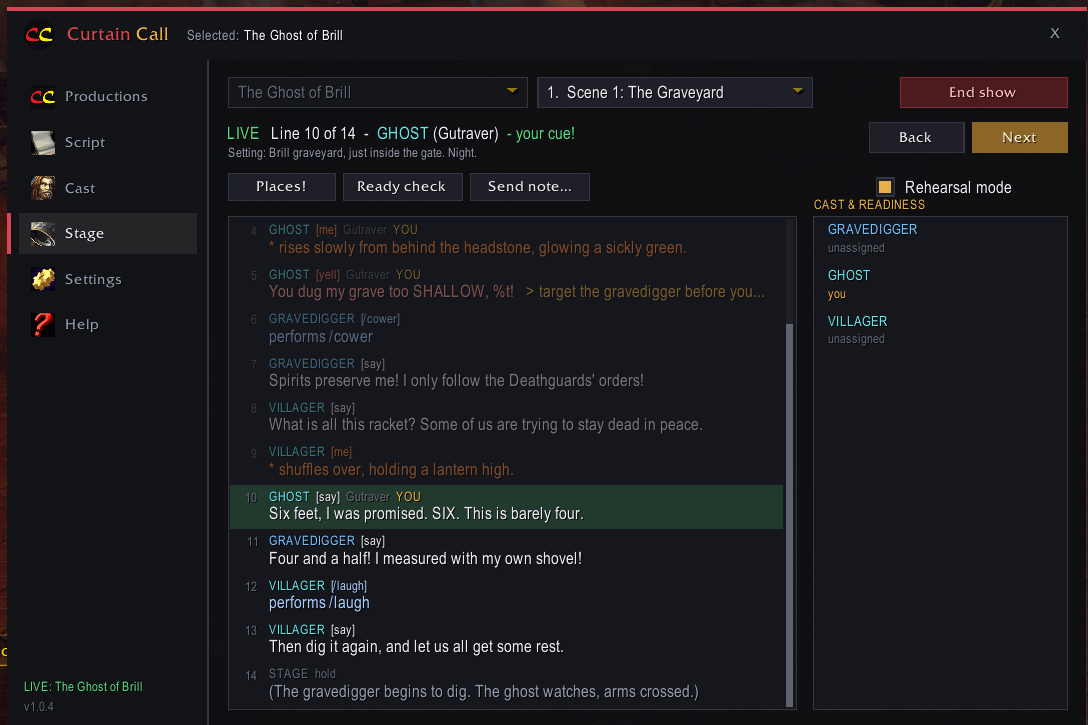
This is where the magic happens when it's time to perform. Set the stage or rehearse for a future performance.
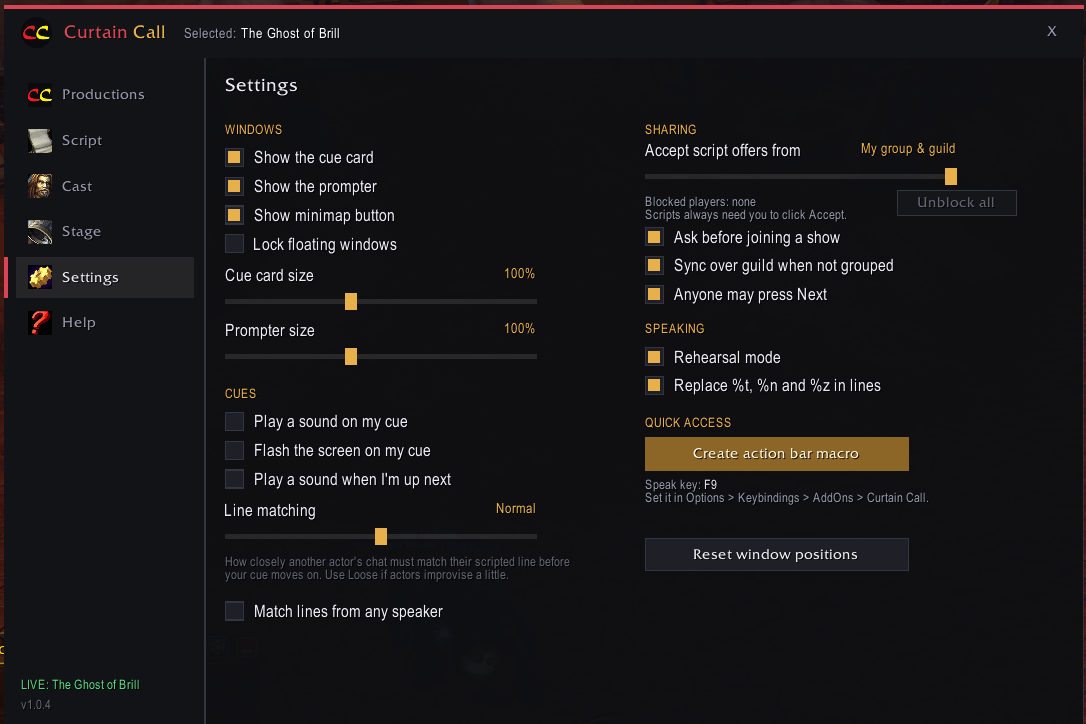
Adjust prompter or cue card size and set cues to your preferences along with other settings you may want to change!
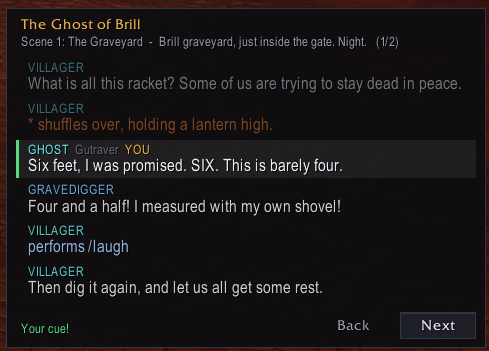
In-game prompter window so you can close the main addon window and visually see the play's progress. Does not open in Soapbox mode.
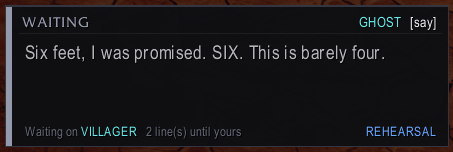
Not time for you to speak? No problem. The cue card will let you know how many lines will need to be said before it's time for you to speak and who is currently saying their line.
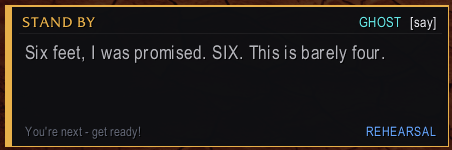
Yellow cue warning when your line is the next line spoken.
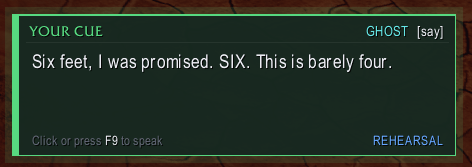
A green cue card lets the player know it is time for them to speak their line.
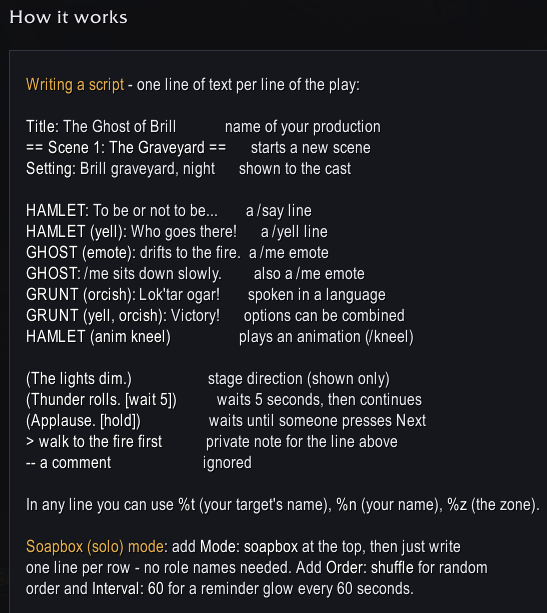
A short guide on how to format each line of your script using the in-game addon or pasted in by using another text editor of choice.

Here's a fine example of what a script would need to look like to randomize what your character says and how often you should be reminded to say it. Don't forge to add "Repeat: yes" under the "Mode" if you don't want a hard end to the show!
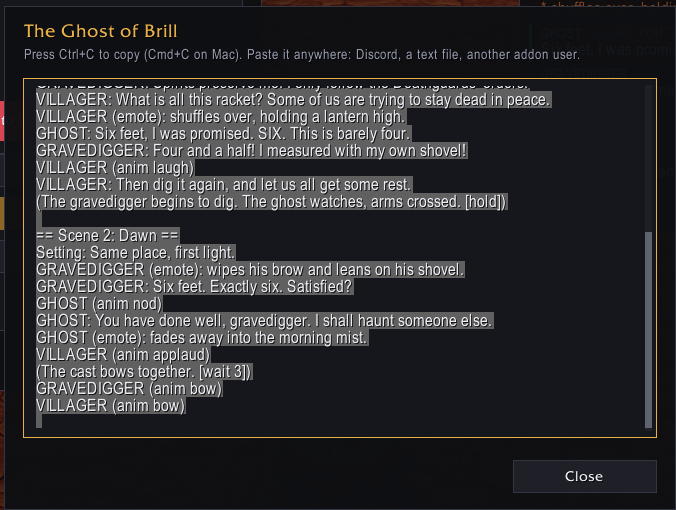
Need to share the script with another addon user? This addon has you covered!

Here's a few templates to get you started. Check each one out for some ideas on formatting, script writing, and what you can do with the addon! You'll find this on the Productions tab.