CombatStatus
- By
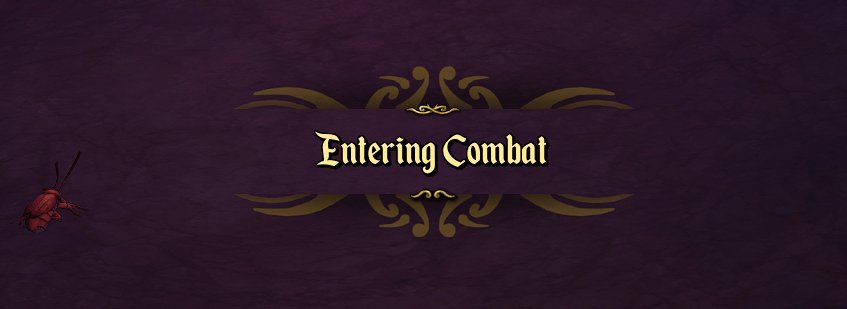
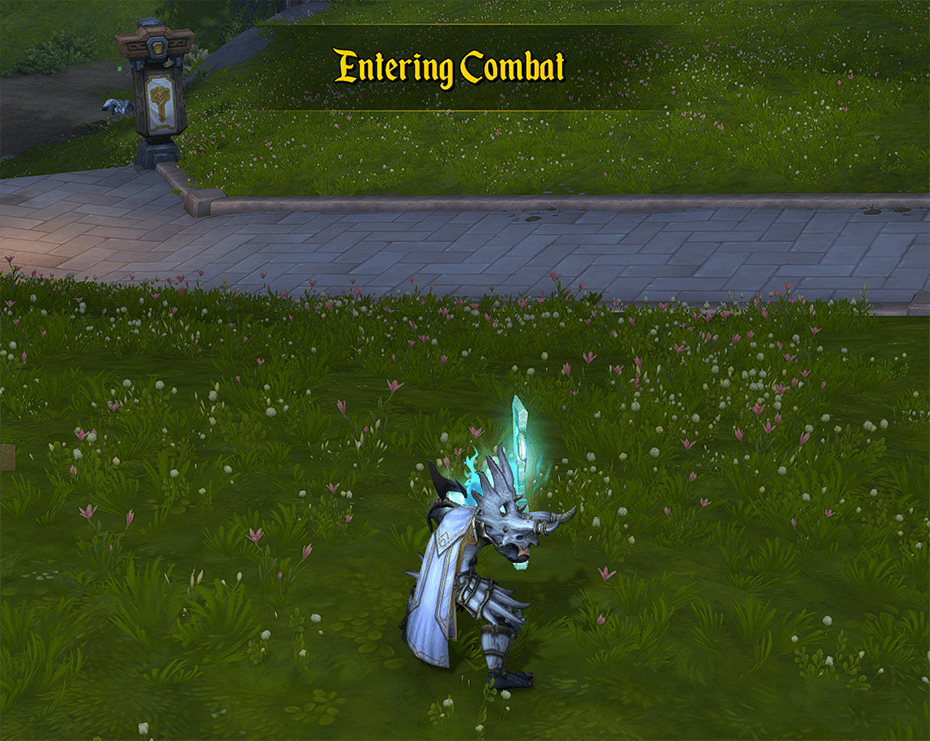
CombatStatus is a small add-on that displays when combat begins and ends above the character.
2026-03-14 19_32_52-World of Warcraft.png
2026-03-01 20_19_00-World of Warcraft.png
2026-03-01 20_18_20-World of Warcraft.png
Description
CombatStatus is a lightweight, fully customizable World of Warcraft addon that displays a bold, animated on-screen alert the moment your character enters or leaves combat. Instead of relying on the game's subtle, easy-to-miss default combat indicator, CombatStatus puts a large, clearly readable message right in your field of view — exactly where you need it.
What Does It Do?
The moment your character enters combat — whether you attack an enemy or one attacks you — a large animated text message fades onto your screen: "Entering Combat". When you leave combat — after killing all enemies, fleeing successfully, or simply losing aggro — the corresponding message "Leaving Combat" appears. Both notifications smoothly fade in, stay visible for a configurable duration, then fade out. Every aspect of this behavior is under your control.
This information is crucial during the chaos of raids, dungeons, and PvP encounters, where knowing your combat state determines whether you can eat, use certain items, bandage yourself, or cast out-of-combat spells.
Why Download This?
Vanilla WoW only indicates combat status through the small red crossed-swords icon on your character frame — an indicator that's trivially easy to miss when your eyes are tracking ability cooldowns, health bars, and boss mechanics all at once. CombatStatus fills this gap with a clear, prominent, and polished screen notification that makes your combat state impossible to miss.
Whether you're a healer who needs to know the instant you can start casting out-of-combat heals, a tank who can't afford to miss the pull trigger, a PvPer who needs split-second awareness of your combat state, or simply a player who has ever eaten food during a fight by accident — CombatStatus gives you exactly the information the base game is missing, delivered exactly the way you want it.
Features
- Combat Status Alerts
- Fully Customizable Position
- Three Color Modes (Class Color, Warning Yellow/Gold, Red)
- Font & Font Size
- Frame Size & Scale
- Three Background Styles (none, black, texture)
- Full Animation Control
- Minimap Button
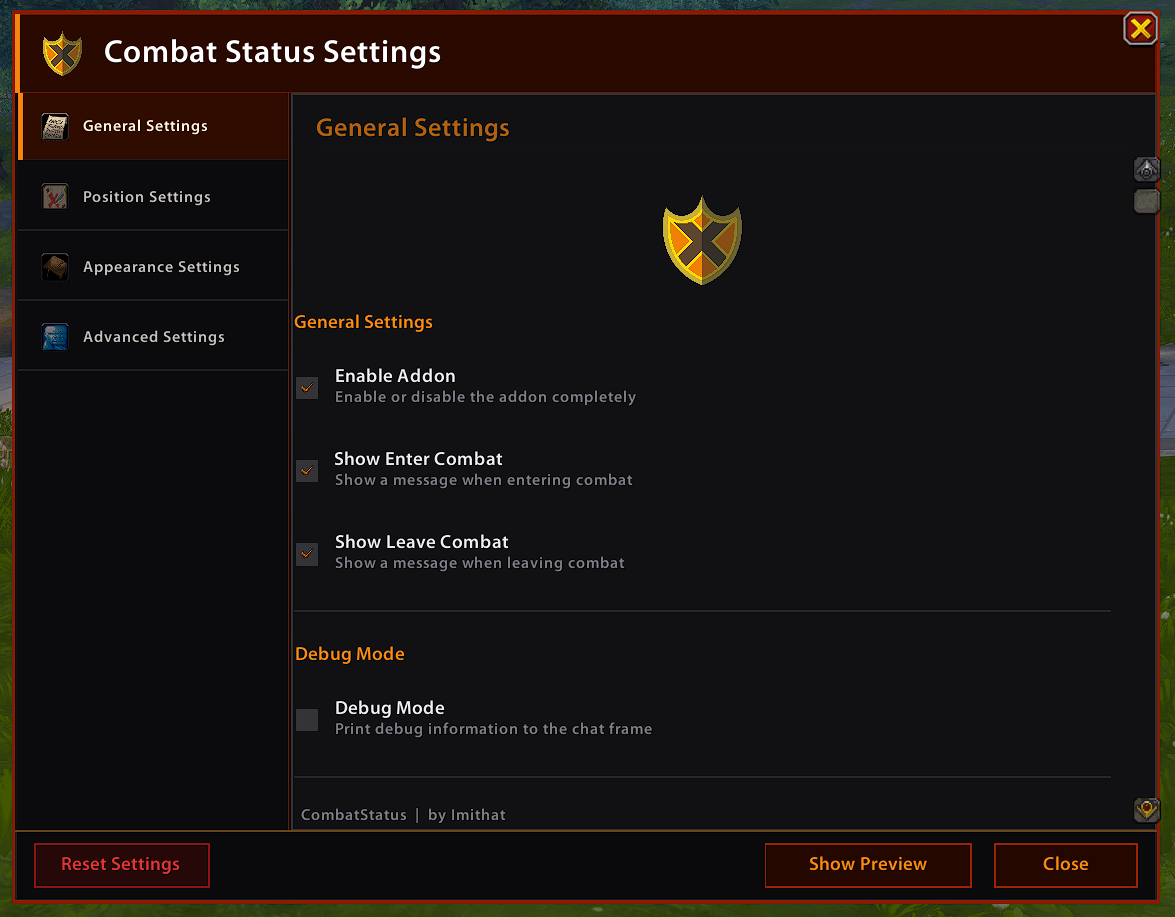
- In-Game Settings GUI
Slash Commands
/cs or /combatstatus — Open the settings window
/cs enable / /cs disable — Enable or disable the addon
/cs toggle — Toggle the addon on/off
/cs preview / /cs test — Show the live preview
/cs reset — Reset all settings to defaults
/cs debug — Toggle debug mode
/cs help — Show all available commands
Localization
CombatStatus includes localization files for English (enUS) and German (deDE). The interface and all alert messages automatically display in the language of your WoW client.
Inspired by the add-on ‘Inked! Retail’ by keivamp.
CombatStatus Team