2026-08-02 14_17_56-World of Warcraft.png
2026-08-02 14_18_17-World of Warcraft.png
Description
What Does StatOrb Do?
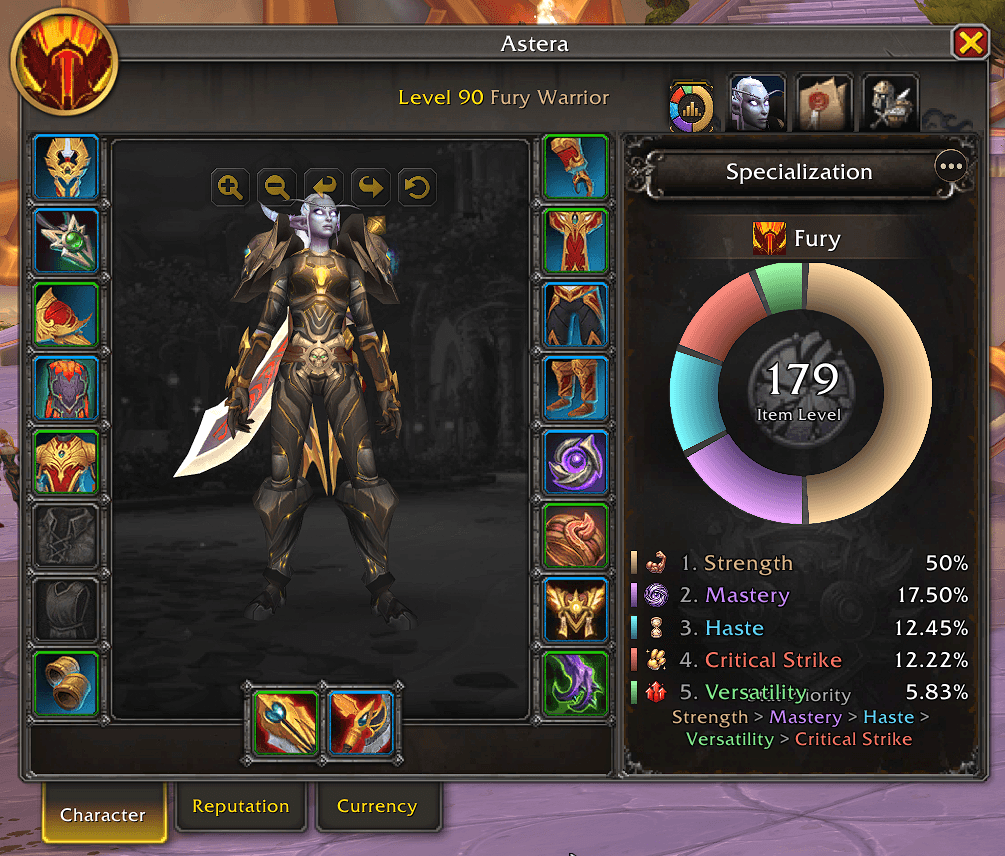
StatOrb shows a clean, modern stat priority chart next to your character window. It visualizes your current secondary (and optional primary) stats at a glance — so you always know where your gear stands for your spec.
Feature Breakdown
- Auto priority — Follows your current spec’s recommended stat order automatically
- Manual selection — Pick exactly which stats to display
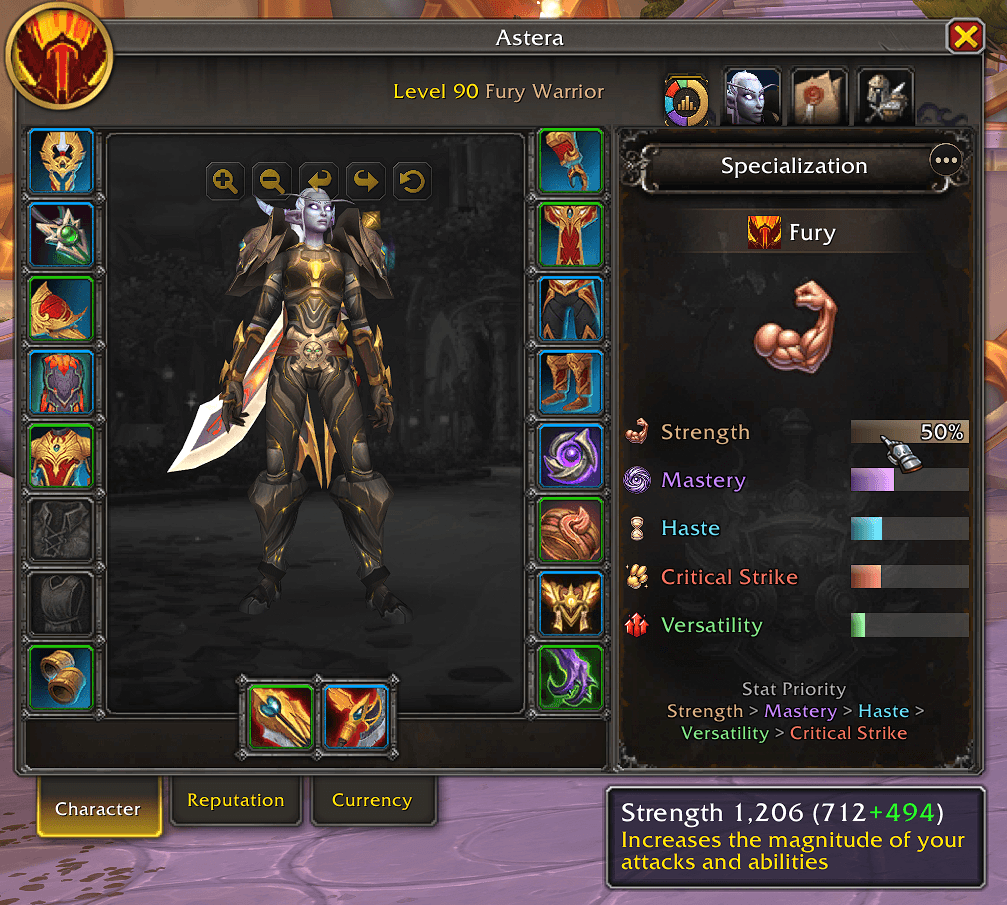
- Circle & bar layouts — Switch between a circular chart and a bar view
- Themes — Classic, ElvUI, Metal, or Auto
- Character-frame embed — Optional sidebar tab inside the character window
- Flexible placement — Anchor to the character pane or free-move and resize
- Live details — Ratings, effects, item level, legend, and share support
How Does the Addon Change Your Play Experience?
No more digging through tooltips to compare Crit, Haste, Mastery, and Versatility. Open your character sheet and instantly see your stat balance against your spec priority — clearer gear decisions, faster upgrades, less guesswork.
The StatOrb Team