


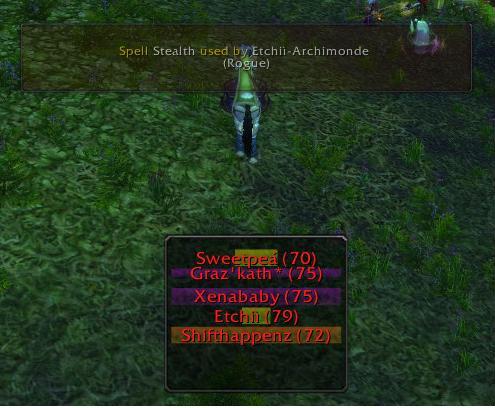
This show class bars on the whos near window and that codes kos can warn you about any spell being used
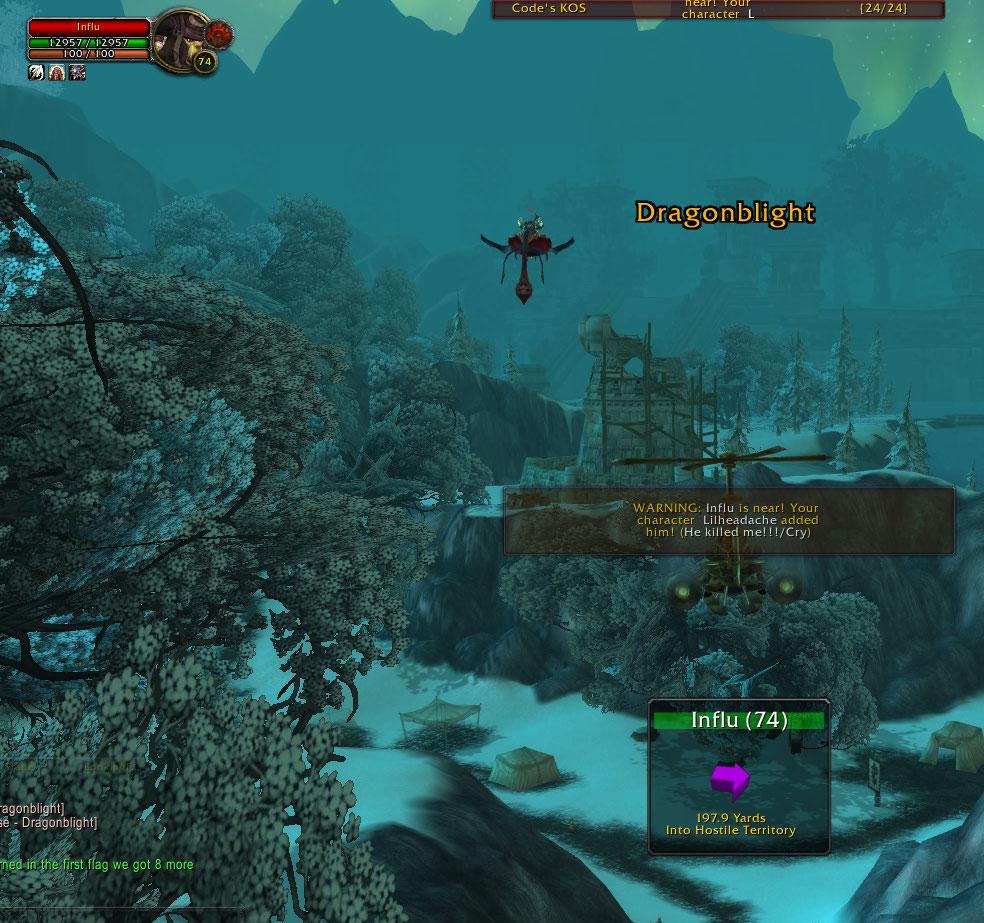
This is the same as the Spell Warning Window, but its also used for KOS Warning. You can turn it off and on in the interface.
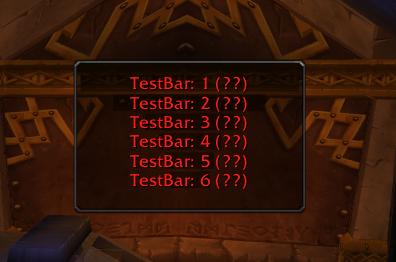
Test bars lets you move and resize so you get KOS just right!
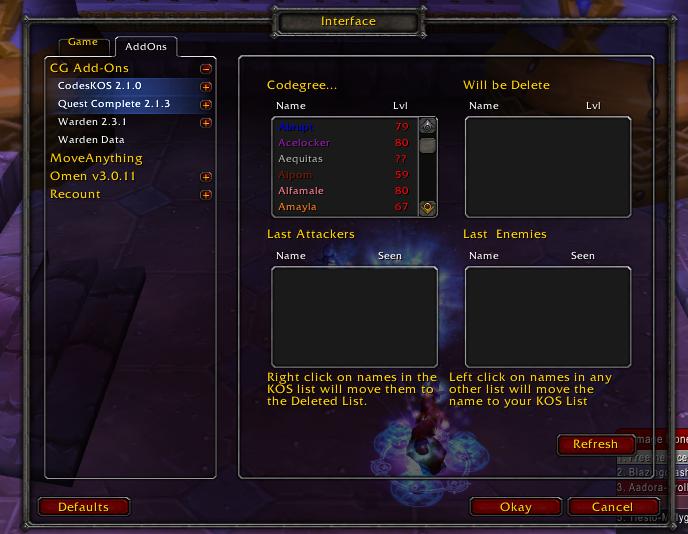
This is the main menu, and has mouse over help for easy use!
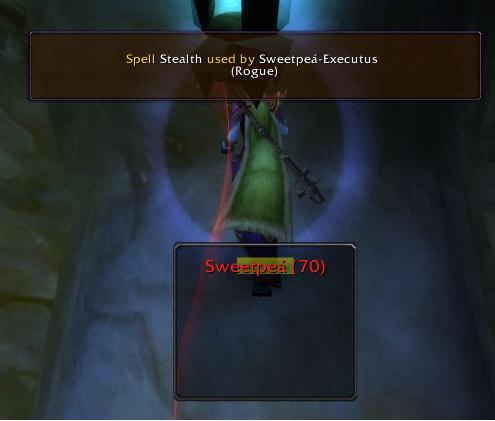
The Warning Window fades in and out and has no mouse or keyboard inputs, so it won't mess you up in combat.
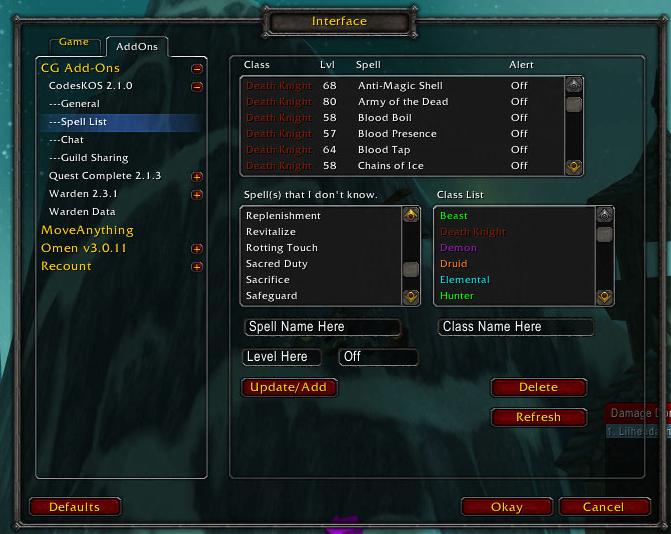
This is the Spell Editor, you can add spell and what level there learned at. This helps KOS Guess lvls faster and on Skulls. Also, you can have KOS warn you about Spells that are cast around you.
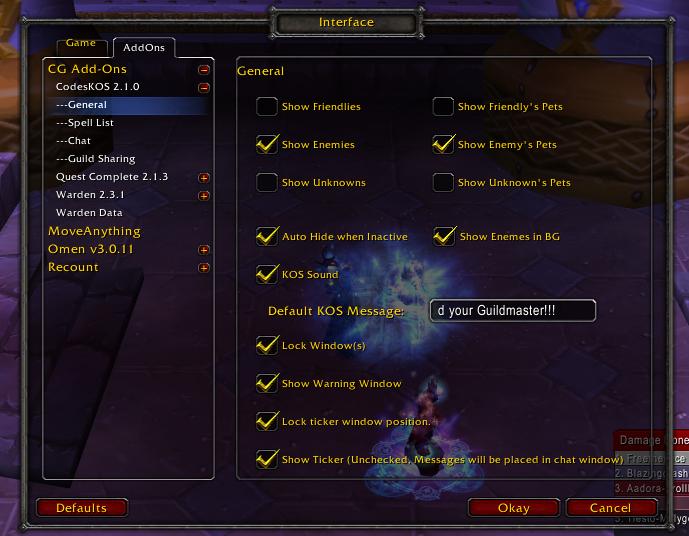
This is the Options page, so you can custmize all you want to.