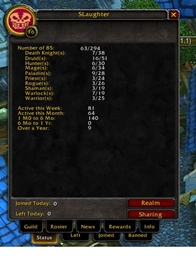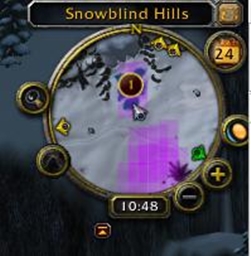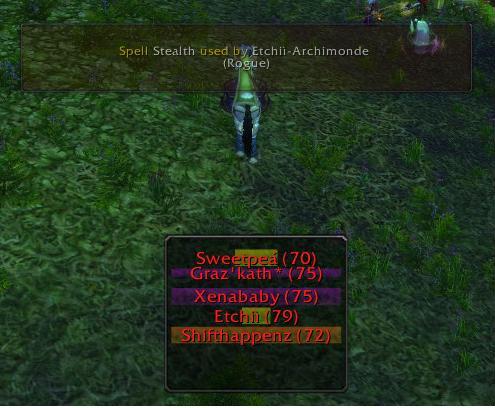
This show class bars on the whos near window and that codes kos can warn you about any spell being used
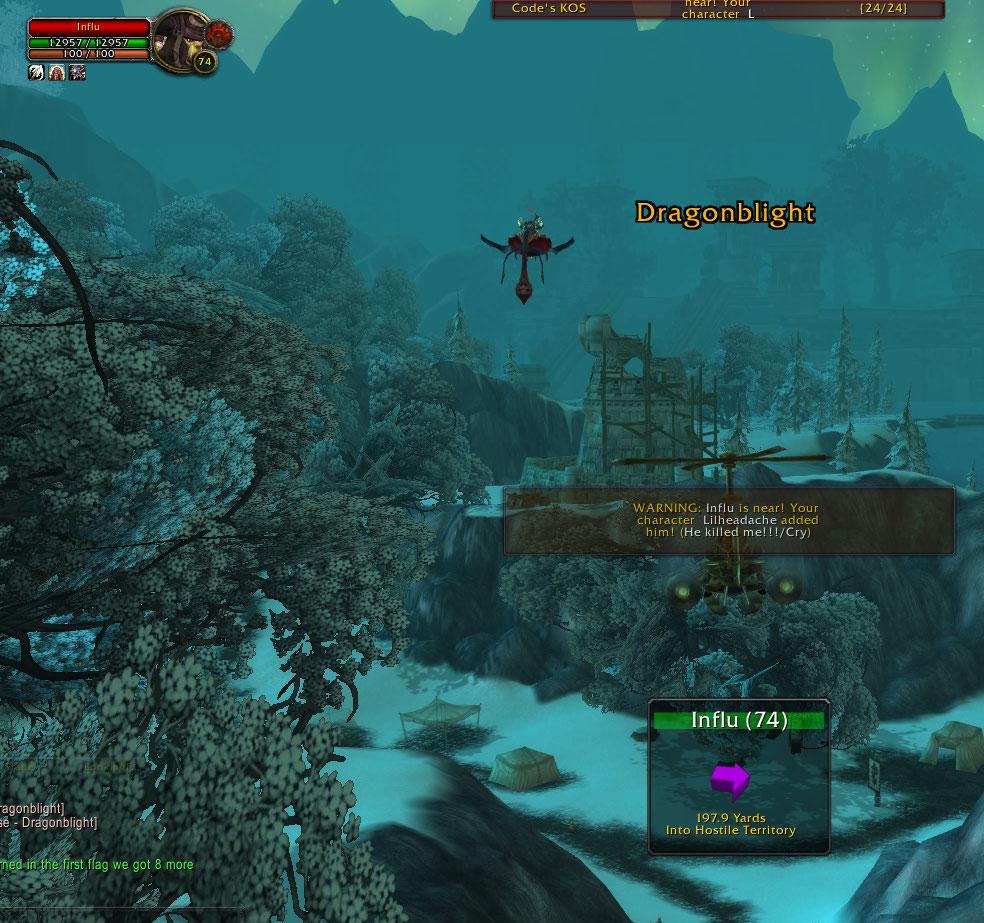
This is the same as the Spell Warning Window, but its also used for KOS Warning. You can turn it off and on in the interface.
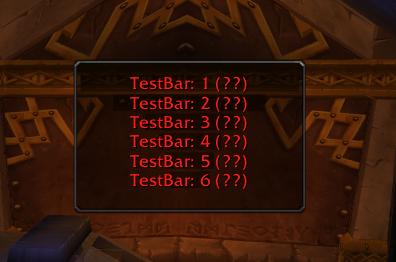
Test bars lets you move and resize so you get KOS just right!
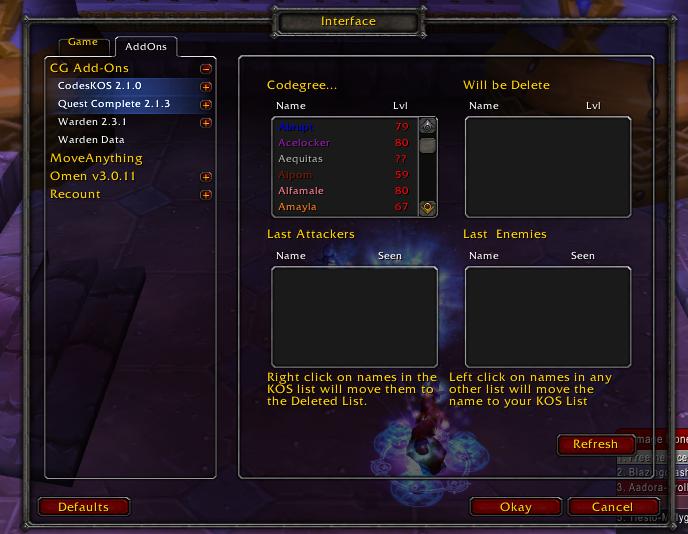
This is the main menu, and has mouse over help for easy use!
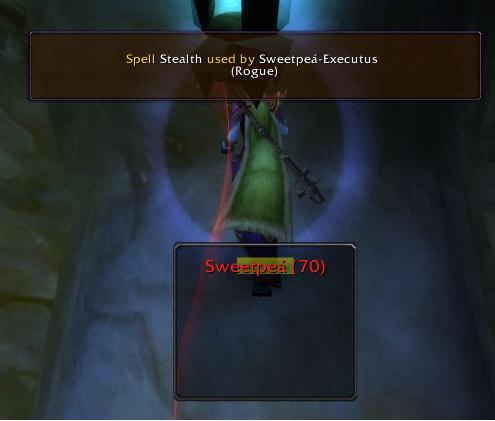
The Warning Window fades in and out and has no mouse or keyboard inputs, so it won't mess you up in combat.
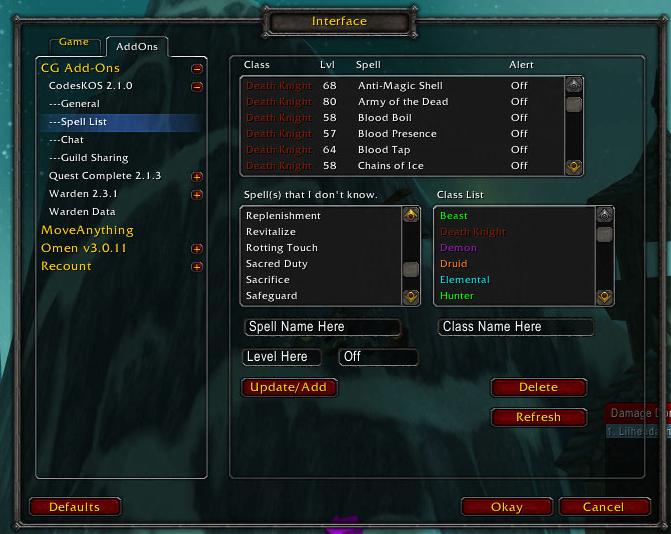
This is the Spell Editor, you can add spell and what level there learned at. This helps KOS Guess lvls faster and on Skulls. Also, you can have KOS warn you about Spells that are cast around you.
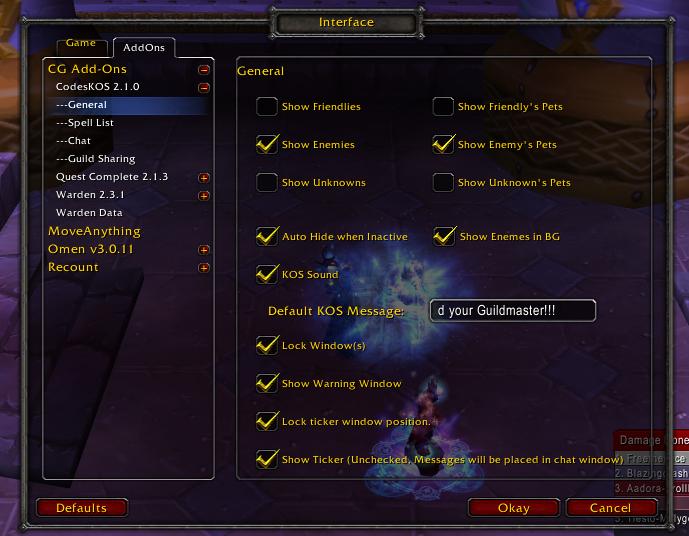
This is the Options page, so you can custmize all you want to.
Description
This is a Kill On Sight addon
it tells you when players are near, even without seeing them...
it guess level of skull based on spell data
it nows what class the player is before you target them
it can warn you about spells being used, like Stealth
I would like to thank every one for there feed back and support...
This was my first add-on, but I have learned a lot and now have a total of 3
there are options!!!
Lets you add players to a KOS list (Tested up to 29,000)
Shares with guild members (Tested up to 6,000 [Didn't want to wait for the rest 29,000])
and it show the most active with class bars that shorten and grows..
Stuff Added
I will update SOON!
it tells you when players are near, even without seeing them...
it guess level of skull based on spell data
it nows what class the player is before you target them
it can warn you about spells being used, like Stealth
I would like to thank every one for there feed back and support...
This was my first add-on, but I have learned a lot and now have a total of 3
there are options!!!
Lets you add players to a KOS list (Tested up to 29,000)
Shares with guild members (Tested up to 6,000 [Didn't want to wait for the rest 29,000])
and it show the most active with class bars that shorten and grows..
        * Green = Friendly
        * Large White = KOS List
        * Red = Enemy
        * Yellow = Not enough Info to tell. (from blizzard)
How Tos
        * Must be unlocked to move
        * Left Click (on border) and drag to move
        * Right Click (on border) and drag to resize
        * Help
                ** Type /kos /help
        * General Options
                ** Go to the "Game Menu (Escape)"
                ** Press "Interface"
                ** Click the "AddOns" Tab... At the top
                ** Click the "+" by "CG Ticker"
                ** Click the "+" by "CodesKOS"
                ** Click "General"
        * Chat Options
                ** Go to the "Game Menu (Escape)"
                ** Press "Interface"
                ** Click the "AddOns" Tab... At the top
                ** Click the "+" by "CG Ticker"
                ** Click the "+" by "CodesKOS"
                ** Click "Chat"
        * Guild Sharing Options
                ** Go to the "Game Menu (Escape)"
                ** Press "Interface"
                ** Click the "AddOns" Tab... At the top
                ** Click the "+" by "CG Ticker"
                ** Click the "+" by "CodesKOS"
                ** Click "Chat"
        * Spell Editor Options
                ** Go to the "Game Menu (Escape)"
                ** Press "Interface"
                ** Click the "AddOns" Tab... At the top
                ** Click the "+" by "CG Ticker"
                ** Click the "+" by "CodesKOS"
                ** Click "Spell Editor"
        * How many you have on your KOS list
                ** Type "/kos /many"
        * For a list of all / commands
                ** Type "/kos /help"
        * KOS List
                ** Type "/kos" or "/ckos"
                ** Left click on any of the 3 boxs to add a player to the KOS
                ** Left clicl on the KOS box to remove a player(You have until log
out before its deleted)
                ** Type "/kos NAMEHERE" to add a player by name (Assumes its an Enemy)
                ** Change the reason
                	*** right click on the name in the KOS box (moves it to deleted BOX)
                	*** left click on the name in the deleted box (to move it back to KOS list)
                	*** Type in new reason click accept
                ** type "/gullible" gives you 100,000 Gold (not really)
                ** Mouse over for tooltip on: Reason, {Guild Name}, Added by
                ** Mouse over for tooltip on help
                ** To share with guild.
                	*** Make sure guild sharing is on!
                	*** Log in and wait 30 secs!
                	*** or just add a player to yours!
                	*** or wait for someone else with KOS to log in!
                ** If you or your alt added a KOS and you deleted it... it will delete it on everyone elses too
Stuff Added
        * Remove inactive players
        * KOS List
                ** Time since last seen
                ** Right click portrait to add (not yet)
        * Show Friendly, Enemy, Unknown
        * Guild Sharing
        * Hide when inactive
        * Last seen the player
        * Resize the window
        * Send KOS Warning other people with KOS, lets them know your being camp or having fun killing
Thank you for helping me test this.. Please leave feedback on..
        * Errors
        * Ideas
I am working hard on thisI will update SOON!
Codegreens KOS Team

Owner