Chromie
- By
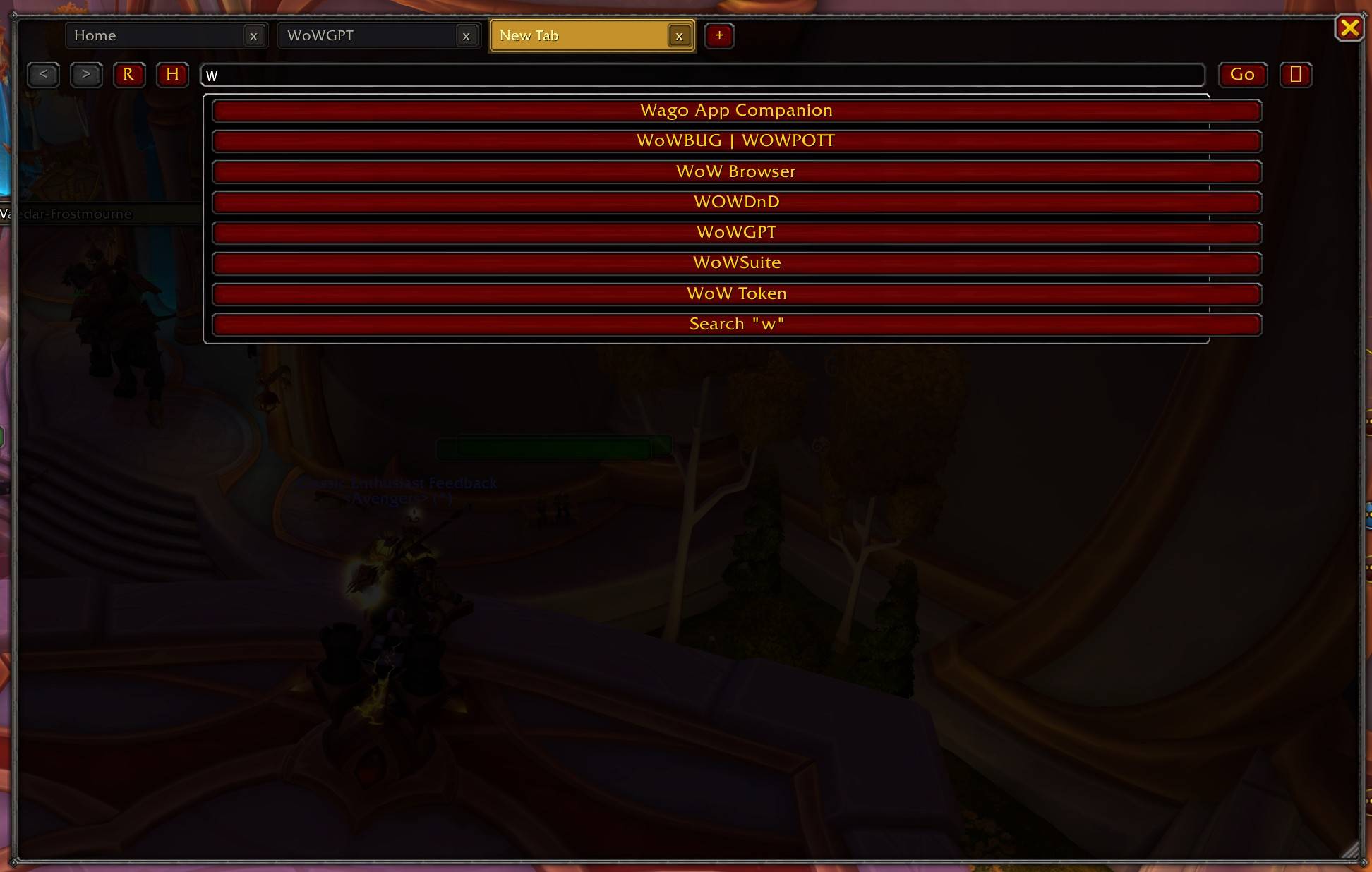
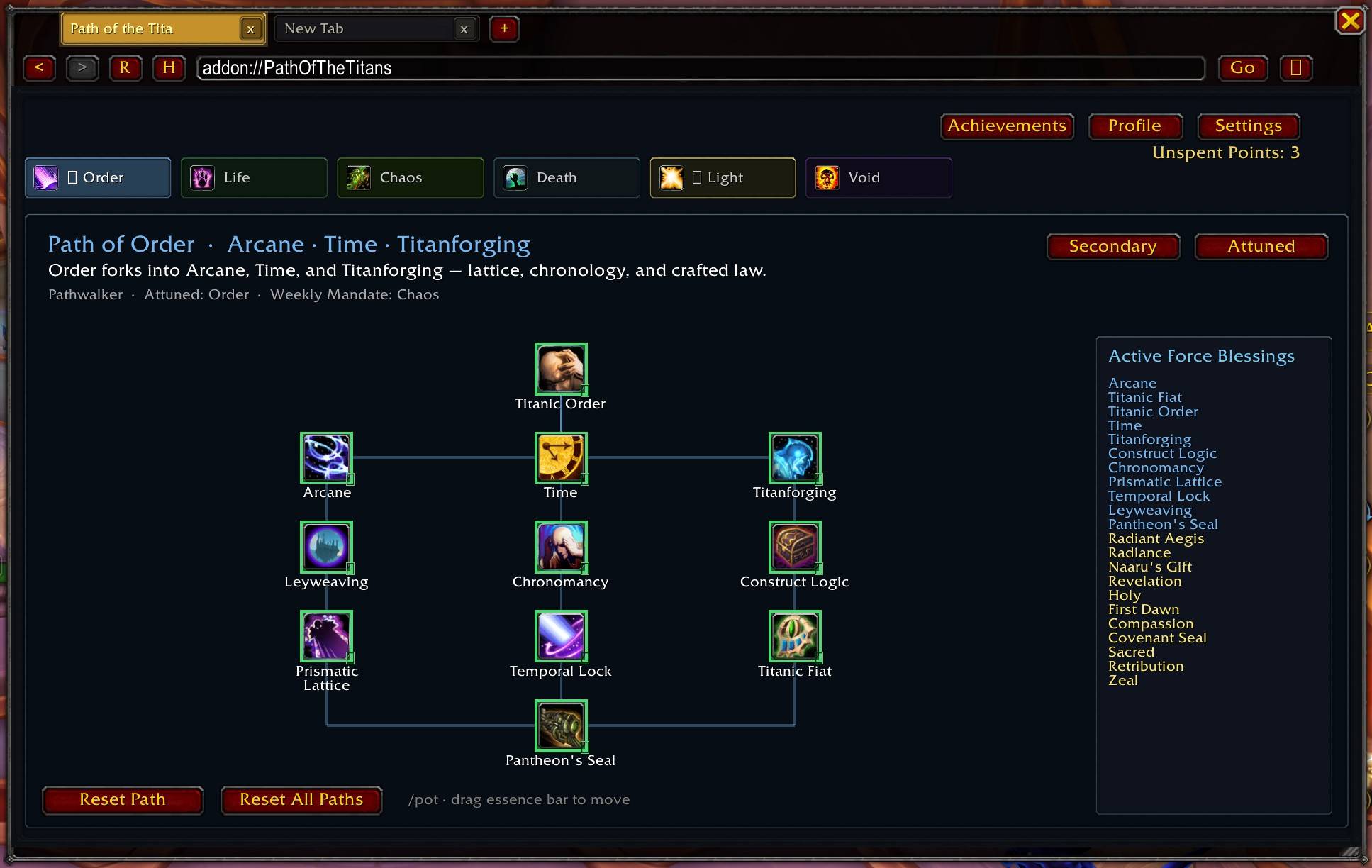
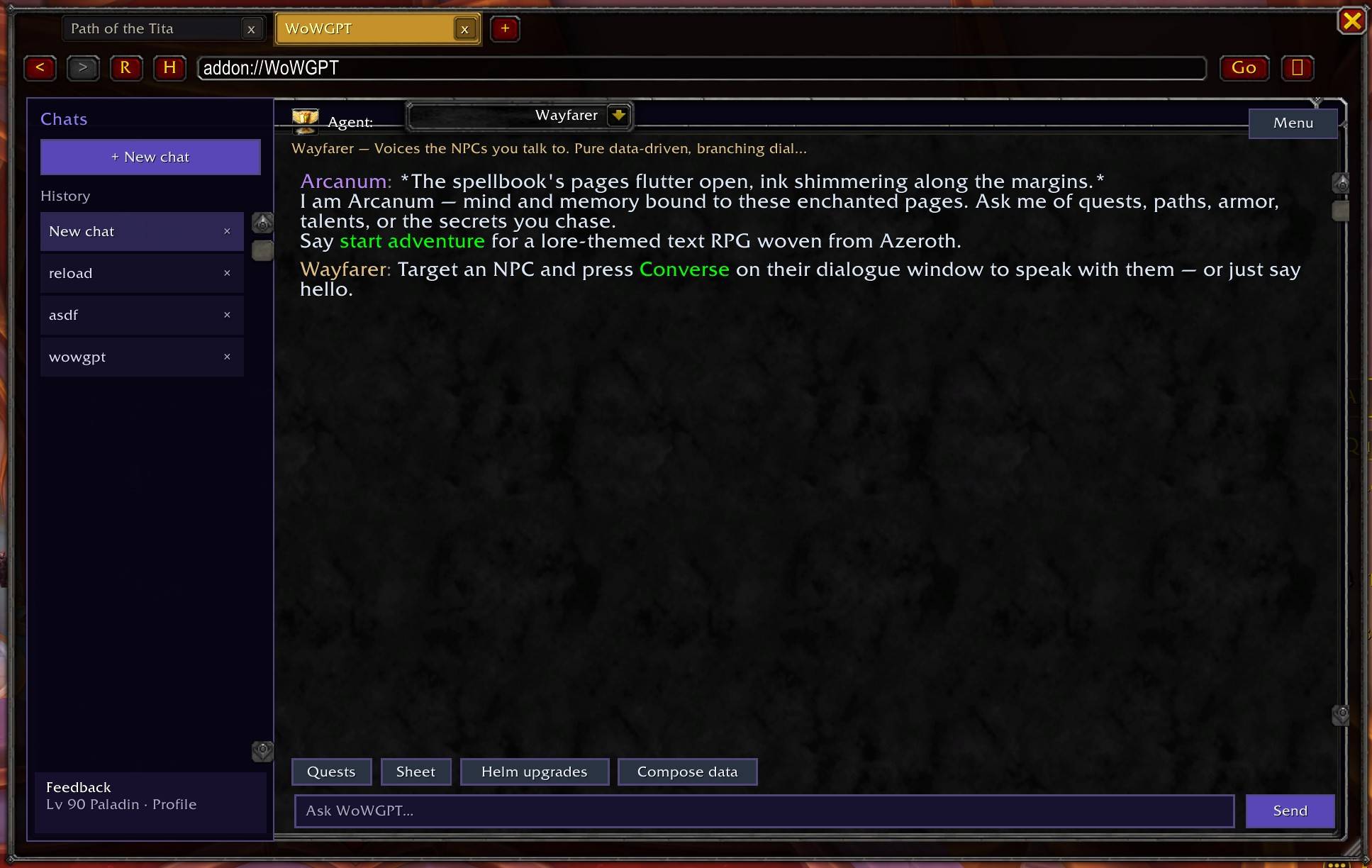
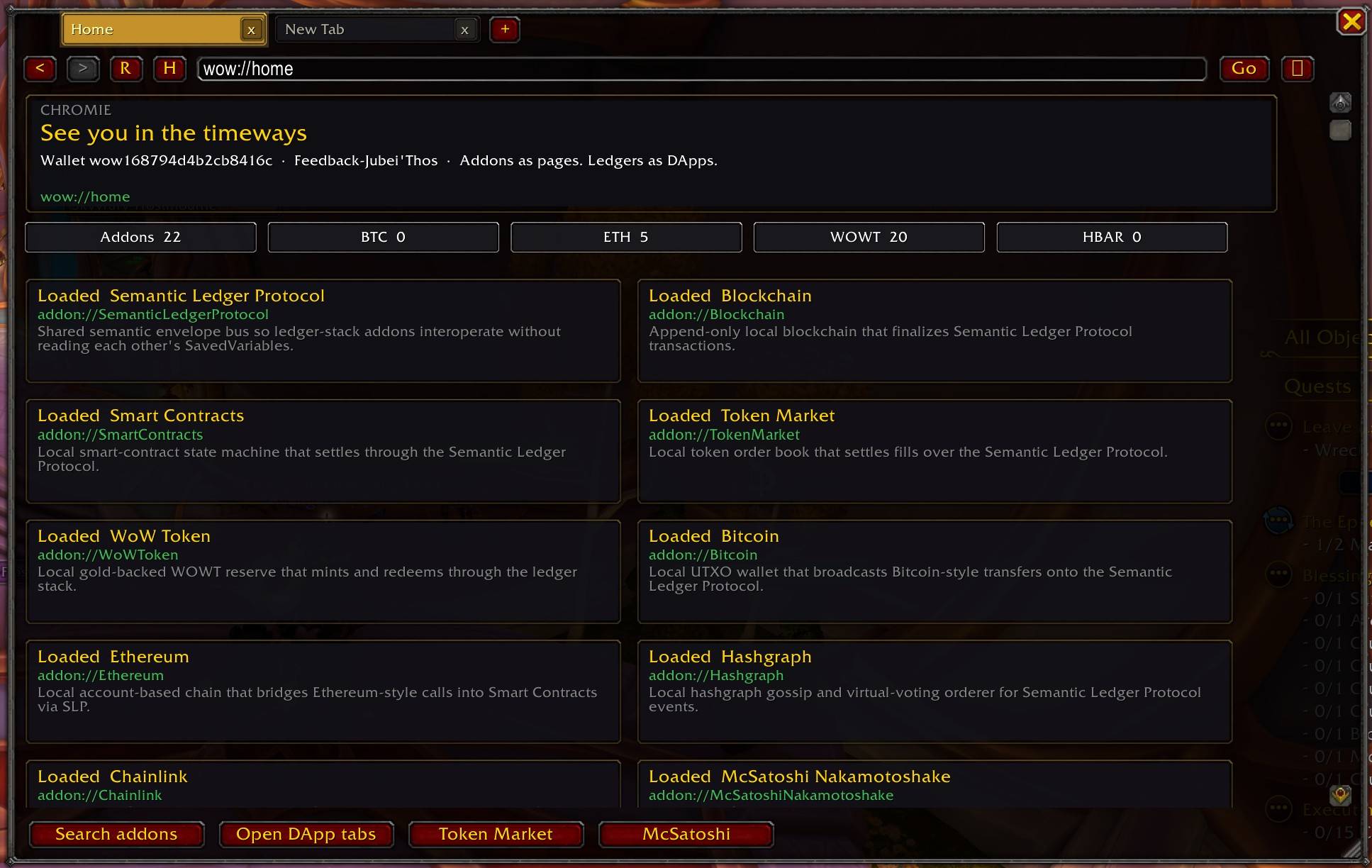
In-game browser with tabs, address bar, and search. Open loaded addons as pages, including live WoWGPT chat and Path of the Titans. Ledger DApps for swaps and bridges. Hourglass minimap button. /chromie to open. Pop out restores a floating window.
ChromieBrowser.jpg
ChromieBrowser 2.jpg
ChromieBrowser 3.jpg
ChromieBrowser 1.jpg
Description
Browse your addons like websites.
Chromie is an in-game browser: tabs, an address bar, and search. The home page lists every loaded addon as a card. Type a name, addon://FolderName, or a search in the omnibox.
Live pages mount the real UI in the tab:
- WoWGPT —
addon://WoWGPT(chat, agents, input) - Path of the Titans —
addon://PathOfTheTitans(wow://pott,wow://pot) - Ledger DApps —
dapp://marketfor swaps, bridges, and Token Market - Other addons open as splash pages at
addon://Name
The ⋮ menu has Pop out of Chromie if you want the floating window back.
The Infinite Hourglass is the minimap button, addon list icon, and browser logo. Left-click opens Chromie. Right-click: Home, Search, or hide. New tabs start blank. Close a tab with x or middle-click. Each tab has back/forward. Resize from the bottom-right corner.
/chromie toggles the window. /chrome is an alias.
| Command | What it does |
|---|---|
/chromie |
Toggle the browser
|
/chromie go addon://WoWGPT |
Open WoWGPT live
|
/chromie go addon://PathOfTheTitans |
Open Path of the Titans live
|
/chromie search token |
Search
|
/chromie addons |
Featured directory
|
/dapp market |
Token Market
|
/chromie minimap |
Show or hide the minimap button
|
Chromie runs by itself. Optional: WoWGPT, Path of the Titans, WoWSuite, and the ledger DApp stack. None of them read another addon’s SavedVariables.
Game versions: Retail, Classic Era, Burning Crusade Classic, Wrath Classic, Cataclysm Classic, Mists of Pandaria Classic.
Chromie Team