Cavalry Mounts
- By
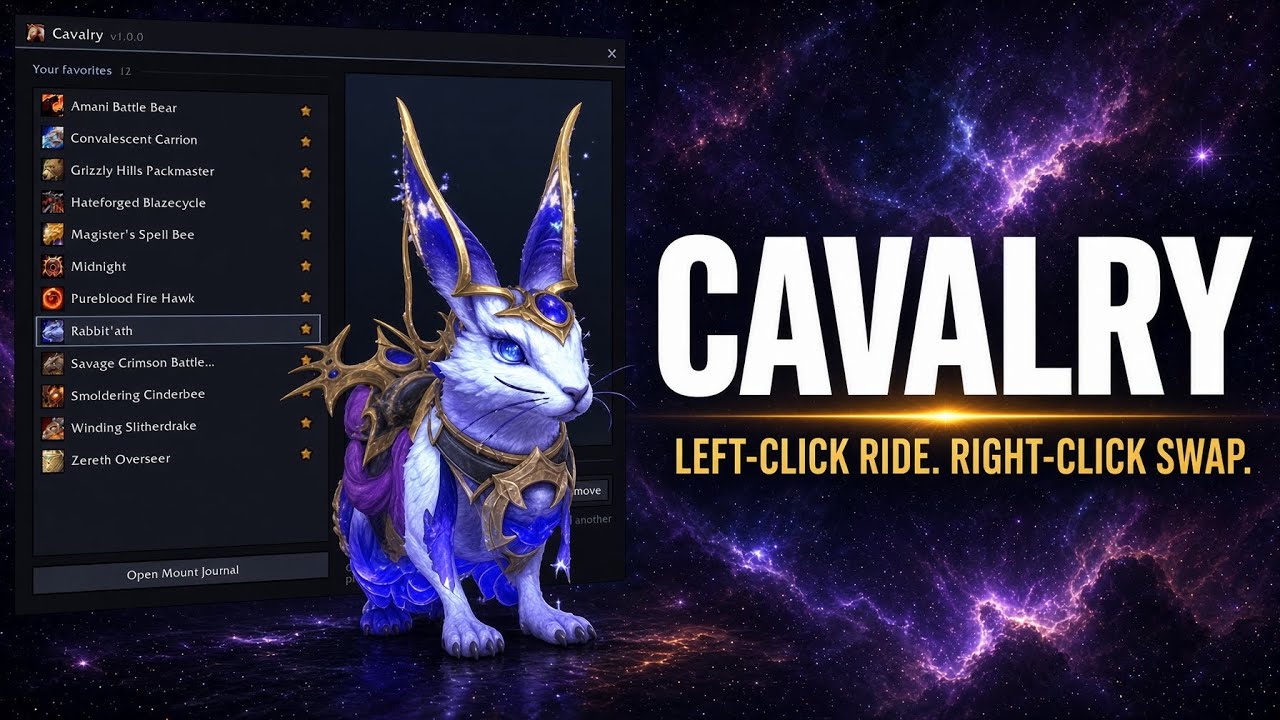
Mount buttons for your action bar that swap to any favorite. Left-click to ride, right-click to pick a different mount.
Menu.png
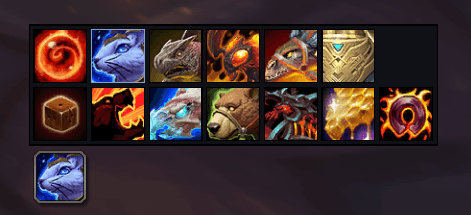
Horizontal Bar.png
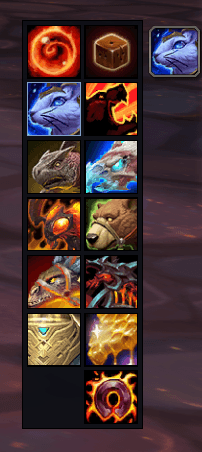
Vertical Bar.png
Description
Cavalry gives you mount buttons that live on your action bar like any other mount, with one trick: right-click one and a slim strip of your Mount Journal favorites appears beside it. Pick a mount and the button becomes that mount. No big menus, no clutter on screen.
Features
- Looks and works like a real mount. Each button casts its mount natively, with the real icon, tooltip and usable state. Left-click to ride.
- Right-click to swap to any favorite from a compact strip right next to the button.
- One button, or several. Most people need just one; add more (up to 10) for different bars, each remembering its own mount.
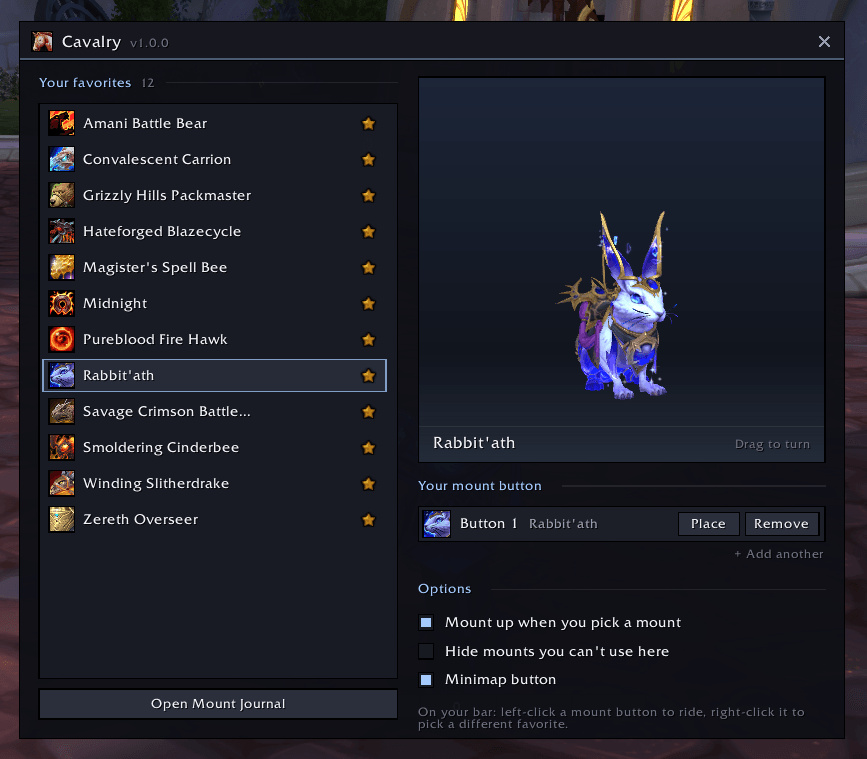
- See your favorites. Browse them in settings with a 3D preview framed just like the Mount Journal.
- Uses your Mount Journal favorites. Star a mount and it's in the strip. There's no second list to manage.
- Random favorite option for a different mount every time.
- Knows what you can ride. Mounts you can't use here are greyed out with the reason, or hidden.
- Nothing to configure. The picker lays itself out as a tidy grid sized to your bar. Settings are just your buttons and three checkboxes.
- Mount up on pick (optional), and a gold marker for the mount you're riding.
- Clean bars: no macro name on the button on default action bars.
- Shift-click to link, ctrl-click to preview, just like the Mount Journal.
- Works with default bars, Bartender4, Dominos and ElvUI.
- Key bindings, minimap button and addon compartment entry.
Getting started
- Star your favorite mounts in the Mount Journal.
- Type
/cavalry newand drop the button on an action bar. - Right-click it and choose a mount.
Commands
| Command | What it does |
|---|---|
/cavalry |
Settings and your mount buttons |
/cavalry new |
Pick up a new mount button |
/cavalry random |
Summon a random favorite |
Found a bug or using a bar addon that isn't supported yet? Leave a comment or open an issue.
The Cavalry Mounts Team