


CardMaster
- By

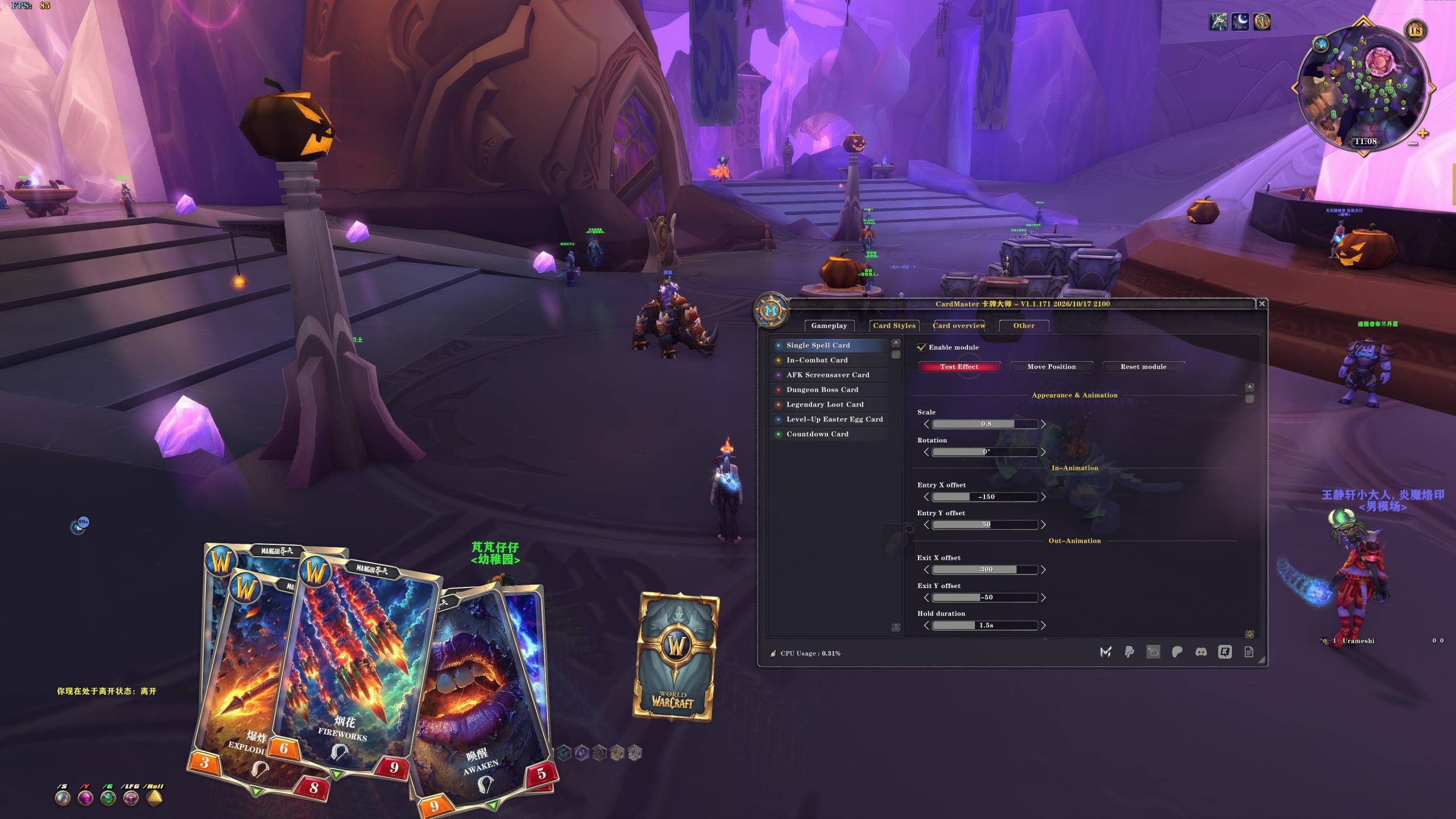
Single Spell Card Display matching card animations when you cast supported spells. Customize size, rotation, entry and exit effects, and card stacking. Click “Test effect” to preview.
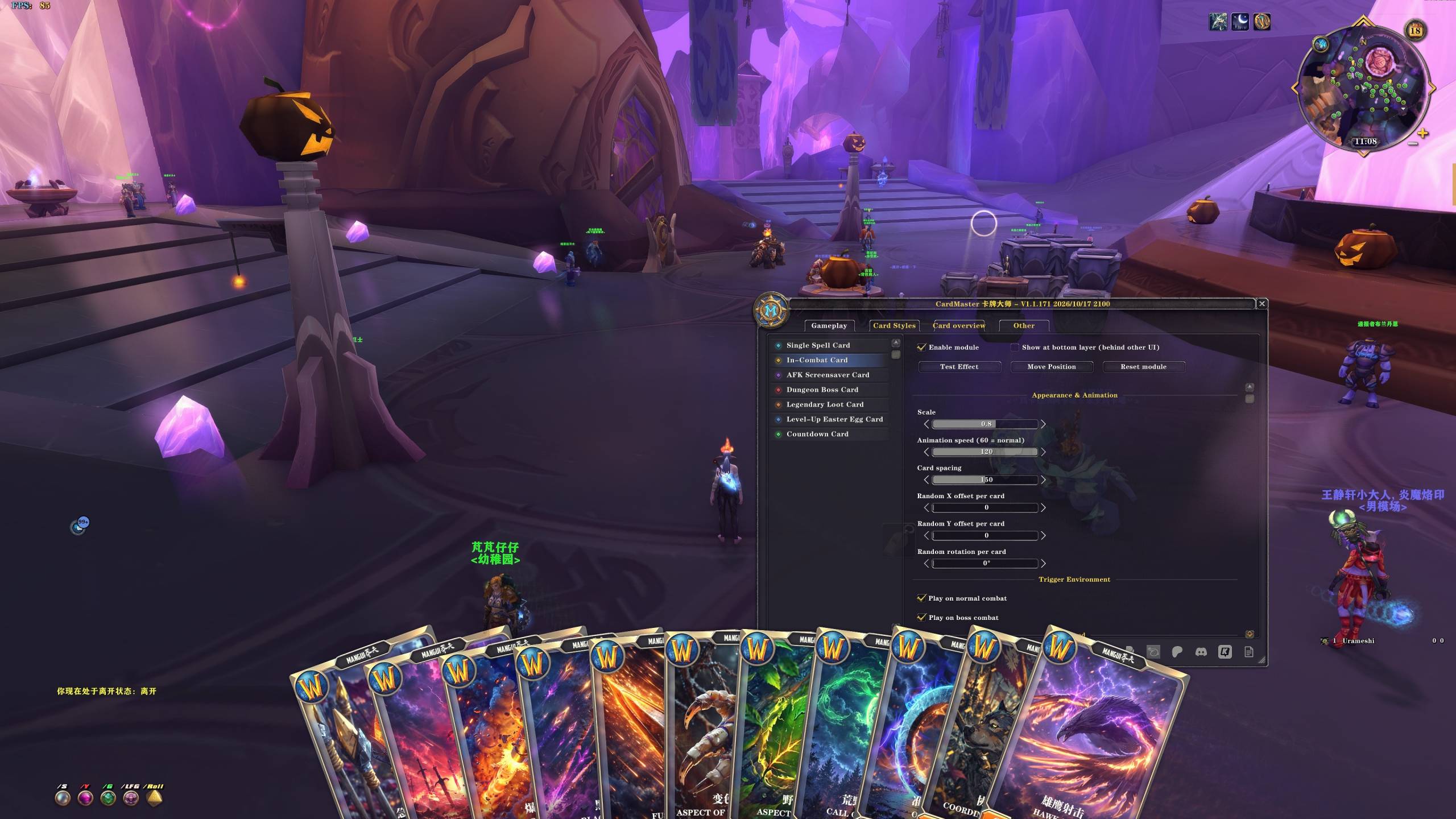
Play a multi-card animation when combat begins. Choose whether it triggers in normal combat, boss encounters, or both, then customize animation speed, card spacing, and random offsets.
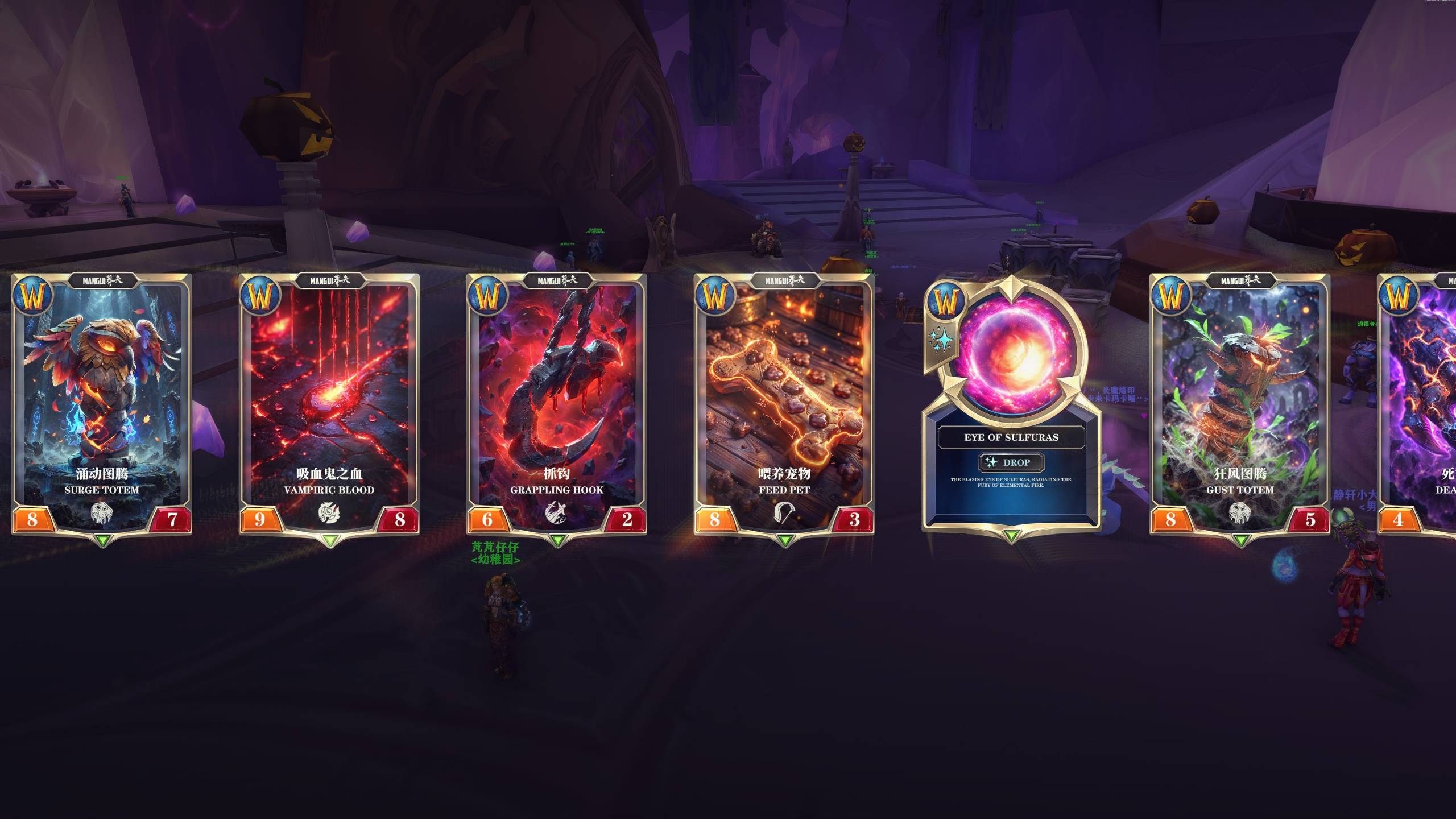
AFK Screensaver Card Random cards scroll from left to right while you are AFK and stop when you return. Adjust scrolling speed, spacing, and size, and choose whether to show the logo, dark overlay, and game UI.
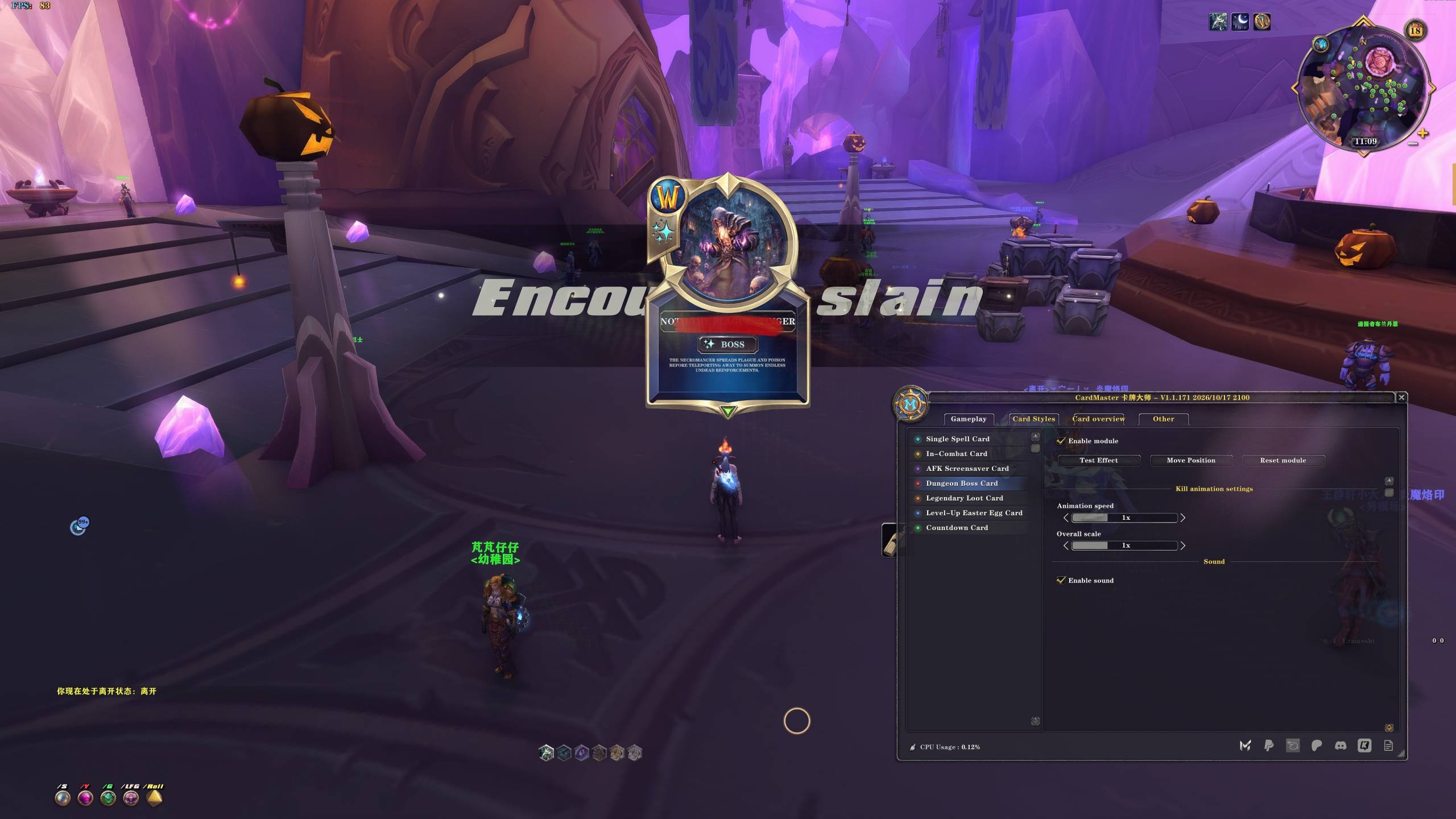
Dungeon Boss Card Celebrate supported dungeon and raid boss kills with matching boss card animations. Click “Test effect” to preview, then adjust animation speed, size, and position.
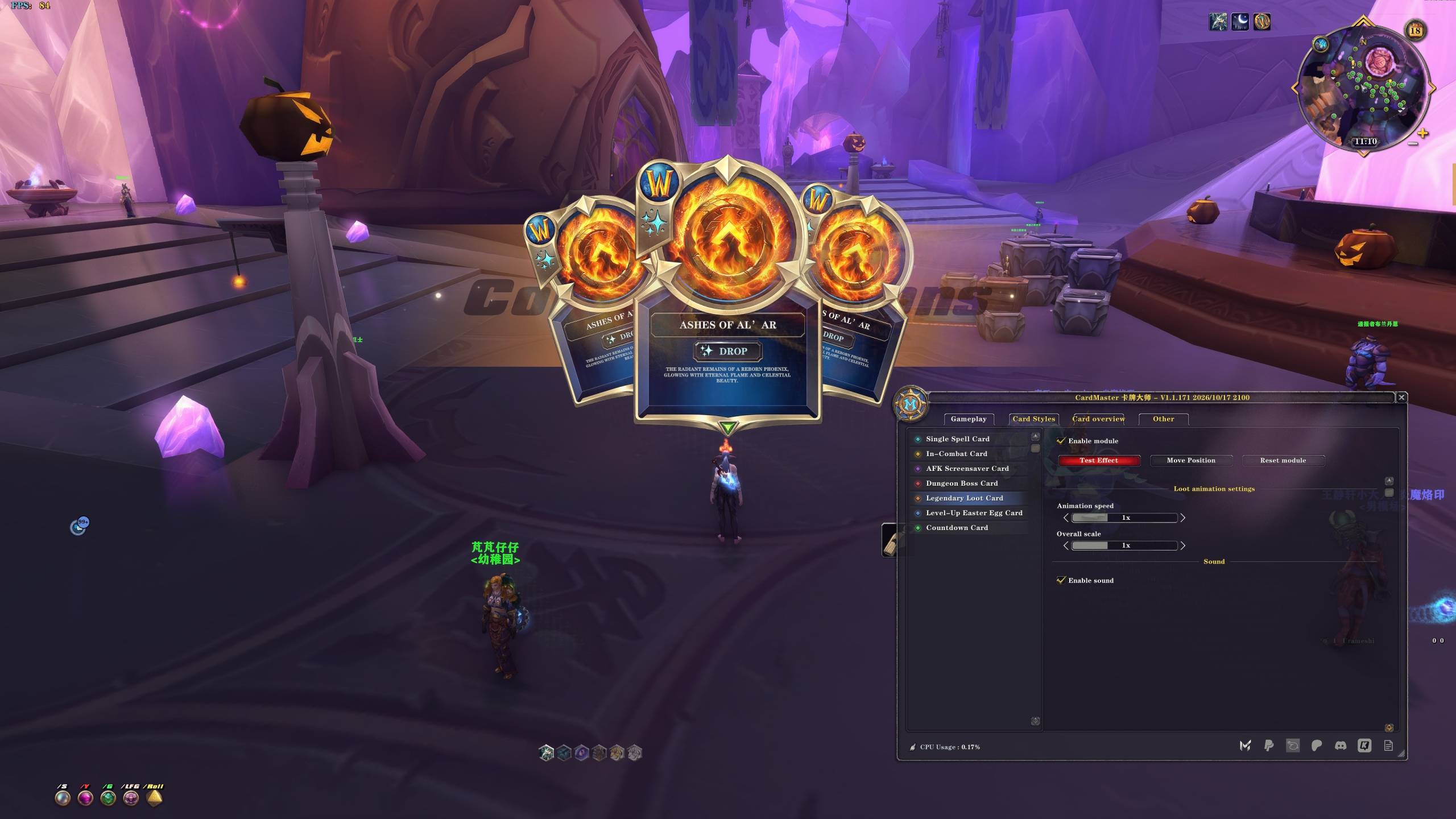
Legendary Loot Card Celebrate receiving supported legendary items in raids with a loot card animation. Click “Test effect” to preview and customize speed, size, position, and sound.
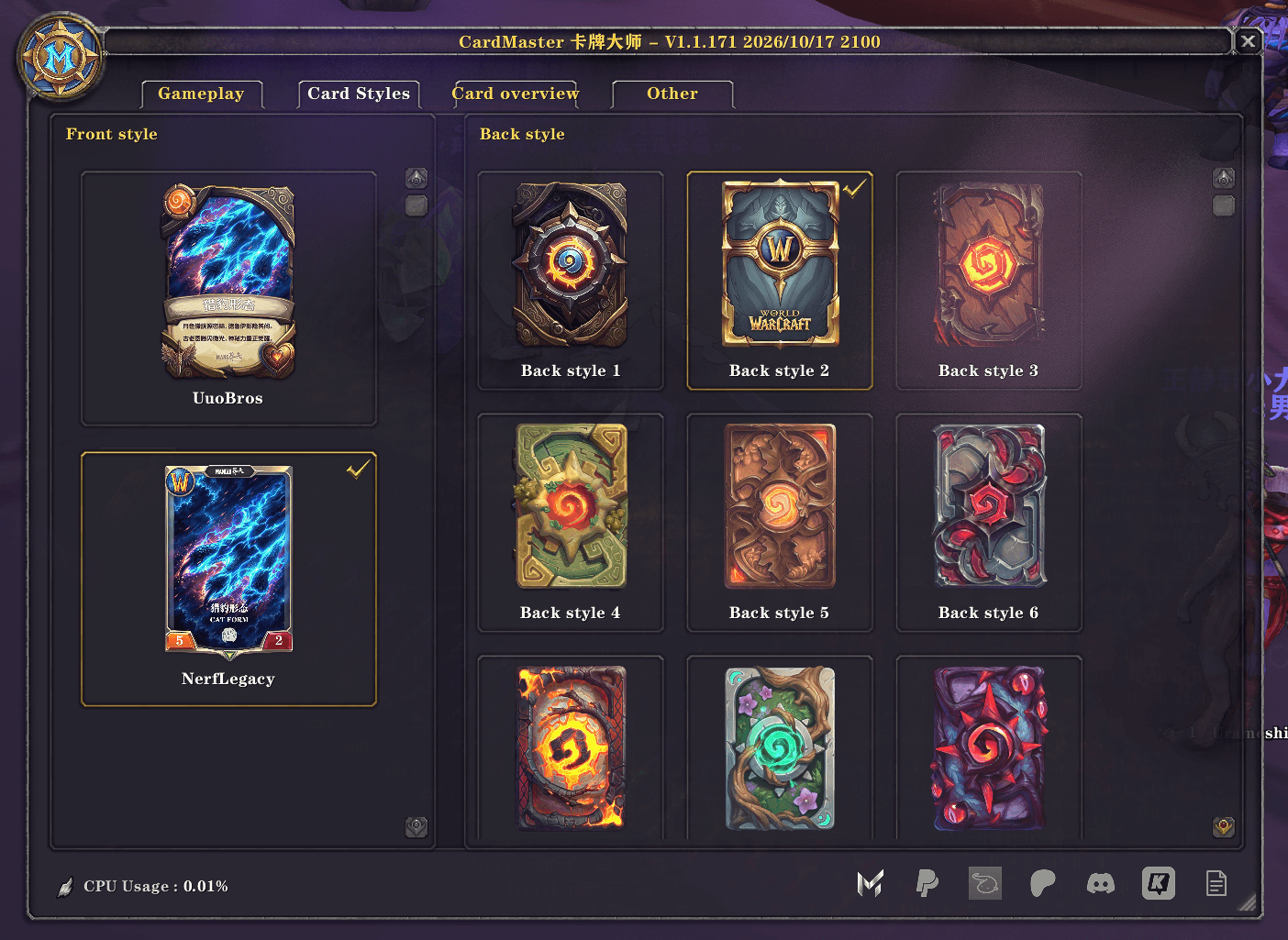
Card Styles Mix and match card fronts and backs. Click a thumbnail to apply your preferred appearance to the relevant card animations.
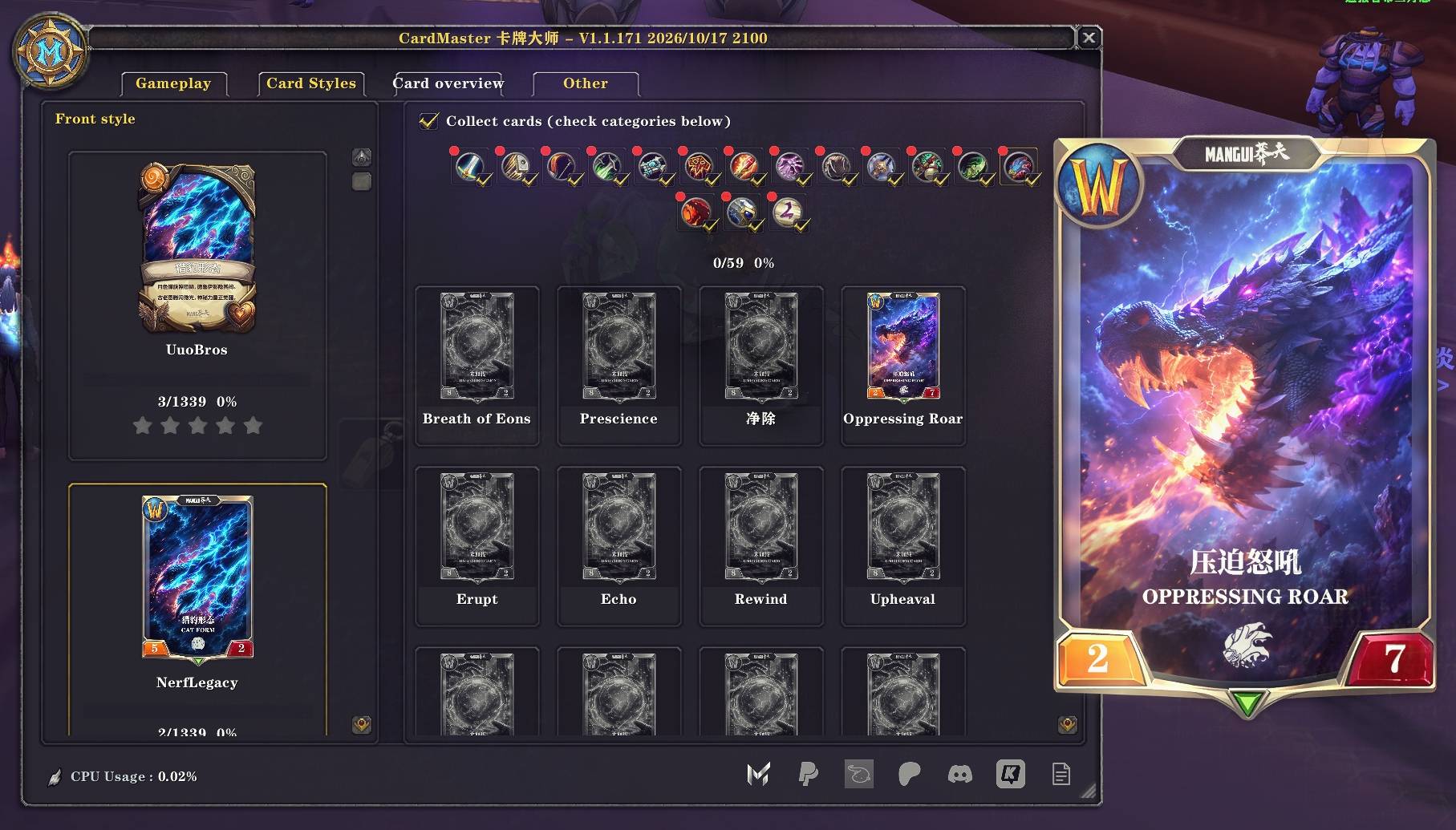
Browse the UuoBros and NerfLegacy sets, explore categories, and track your collection progress. Hover over a card for a larger preview. Enable “Collect cards” and check categories to earn uncollected cards through eligible gameplay activities.
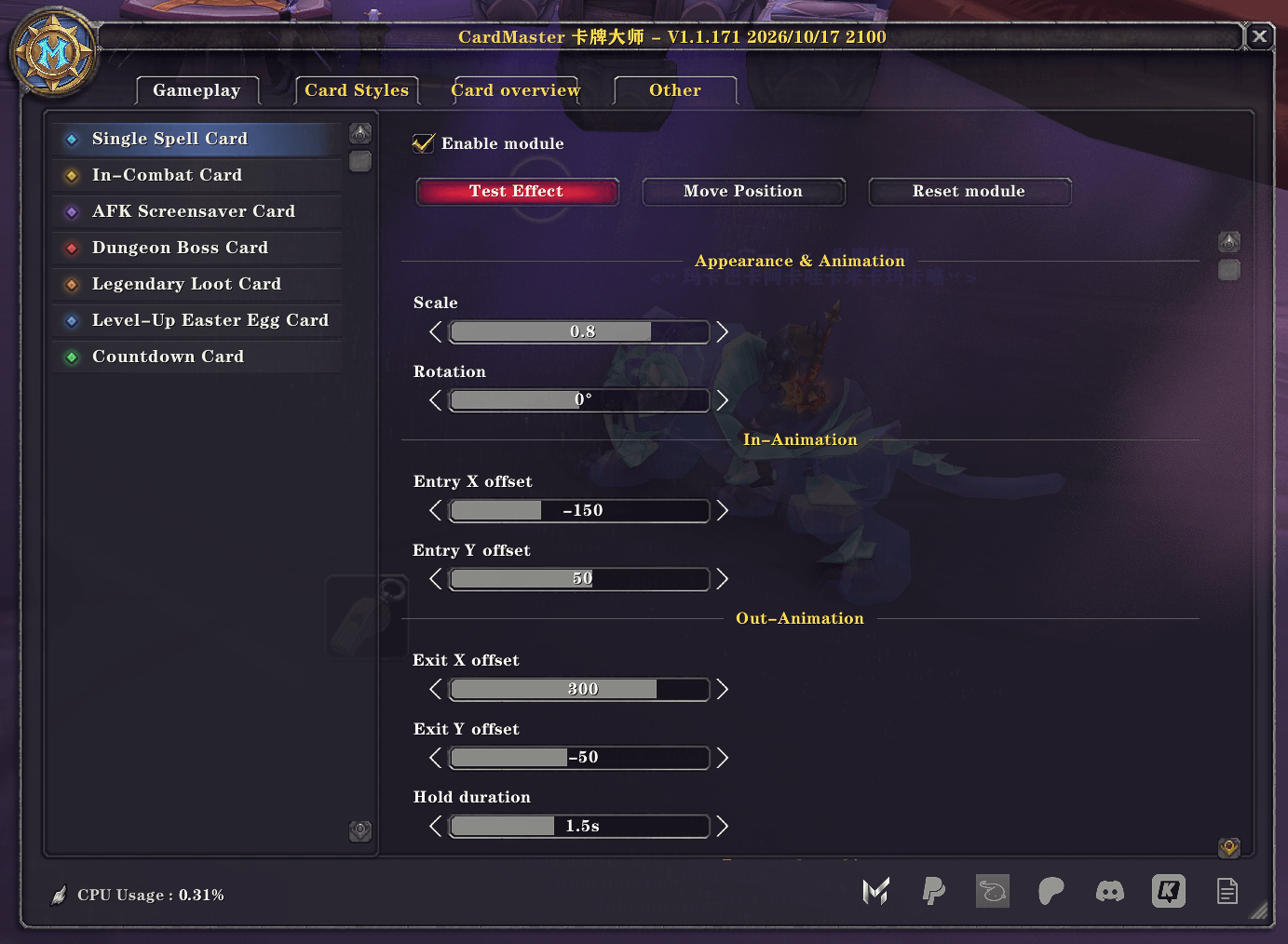
Manage all seven card effects, with separate controls for each module. Select an effect on the left and click “Test effect” to preview. Click “Move Position,” drag the anchor, then click “Lock Position.”
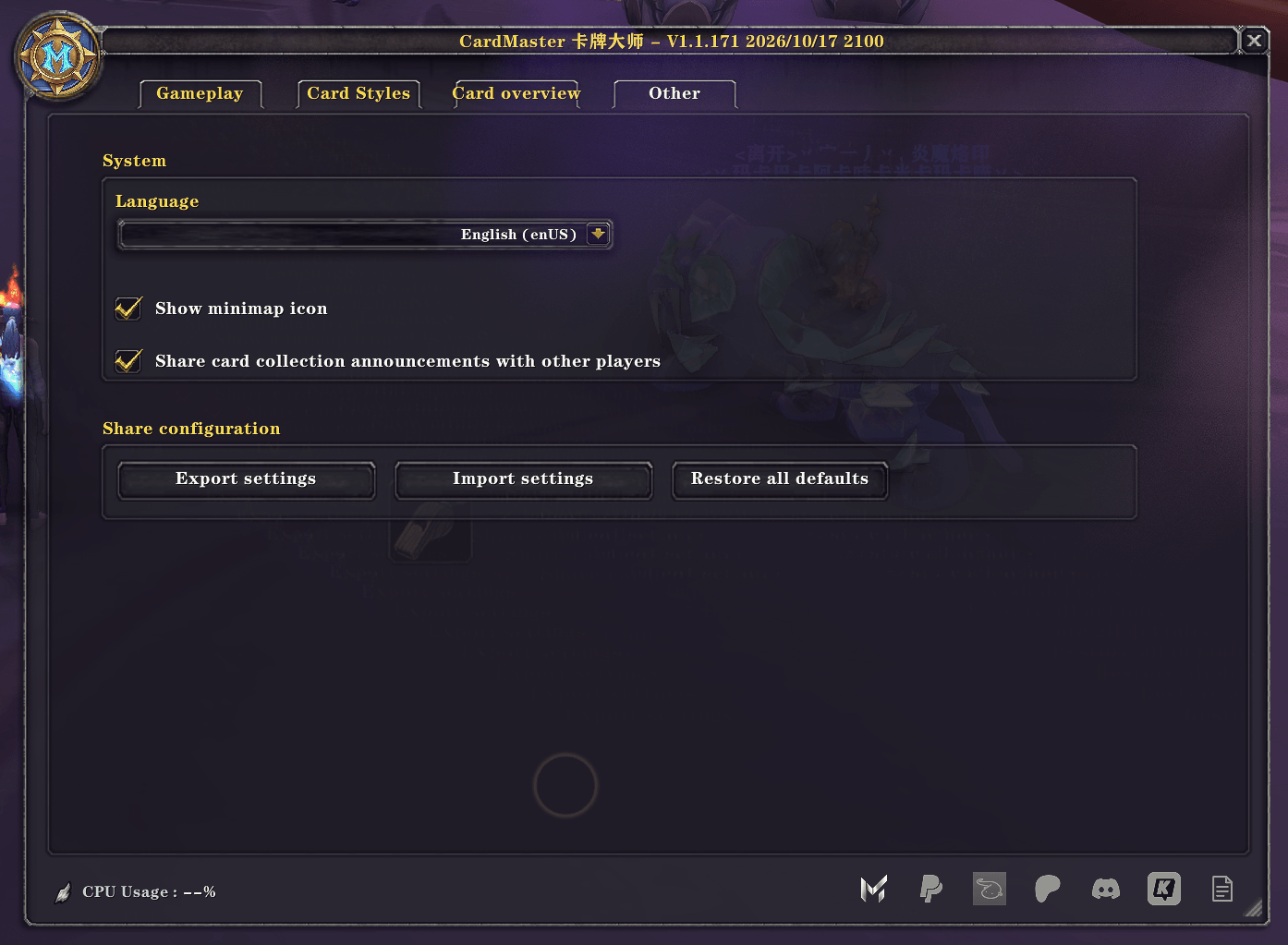
Switch between Chinese and English, manage the minimap button, and export or import your settings. You can also restore default settings while keeping your collected cards and collection progress.