Calorie Burning Crusade
- By
Tracks the calories your character burns from movement, combat and professions in WoW Forever, with achievements, workouts, and leaderboards.
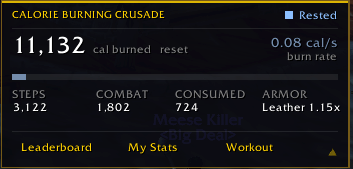
Calorie Burning Full Window.png
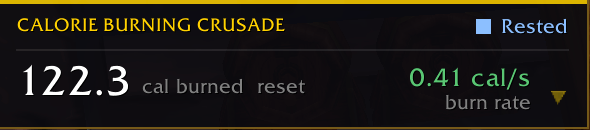
Compact View - CBC.png
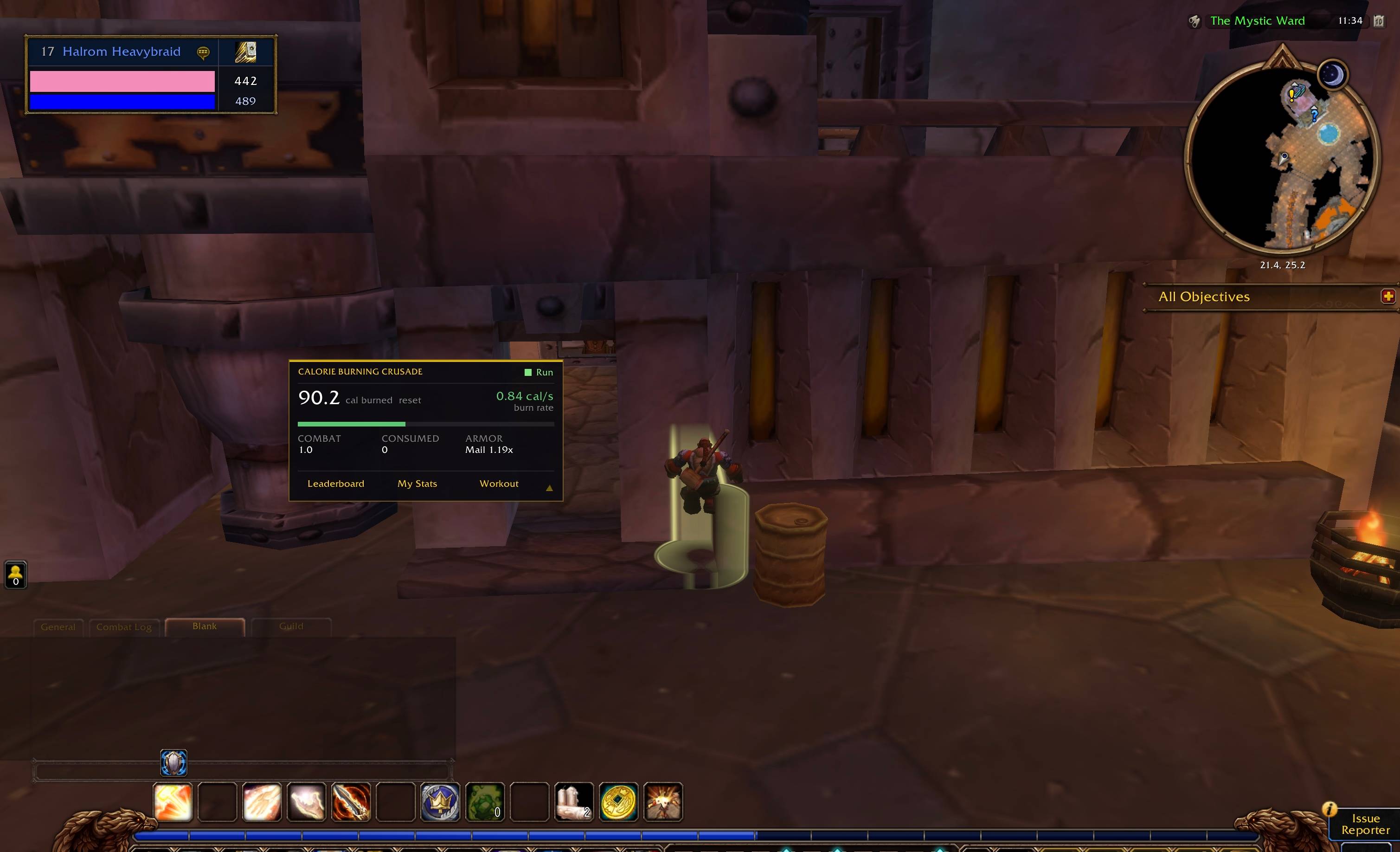
Full Screen - CBC.jpg
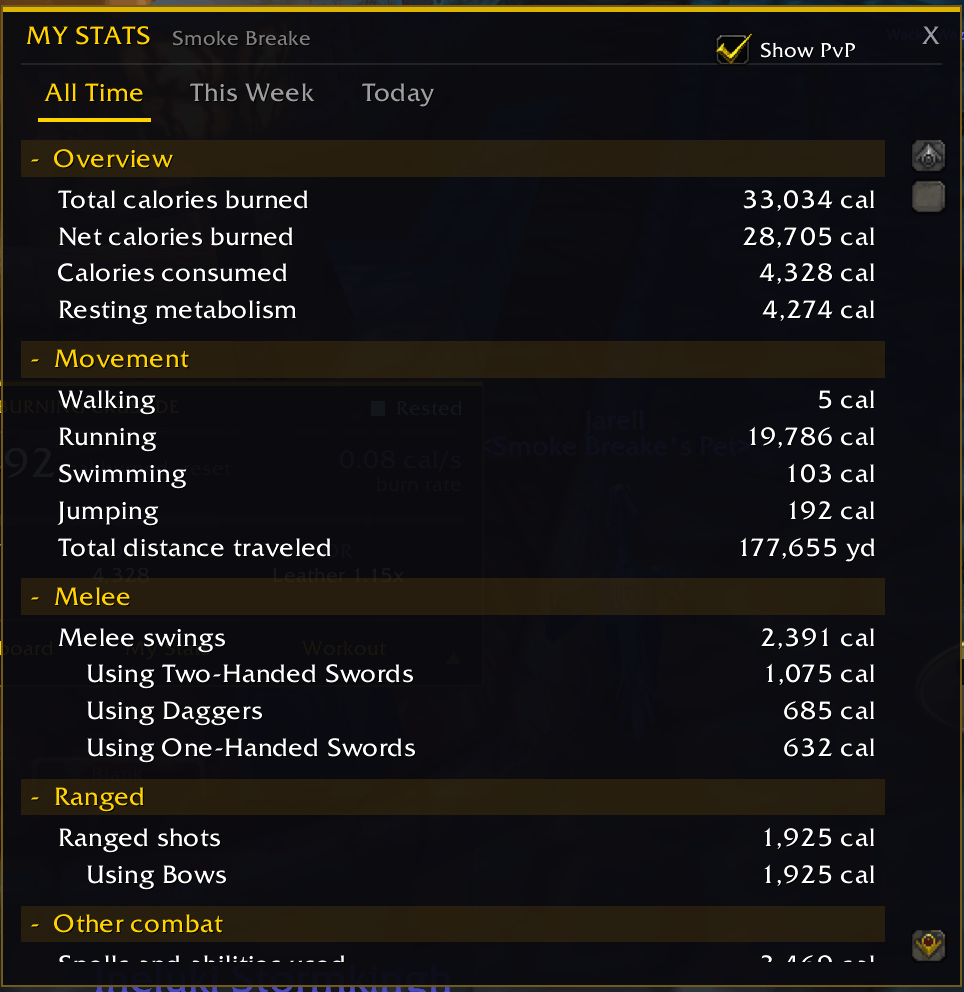
Stats Screen - CBC.png

Hover Stats - CBC.png
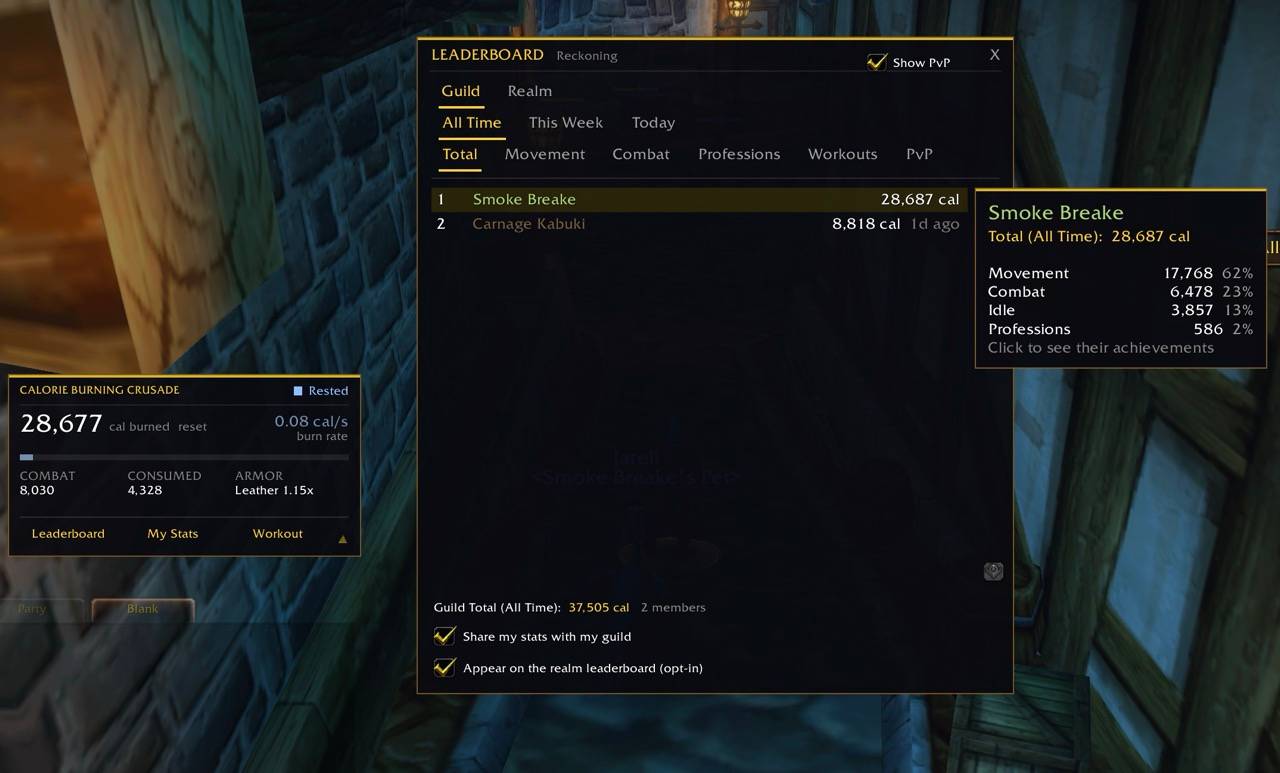
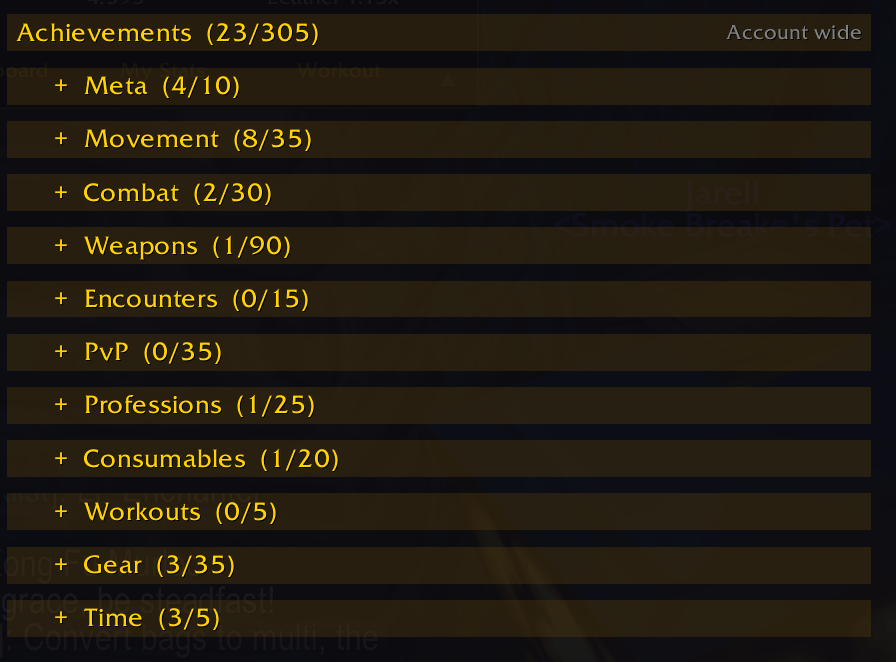
Achievements 01 - CBC.png
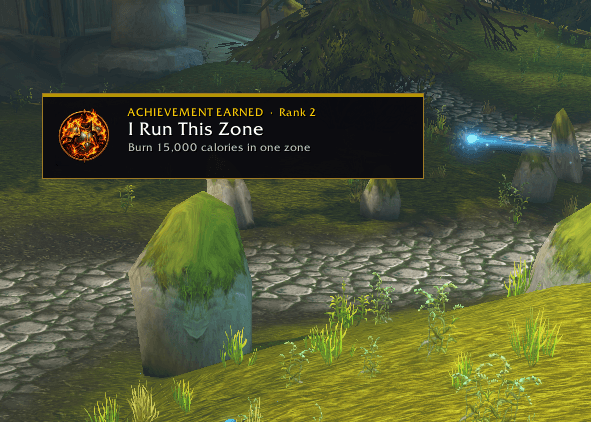
Achievement - CBC.png
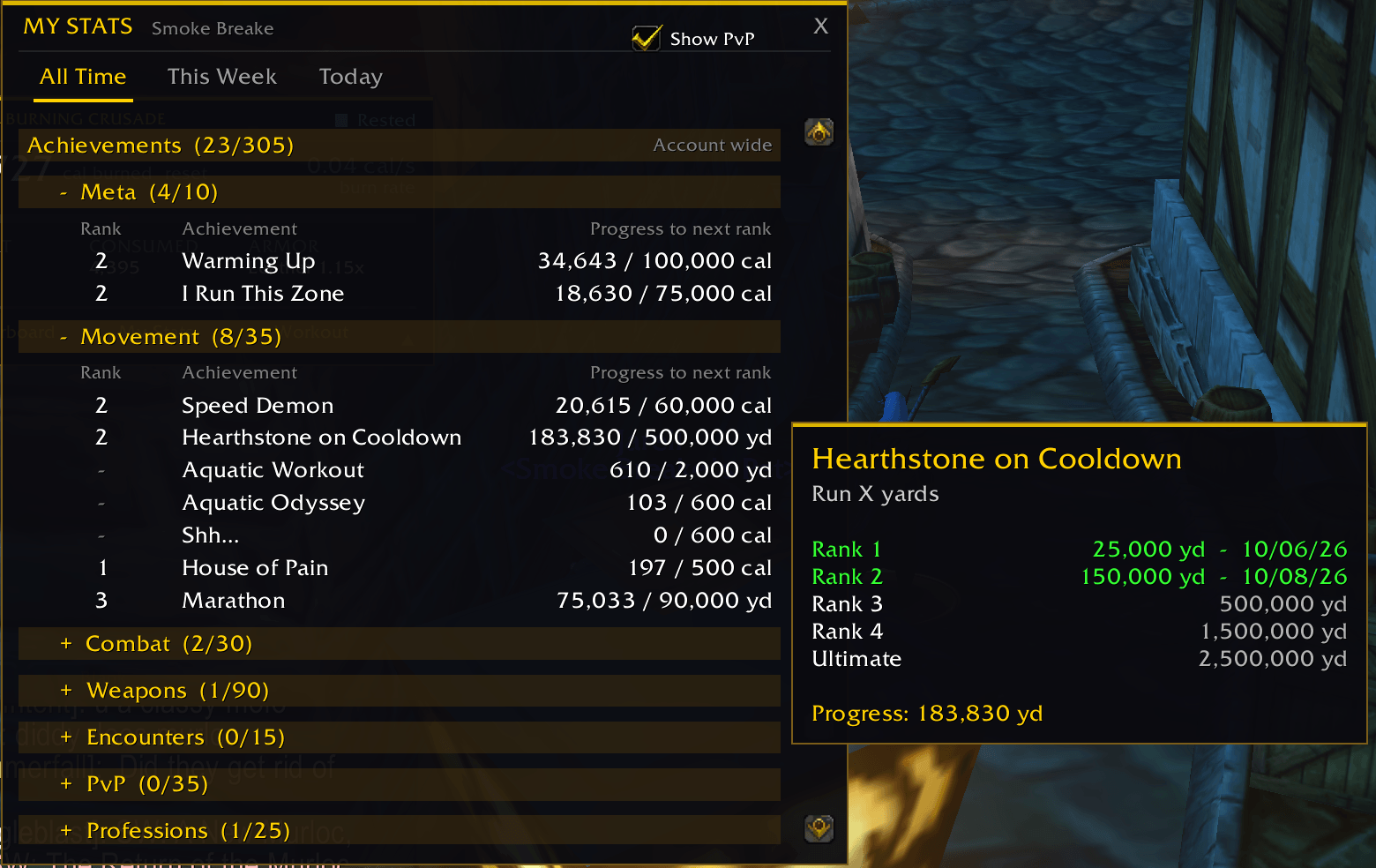
Achievements Hover - CBC.png
Description
Made for World of Warcraft Forever.
What if everything you do in Azeroth counted as exercise?
Calorie Burning Crusade turns your adventures into a fantasy fitness tracker. Running across the zone, swinging a sword, casting a fireball, mining ore, even fishing: it all burns calories. Choose between realistic, real-world (default) or fantasy burn rates. Chase achievements, start timed workouts, and see how you stack up against your guild and your whole realm.
Tracking is automatic, so there is nothing to set up and nothing to click while you play. The counter window can be collapsed to a single line or hidden completely with /caltrack.
What burns calories
- Movement: walking, running, swimming, stealth and mounted travel, plus jumps and sprint or charge abilities.
- Combat: every weapon swing and ranged shot, spells (longer casts burn more), blocking, dodging, parrying and stance changes.
- Armor matters: the heavier your armor, the harder you work. Cloth is 1.1x, leather 1.2x, mail 1.3x and plate 1.4x. The main window shows your current armor bonus.
- Professions: mining, herbalism, skinning, fishing and every crafting profession.
- Standing still: you burn a little even when idle, and the status says "Rested" in cities and inns.
What you eat and drink counts too
Food, drinks, potions, elixirs and flasks add calories to your stomach. Eaten calories cancel part of what you burn, so your net total reflects how you play. Raw fish count too. Water is free of calories. Watch the number go up, because it only ever counts up.
The main window
A small, clean window shows the calories you have burned this session, your burn rate with a heat bar, combat calories, calories consumed and your armor bonus. Collapse it with the arrow to just the headline number, reset the session when you like, and hover things for details.
My Stats
A full breakdown of everything you have done, with All Time, This Week and Today views. Movement, melee and ranged weapons, spells, defenses, professions, consumables, fights, bosses and rares, PvP and workouts. Hover rows for extra detail like distances, swings and counts. Rows only appear for things your character can actually do.
61 achievements, five ranks each
Account-wide achievements across movement, combat, weapons, encounters, PvP, professions, consumables, workouts, gear and time. A pop-up appears when you earn one. Weapon achievements cover every weapon type, including fists and bare knuckles.
Timed workouts
Pick 15 minutes, 30 minutes, 1 hour or 2 hours and burn as many calories as you can. Finish the timer to count. Completed workouts feed an achievement and a leaderboard category. Stopping early saves your calories but does not count toward achievements or leaderboards.
Leaderboards
- Guild: see every guildmate running the addon, ranked by calories, with All Time, This Week and Today views. Sharing is on by default and you can turn it off at any time.
- Realm: an opt-in top 100 across your realm. Anyone can look; only people who opt in appear.
- Categories: total, movement, combat, professions, workouts and PvP.
- Hover a name for a breakdown of where their calories came from. Click a name to see their achievements.
- The realm board has plausibility checks and counts impossible entries as flagged.
PvP and bosses
PvP calories are tracked separately for battlegrounds, open-world PvP and duels. Bosses are counted by dungeon, raid and world, along with rares and rare elites. All PvP can be hidden with one checkbox.
Privacy
Everything is stored on your own computer. When sharing is on, the addon sends your character name, class, level and calorie totals to your guild, and only to the realm board if you opt in. It never reads or sends chat, items, locations or anything else. You can turn guild sharing off in the Leaderboard window.
Commands
| Command | What it does |
|---|---|
/caltrack |
Show or hide the main window |
/calstats |
Open My Stats |
/calboards |
Open the Leaderboard |
/calworkout start 15 |
Start a workout (15, 30, 60 or 120 minutes) |
/calworkout stop |
End a workout early |
Good to know
- Calories only count while you are logged in and alive.
- Your data saves automatically every minute and when you log out or reload. A game crash can lose the current session.
- The leaderboards need other players to have the addon installed.
- English client only.
Feedback
- Bug reports and ideas are welcome in the comments.
- If you get a Lua error, please email me at beersalsa@proton.me and paste the full error text and mention what you were doing when it happened. That makes it much easier to track down.
Calorie Burning Crusade Team