Mini-Map Button Collector
- By
Collect all minimap addon buttons into a single collapsible bar attached to one master minimap button, keeping your minimap clean and organized.
Wow_0BQcyqDHGk.png
Wow_ESWCU3sUIN.png
Wow_CzkZle26bu.png
Wow_eUFyepyPjR.png
Wow_uZxk7exoM8.png
Description
Button Collector
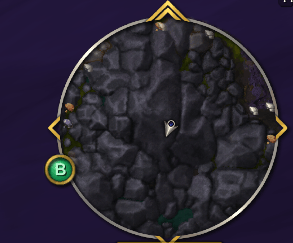
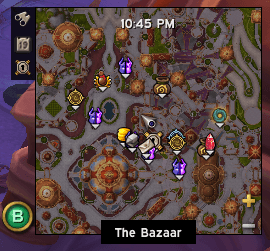
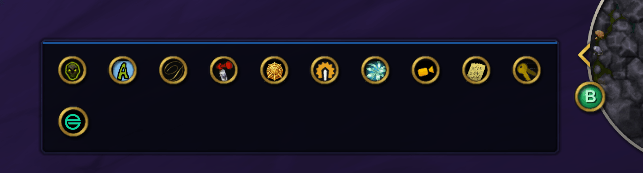
Button Collector gathers minimap addon buttons and places them into a single collapsible bar attached to one master minimap button, keeping your minimap clean and organized.
Click the master button to expand the bar and access all your addon buttons instantly.
Features
- Automatically collects minimap buttons from addons
- Supports LibDBIcon-1.0 buttons (used by most addons)
- Detects additional buttons that don't use LibDBIcon
- Toggle individual buttons on or off
- Enable All / Disable All option
- Drag and drop to reorder buttons
- Optional alphabetical sorting
- Search filter to quickly find buttons
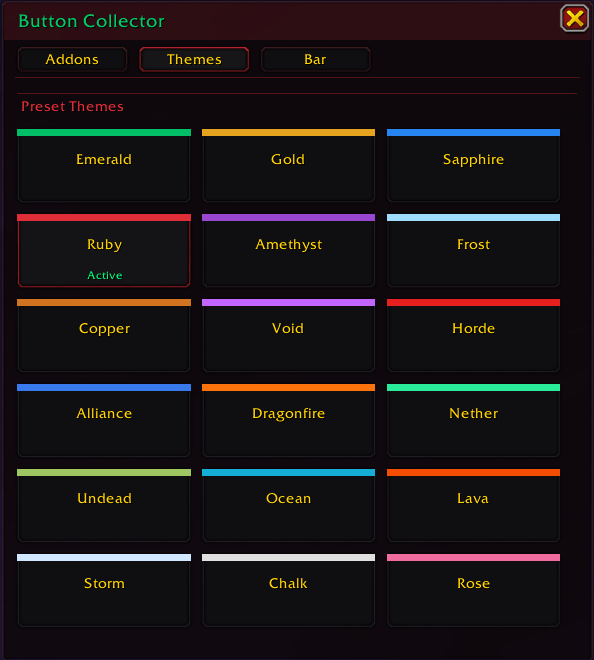
- 20+ built-in themes for the bar and master button
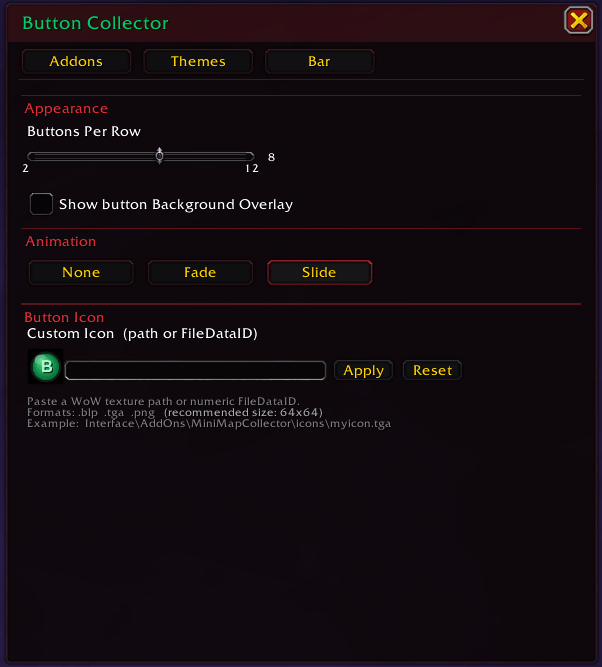
- Custom icon support for the master minimap button
- Bar animations: None, Fade, Slide, or Grow
- Adjustable buttons per row (up to 24)
- Rescan button to detect buttons from addons that load later
- Middle-click the minimap button to toggle Reorder Mode instantly
- Blacklist tab for managing overlay frame filtering
Modern Settings UI
Button Collector includes a clean, modern settings interface designed to be simple and easy to use.
Four tabs keep everything organized:
Addons
Manage detected buttons and choose which ones are collected. If a raw frame (tagged [No Lib]) is an overlay rather than a button, click the red × to move it to the Blacklist.
Themes
Preview and select from multiple visual styles.
Bar
Configure layout, animations, custom icon, and button layout.
Blacklist
Manage overlay frame filtering. Many popular addon overlays (GatherMate2, HandyNotes, TomTom, Routes, and others) are pre-configured and automatically filtered during scanning. The tab only shows entries for addons that are currently installed and loaded. Blocked frames can be unblocked at any time, which restores them to the minimap and the Addons tab.
Notes
- Raw buttons detected without LibDBIcon are labelled [No Lib]
- If a button isn't detected immediately, use the Rescan option
- The Blacklist is intended for overlay frames (map markers, route lines, etc.) — not addon buttons. Blocking a frame only removes it from the Addons list and does not affect the overlay itself
- The full list of pre-configured overlay prefixes can be found in
Config.lua → BLOCKED_OVERLAYSand can be extended if needed - Type
/bc scanin chat to print all detected button names (LDB and raw) — useful for identifying frames to add toBLOCKED_OVERLAYS - Type
/bcfor a full list of slash commands, including/bc settings,/bc show, and/bc reset - Community translations are welcome
The Mini-Map Button Collector Team