BuffBack Button.
Description
BuffBack
BuffBack is a lightweight, zero-taint utility addon for World of Warcraft Classic Era (including WoW Forever / modern 1.15+ clients) designed to return friendly open-world buffs instantly with a single click.
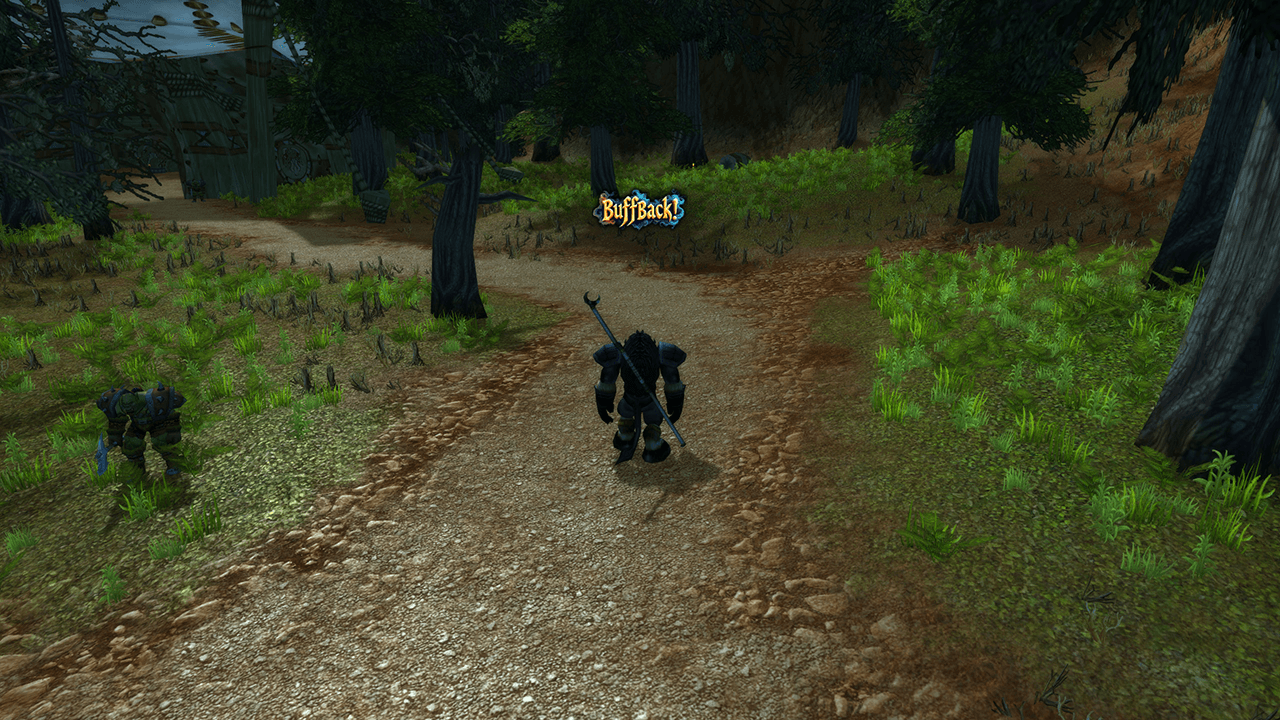
When a nearby player buffs you with an iconic class spell (Power Word: Fortitude, Mark of the Wild, Arcane Intellect, Blessings, etc.), BuffBack detects the incoming cast and flashes a clickable secure action badge right on your screen. Clicking the badge automatically targets the player, returns your class buff, restores your previous target, and sends a thank-you emote.
Key Features
- Zero-Taint Secure Execution: Built specifically around modern 1.15+ security restrictions. Completely eliminates dynamic combat log calls (
COMBAT_LOG_EVENT_UNFILTERED) to ensure no Blizzard UI "Action Blocked" popups occur. - Dual-Layer Engine: Uses a hybrid pipeline combining real-time
CHAT_MSG_SYSTEMpattern parsing andUNIT_AURAinspection to capture open-world strangers, group members, and overwritten/refreshed buffs. - Compound / RP Name Support: Preserves multi-word character names (First and Last names) across target acquisition and emote formatting.
- Target Preservation: Executes casts via
/tar <Player>followed by/targetlasttarget, instantly returning to whatever you were targeting (or clearing your target back to empty). - Self-Cast Prevention: Restricts spells with
[help,nodead]macro logic, guaranteeing your character never accidentally auto-self-casts if the buffer steps out of range. - Class Whitelist Filtering: Ignores HoTs, shields, racials, food buffs, and procs—only triggering on true long-term utility class buffs.
- Per-Buffer Cooldowns: Built-in throttle prevents spam when a player repeatedly casts or refreshes multiple buffs on you.
- Minimap & Configuration Panel: Includes a full settings interface and LibDataBroker/LibDBIcon minimap button compatible with circular and square minimap addons.
Supported Return Spells by Class
| Class | Default Return Buff |
|---|---|
| Priest | Power Word: Fortitude |
| Druid | Mark of the Wild |
| Mage | Arcane Intellect |
| Paladin | Blessing of Might |
| Warlock | Unending Breath |
| Shaman | Water Breathing |
(Spells can be customized or toggled via the settings panel).
Slash Commands
/bbor/buffback— Opens the settings configuration panel./bb test— Triggers a test badge to verify positioning, click execution, and emote string handling./bb reset— Resets the action badge position back to the center of your screen.
Requirements
Ensure System Messages are enabled on your active chat tab (Right-click Chat Tab -> Settings -> Other -> check System Messages) so incoming open-world buff events can be parsed at maximum range.
The BuffBack Team