


BlueprintBazaar
- By


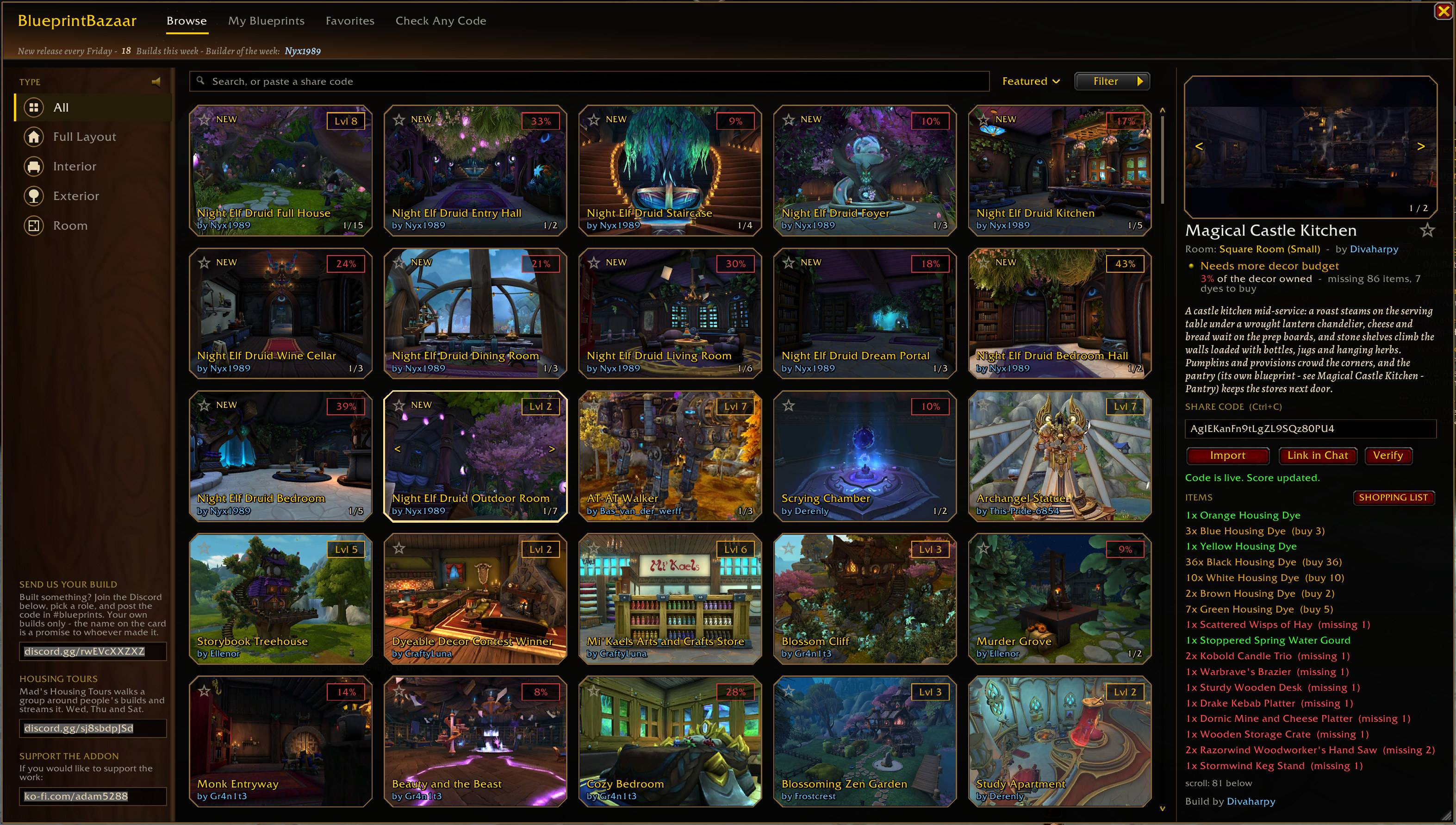
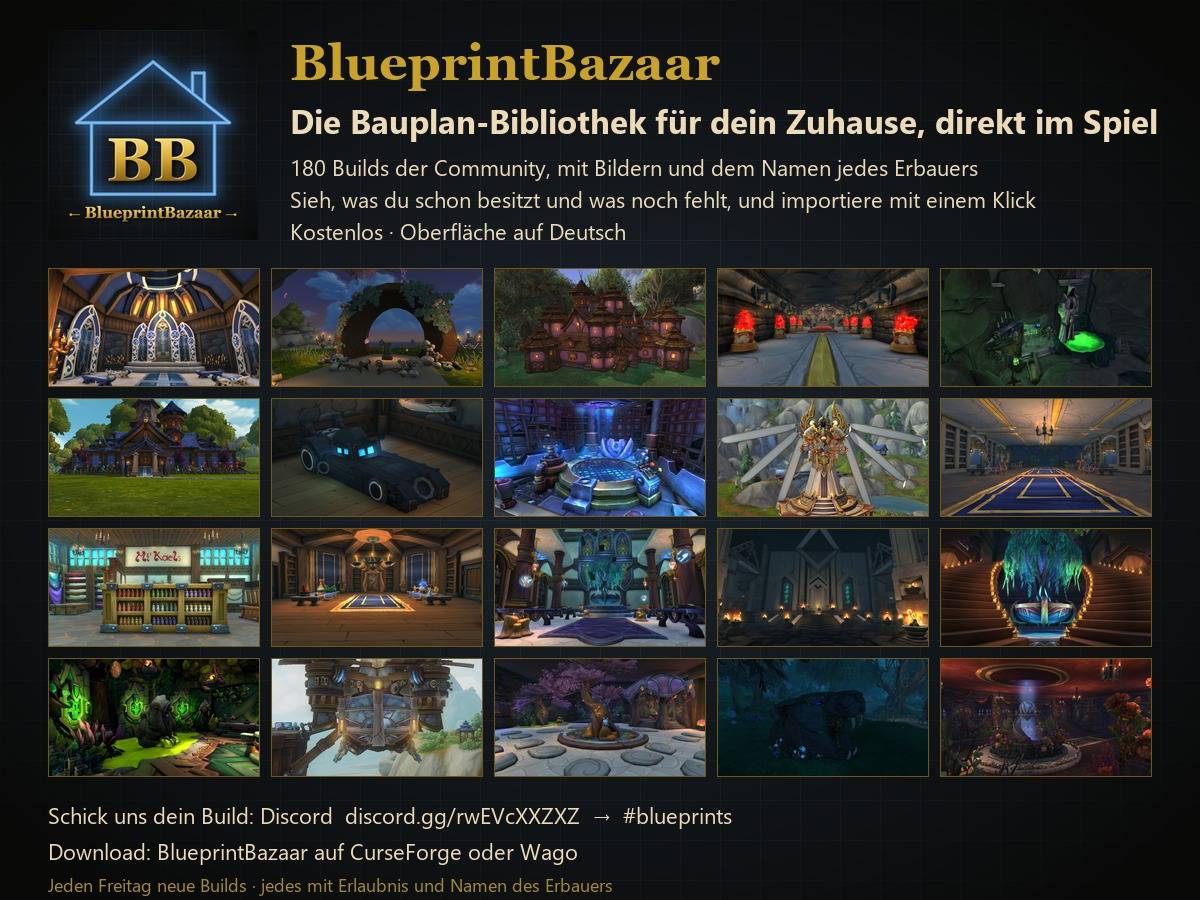
Open with /bb - search, filter and sort community builds. Click any card to see the full item list, buildability score and share code.
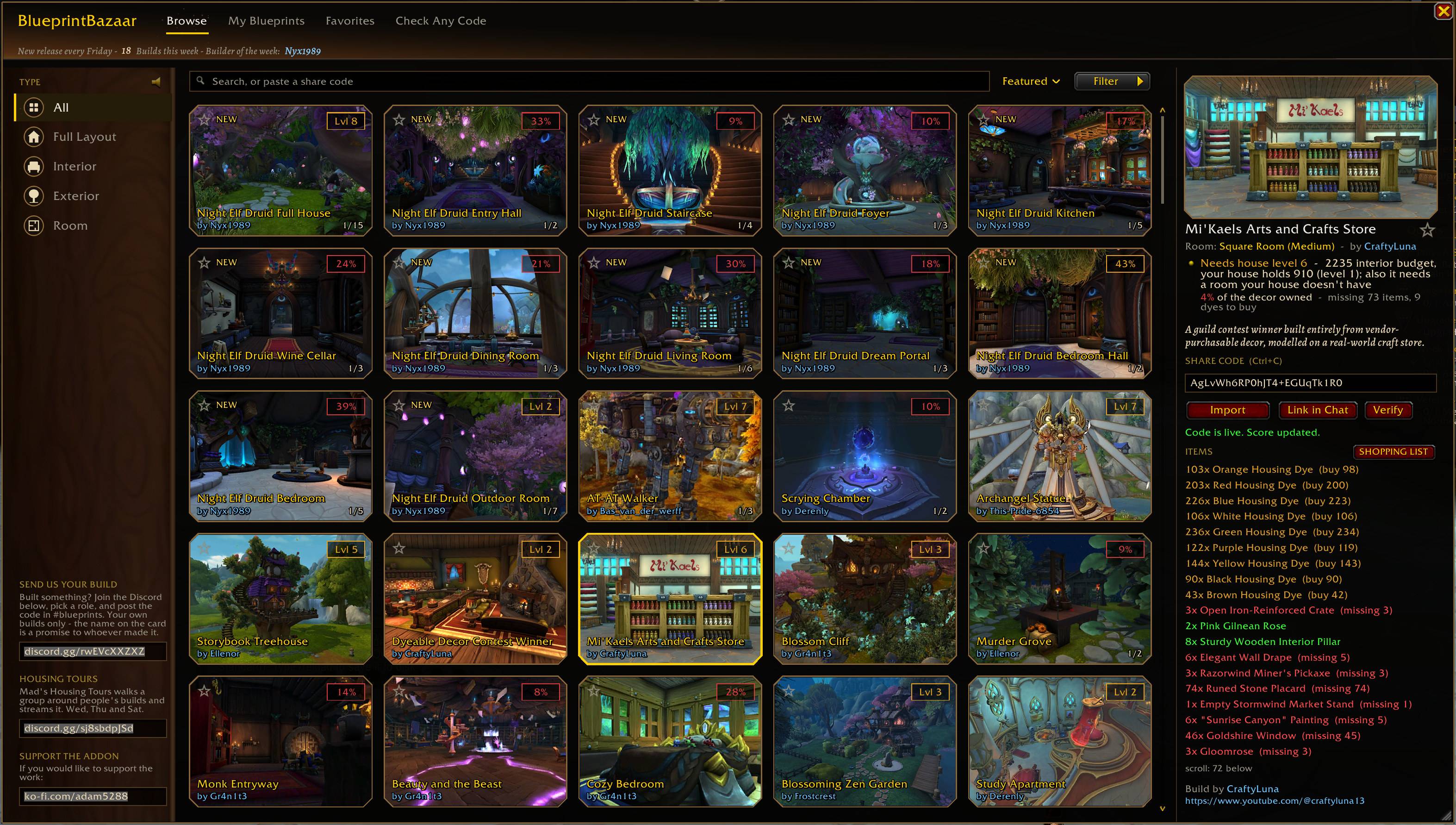
Every item in a build checked against your collection: green you have, red you are missing, with how many to buy. One click opens a shopping list.
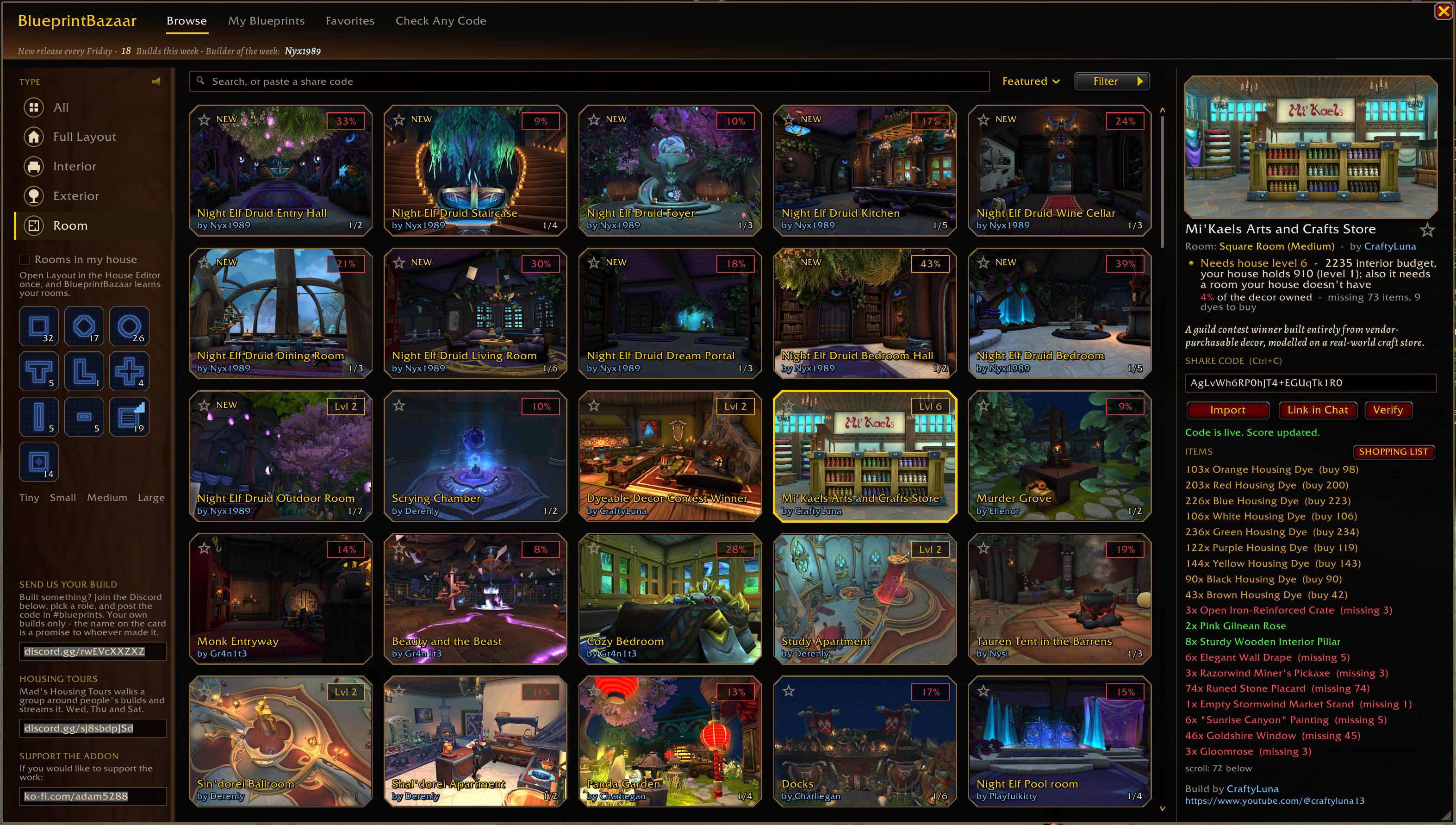
Rooms of every shape, the week's new builds stamped NEW, the builder's name on every card.
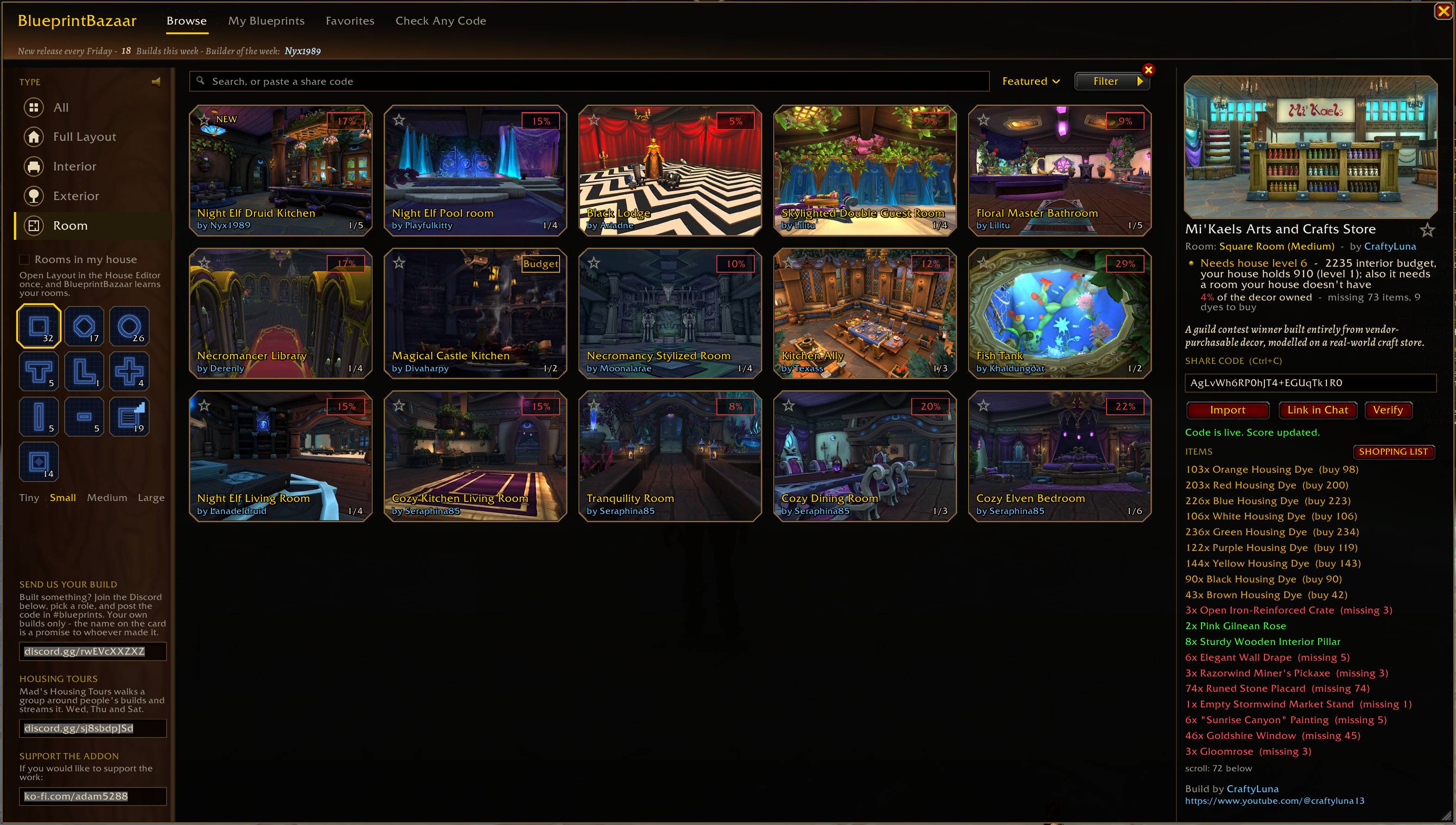
Filter by room shape and size. Open the House Editor once and the library learns the rooms in your house.
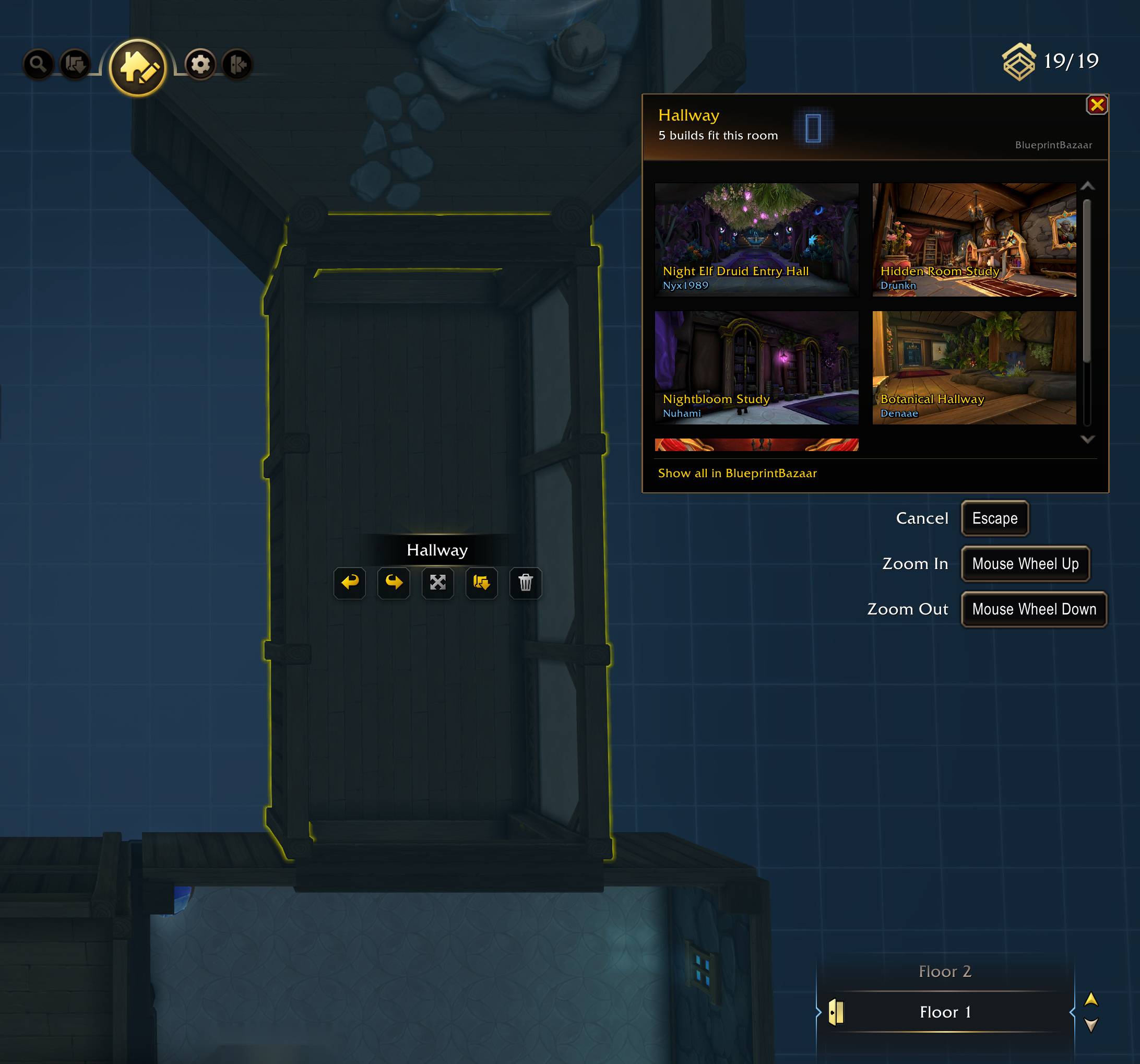
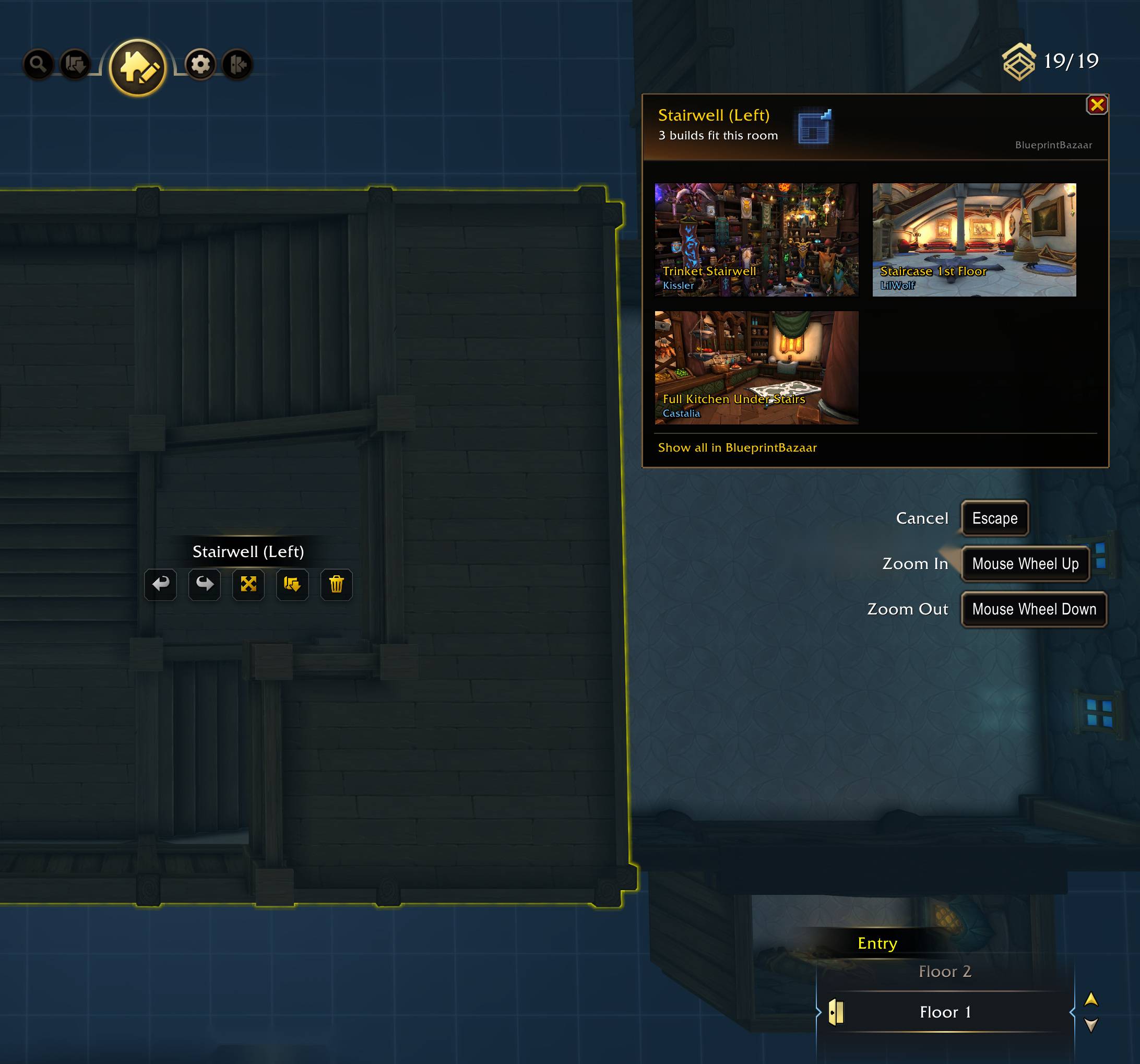
Select a room in Layout mode and a panel lists the builds that fit it, pictures and builders included.
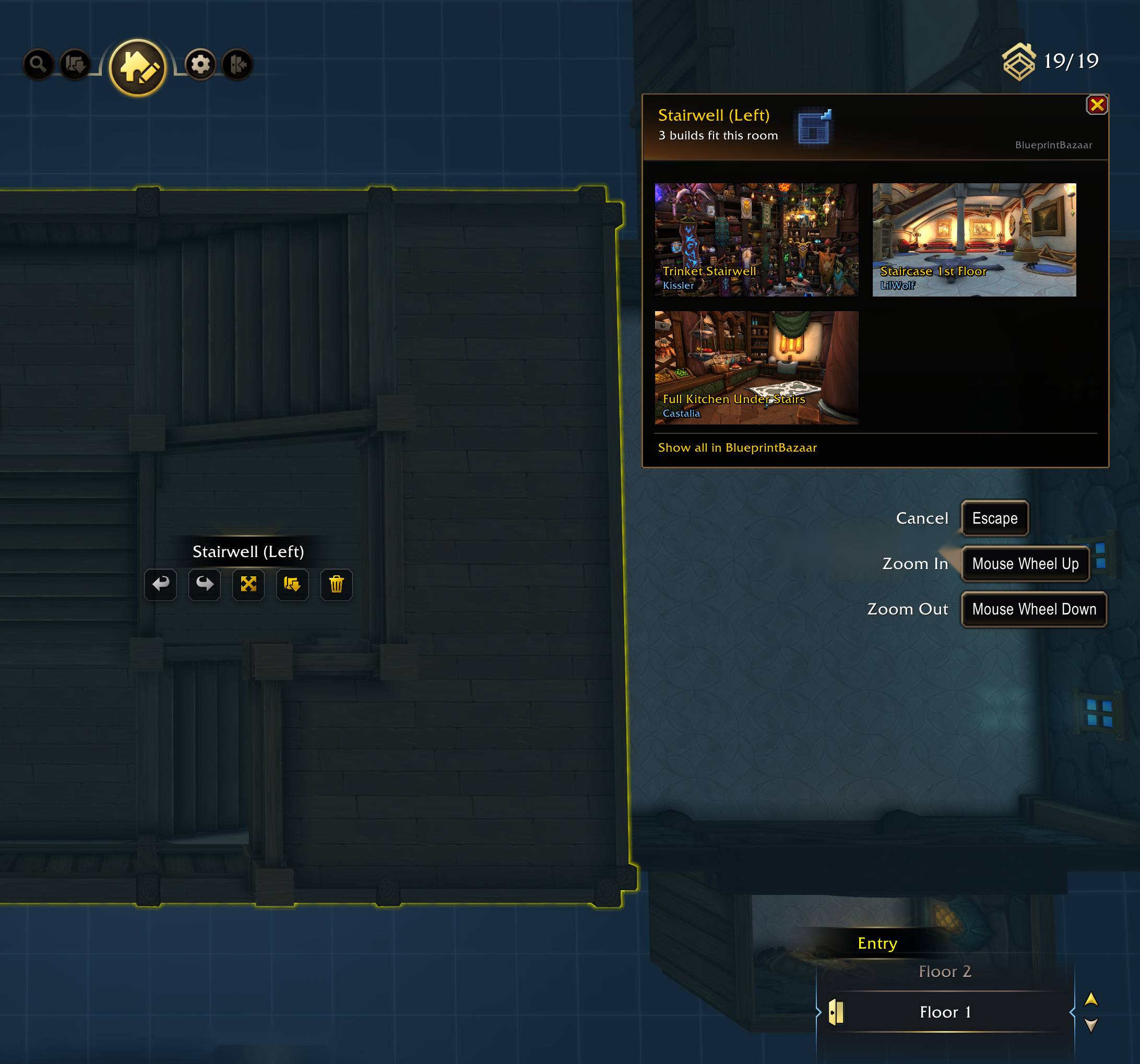
The panel follows the room you select. A stairwell gets only builds made for a stairwell.
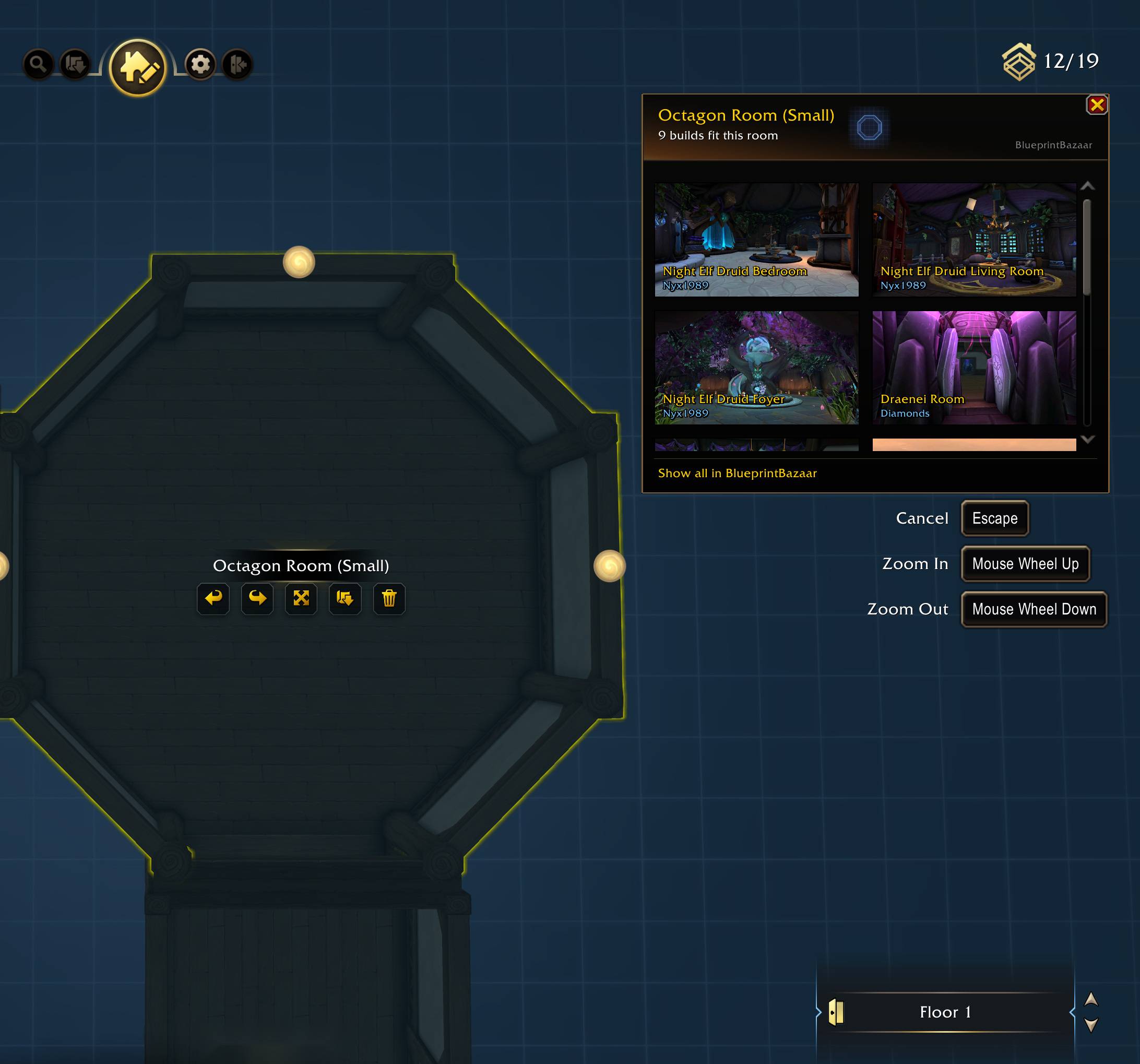
Octagon, T-shape, cross: the panel knows the shape and lists what fits it.
![Thumbnail Click a [Housing Blueprint] link in chat to inspect it instantly - live item list in green, one click to import.](https://media.forgecdn.net/attachments/1954/252/4b-jpg.jpg)
Click a [Housing Blueprint] link in chat to inspect it instantly - live item list in green, one click to import.
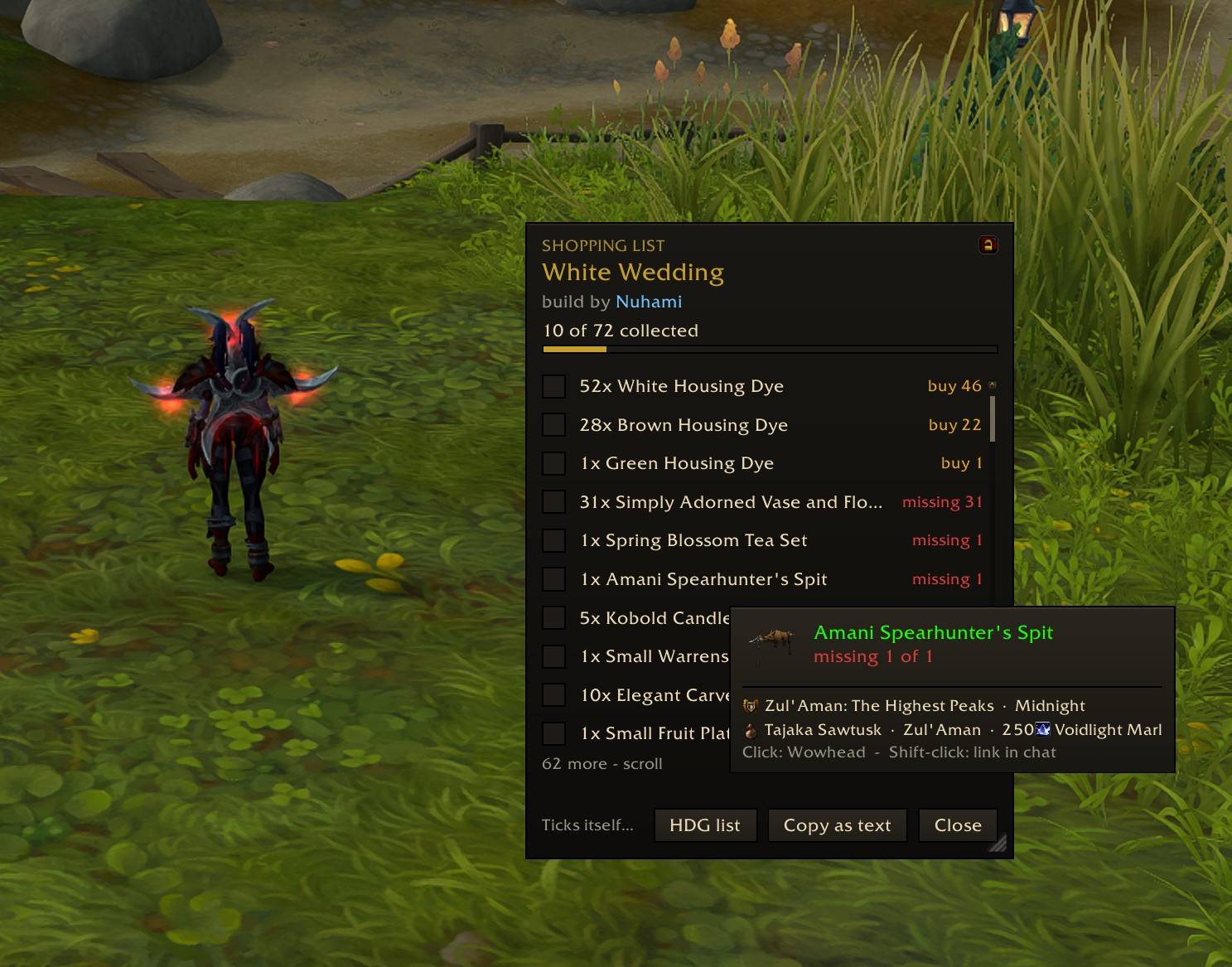
Hover an item to see where it comes from: vendor, zone and price, or the achievement or quest that unlocks it. Rows tick themselves off as you collect.
![Thumbnail Click a [Housing Blueprint] link in chat to inspect it instantly - live item list in green, one click to import.](https://media.forgecdn.net/attachments/1868/561/blueprintbazaar-gallery-11-jpg.jpg)
Click a [Housing Blueprint] link in chat to inspect it instantly - live item list in green, one click to import.
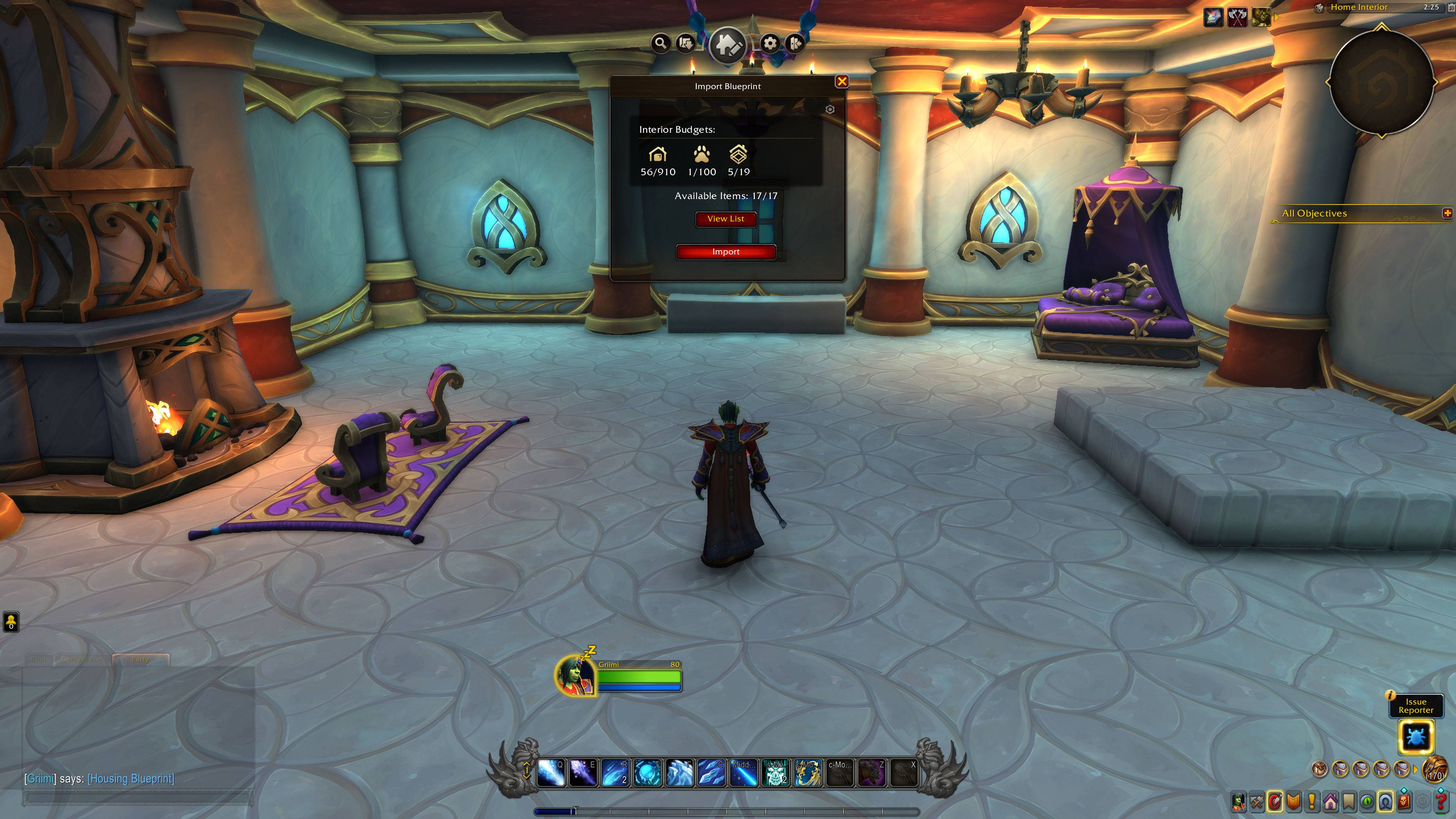
Import opens Blizzard's own confirmation dialog with a full budget overview before anything changes in your house.
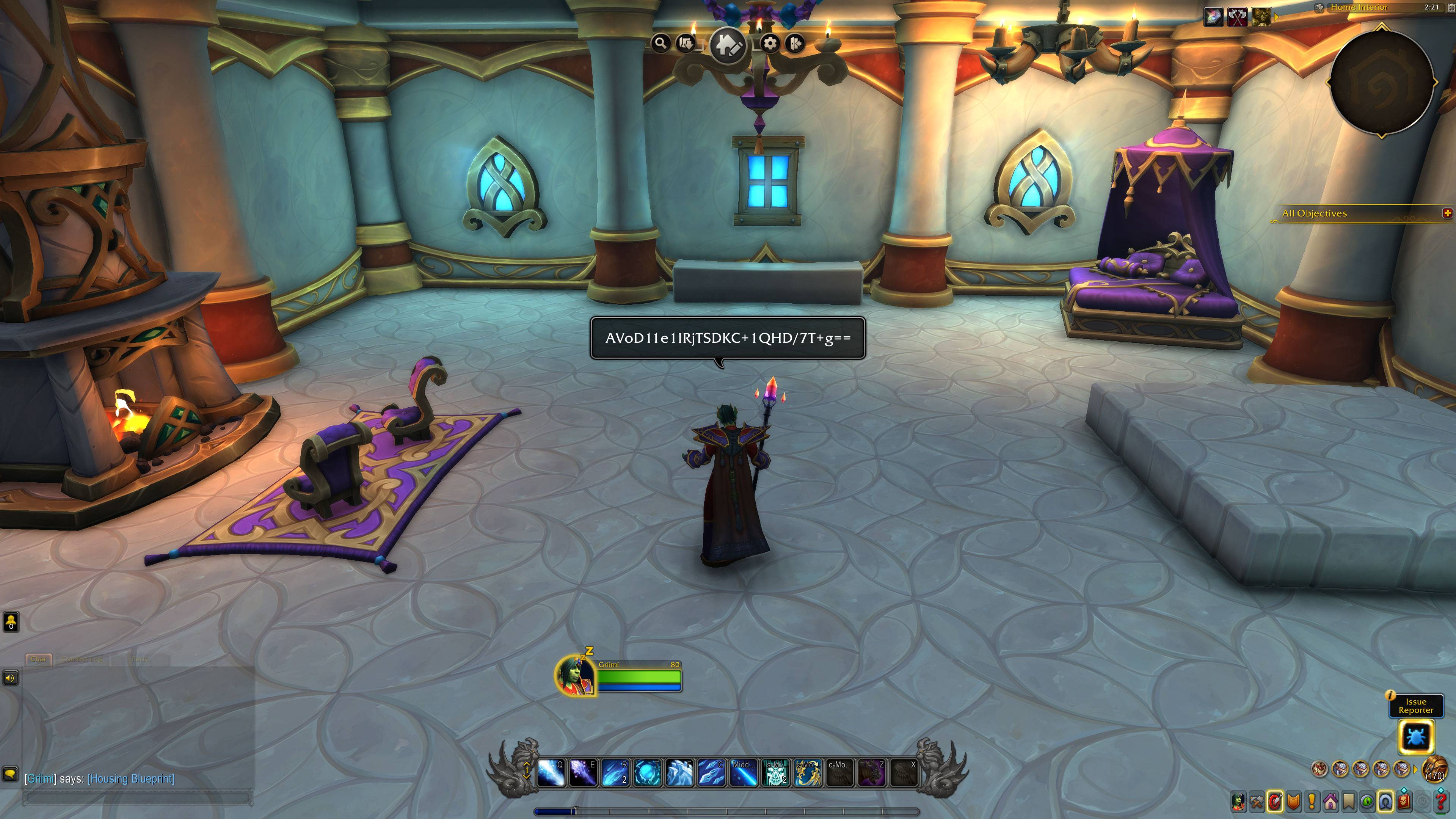
Paste a code in /say, party or guild chat - BlueprintBazaar makes it clickable for everyone with the addon. Inspect any code manually with /bb code <sharecode>
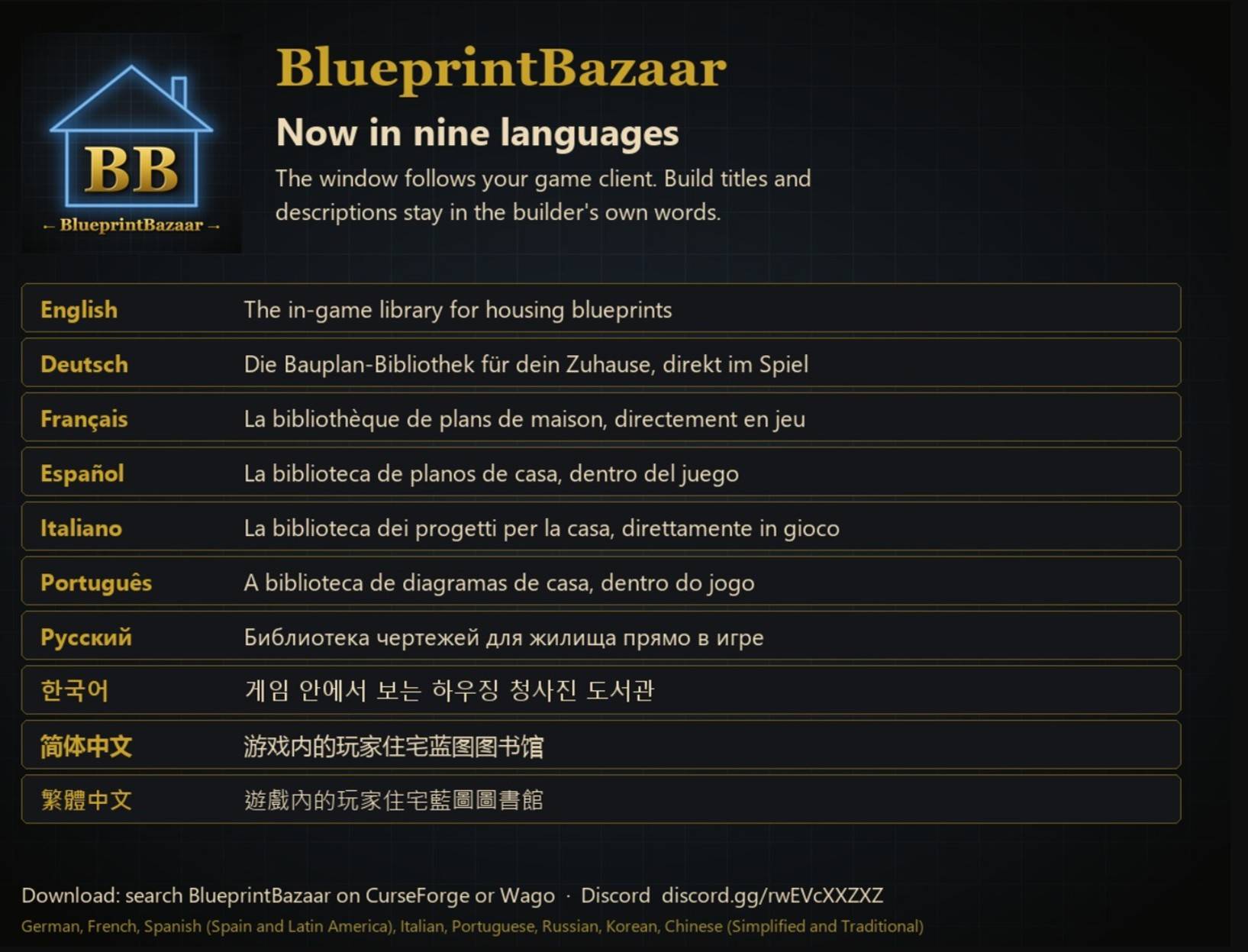
BB Languages
DE
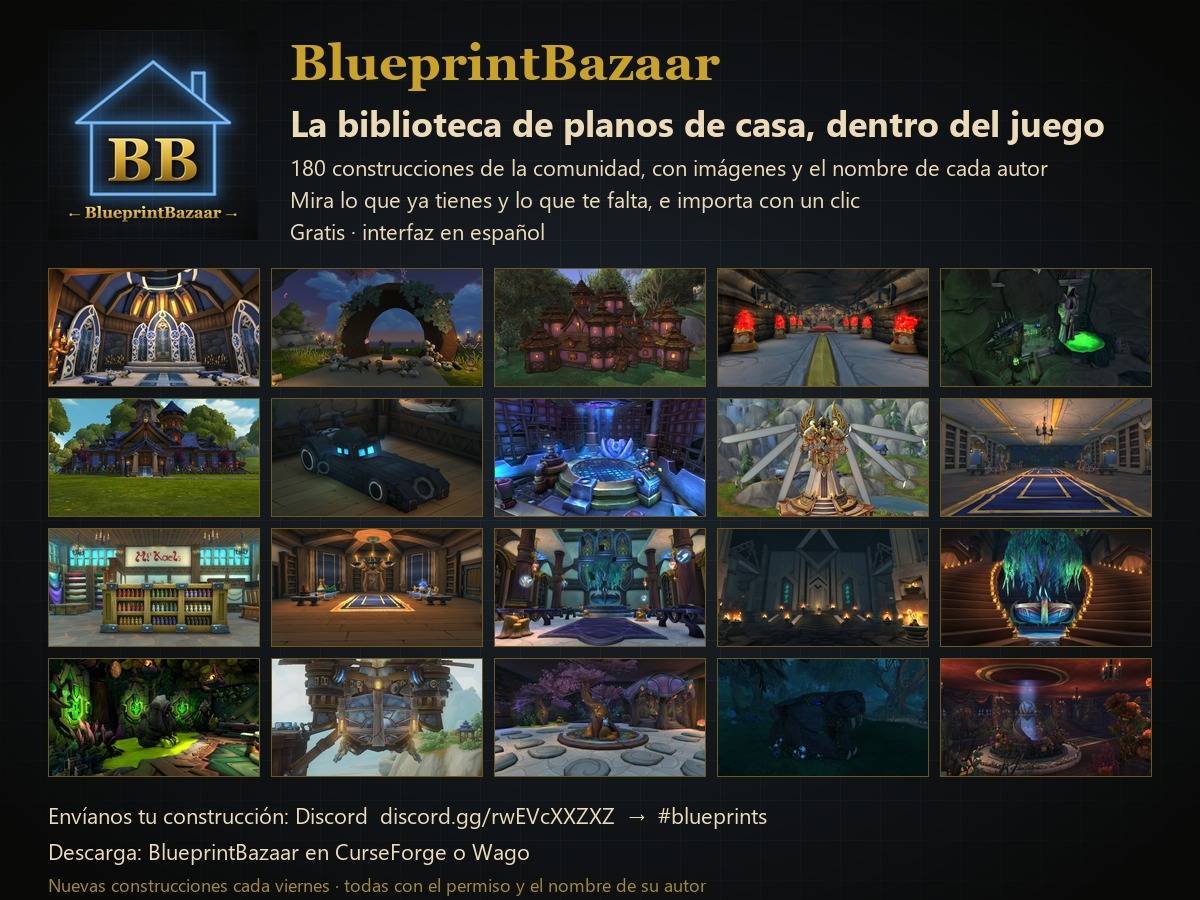
ES
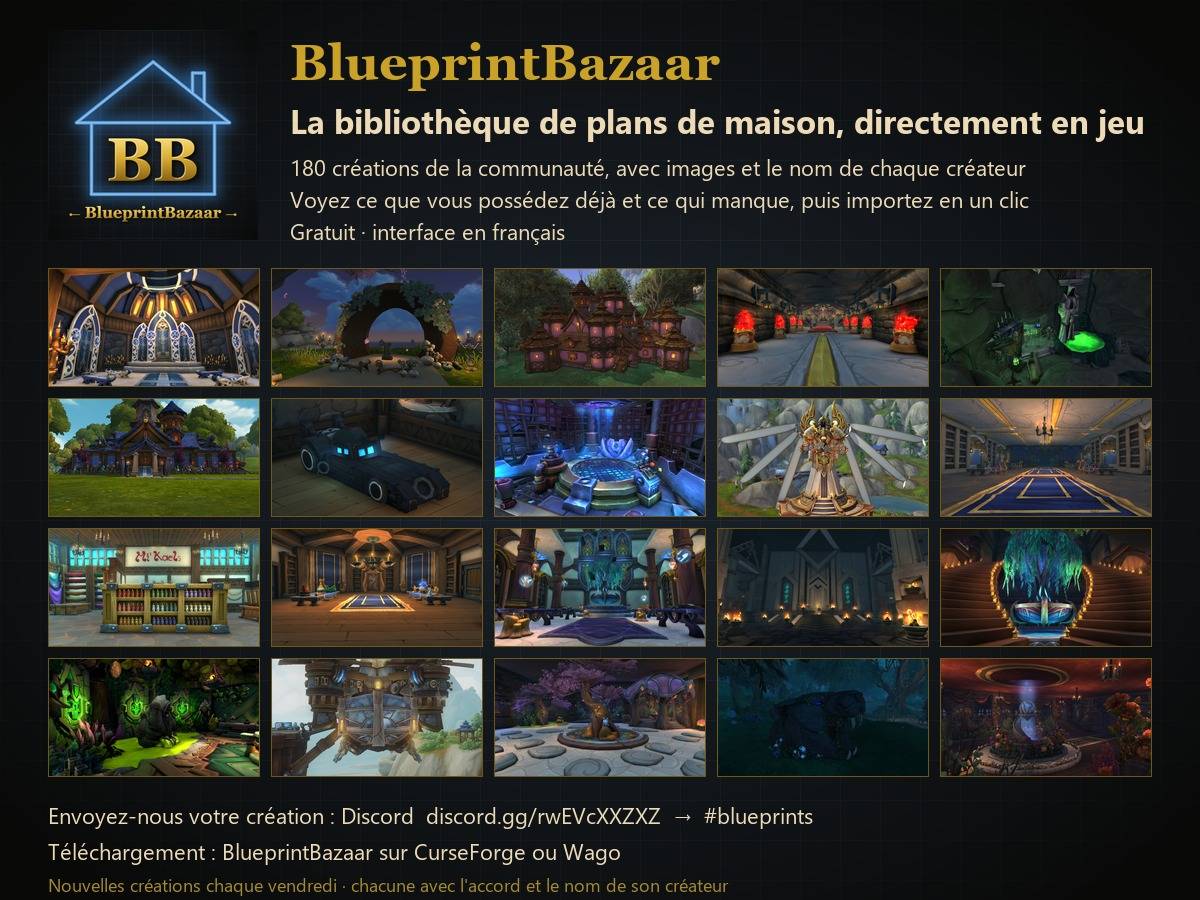
FR
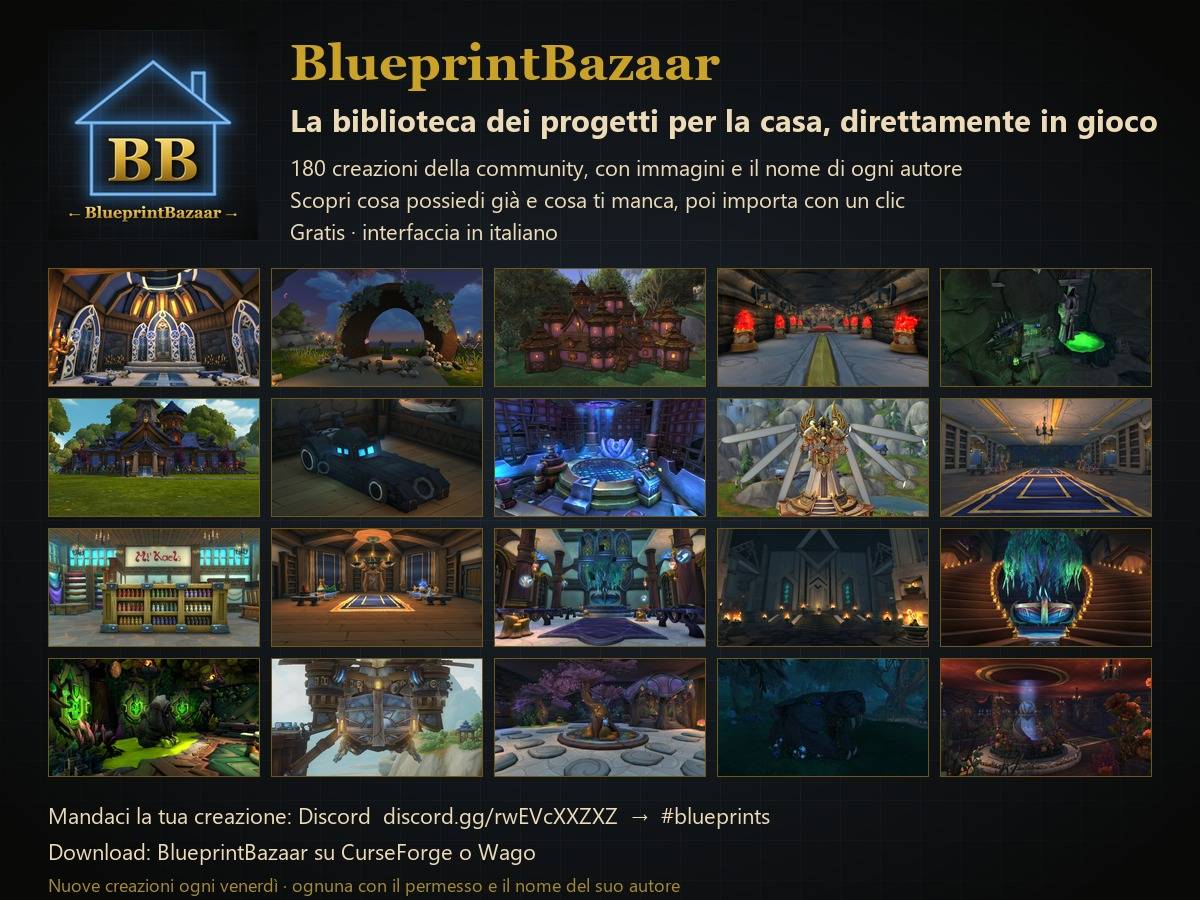
IT
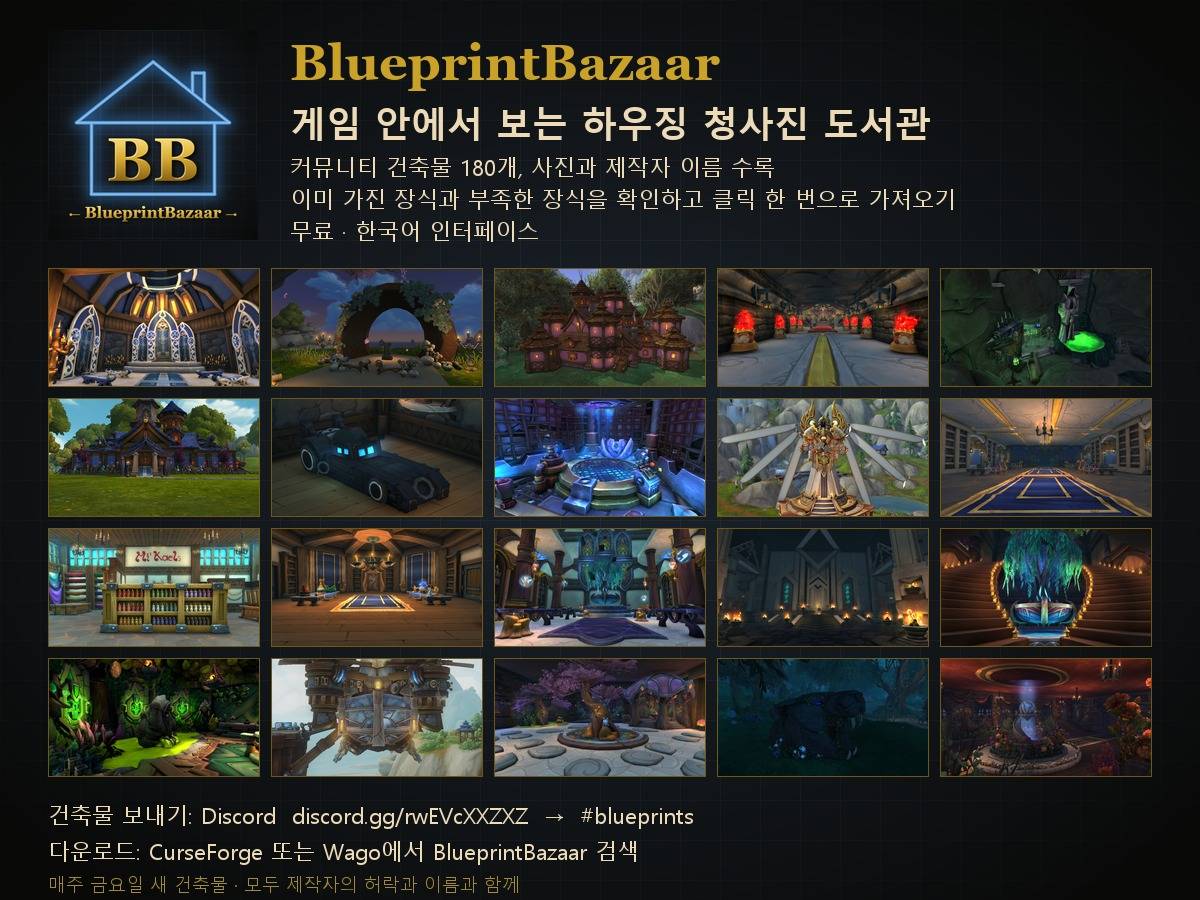
KR
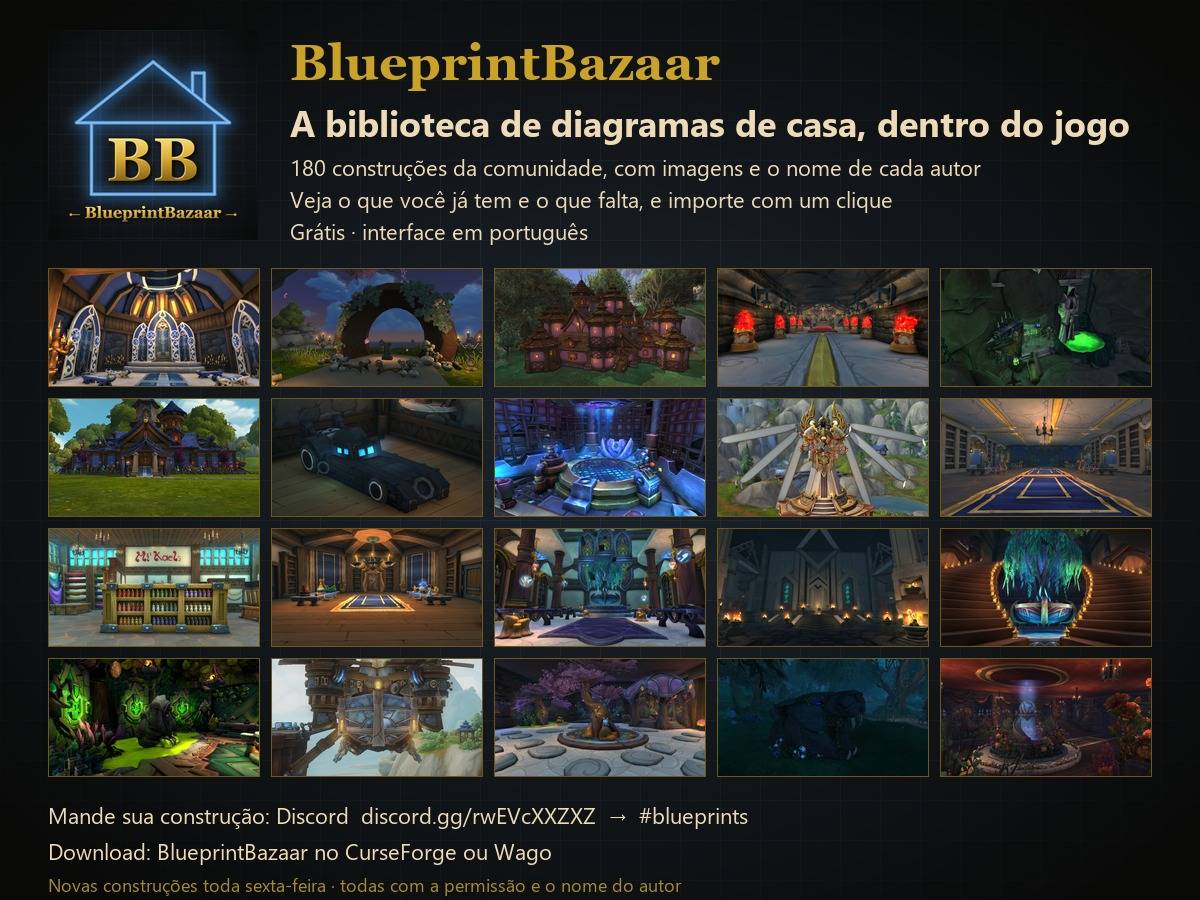
BR
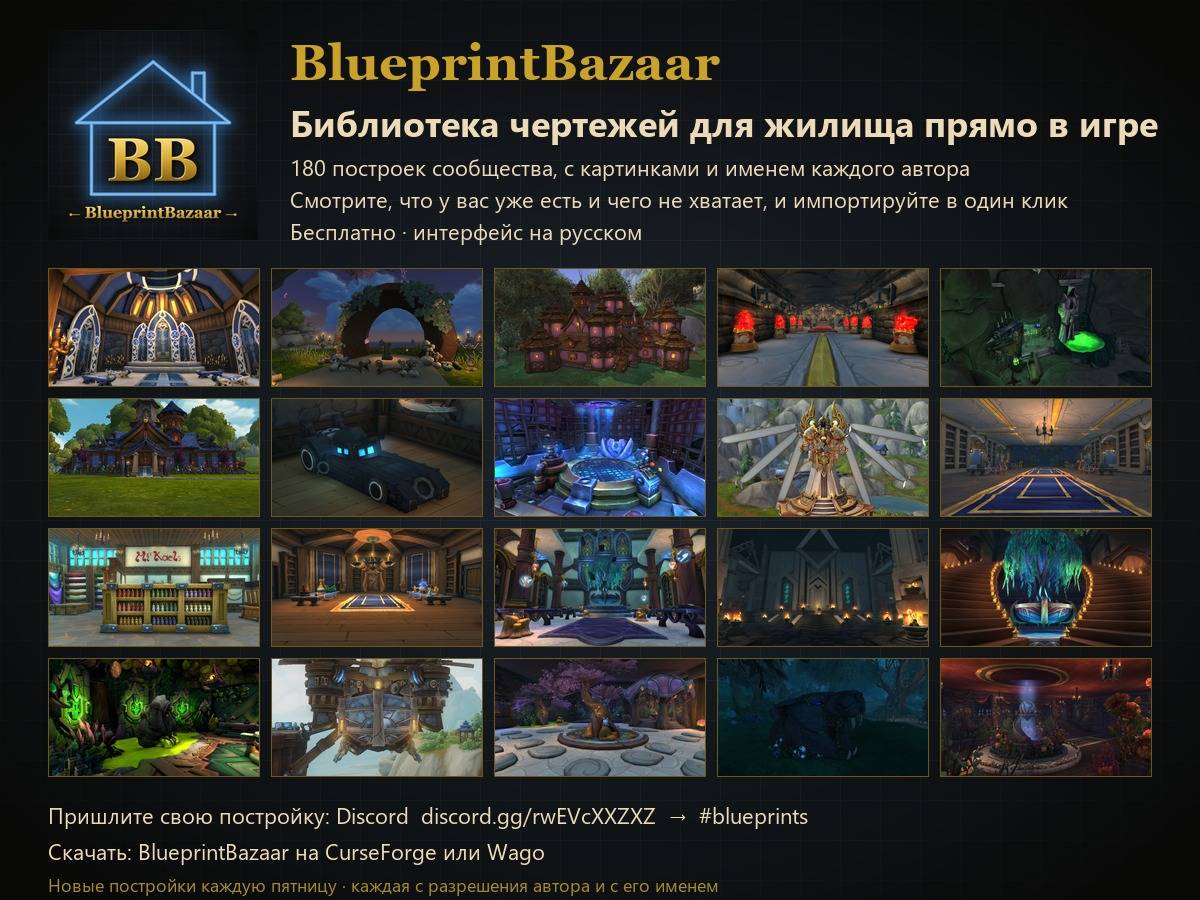
RU
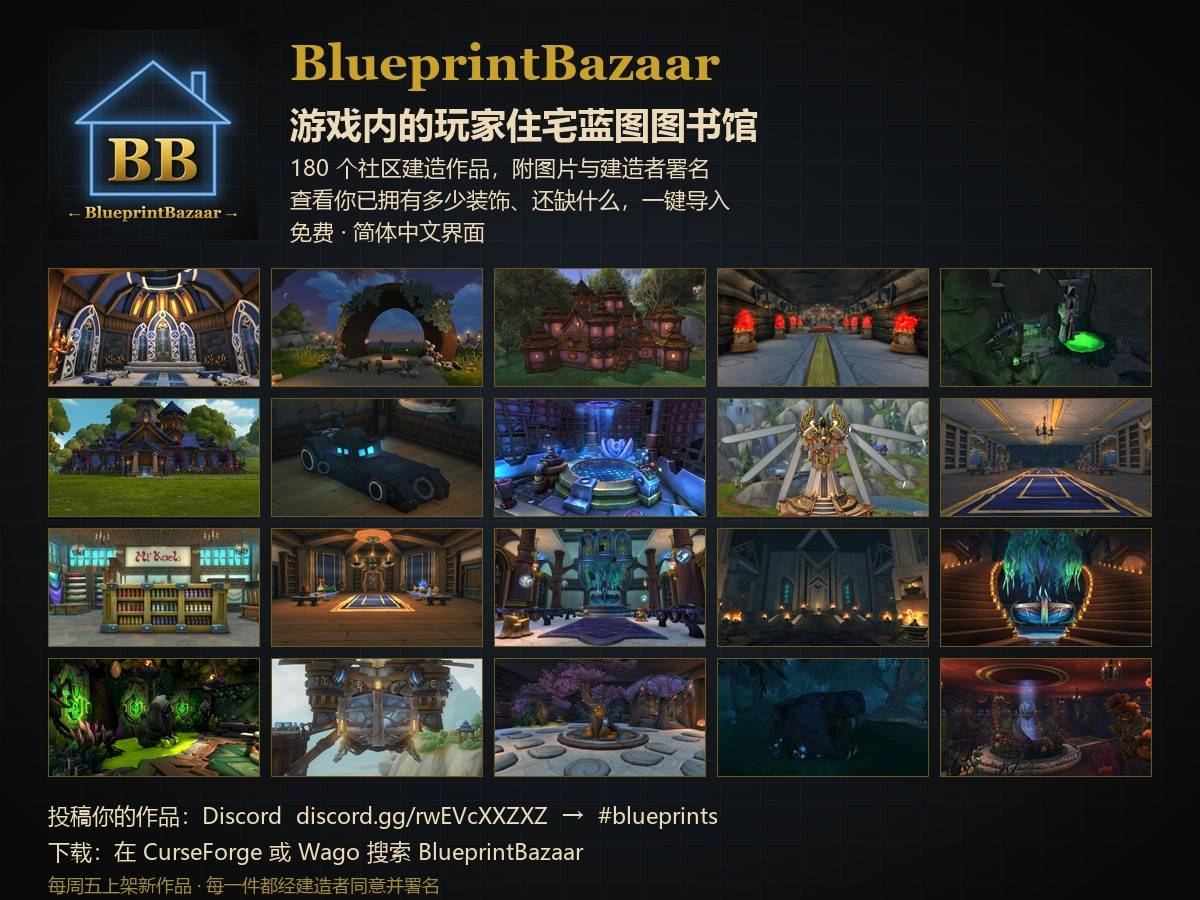
CN
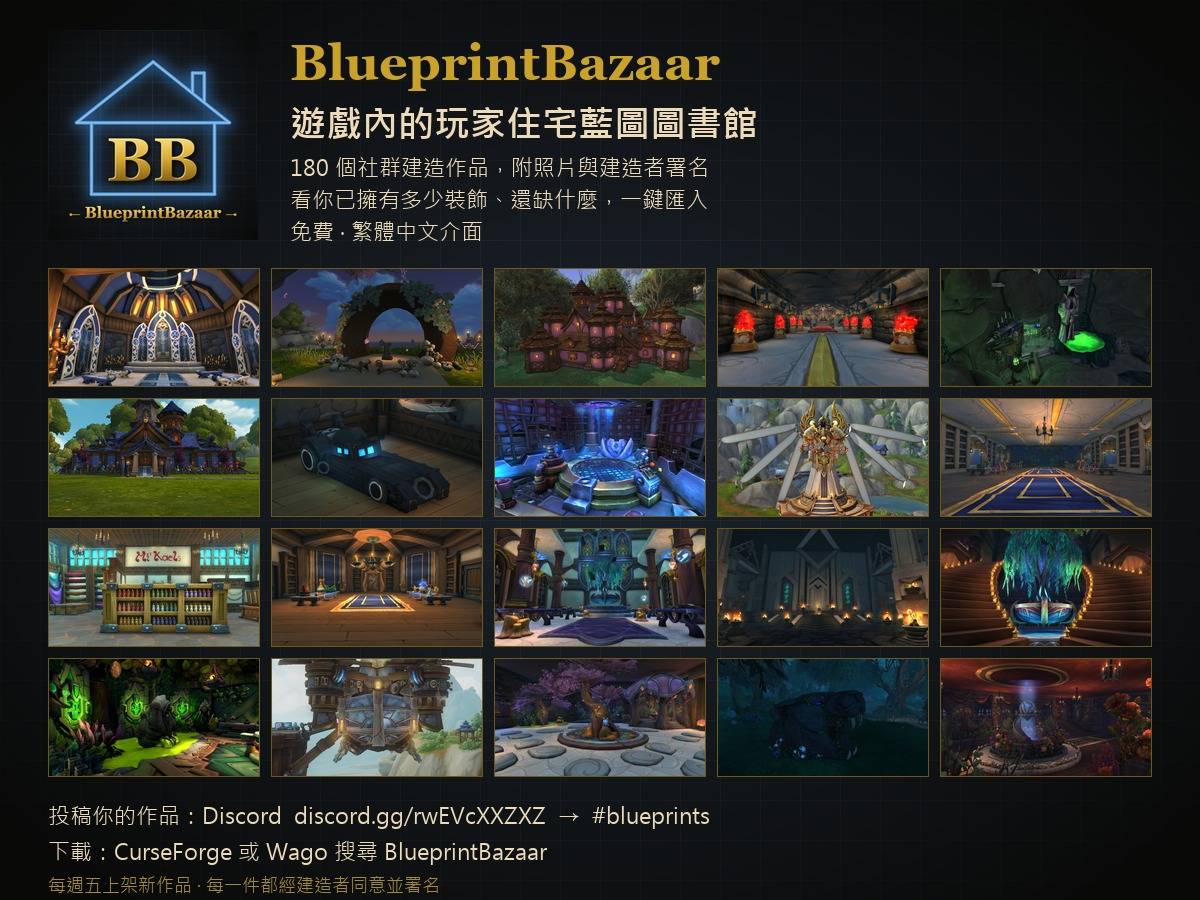
TW
7.jpg