
BlizzThreatPlates-Forever
- By
WoWScrnShot_100126_045016.png
Description
-----------------------------------------------------------------------------------------------------------------
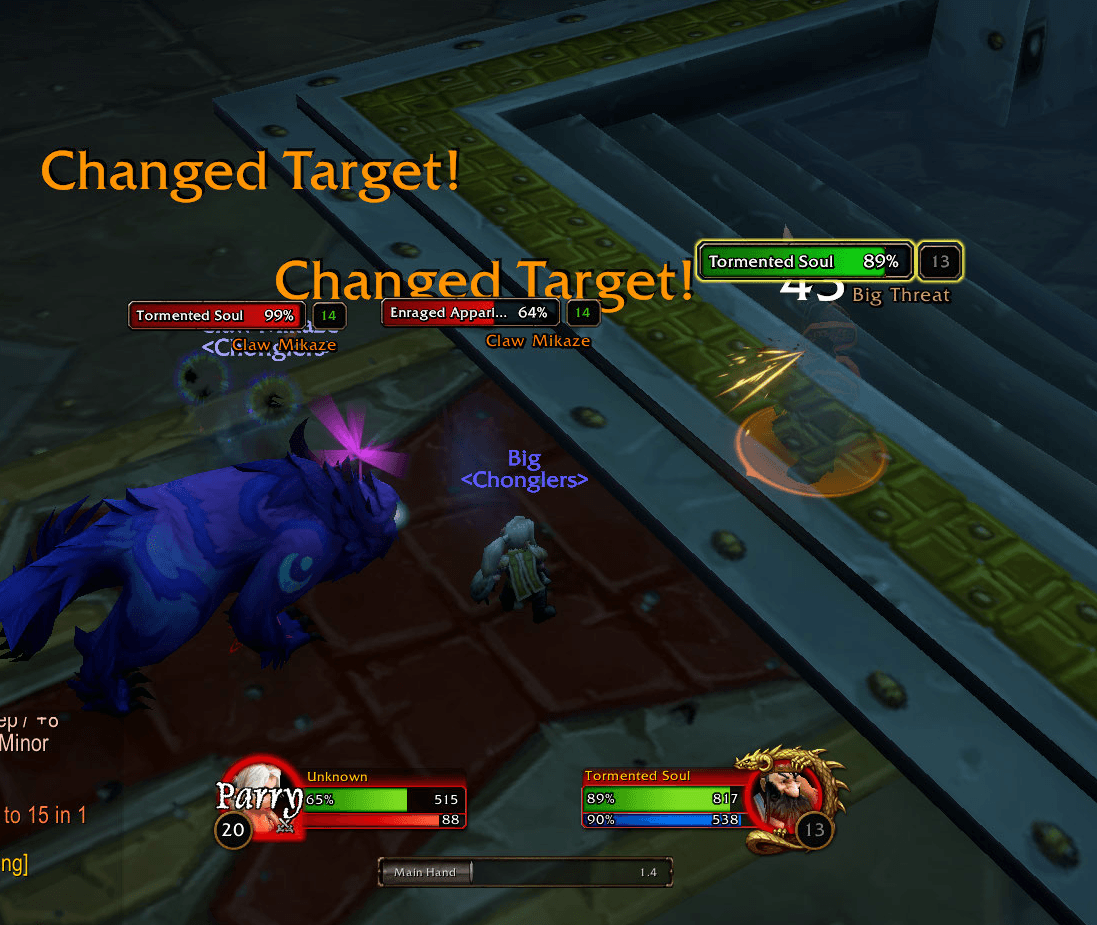
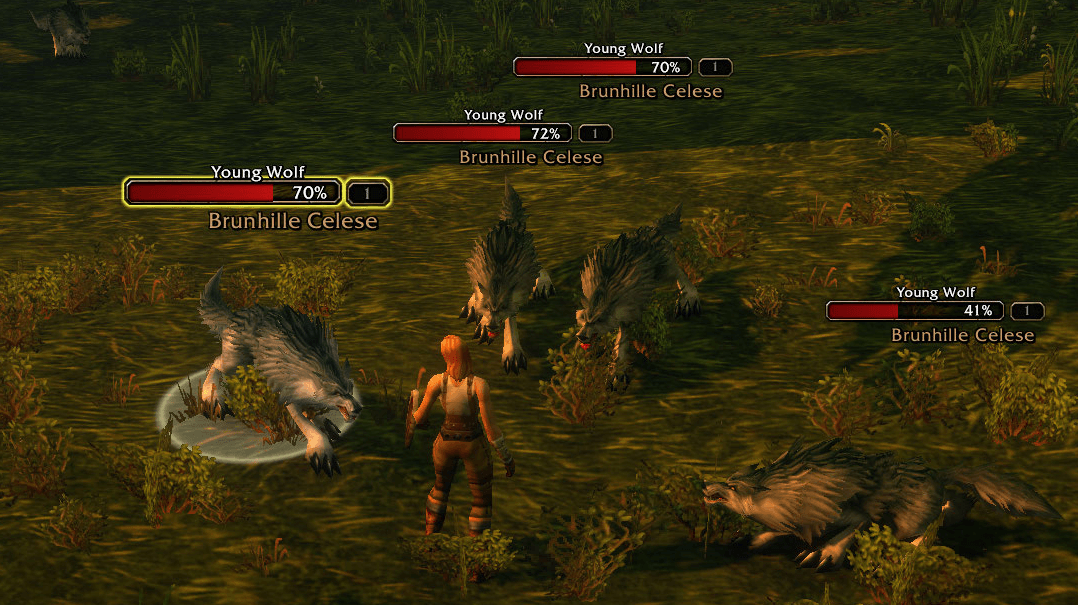
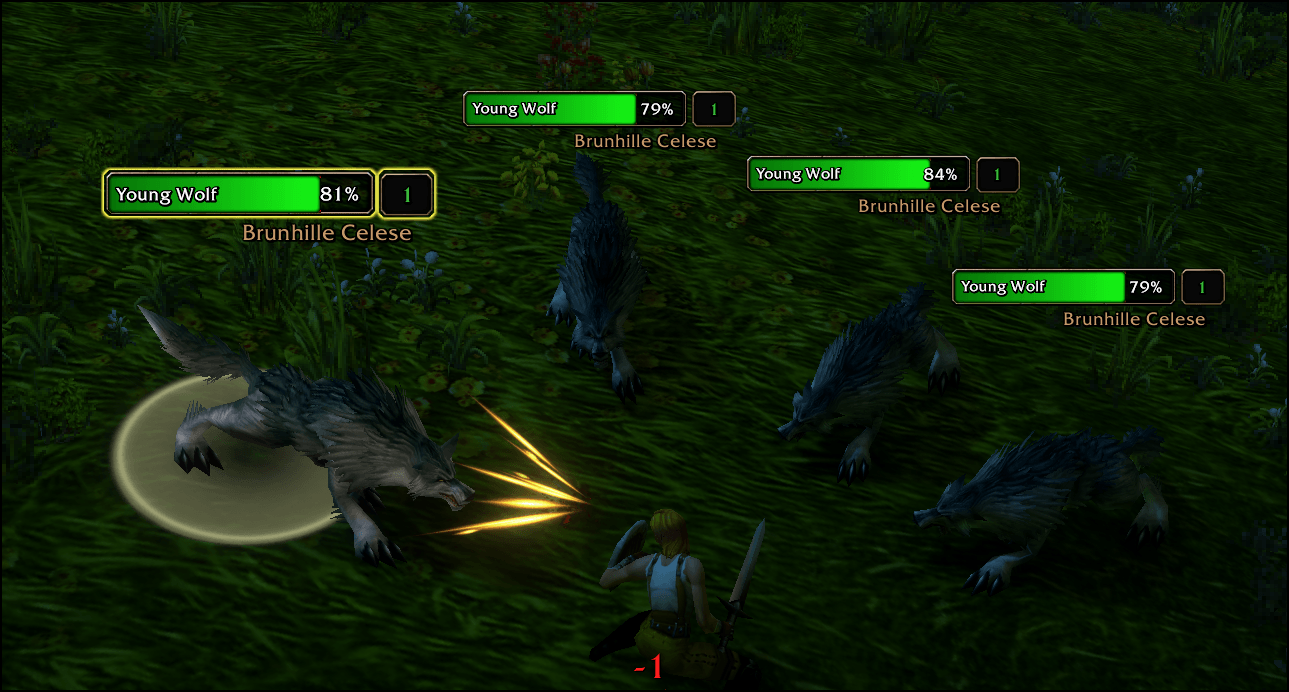
See who has aggro, how far ahead you are, and who each enemy is targeting. Works with Blizzard's default nameplates -- or select 'Compatibility Mode' and use your preferred nameplate addon alongside BTP's generated threat numbers and target-of-target display.
Designed for WoW Forever. Open settings with /btp or the minimap button.
THREAT PERCENTAGES
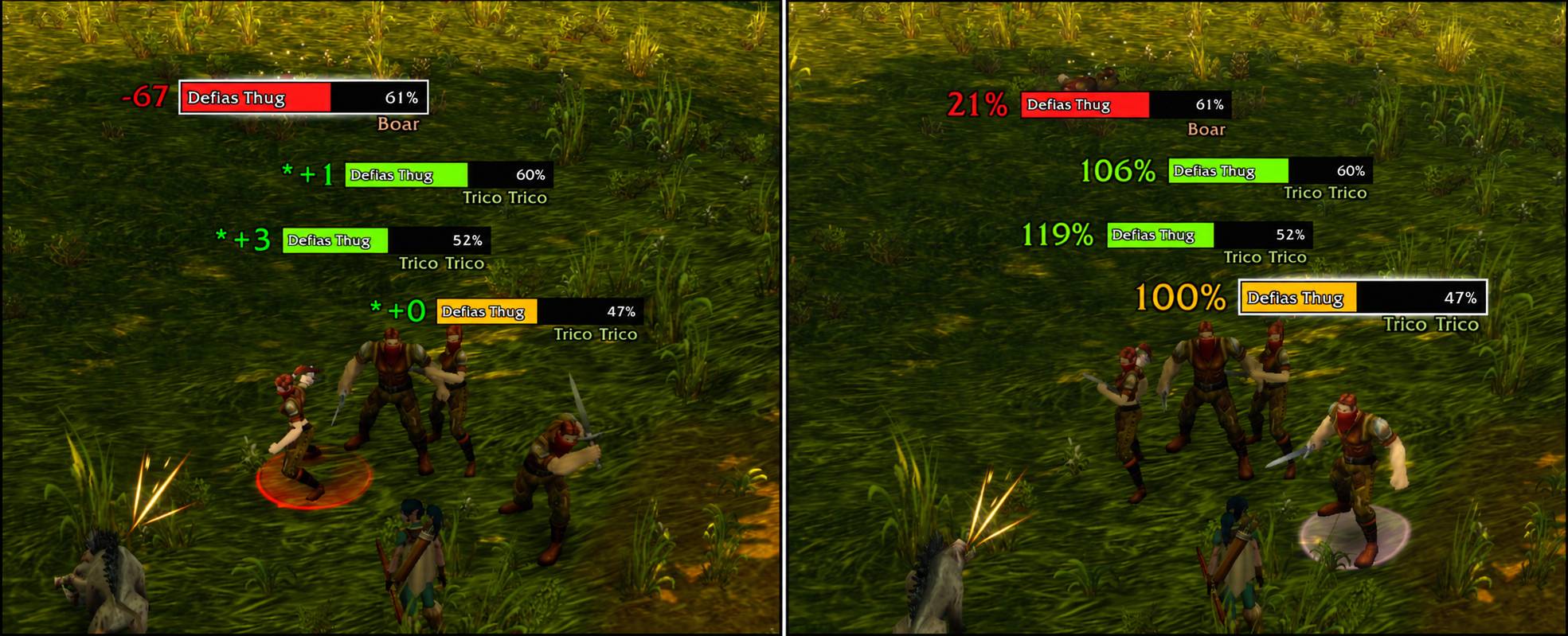
Live Blizzard-supplied percentages let you watch several enemies at once, including enemies you aren’t targeting. Values can exceed 100%, showing the size of your lead. Large values display compactly, such as 6.3K%.
THREAT DIFFERENTIAL + SNAPSHOTS
See how many threat points you are ahead (+) or behind (-) compared with the highest-threat group member or pet.
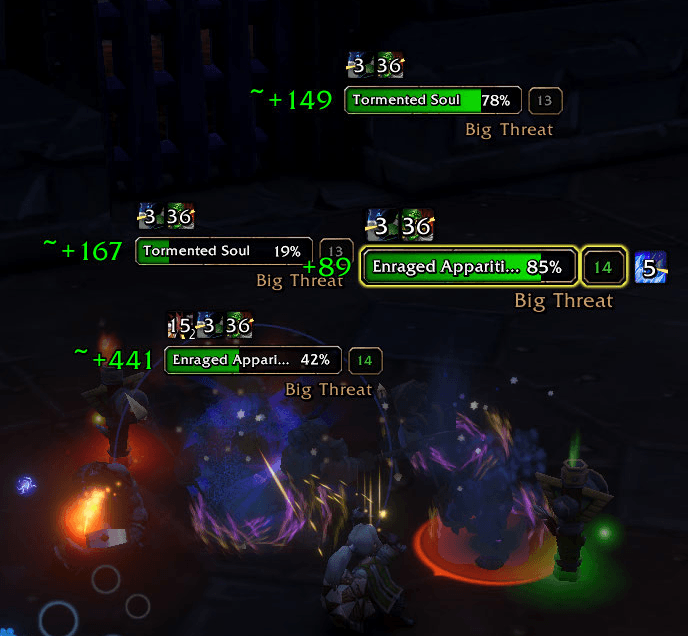
Only your selected enemy updates live. When you switch away, its last known value remains temporarily with an asterisk (*), then blinks and fades. These off-target numbers are snapshots, not live updates. Select that enemy again to refresh its value.
Both modes require available comparison threat data. (a second target attacking the mob)
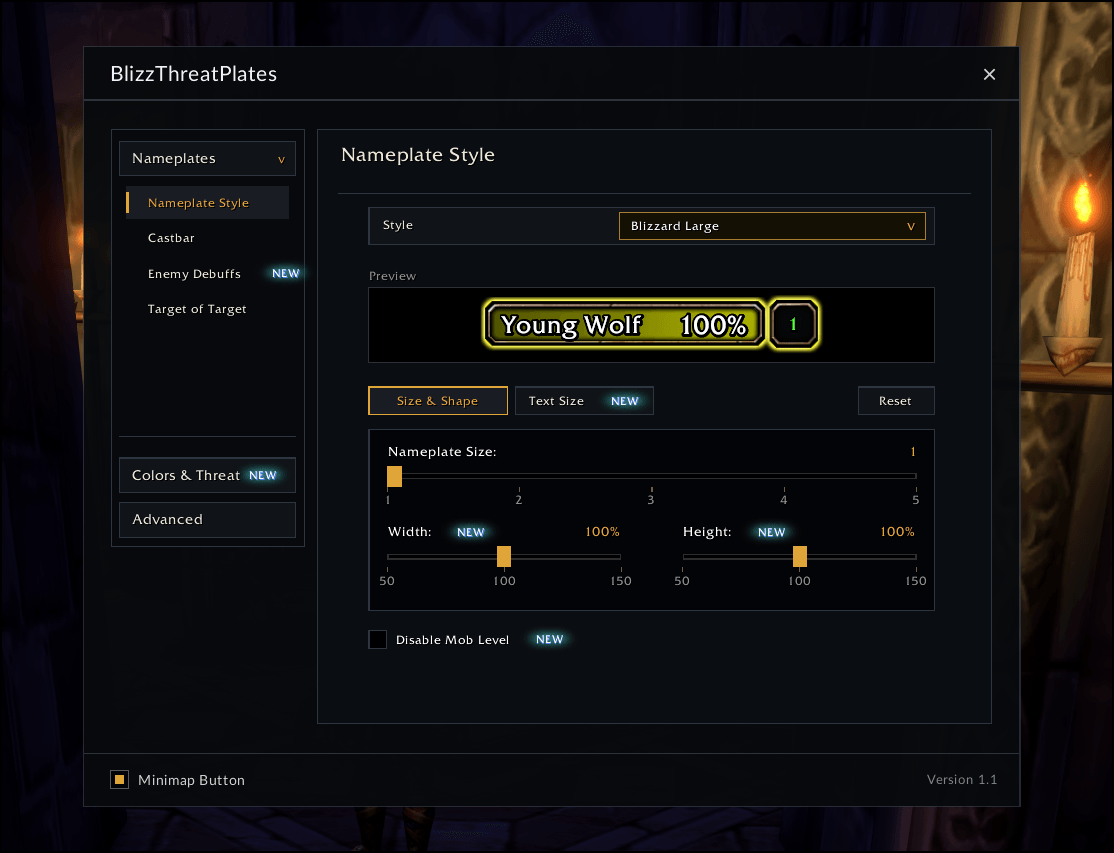
NAMEPLATE STYLES
• Blizzard Large and Blizzard Default retain the familiar native appearance.
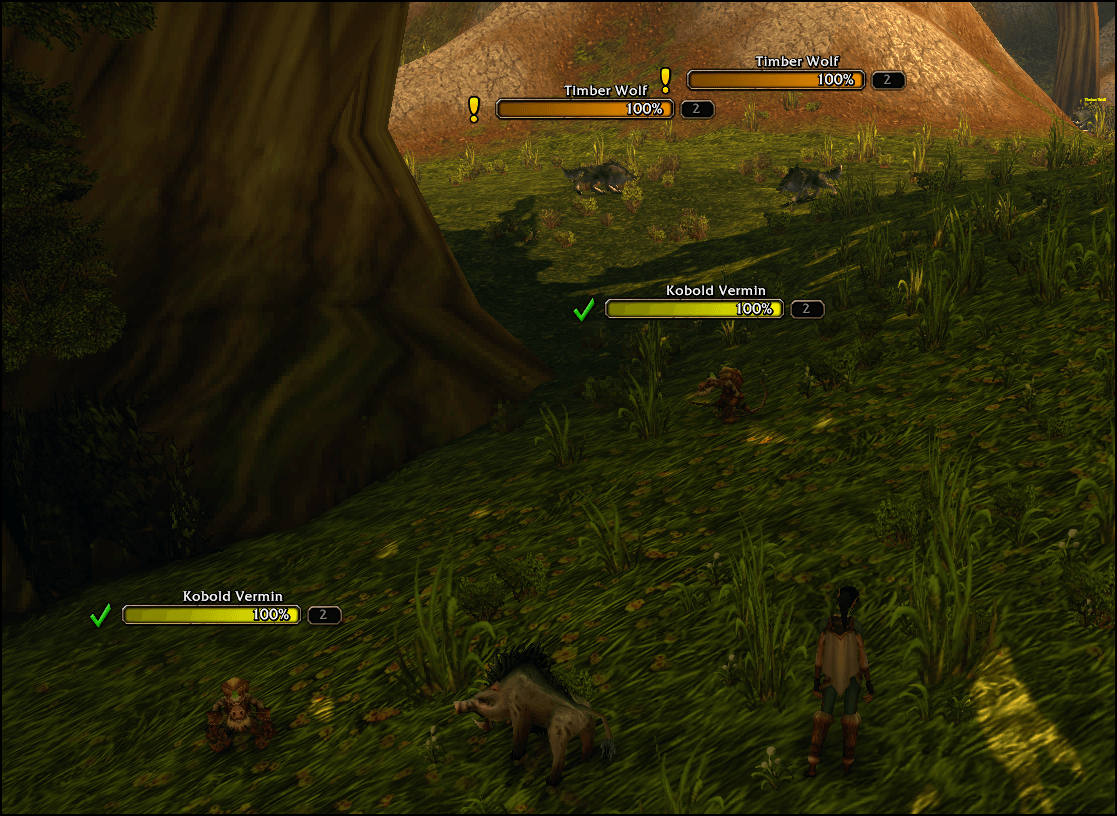
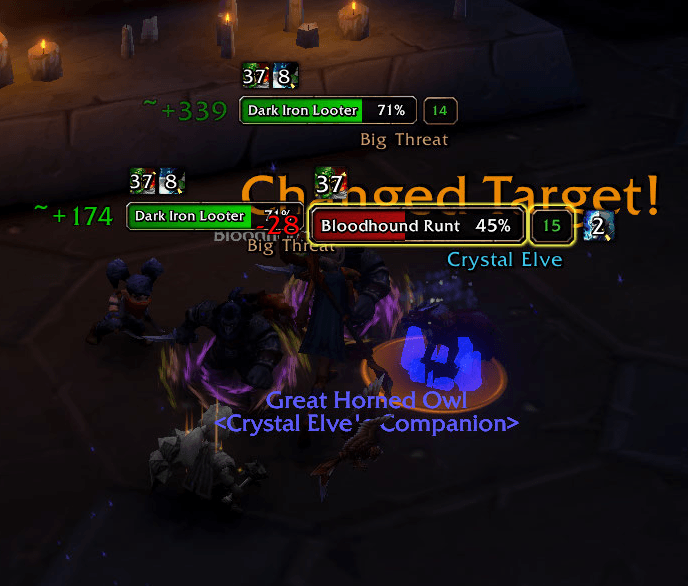
• ATD (Plater Inspired) provides compact bars with the enemy name and health percentage inside, a white selected-target border with a soft glow, player debuff icons, and a matching castbar with its timer inside.
• Adjust nameplate size and enemy-name, health-percentage, and health-value text sizes where supported.
• Each style remembers its own size and text settings.
USING ANOTHER NAMEPLATE ADDON?
Enable Compatibility Mode under Nameplates to use BTP’s threat numbers and optional target-of-target text alongside addons such as Plater or Platynator.
Compatibility Mode disables BTP styling, recoloring, brightness changes, and border flashing so your other addon can manage nameplate appearance. Position controls let you adjust BTP’s text to suit your layout. Alignment can vary between nameplate addons.
CUSTOMIZATION AND FEATURES
• Threat Position & Size: adjust threat font size and horizontal/vertical placement with a nameplate preview.
• Target of Target: display who each enemy is targeting, with optional last names, adjustable size, and independent X/Y positioning.
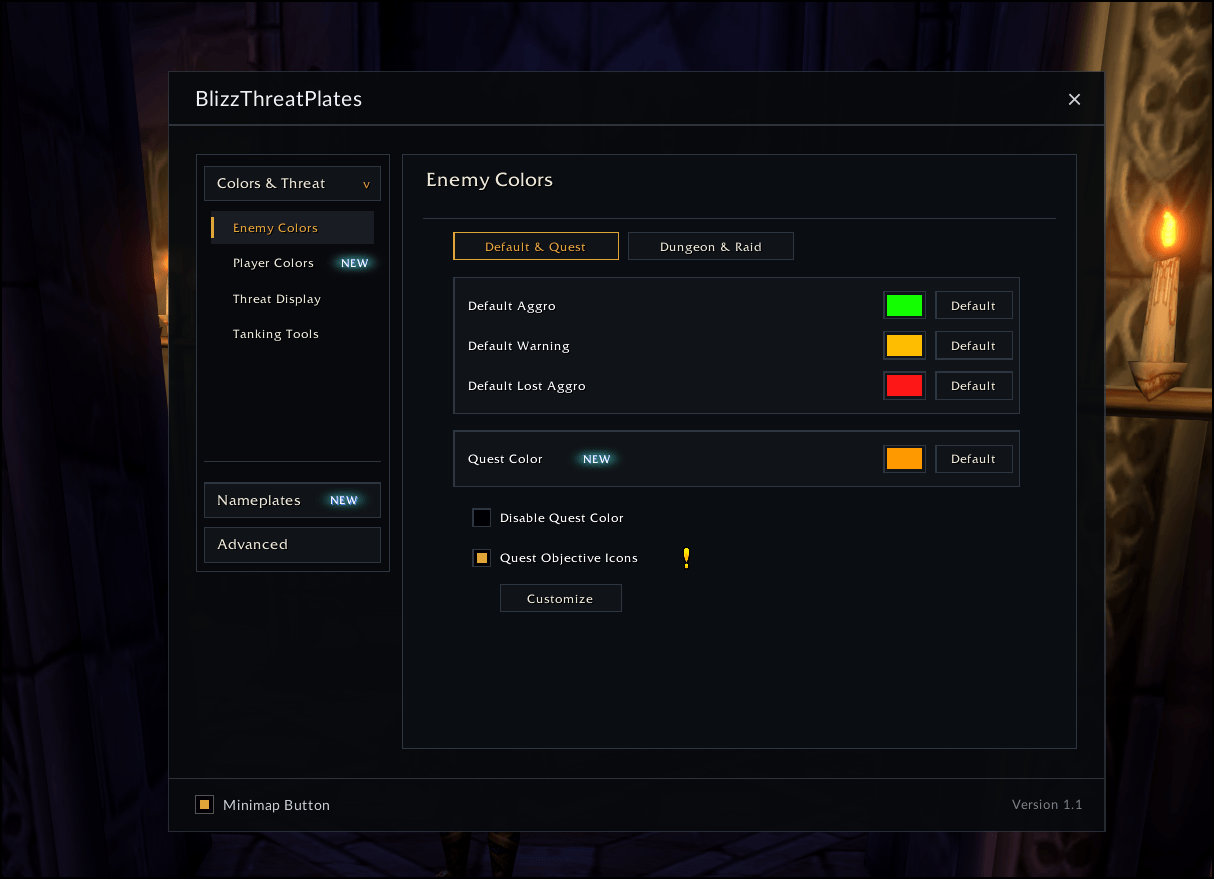
• Threat Colors: customize aggro, warning, and lost-aggro colors, with separate dungeon and raid palettes for tanks and DPS/healers.
• Non-Target Visibility: optionally keep other enemies’ nameplates bright.
• Aggro Warning: flash the border when losing secure aggro on an off-target enemy, including ATD bars.
• Snapshot Duration: choose how long last-known differential values remain visible.
• Tank-Only Filter: optionally display threat only when assigned Tank. Disabled by default for new installs.
• Welcome Screen: compare the two threat modes during initial setup.
• Minimap Button: drag to reposition or hide it through settings.
GETTING STARTED
- Install and enable BlizzThreatPlates-Forever.
- Open /btp and choose your threat display under Colors & Threat.
- Select a nameplate style, or enable Compatibility Mode for another nameplate addon.
- Adjust threat placement in Position & Size and target names in Target of Target.
BlizzThreatPlates-Forever Team
