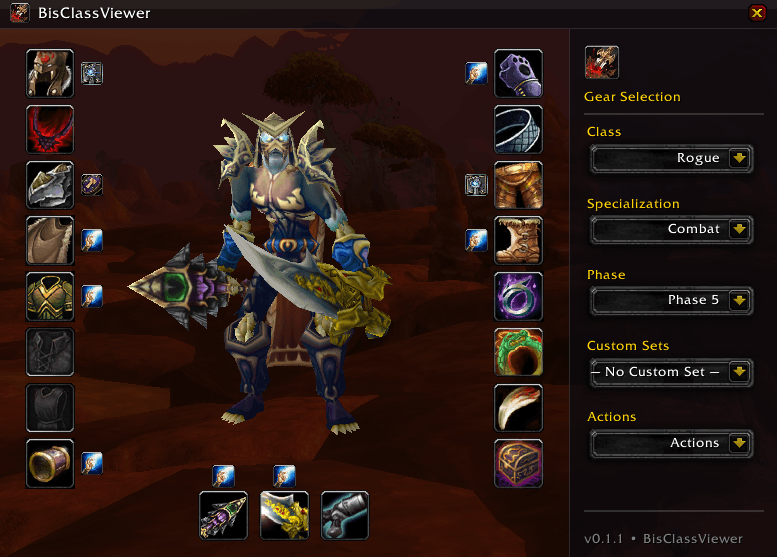
Preview
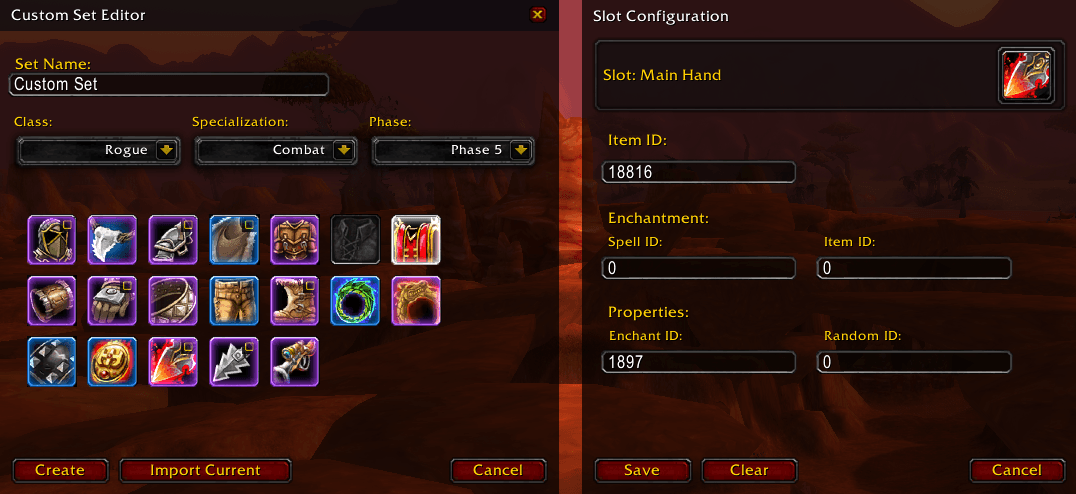
Custom Set Editor
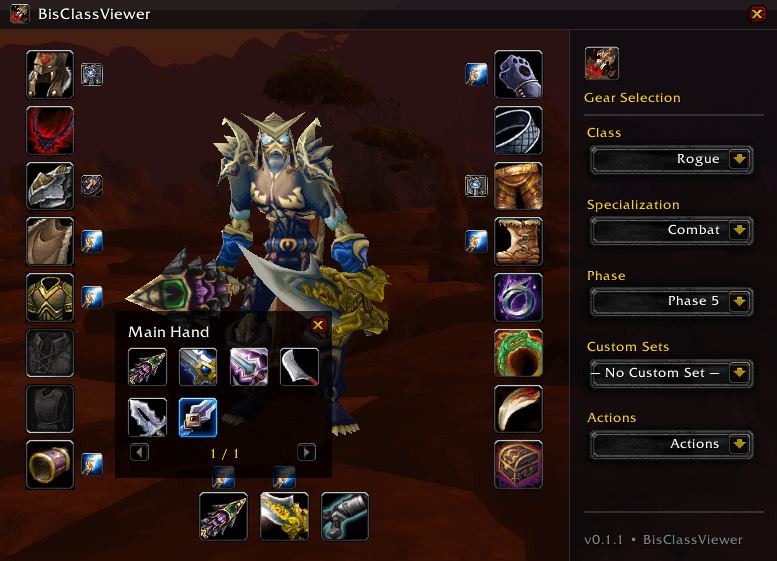
Gallery
Description
BisClassViewer
BisClassViewer shows Best-in-Slot setups per Class / Spec / Phase with a clean UI, 3D preview, quick access to alternatives, and handy enchant tooltips. A minimap button opens the viewer anytime.
Features
- 🎯 BiS lists by Class, Spec, Phase
- 🛠️ Custom Set Management System
- 🎥 3D preview (DressUpModel)
- ✨ Enchant buttons with tooltips & chat links
- 🧩 Alternatives gallery per slot
- 🧭 Minimap button (LibDataBroker + LibDBIcon)
- 🔄 Reset to BiS when you deviate from the recommended setup
How to Use
- Open: click the minimap button or type
/bisviewer. - Use the dropdowns (right side) to choose Class → Spec → Phase.
- Click any slot to open the Alternatives gallery.
- Shift-click items or enchants to insert links into chat.
- The Reset to BiS button appears automatically when your current selection differs from BiS.
- Rotate the 3D model with left-click drag.
Notes & Limitations
- ⚠️ Off-hand preview: The WoW client only allows an off-hand weapon in the 3D preview if your current character can dual wield (e.g., Rogue). If your character can’t dual wield, the client will not display an off-hand in the preview. This is a game restriction.
Slash Commands
/bisviewer– open/close the main window/bismmb– toggle the minimap button/bismmb show/hide/reset/debug
Compatibility
- 🕹️ WoW Classic Era 1.15.x (Interface 11500)
- Embedded libraries included (no extra downloads required)
Bugs & Feature Requests
Please email silence.coding@web.de with the subject [BisClassViewer] Bug or [BisClassViewer] Feature.
Helpful details to include:
- Class / Spec / Phase and the items involved
- Steps to reproduce (or what you expect to happen)
- Error text (copy/paste), and a screenshot if possible
- Optional: your SavedVariables/BisDB.lua (zipped)
Support & Donate
- 💖 If you enjoy BisClassViewer, you’re welcome to support the project.
- 💸 Buymeacoffe
- 🙌 You can also help by starring/sharing the project or sending feedback and bug reports.
- 🙏 Thank you for helping keep the addon polished and up to date.
Credits
- 👤 Author: SilenceCoding
The BisClassViewer Team