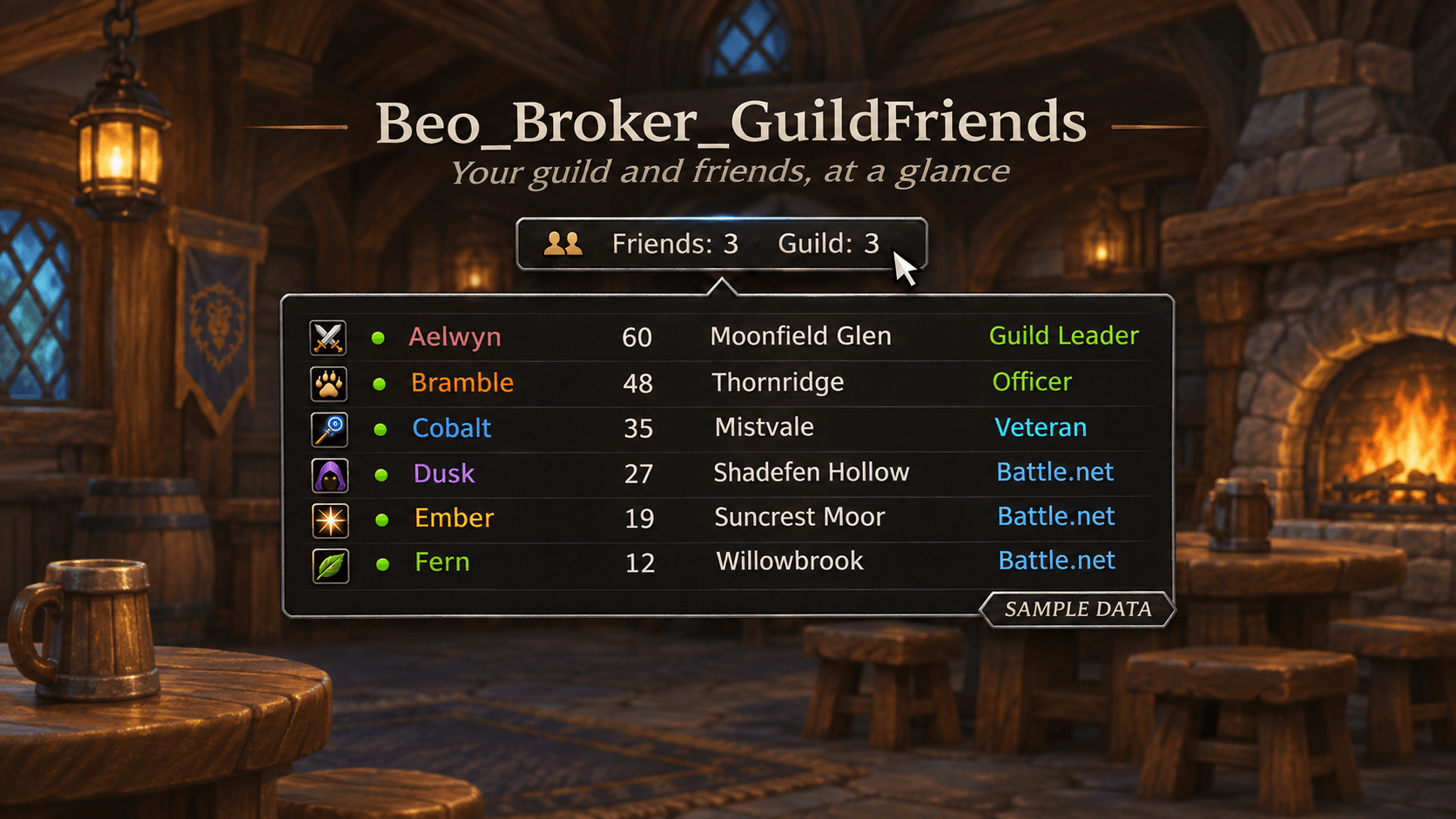
Illustrative preview with fictional names and sample data.
Description
Beo_Broker_GuildFriends
See your guild members and friends in one compact hover list on a LibDataBroker display.
What it does
- Shows online guild members, WoW friends, and Battle.net friends.
- Displays level, zone, guild rank, notes, group status, and the guild message when available.
- Left-click a character to whisper; Alt-click to invite.
- Left-click the Broker entry to open Guild, or right-click to open Friends.
- Choose Guild + Friend, Guild only, Friend only, or Icon only for the bar text.
- Choose a font for the member-list tooltip.
Get started
- Install Beo_Broker_GuildFriends.
- Enable a WoW Forever compatible LibDataBroker display, such as Titan Panel or Bazooka.
- Enable GuildFriends in the display.
- Type
/beogfor/beobroker, or Shift-right-click its Broker entry, to open settings.
The hover list includes both guild and friend sections, regardless of the selected bar text.
Requirements and compatibility
Requires a separate LibDataBroker display; the broker libraries are included.
The initial release is for WoW Forever. The Broker entry, hover list and group invite have been checked in game. Some guild-specific details and other client configurations still need further testing.
日本語でのご利用について
ギルドメンバー、WoWフレンド、Battle.netフレンドをBrokerバーから確認できます。キャラクターを左クリックするとウィスパー、Alt+クリックすると招待できます。
/beogf または /beobroker、あるいはBroker項目のShift+右クリックで設定を開けます。バーの表示は「Guild+Friend」「Guildのみ」「Friendのみ」「Iconのみ」から選べます。
表示にはLibDataBroker対応パネルが別途必要です。WoW ForeverではTitan PanelやBazookaなどが候補です。
Beo_Broker_GuildFriends Team