


BazUI
- By

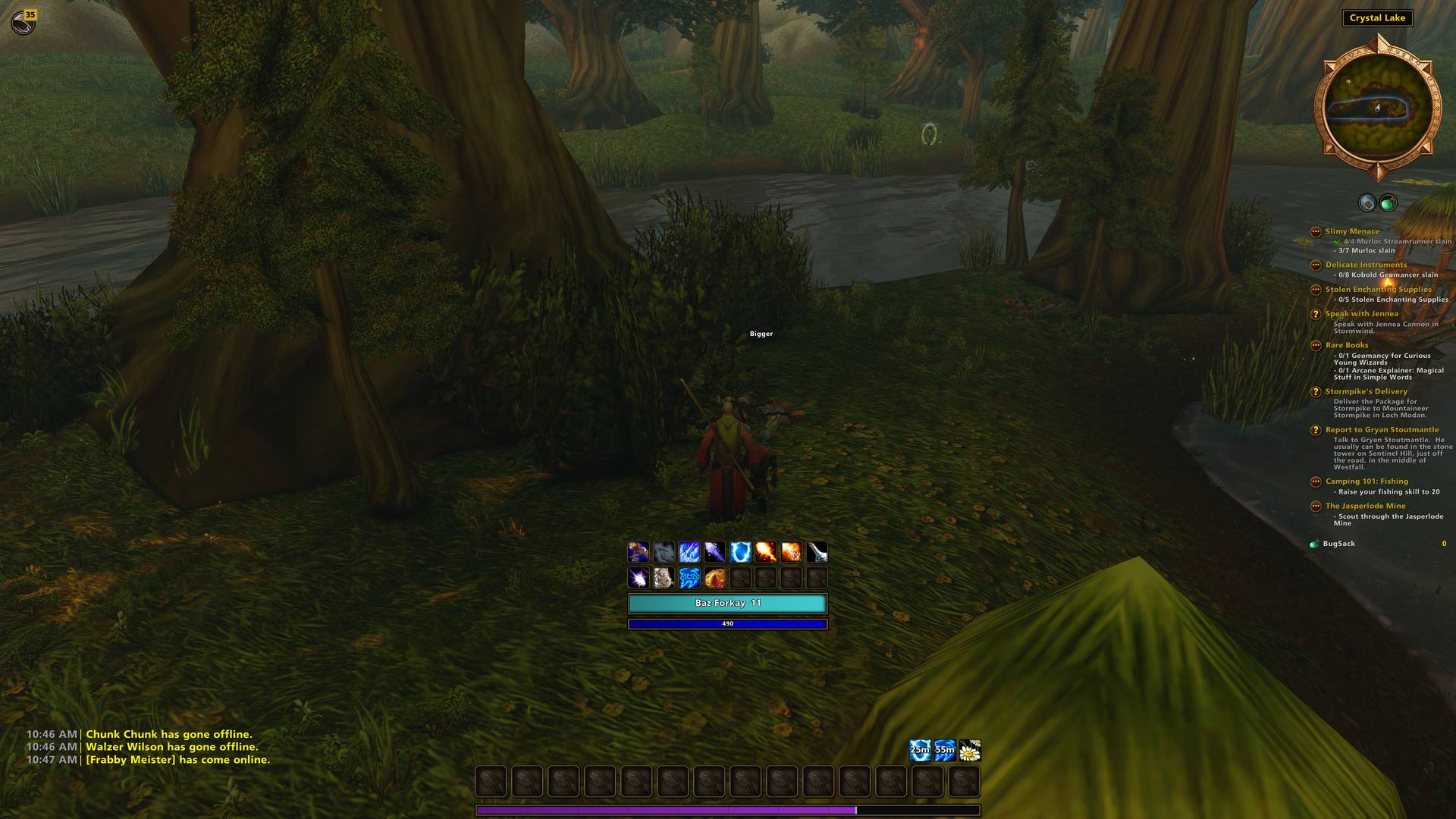
This is the layout I use in game. It is set as the default layout, but the game ships with several defaults to pick from or you can build your own.
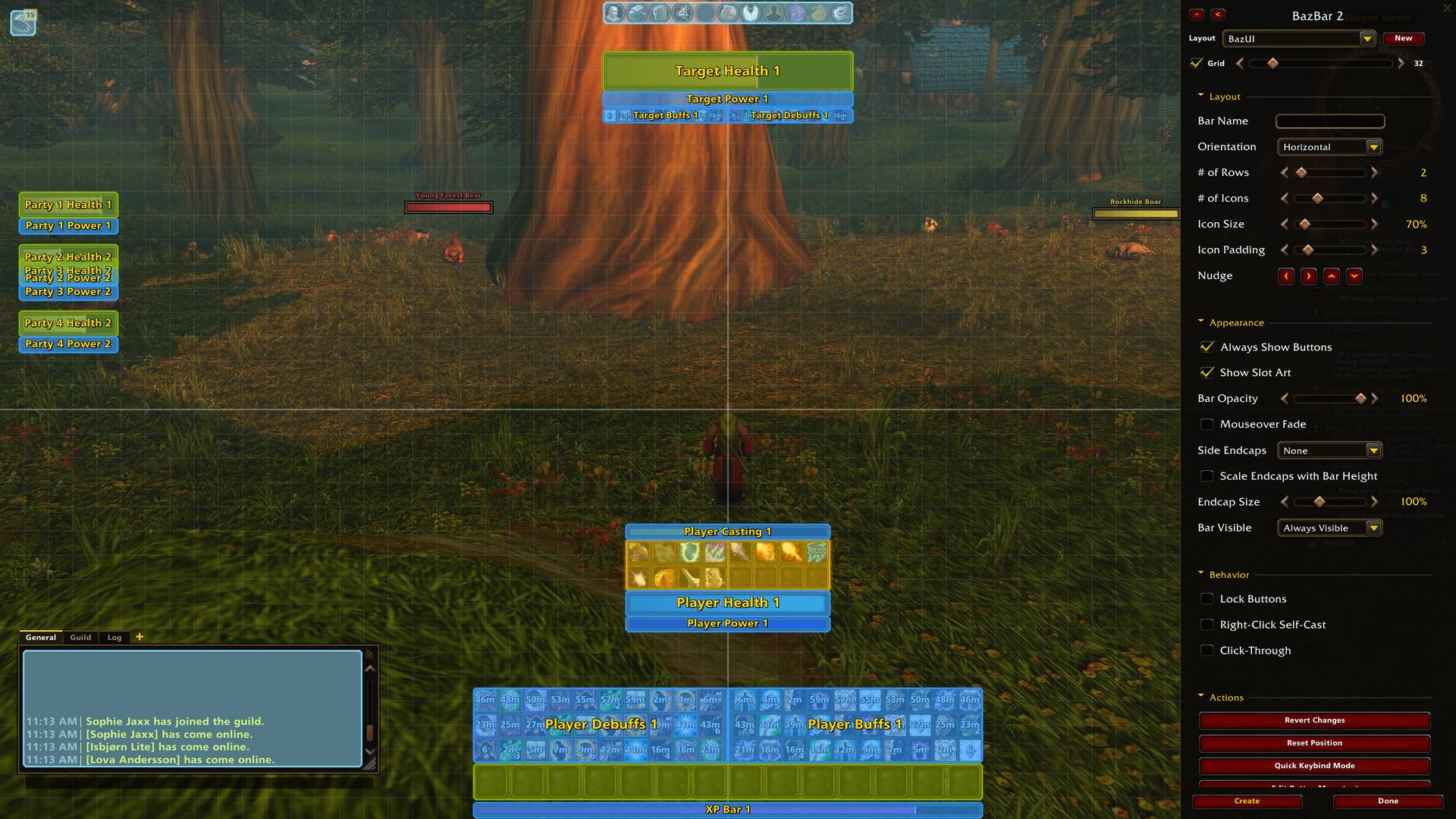
BazUI has a deep custom interface edit mode. Nearly any object in BazUI can dock to another object. There is a parent child logic that helps to auto size things to what it is docked to.
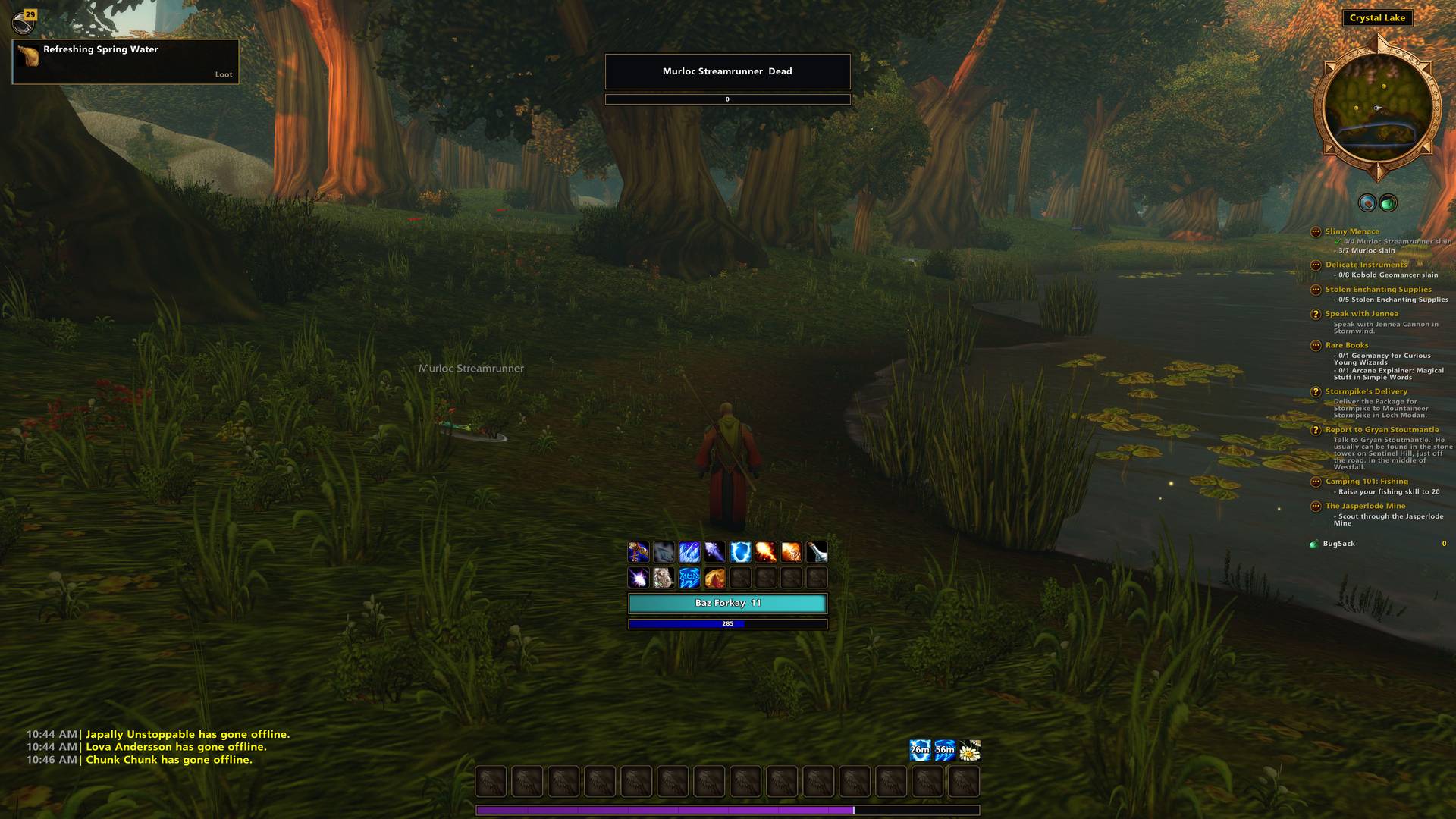
Notifications toast (if you have them set to) and stay on the screen for the time you set. If you miss a notification you can always click the bell icon and check the history.
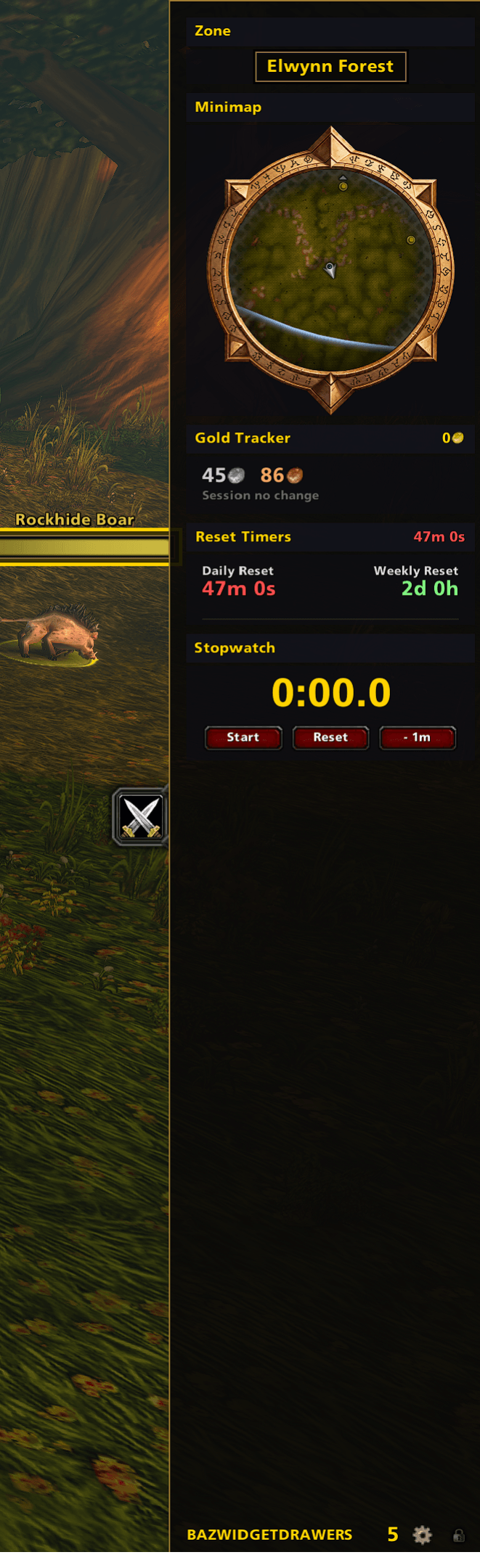
Unlocked dock with widgets for dungeons. Drawers can be set to auto switch depending on situations.
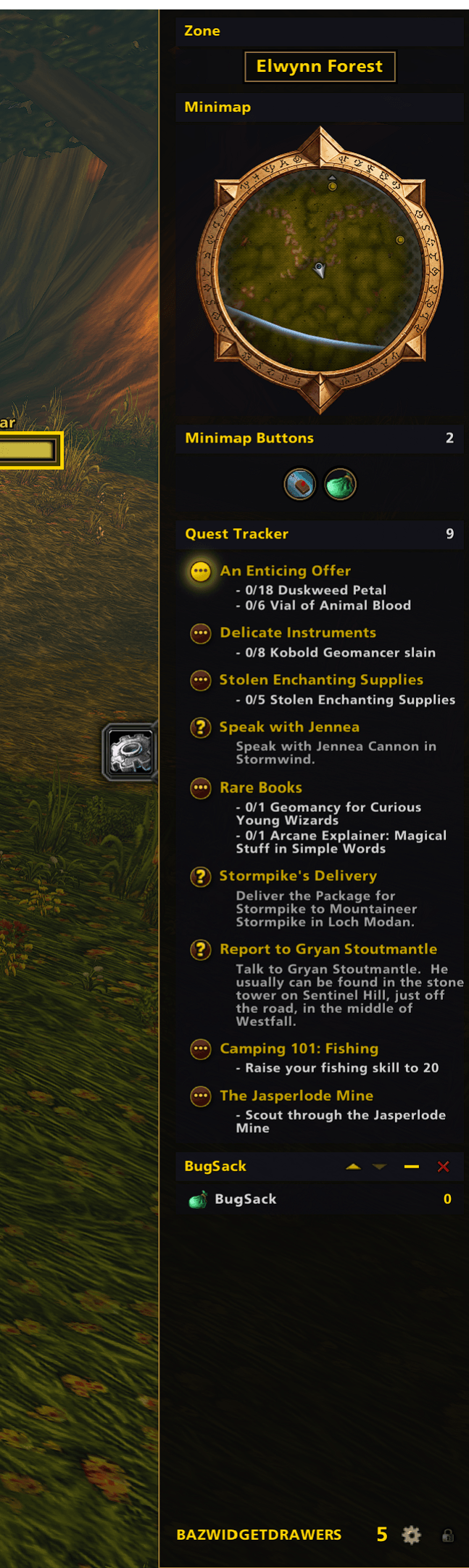
Drawers can be unlocked and widgets can be added, removed or reordered.
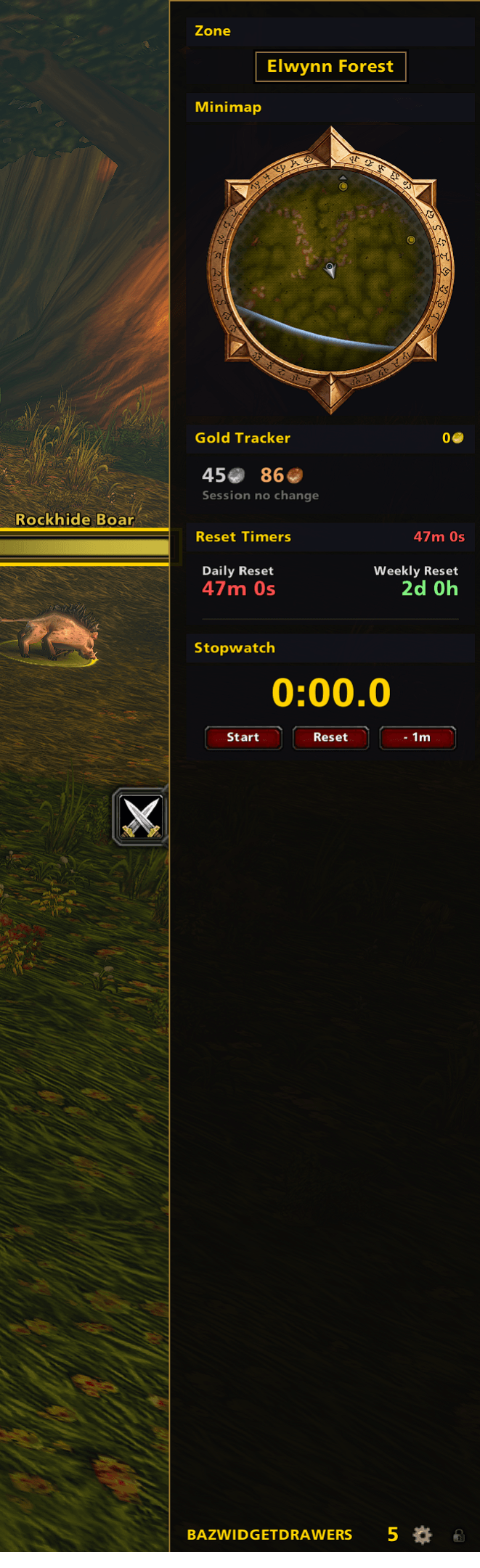
Another example of a drawer, multiple drawers can be docked at a time and there is a tab system to switch them.
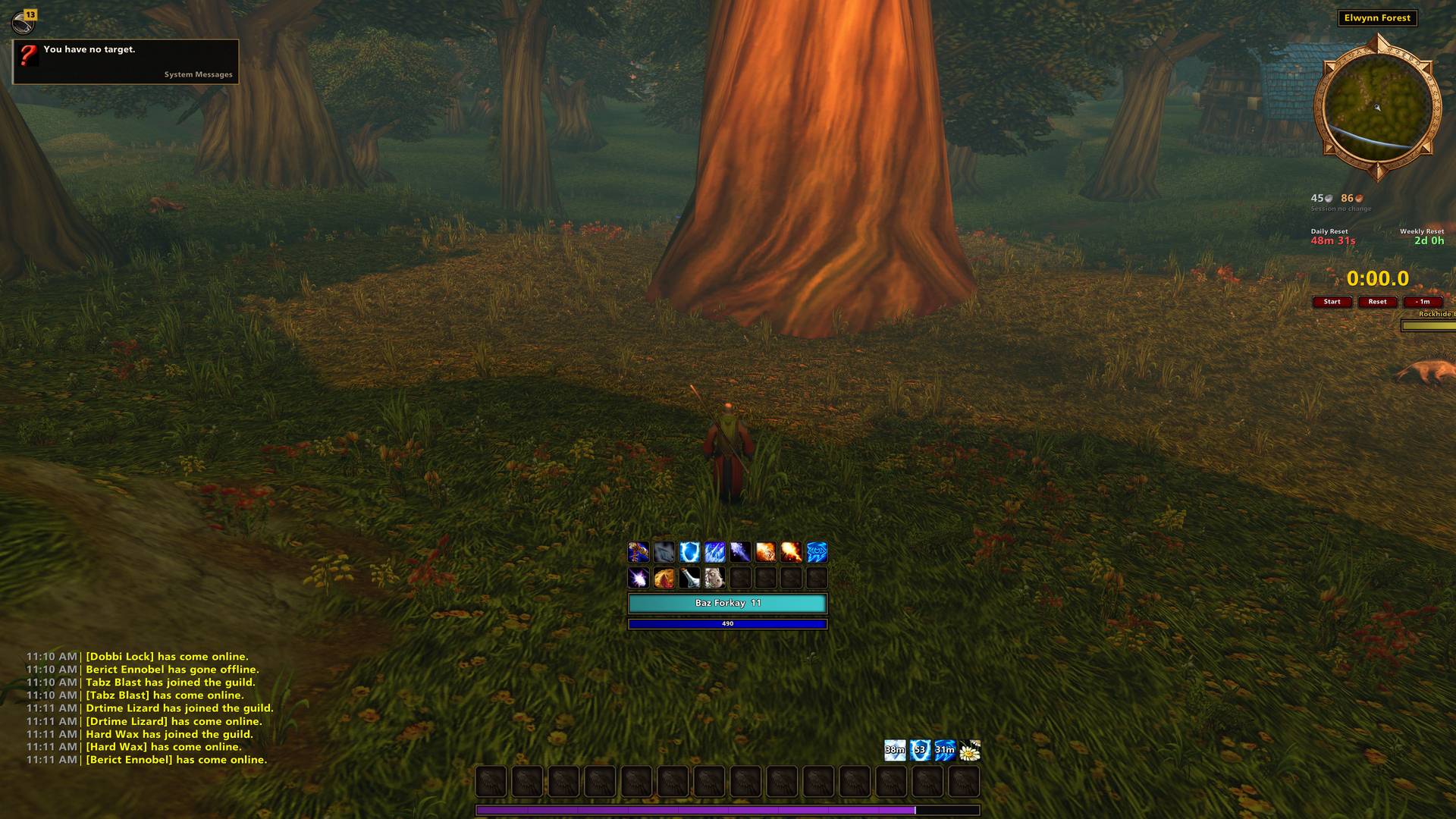
Drawers can be customized how ever you want. There are tons of widgets to pick from and several drawers can be made with tabs and an option to switch based on situation.
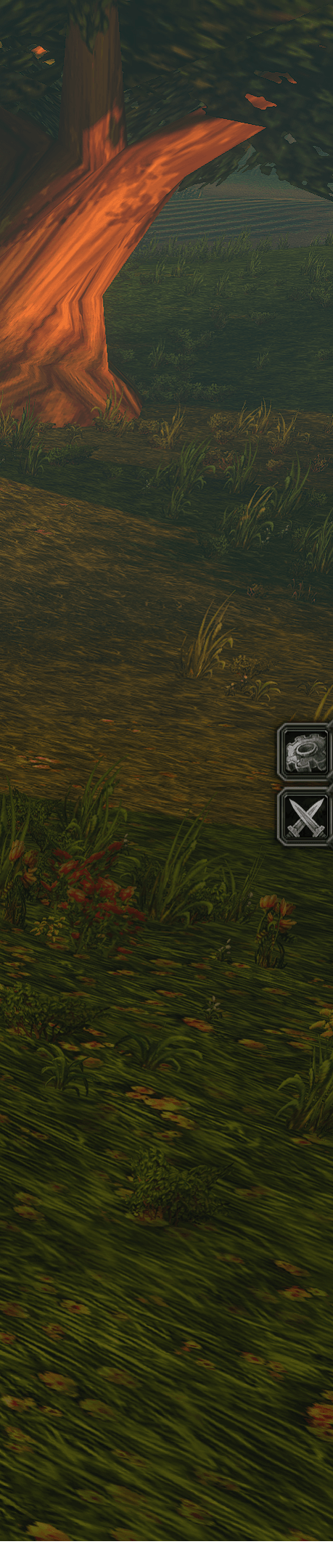
Closed drawers expose tabs for all of the drawers. Clicking one opens the drawer.
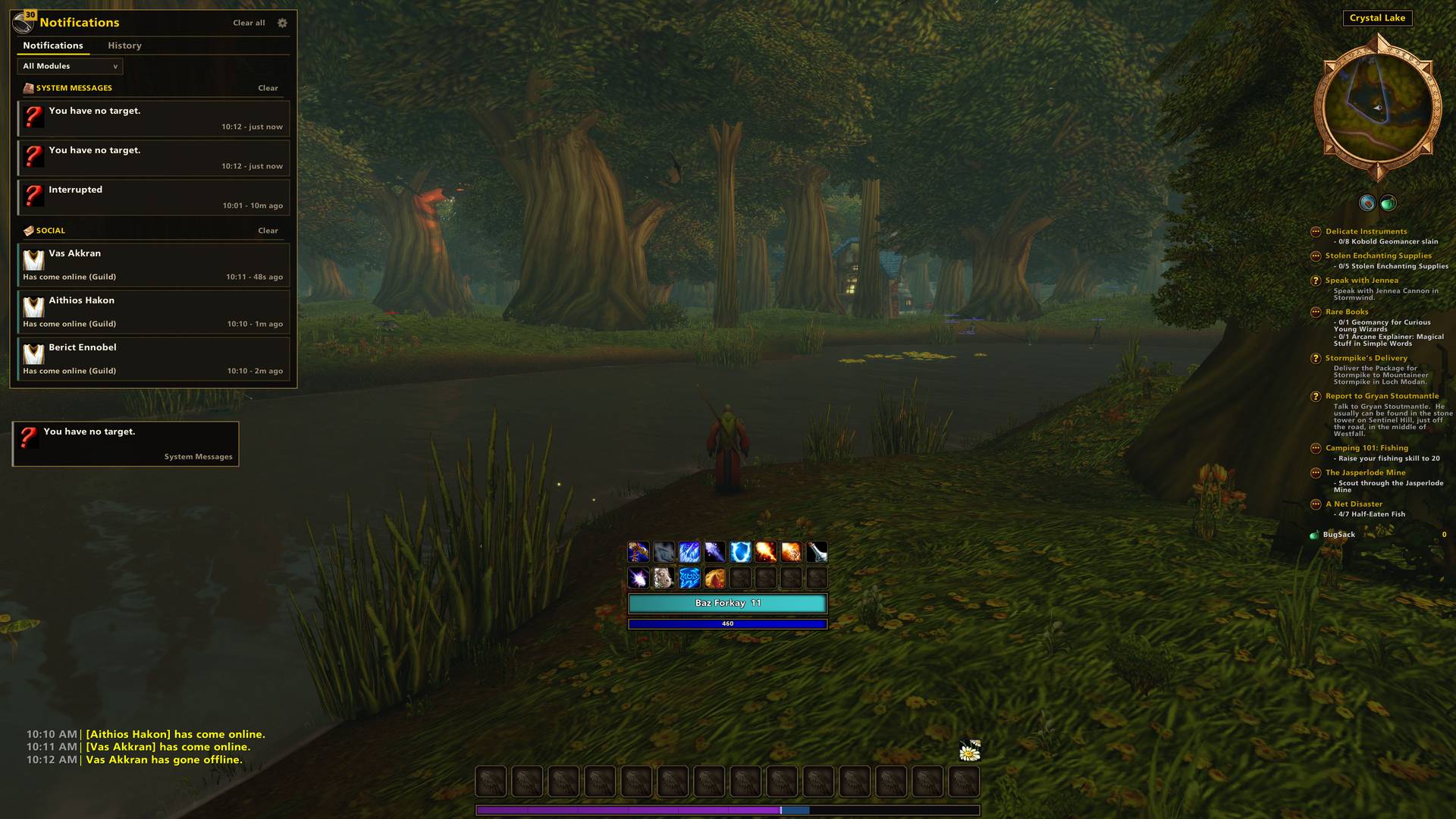
Most of the different ways that you get notified in WoW have been moved to the new notification panel. it organizes your notifications and has some deep settings to say what notifies you and where.
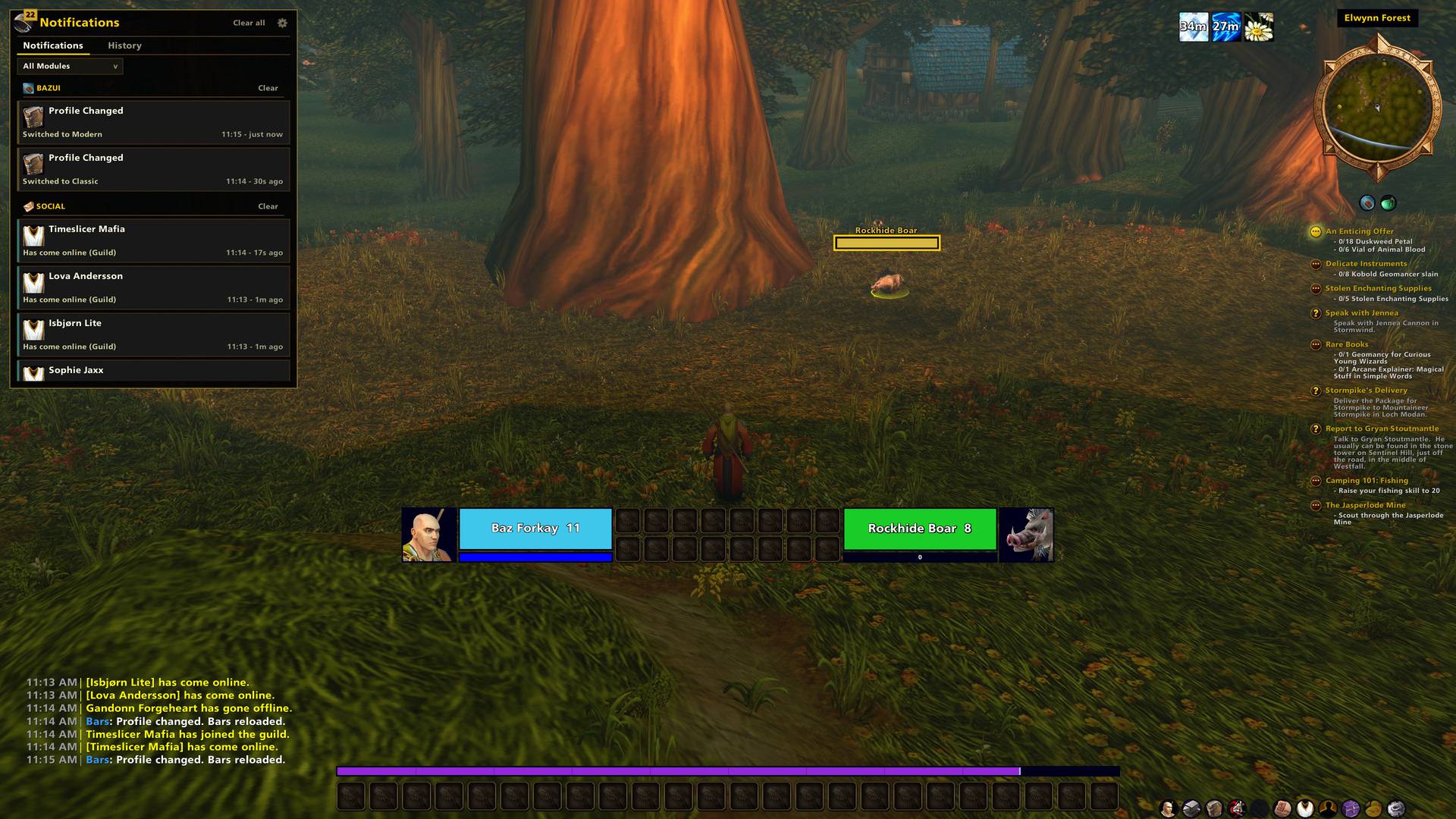
Her is what the notification panel looks like when you click the bell icon and open it.
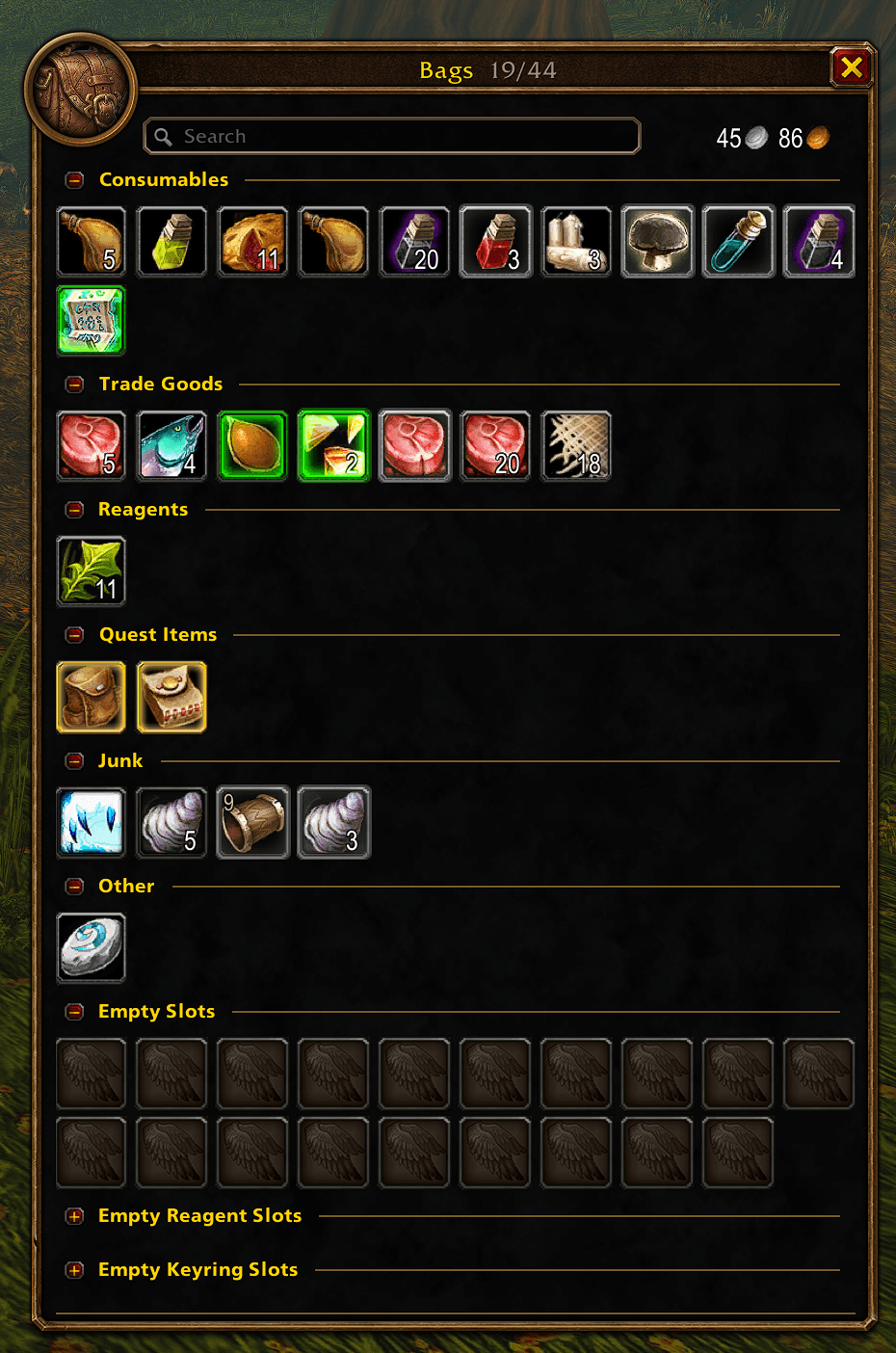
Bags can be set to categories or one bag settings.
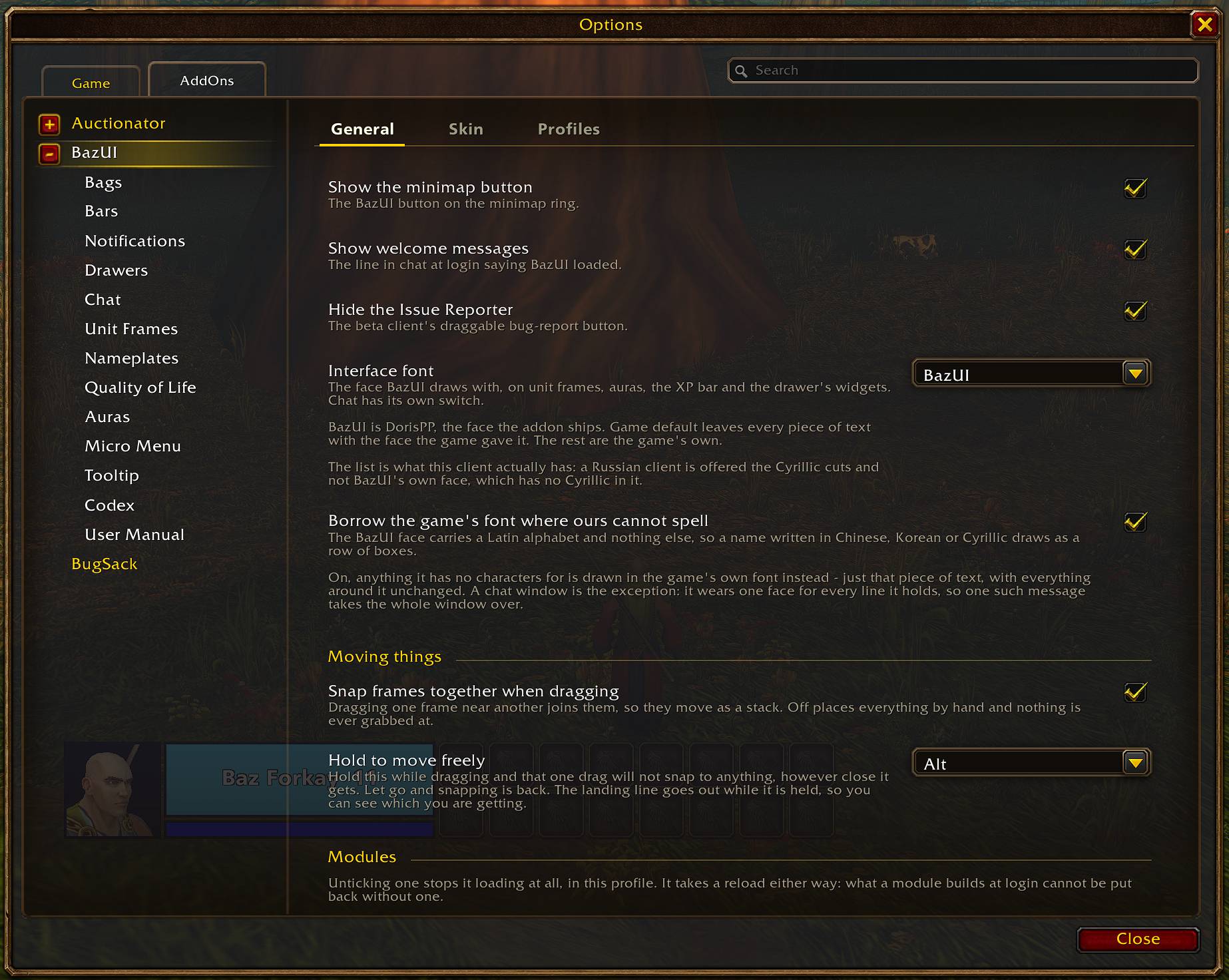
The options panel is super organized and easy to follow.
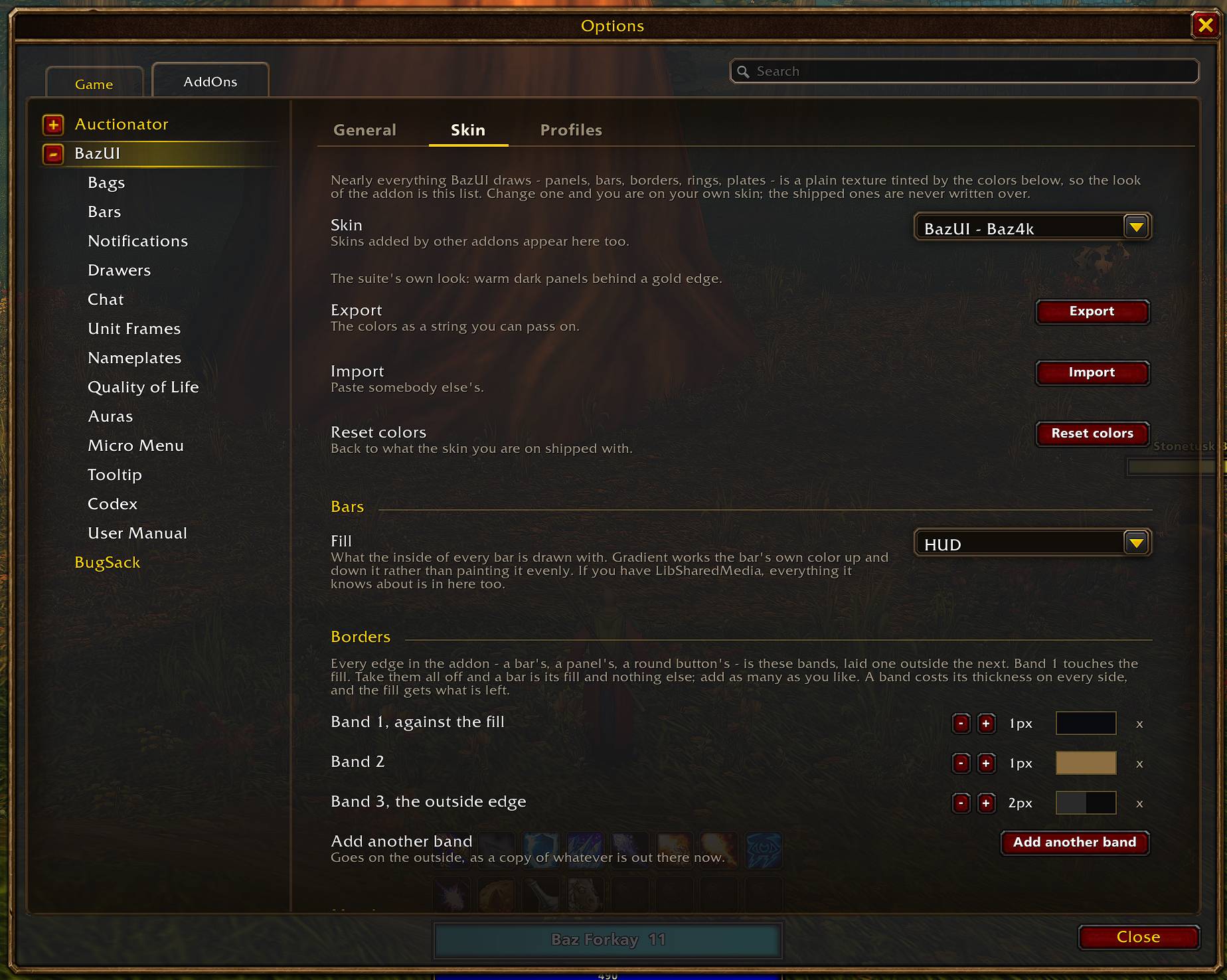
Skinning the UI happens at the global level. One skin applies to everything. Skinning supports layers of colors and transparency to give you a ton of control over the look of your UI.
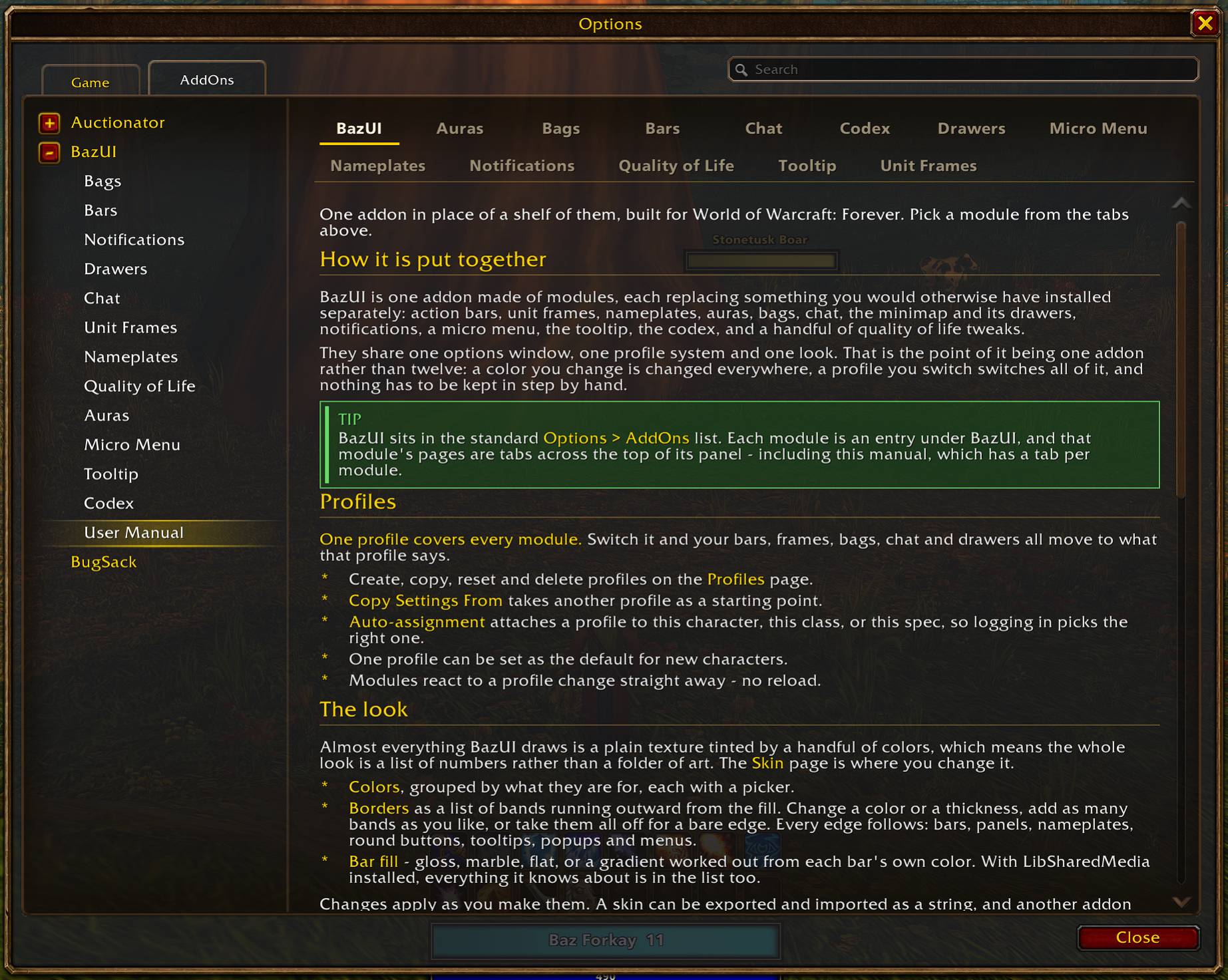
The addon includes a full user manual to help you navigate all of its features.
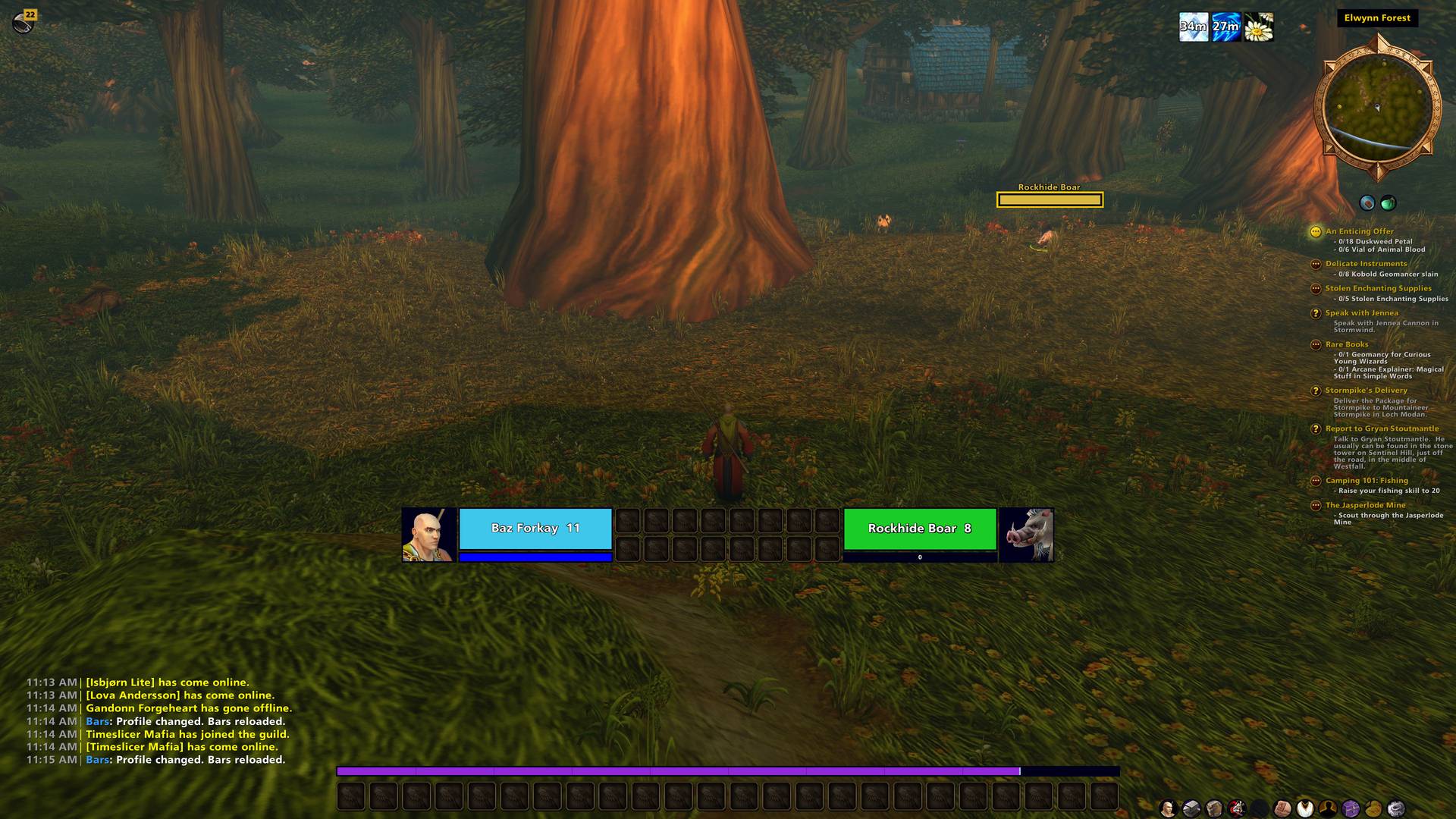
Another example of a UI that you can build. This is the Modern UI that ships with the addon.
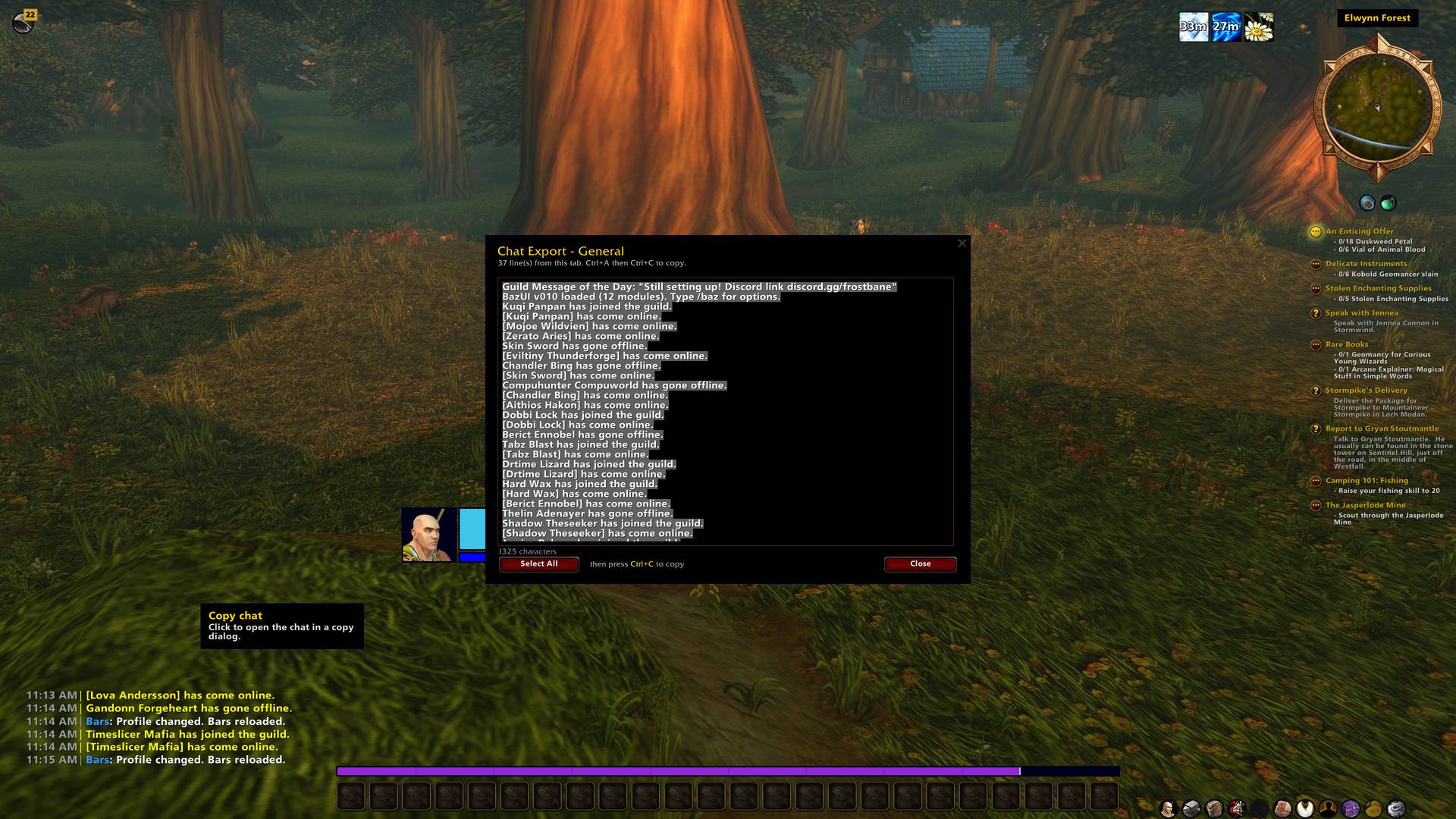
Chat has a copy button you can press to be able to copy text to your clipboard. Chat history extends between reloads and logins.