


Bankai Hub
Screenshot 2026-11-07 210201.png
Screenshot 2026-11-07 210403.png
Screenshot 2026-11-07 210811.png
Screenshot 2026-11-07 210539.png
Screenshot 2026-11-07 210352.png
Description
REMOVE GUILD LINK BEFORE INSTALL.
Bankai Hub
One in-game hub for Shobek’s Bankai community in World of Warcraft: Forever.
Bankai Hub connects Bankai, Elfcore, and their sister guilds in one window. See who’s online, find a group, trade items, and keep up with guild chat across the community.
Remove the standalone Guild Link add-on before installing Bankai Hub if you want Hub to handle linked chat.
This edition is built for the Bankai community. A separate edition that any guild or group of guilds can configure is planned.
What’s inside
Guild Roster
-
Browse All guilds together or select one guild. Filter to online members or search by name, class, profession, zone, or note.
-
See each player’s level, class, race, zone, professions, public guild note, and kudos. Click a name to open their player card.
-
Hub opens on Guild Roster → All guilds for members, including after you close and reopen it.
Looking for Group and Events
-
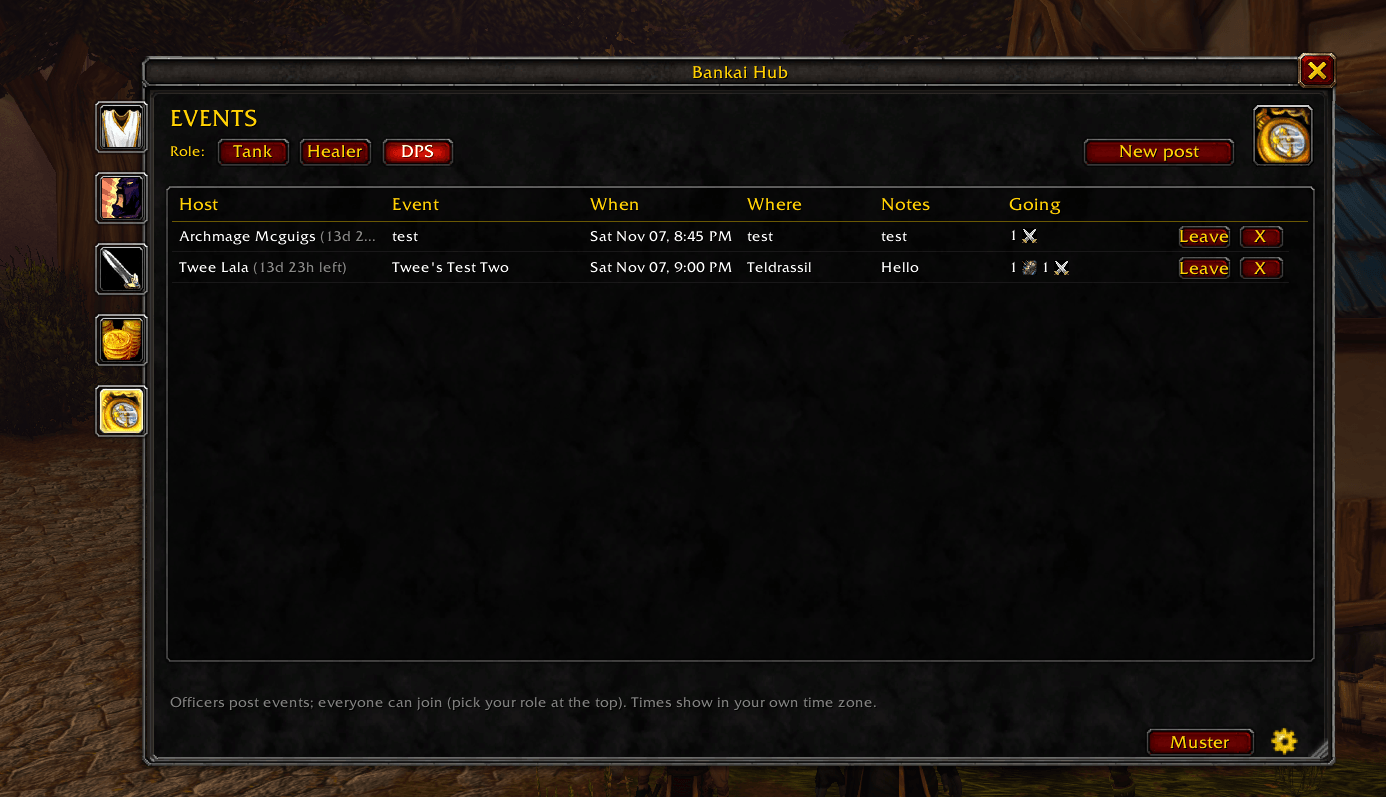
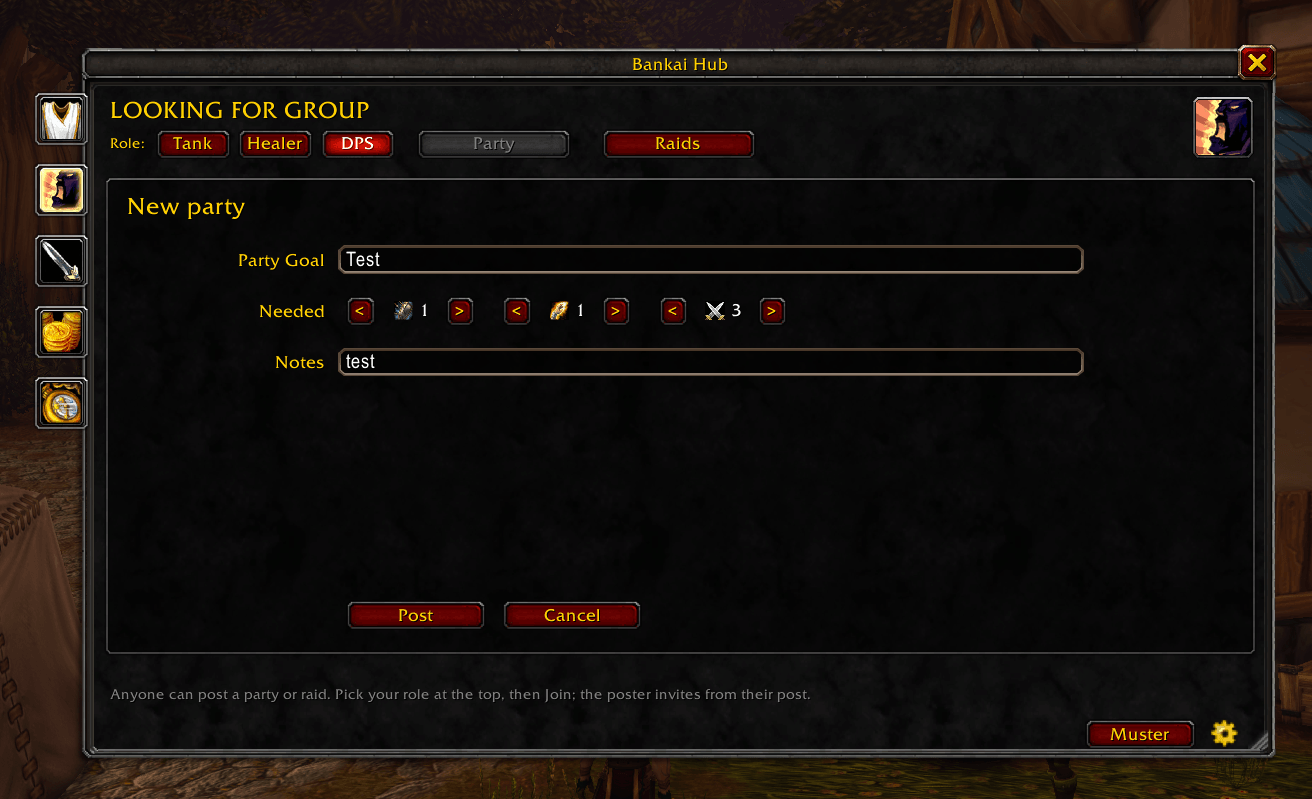
Post a party or raid with the Tank, Healer, and DPS roles you need. Players pick a role and sign up, and the host can invite them from the list.
-
Officers can schedule events with dates and times shown in each player’s local time. Hosts can sort sign-ups into groups of five and share the assignments.
-
Get an in-game reminder 15 minutes before an event you host or join. Hub can sync events to your guild calendar and add joined events to your personal calendar when a guild copy is absent.
Bounty Board and Slayers
-
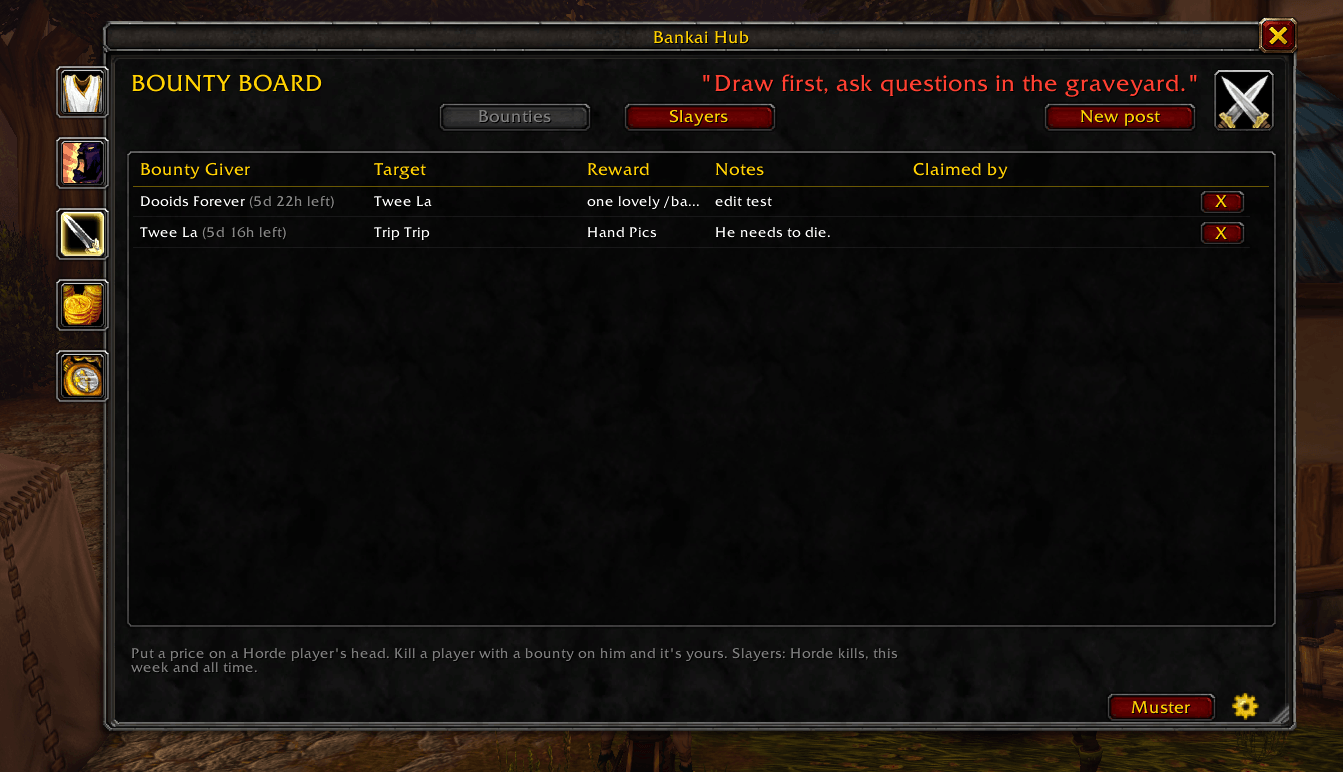
Post a bounty on a Horde player and claim it by landing the killing blow. The Slayers board ranks weekly and lifetime kills.
-
Slayer of the Week appears on every guild roster view beside the gold lion. The weekly leader gets a gold Gryphon portrait frame that guildmates running Hub can see when they target the player or open their player card.
Market Board
-
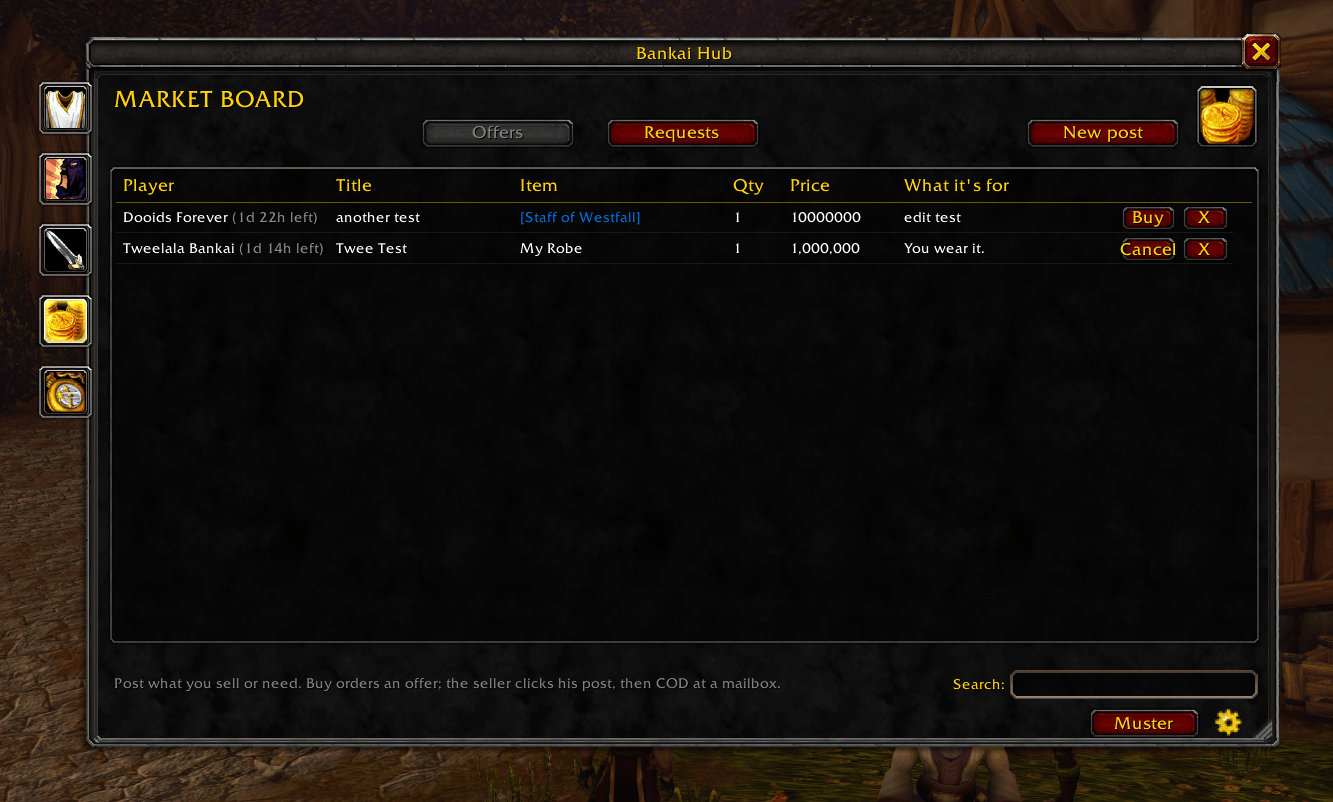
Post offers or requests with linked items. Search listings, check Crafters online, and open full listing details inside Hub. Use Back to return to the board.
-
Set prices in gold, silver, and copper, or choose Not gold for trades and other offers.
-
Click Buy to register interest. At a mailbox, the seller can use COD to fill in the recipient, item, and price. The seller reviews the mail and presses Send, and the buyer pays when they collect it.
Join a Guild
-
See which guilds have room and apply with an optional note.
-
Members with invite permission can copy a
/ginvitecommand into WoW chat. Hub clears the application once the game’s guild roster confirms the player joined.
Officer Tools
-
Send a Muster, a cross-guild raid warning with your rally message and location.
-
Search recent guild chat by guild, speaker, or message and export a copy for review. Hub records native guild chat while a recorder is online, including messages from guildmates who don’t run Hub.
-
The Officer Log requests cross-guild history when opened. It uses fresh shared rosters and online officers, so there’s no manual pairing.
-
Open Guild Roster Manager from the Officer tab if you have it installed.
Guild Link
-
Link
/gchat across the Bankai guilds. Hub shows a gold dragon beside Shobek Forever and the guild alts he has registered through Hub. -
Bankai Hub’s linked chat is built on Guild Link, created by Twee, a member of Shobek’s community. If shared guild chat is all you need, you can install Guild Link on its own. Guild Link on CurseForge
Getting started
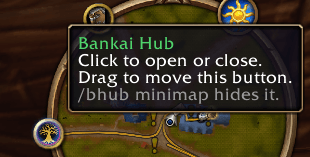
Install Bankai Hub, then click its minimap icon or type /bhub. Players outside the Bankai guilds open directly to Join a Guild.
Bankai Hub Team
