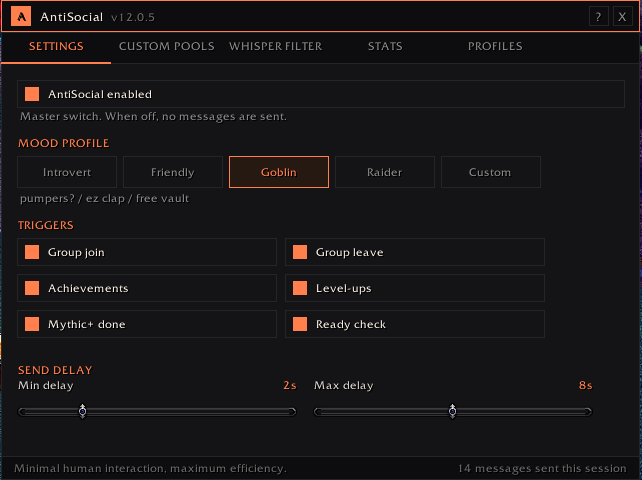
Main.png
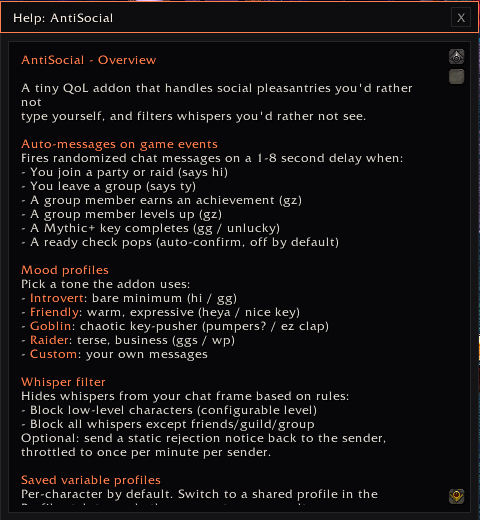
Main Helpme.png
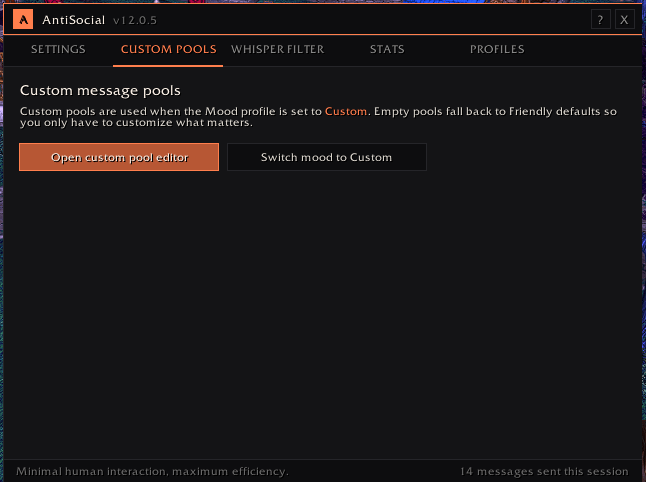
Custom Pools for Messages.png
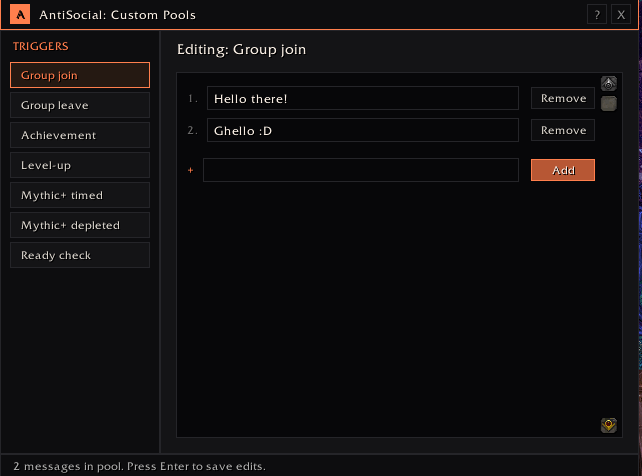
Custom Pools Triggers.png
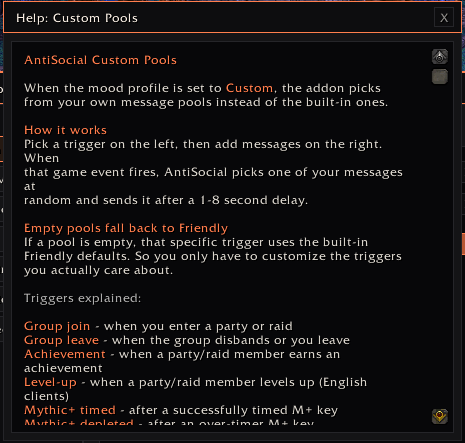
Custom Pools Helpme.png
Description

WoW Forever Compatible
AntiSocial
Minimal human interaction, maximum efficiency.
A tiny WoW addon for players who'd rather not deal with the social parts of the game. Two features in one:
Auto-messages on game events
Fires randomized chat messages with a 1-8 second (default) delay when:
- You join a party or raid (says hi)
- You leave a group (says ty)
- A group member earns an achievement (gz)
- A group member levels up (gz)
- A Mythic+ key completes (gg / unlucky depending on timed vs depleted)
- A ready check pops (auto-confirms, off by default)
Whisper filter
Hides incoming whispers from your chat frame:
- Block low-level characters (configurable threshold, default L10)
- Block all whispers except from your friends, guild, or group
- Sends a single static rejection notice back to blocked senders, throttled to once per minute per sender
- Hidden from your own chat (you don't see your own auto-reply)
- Filter log keeps a record of who got blocked, with timestamps
Mood profiles
| Profile | Vibe | "">"">example_"hi"">">example_"hi"">"">example_"hi"">>example_"hi"">"">example_"hi"">">example_"hi"">"">Example "hi" | "">"">example_"gg"">">example_"gg"">"">example_"gg"">>example_"gg"">"">example_"gg"">">example_"gg"">"">Example "gg" |
|---|---|---|---|
| Introvert | Bare minimum | hi |
gg |
| Friendly | Warm, default | heya, hi :) |
nice key, tyfp |
| Goblin | Chaotic key-pusher | pumpers? |
ez clap |
| Raider | Terse, business | hi |
ggs |
| Custom | Your own messages | (set in editor) | (set in editor) |
Empty custom pools fall back to Friendly defaults, so you only have to customize the triggers you care about.
Slash commands
You can use commands or the UI /as
/as                       open settings
/as on | off | toggle
/as profile <name>        Introvert, Friendly, Goblin, Raider, Custom
/as custom                open custom pool editor
/as test                  preview what each trigger says
/as stats                 show this session's trigger counts
/as filter <sub>          on/off/toggle/status/log/clear/test
/as add <trigger> <text>  add to custom pool
/as remove <trigger> <n>  remove entry n
/as list <trigger>        list custom pool entries
/as clear <trigger>       clear a custom pool
/as debug                 toggle debug output
Profiles
Per-character by default. Use the Profiles tab in the main settings panel to copy settings between characters or use a shared profile across alts.
AntiSocial Team

Owner