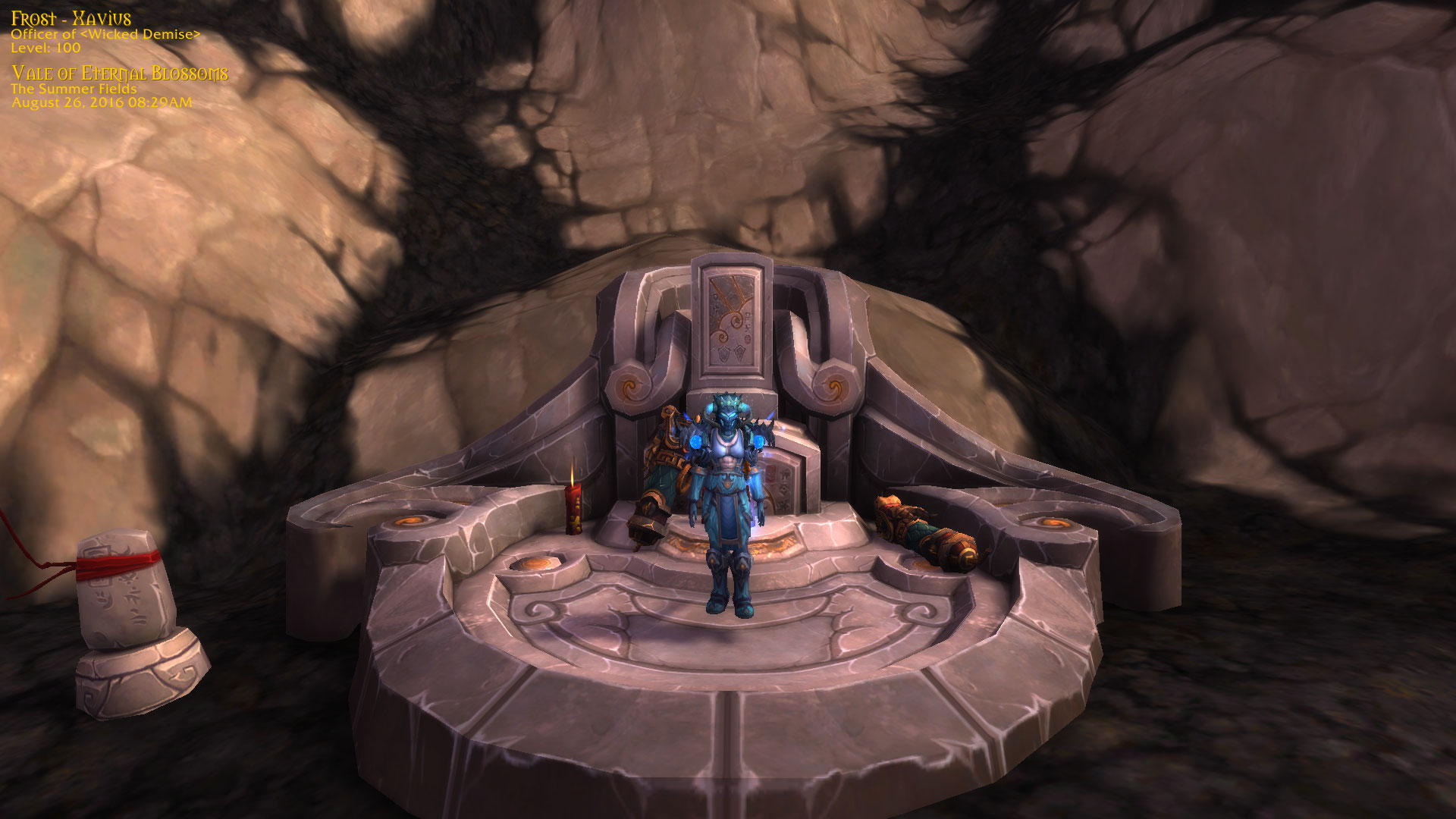
Taken in my favorite area in pandaland!
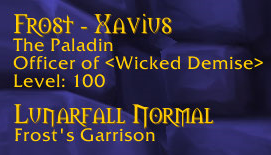
NEW Default picture of version 1.5 (the class text update)
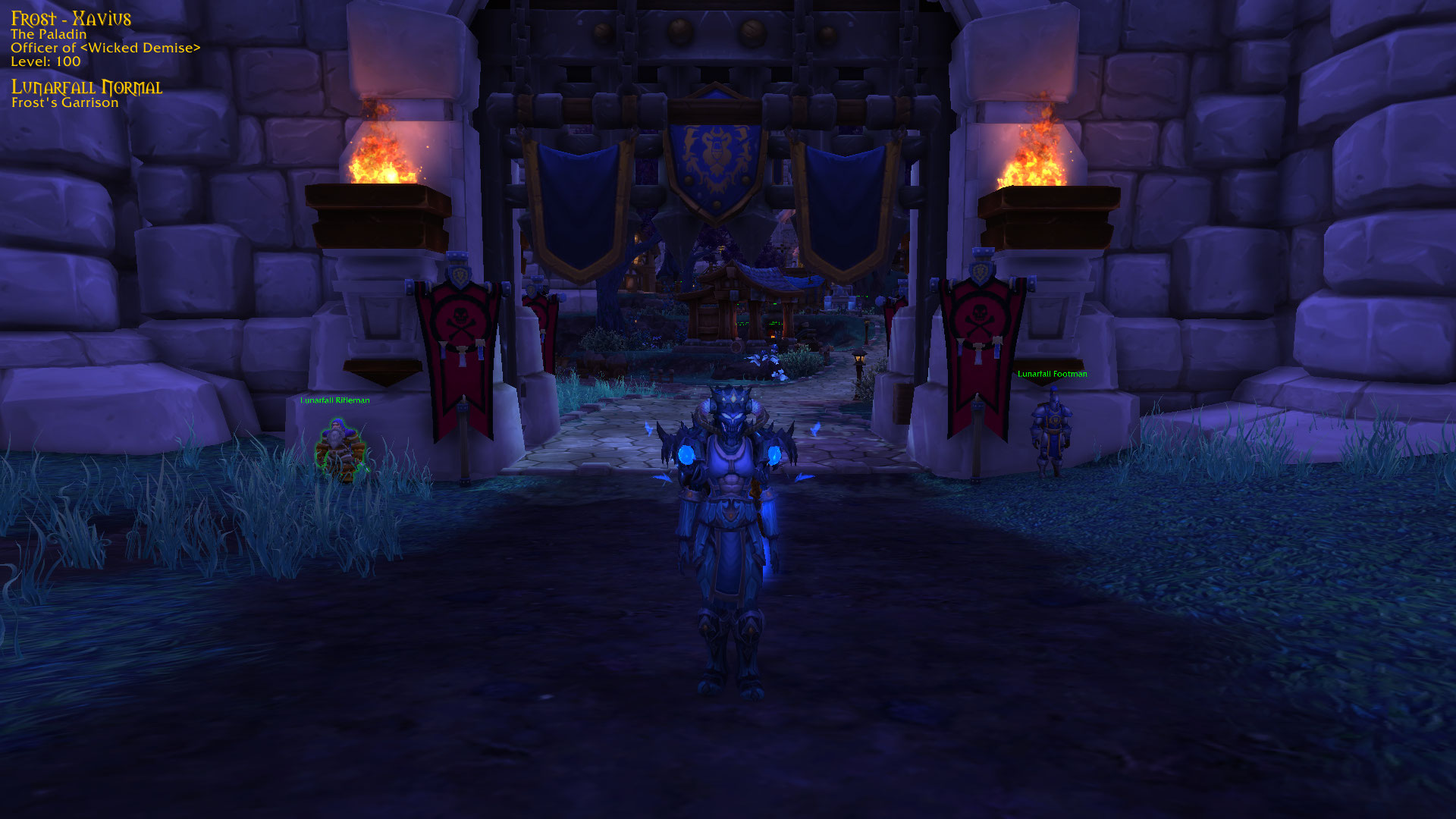
Made with the Timestamp (version 1.5) addon
Description
WoW Forever Compatible
TimeStamp
Take clean, memory-worthy screenshots with your character details baked right in - name, class, guild, level, item level, zone, and a date/time stamp. Remember all the good days.
The info overlay stays hidden while you play and only appears at the moment a screenshot is taken. Take a normal screenshot with your usual key and the overlay rides along automatically, or use /ts for a clean, UI-hidden character card. The overlay position is saved between sessions.
Commands
| Command | What it does |
|---|---|
/ts |
Clean full-screen screenshot with the UI hidden |
/ts snap |
Normal screenshot (UI visible) with the info overlay |
/ts key |
Toggle the info overlay on/off for your screenshot key |
/ts companion |
Also stamp screenshots taken by Memoria, Memento, and other auto-screenshot addons (saves a second, stamped copy) |
/ts unlock |
Show and unlock the overlay so you can drag it into place |
/ts lock |
Lock and hide the overlay |
/ts reset |
Reset the overlay to its default position |
/ts help |
List all commands |
TimeStamp Team

Owner