Anniversary Boosted UI (ABUI)
- By
Modern unit frames, 3D portraits, custom combat text, action bar styling and more for the Burning Crusade Anniversary Edition.
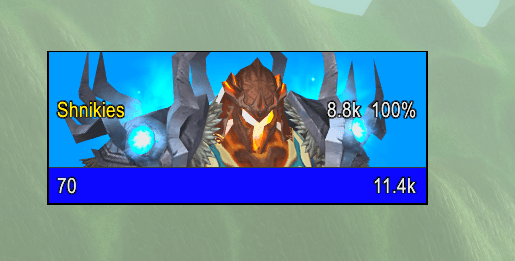
Full 3D Portrait
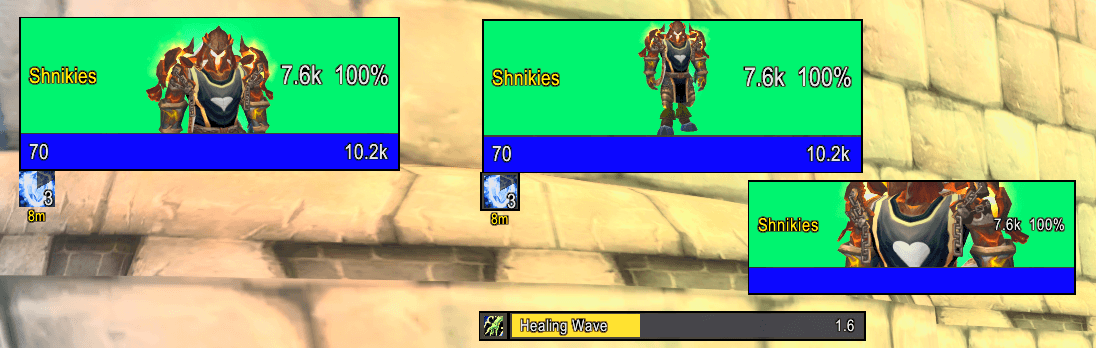
Full 3D Portrait 2
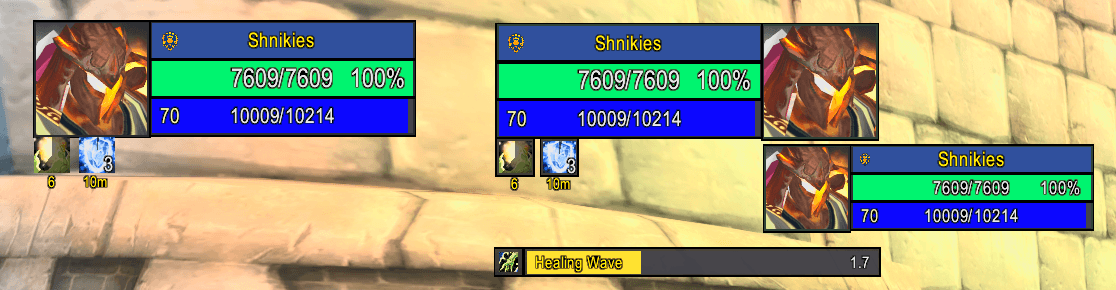
3D Head Box Portrait
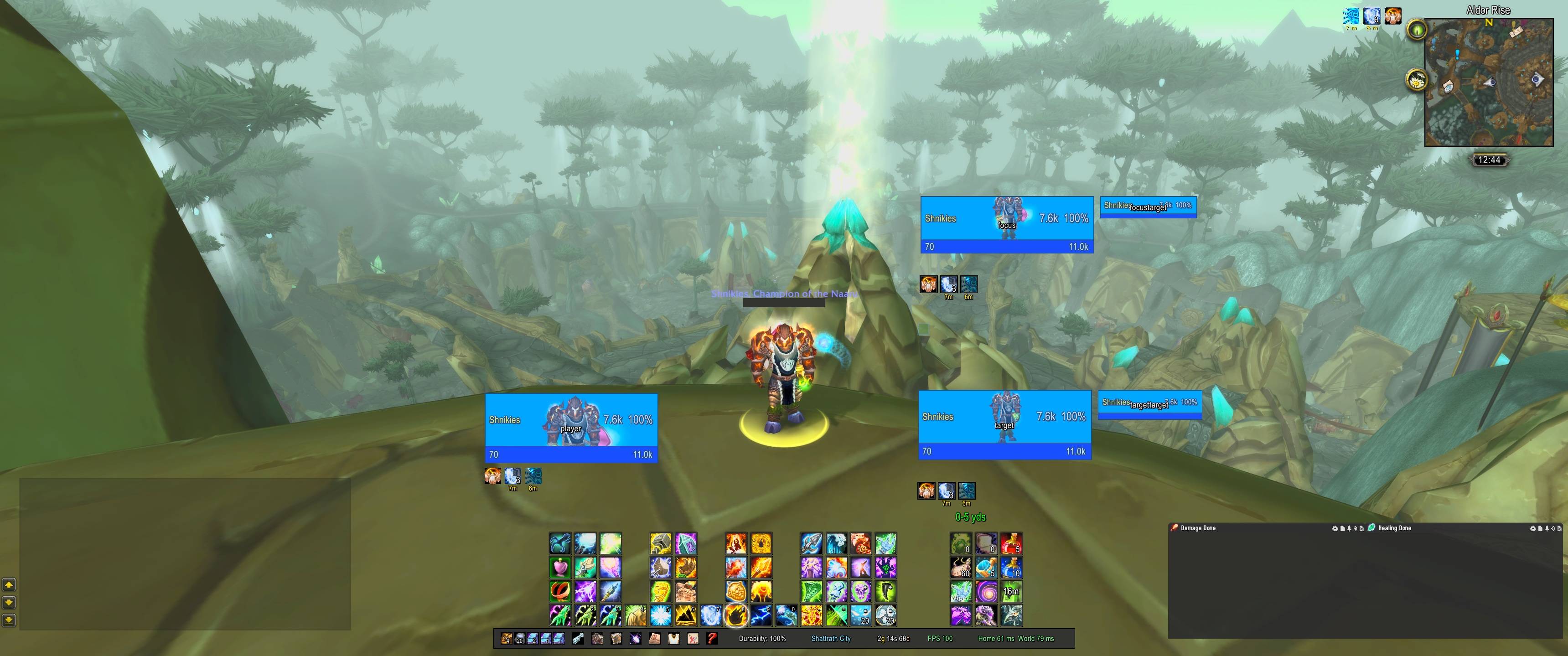
Full 3D Portraits 2
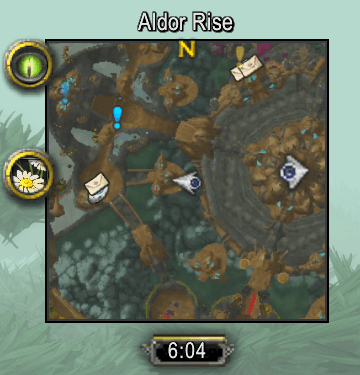
Boosted Minimap
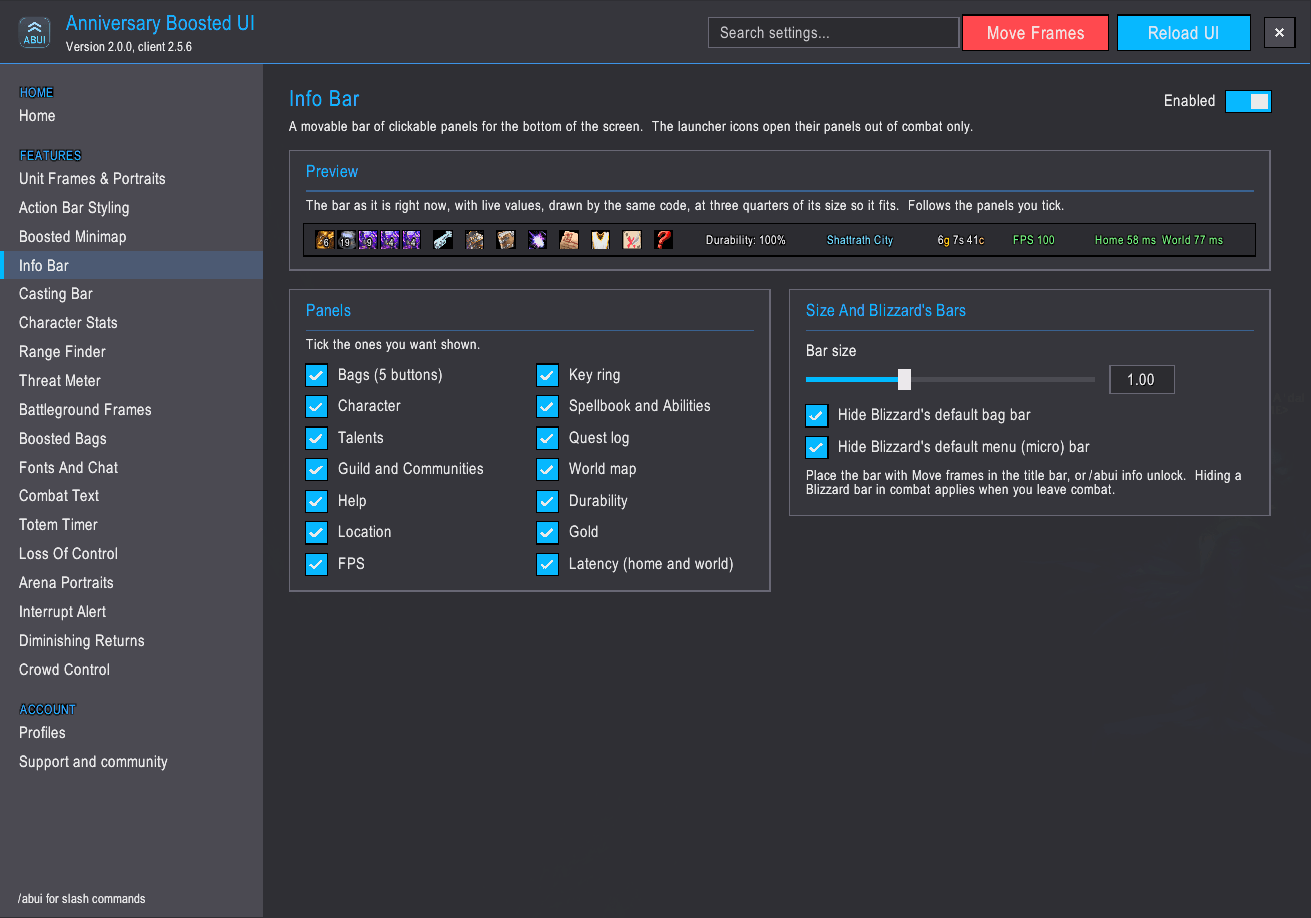
ABUI Addon 7
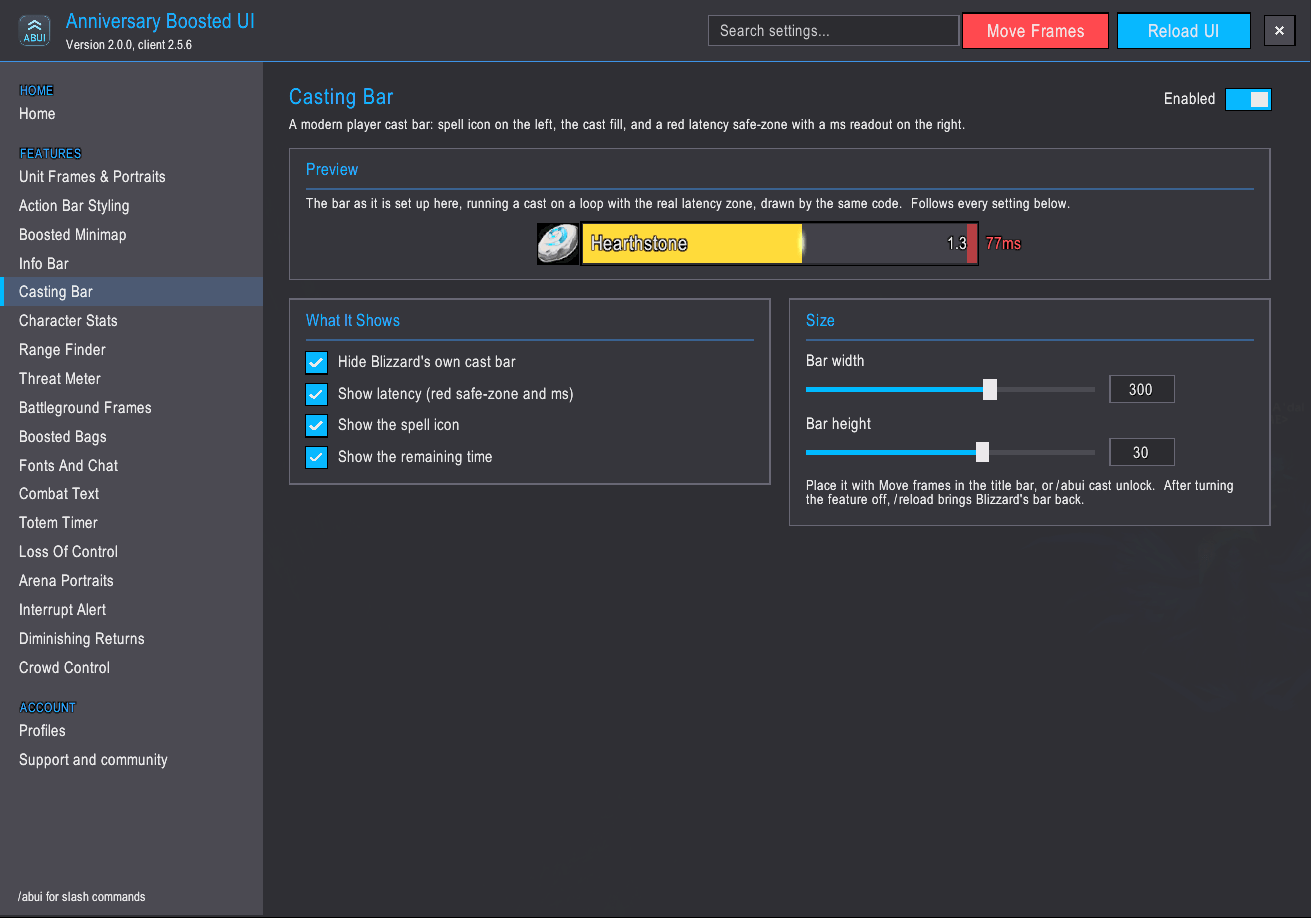
ABUI Addon 8
ABUI Addon 9
ABUI Addon 10
ABUI Addon 11
ABUI Addon 13
ABUI Addon 14
ABUI Addon 16
Description
Anniversary Boosted UI
A modern, clean interface for The Burning Crusade Anniversary. Built from scratch for this client's modern engine, with a guided setup and no wall of settings to wade through.
What it does
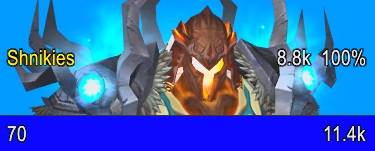
Unit Frames: player, target, focus, pet and their targets, each with a live 3D portrait: a square head box beside the bars, or the whole frame as an animated portrait of the character. Class and reaction colors, health values and percentages, cast bars, buffs and debuffs, raid markers. Two starting layouts: Modern, or Blizzard's classic corner.
Action Bars: re-skinned flat and clean, with range and resource coloring, cooldown text, mouseover fade, per-bar show and hide, and slim modern experience and reputation bars.
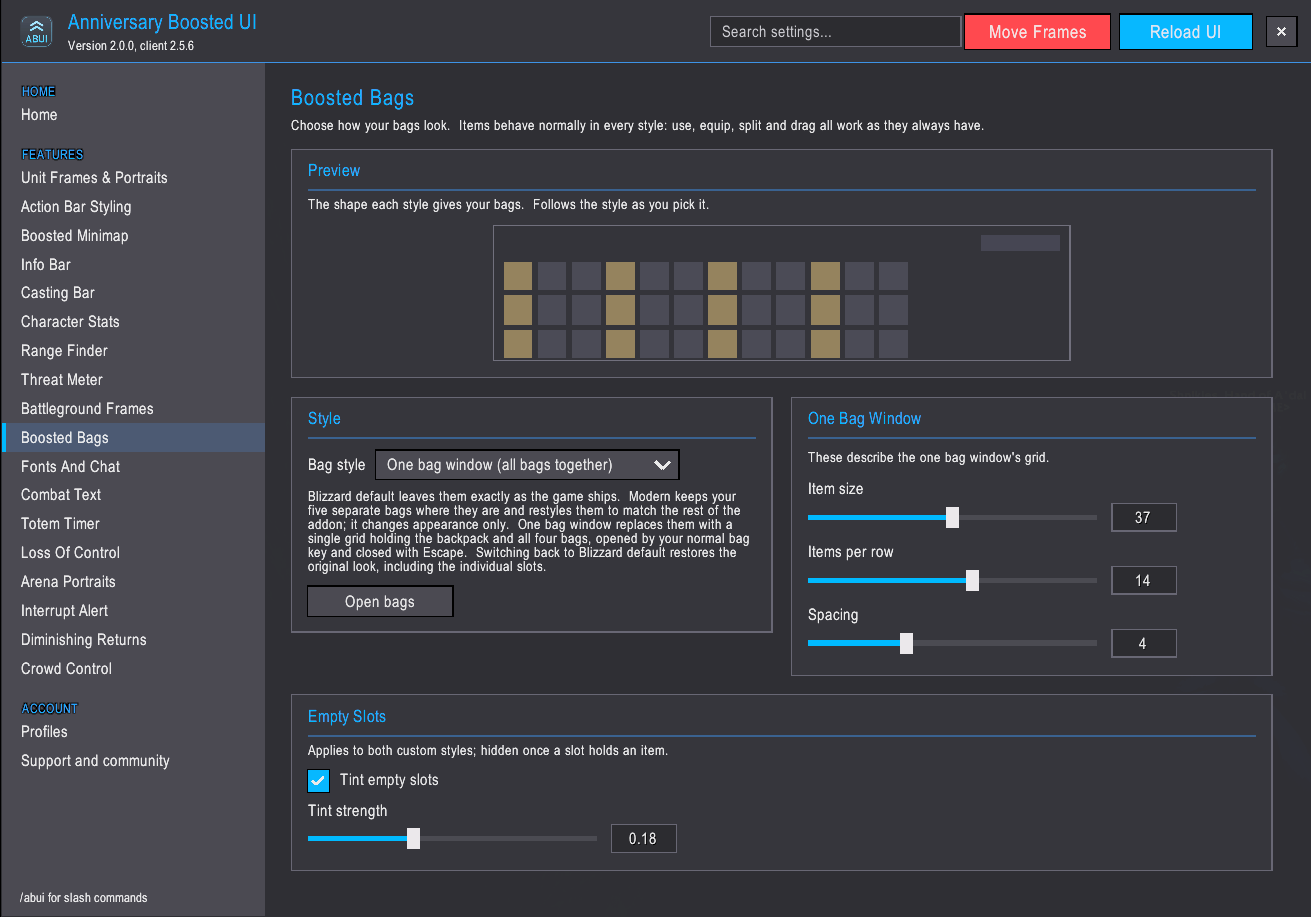
Minimap: square or round, mouse-wheel zoom, and your other addons' buttons either placed around the edge or tucked into an accordion behind one button.
Info Bar: bag slots, durability, gold, FPS and latency, and one-click launchers for the character sheet, spellbook, talents, quest log, guild and map.
Casting Bar: the spell icon, the cast fill and a latency safe zone.
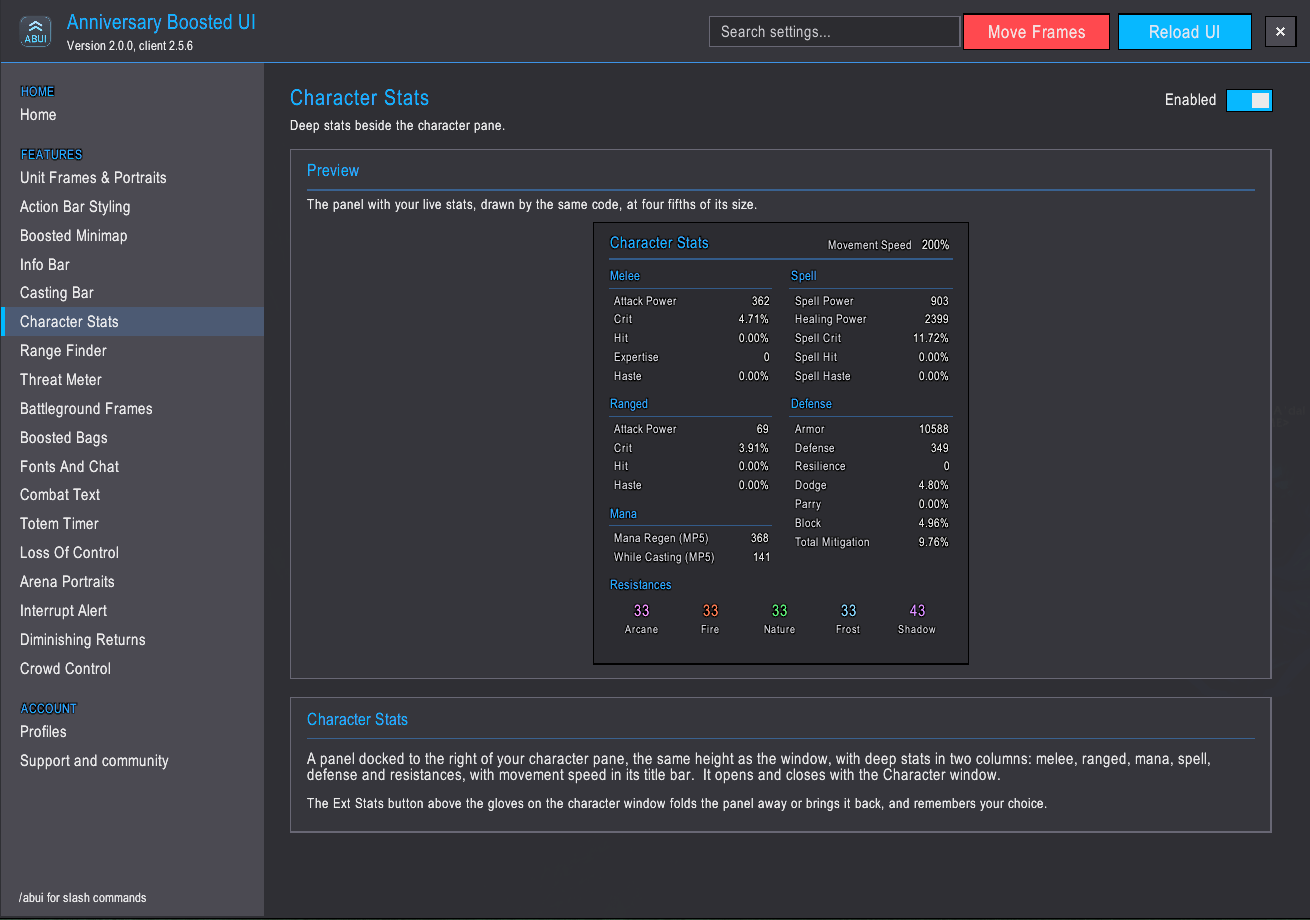
Character Stats: the numbers the character sheet leaves out, in a panel docked beside it, folded away and back with one button.
Arena Portraits: compact frames for the enemy team with cast bars, trinket tracking, defensive cooldowns, diminishing returns and who each opponent is targeting.
Interrupt Alert: know the moment an enemy starts a cast you can interrupt, with your interrupt lit on the bar and an alert in the center of the screen.
Battleground Frames: move and resize the game's own battleground displays, with a preview so you can place them before you queue.
Chat: a consistent font, a flat edit box and clickable links. The Need and Greed roll window is movable.
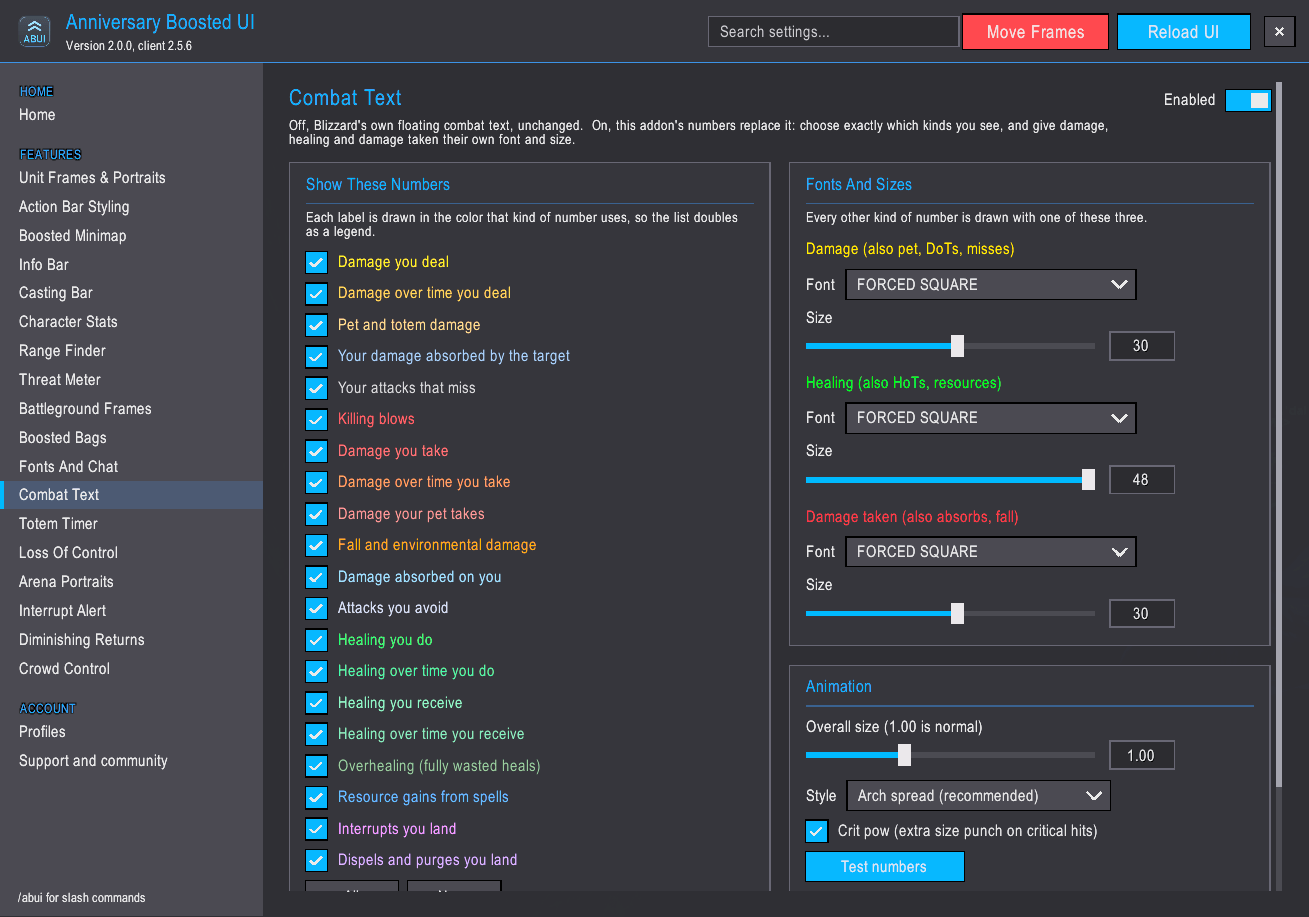
Combat Text: your own floating damage and healing numbers, with twenty separate switches and per-type fonts and colors.
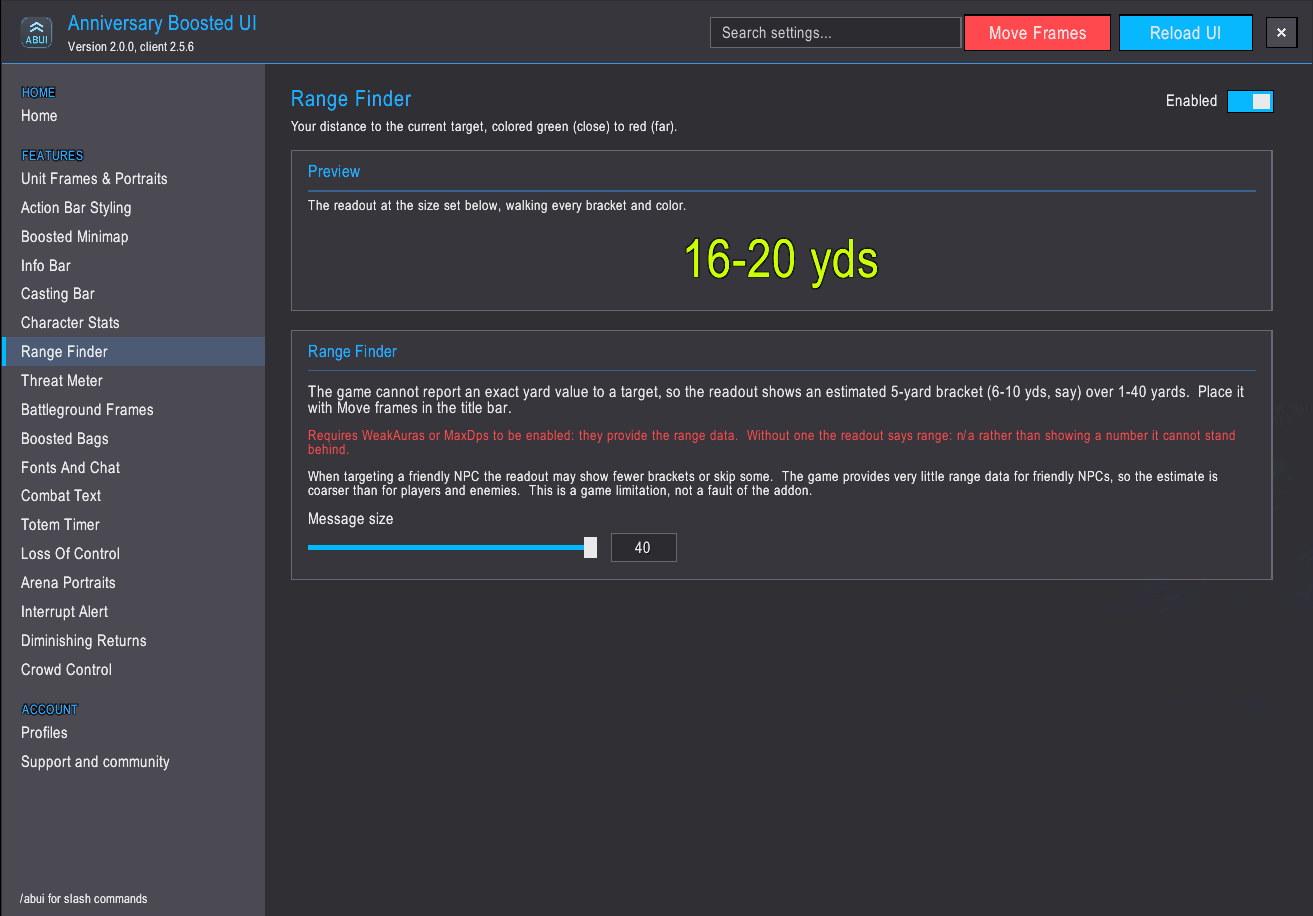
Range Finder: how far away your target is, in 5-yard brackets, green up close and red at distance. Needs LibRangeCheck-3.0, which many popular addons already include.
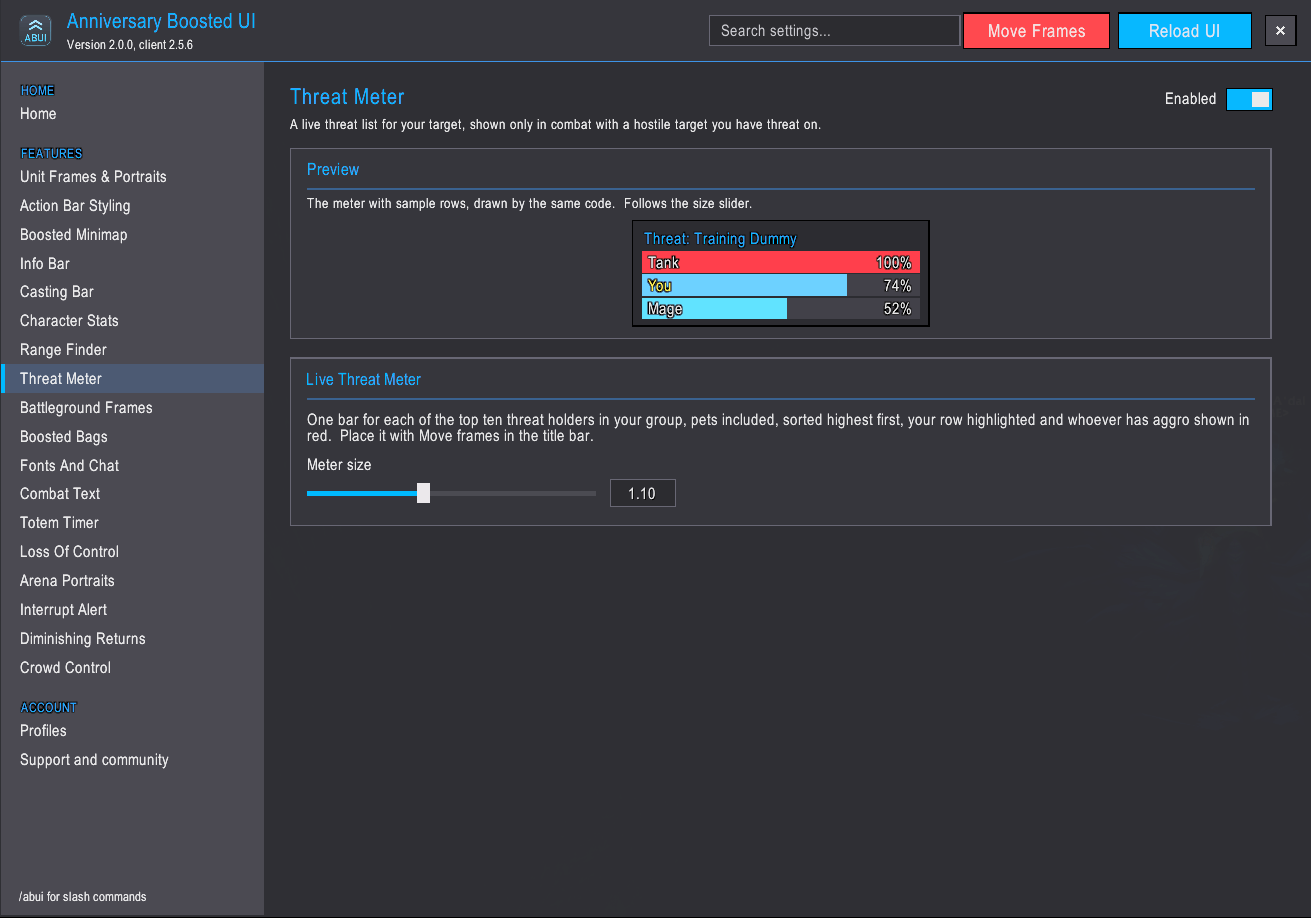
Live Threat Meter: a threat list for your target, one bar per group member, highest first, with your own row marked and whoever has aggro in red. Shows only in combat.
Loss of Control: a center-screen alert whenever you are stunned, feared, silenced, rooted or otherwise locked out, naming the effect with a live countdown. Optionally shows what comes next.
Crowd Control: tracks the crowd control you put on enemies, sheep, sap, trap, fear and more, with an icon, the target's name and a countdown for each.
Diminishing Returns: shows what the next crowd control on you is worth, half, a quarter, nothing, or full again, so you know whether to trinket now or wait for one that lands at full length. Only crowd control from players and their pets counts.
Totem Timer: for shamans, a bar of your active totems with a countdown on each, shown only while totems are out.
Set up in minutes
The first login walks you through every feature with live previews, then hands you the screen to drag your frames into place. Everything is on by default; turn off what you do not want, or press Next to the end and keep it all. Open it again any time with /abui setup.
Its own options window
Type /abui. Every feature has a page, settings apply as you change them, a search box finds any setting by name, and most pages open with a live preview of the real thing. Blizzard's Settings window keeps a front door to it.
Profiles
Each character remembers its own profile. Export a profile as a text string to back it up or share it, and import it on another character.
Fonts
Thirteen fonts always available, eight of them bundled with the addon, plus any your other addons provide.
Compatibility
Works alongside most addons. Disable any other addon that replaces the same things, unit frames, action bars, the minimap or bags, since two addons cannot own the same frame. No dependencies.
Support
Bugs, suggestions and help: Discord. The full changelog is on the Files tab and inside the addon.
Made by Shnikies - Dreamscythe
Also look for the WoW Forever Version
Forever Boosted UI (FBUI) - World of Warcraft Addons - CurseForge
The Anniversary Boosted UI (ABUI) Team