AmmoWatch Forever/TBC/Classic Era
- By
Track arrows and bullets with a customizable ammo counter, adjustable low-ammo pulses and multilingual voice alerts. Features an original hunter-themed interface. Supports WoW Forever, Classic Era and TBC Classic.
Screenshot 2026-10-24 182728.png
Screenshot 2026-10-24 182749.png
Screenshot 2026-10-18 181741.png
Screenshot 2026-10-24 182828.png
Description
AmmoWatch — Update Highlights
- Added support for WoW Classic Era and The Burning Crusade Classic alongside WoW Forever.
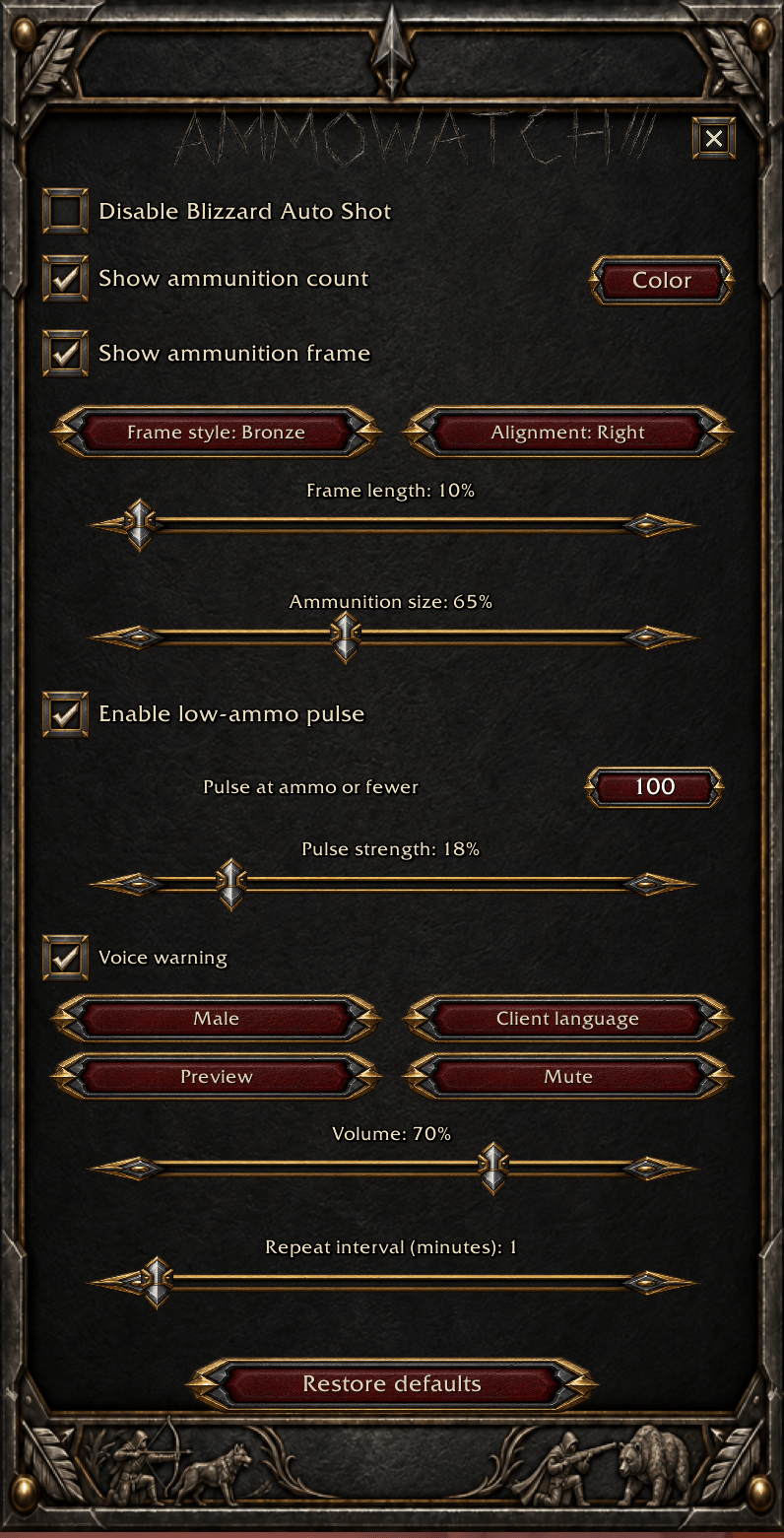
- Introduced a custom hunter-themed interface with forged-metal details, an engraved title and a classic close button.
- Added a matching minimap icon and new CurseForge artwork.
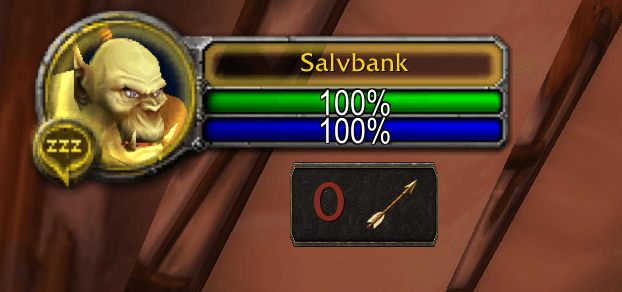
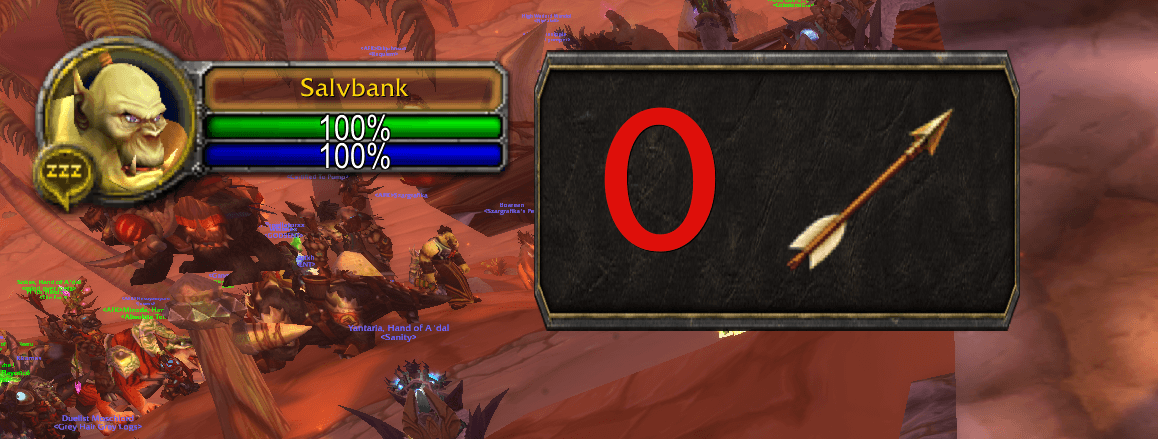
- Added an optional ammo display panel with six color styles.
- Added left, center and right alignment. Right alignment places the ammunition icon after the number.
- Added adjustable frame length and an improved display-size slider.
- Added a customizable low-ammo pulse threshold and strength. Higher strength produces a faster, more noticeable warning.
- Added a Restore Defaults button that preserves display positions.
- Improved button feedback and numeric input, including numpad support.
- Removed the startup notice and simplified the settings window.
- Updated all six supported interface languages.
AmmoWatch Forever/Classic Era/TBC
Keep track of your ammunition and get warned before you run out. Formerly known as Autoshot Forever, AmmoWatch Forever supports WoW Forever, Classic Era and The Burning Crusade Classic.
Ammunition Counter
- Automatically displays arrows for bows and crossbows, or bullets for guns.
- Counts ammunition carried in your bags, quiver and ammo pouch.
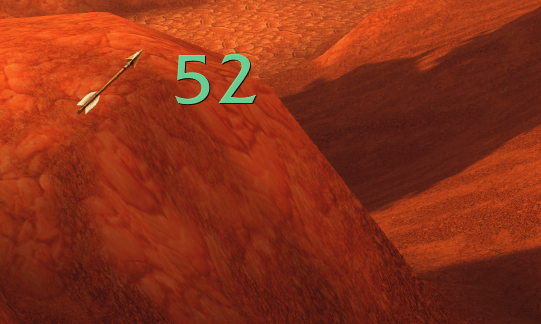
- Transparent display with custom arrow and bullet icons.
- Drag to move and resize from 10% to 1000%.
- Customize the number color using the built-in color picker.
- Enable or disable the counter at any time.
Low-Ammo Warnings
At 100 ammunition or fewer, optional warnings help you notice your remaining supply:
- A gentle pulse makes the number grow and turn red before returning to your chosen color.
- Voice warnings with selectable male or female voices.
- Choose any of the six voice languages independently of your client language.
- Preview voices, adjust volume or mute them.
- Play the warning once or repeat it every 1–30 minutes.
- Enable or disable visual and voice warnings separately.
Optional Blizzard Auto Shot Setting
On clients that provide Blizzard’s automatic melee/Auto Shot switching setting, you can disable it with one checkbox. Manual Auto Shot remains available.
This option is unavailable on clients that do not provide the setting. Ammunition tracking and warnings work independently.
Easy Configuration
Open the settings using the minimap button, /ammowatch or /awf.
The interface supports English, German, Spanish, French, Russian and Simplified Chinese, selected automatically from your client language.
An optional startup notice explains the addon’s features and can be disabled in the settings.
AmmoWatch Forever/TBC/Classic Era Team