copy4.png
copy3.png
copy2.png
copy1.png
Description
CopyBox – Chat History Capture & Live Copy Tool
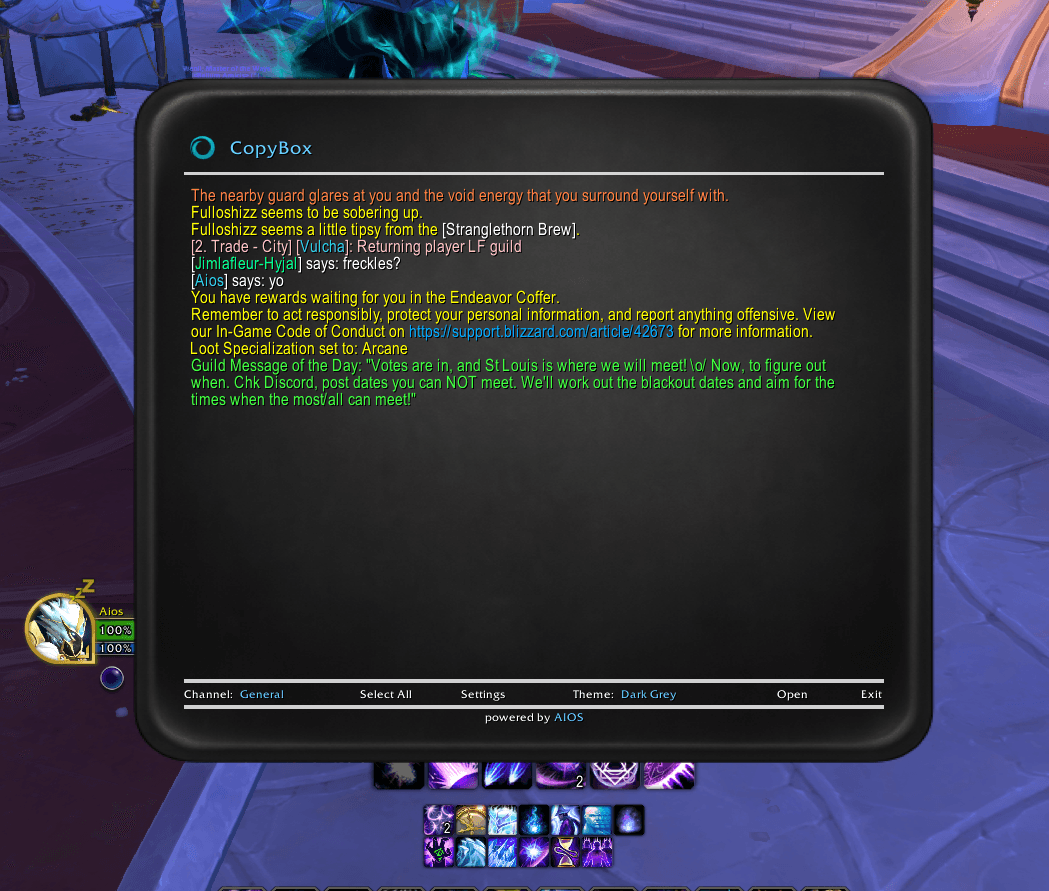
CopyBox is a lightweight, standalone World of Warcraft addon that captures your chat history in a clean, scrollable window — and keeps streaming new messages live while it's open.
Perfect for saving conversations, documenting raids, reporting issues, or exporting chat logs for guild management.
Features
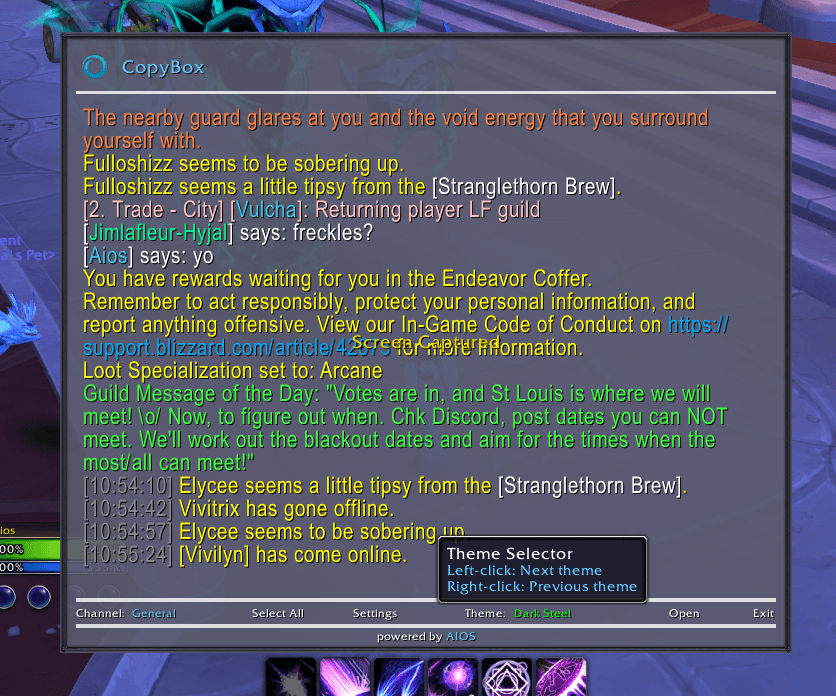
- Full chat capture — loads existing messages from any chat frame the moment you open it
- Live message streaming — new chat appends in real-time while the window is open
- Channel cycling — left-click to go forward, right-click to go back through channels
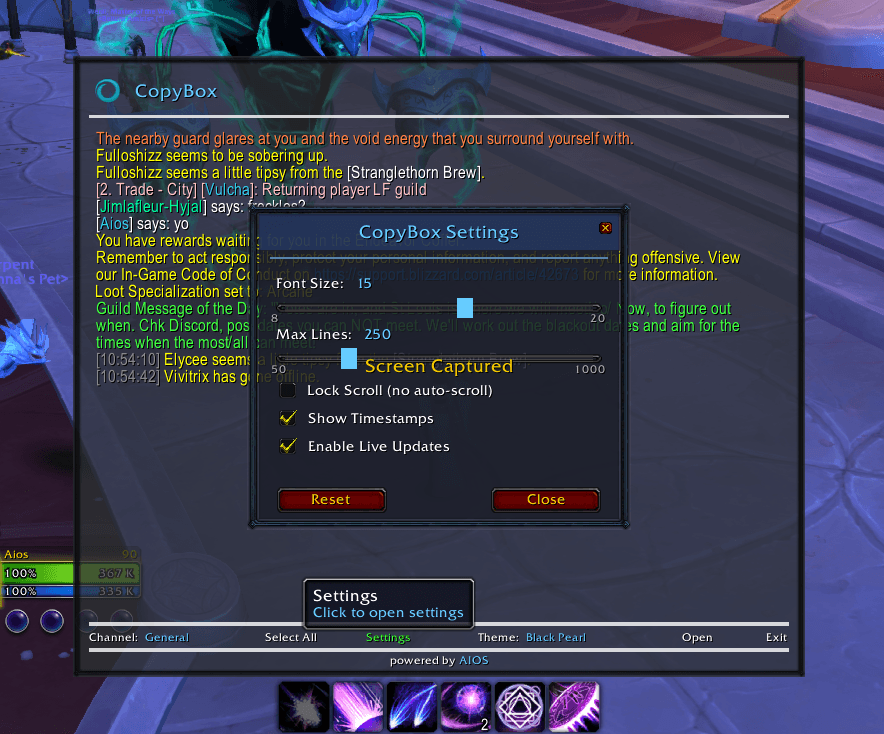
- Settings panel — Font Size, Max Lines, Lock Scroll, Timestamps, and Live Updates toggle
- Select All / Clear — one-click highlight or clear the text box
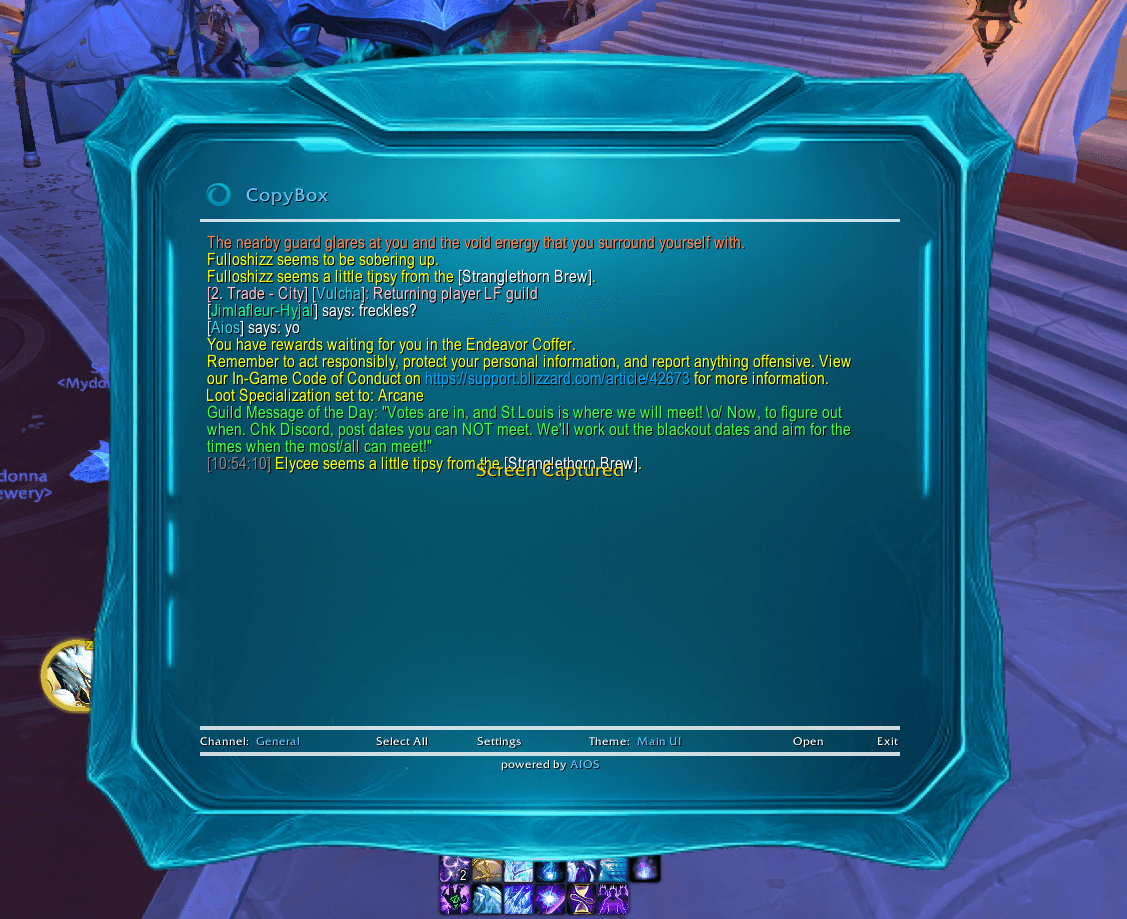
- Theme support — cycles through color and texture themes (Retail-enhanced, Classic-safe)
- Position memory — saves where you dragged it, restores on next login
- Combat safe — defers open if you're in combat, auto-opens when combat ends
- Hyperlink-safe — item/spell/achievement links preserved in copied text
- No dependencies — works standalone on all modern WoW flavors
How It Works
- Type /copybox or /cb to open the window
- Your current chat channel loads instantly
- New messages stream in live while the window stays open
- Click Select All, then press Ctrl+C to copy
- Right-click Select All to clear the box
- Click Settings to customize font size, max lines, scroll lock, and timestamps
Compatibility
Retail / The War Within — Full support, all themes including texture themes
Cataclysm Classic — Full support, color themes with manual borders
Mists of Pandaria Classic — Full support, color themes with manual borders
Classic Era / Hardcore — Full support, color themes with manual borders
Zero external libraries required. No Ace3, no AIOS dependency.
Slash Commands
/copybox — Open CopyBox
/cb — Shortcut
Why Use CopyBox?
WoW's default chat copy is limited, slow, and sometimes unavailable. CopyBox gives you an instant, reliable, and easy-to-read export of your chat — with live updates, scroll lock for reading, and timestamps for logging.
Support & Feedback
If you run into issues or want new features, please leave a comment on the project page.
CopyBox Team