Advanced LFG
- By
A custom Group Finder skin with a two-column dungeon picker, Mythic+ premade filters, an M0 loot tracker, and raid + PvP browsers in one panel.
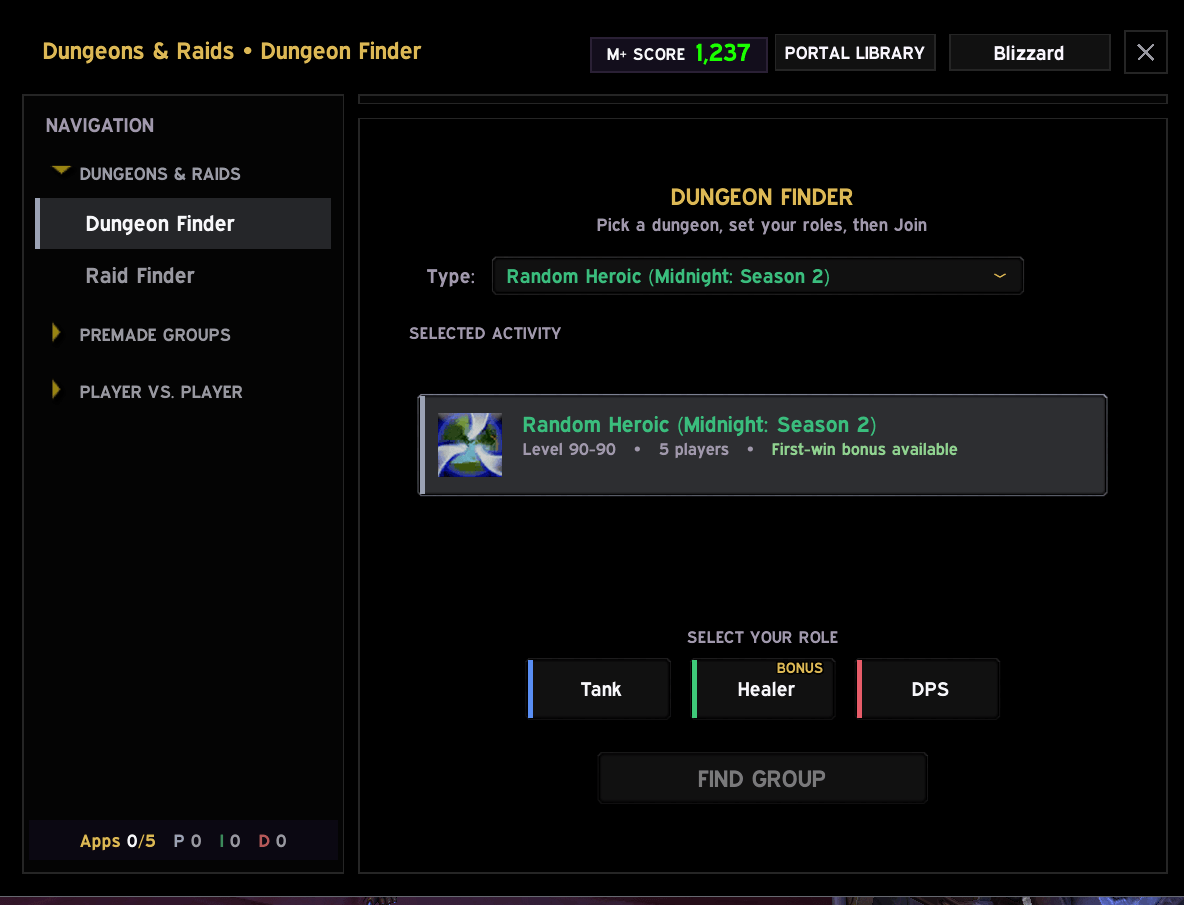
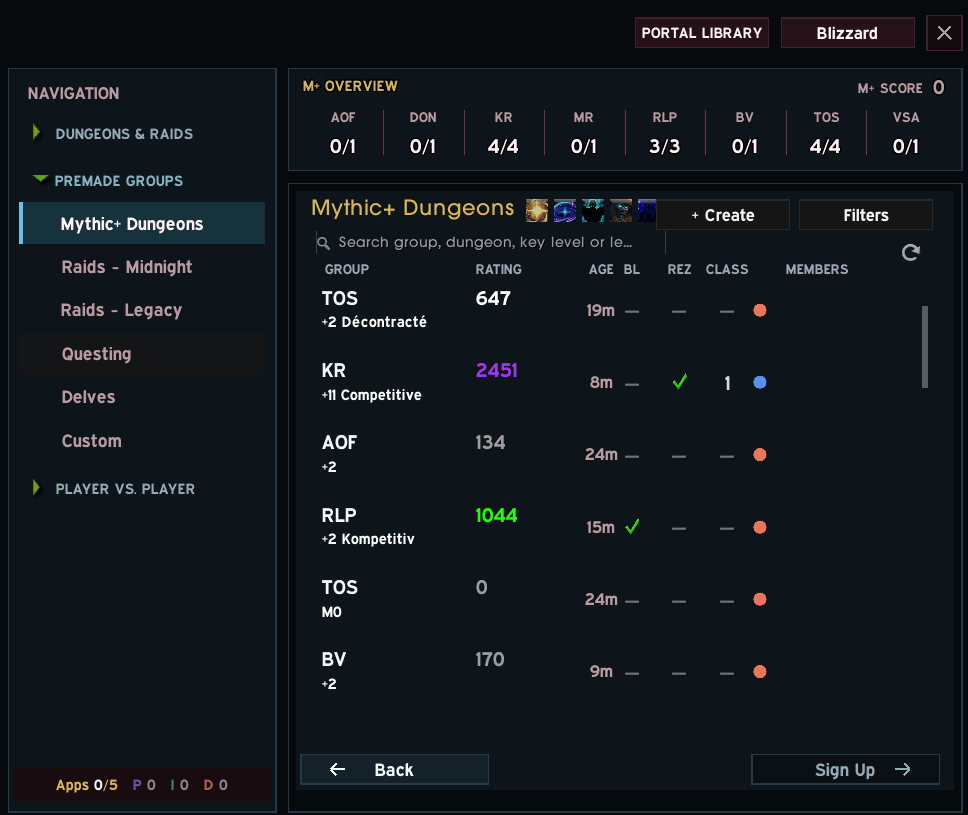
01_Main_addon.png
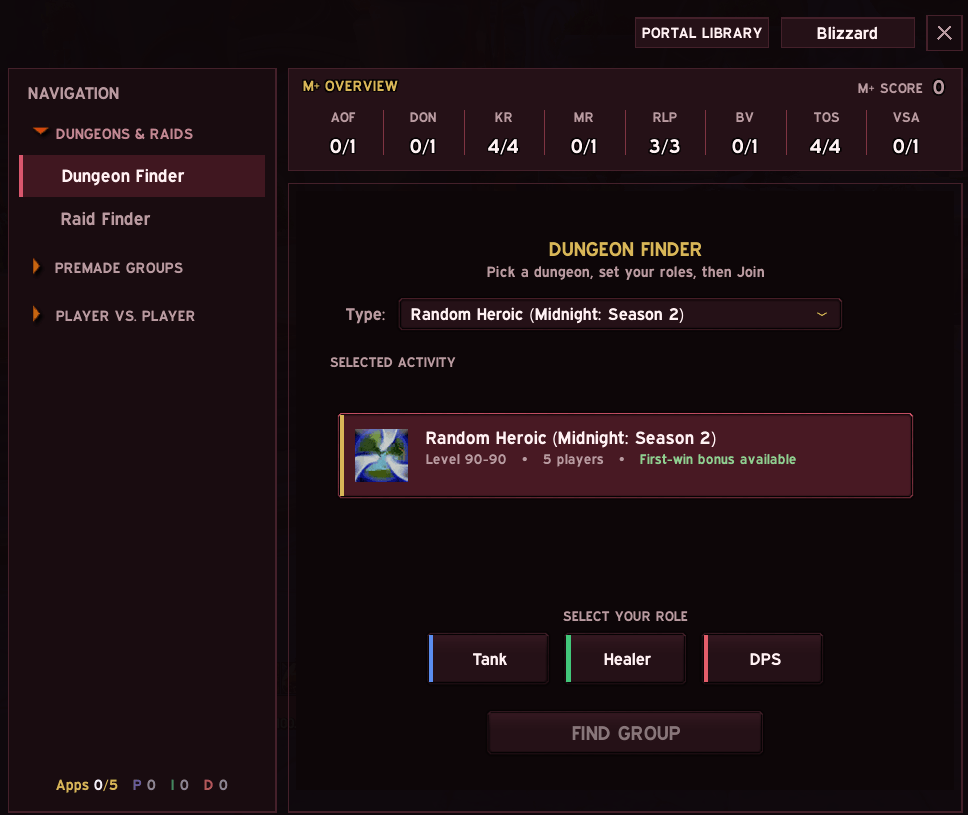
02_DungeonFinder_addon.png
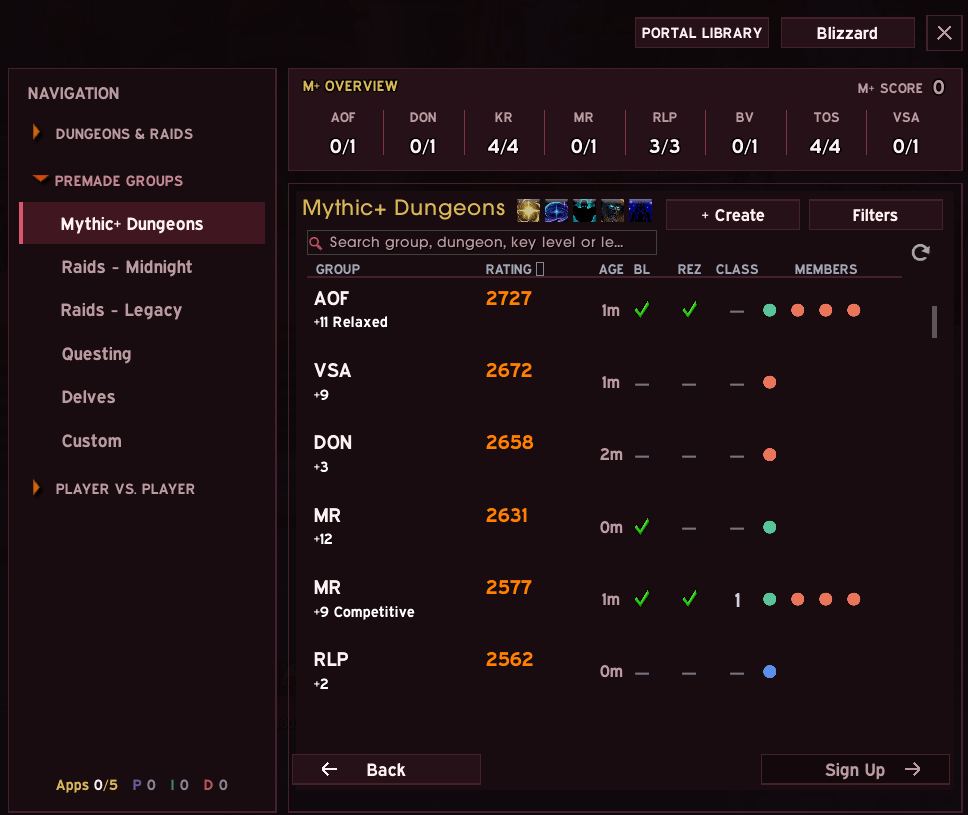
04_Mythic_Search_addon.png
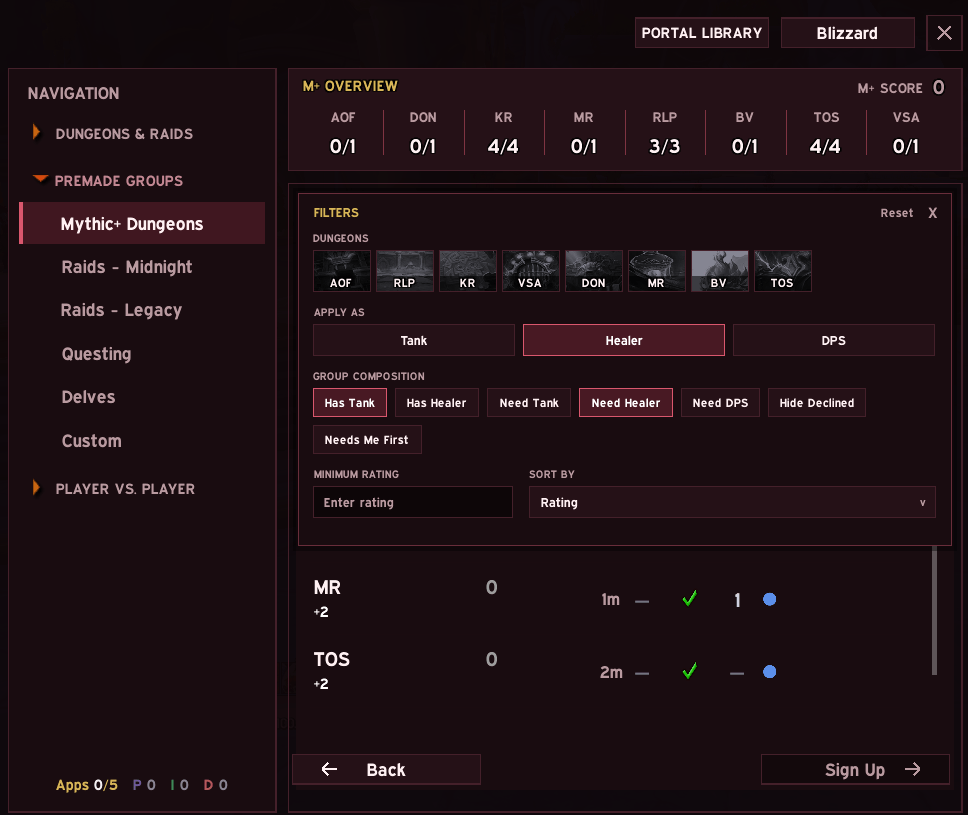
05_Mythic_Filters_addon.png
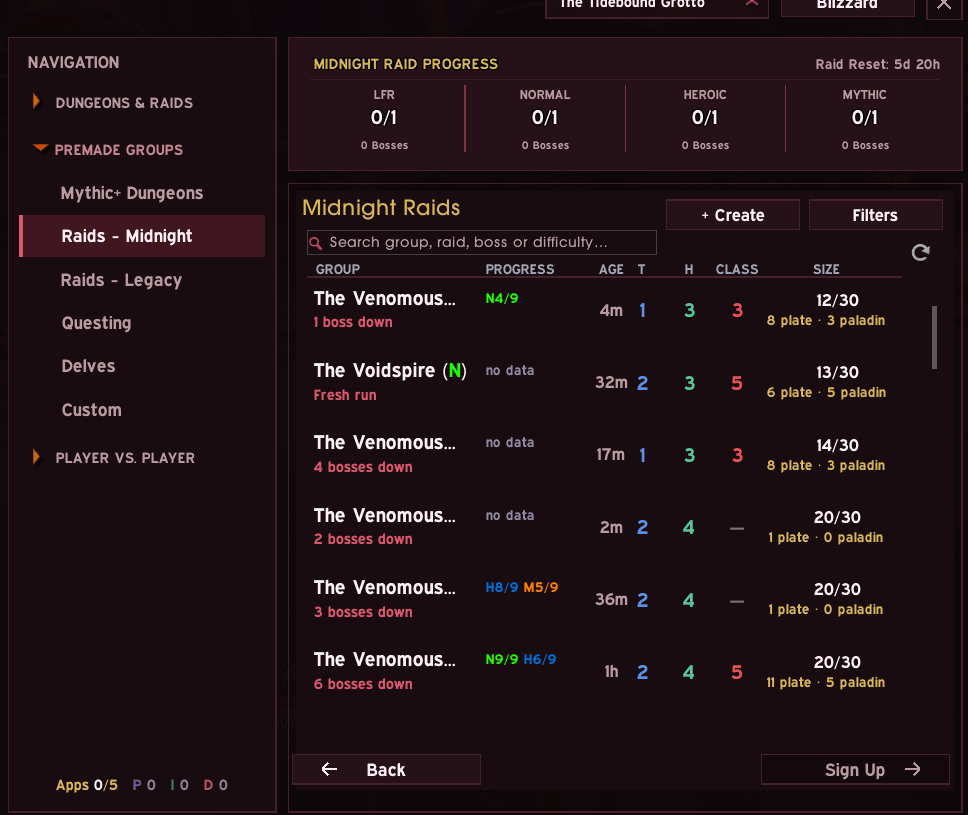
07_Raid_Premade_Midnight_addon.png
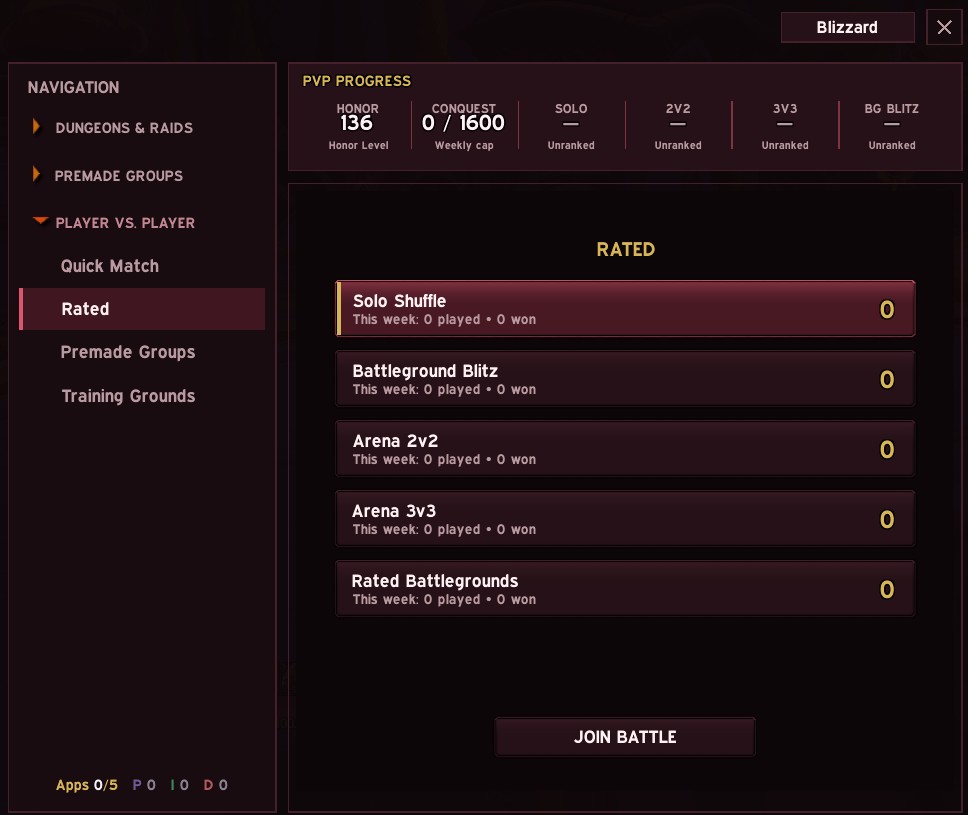
08_PvP_Rated_addon.png
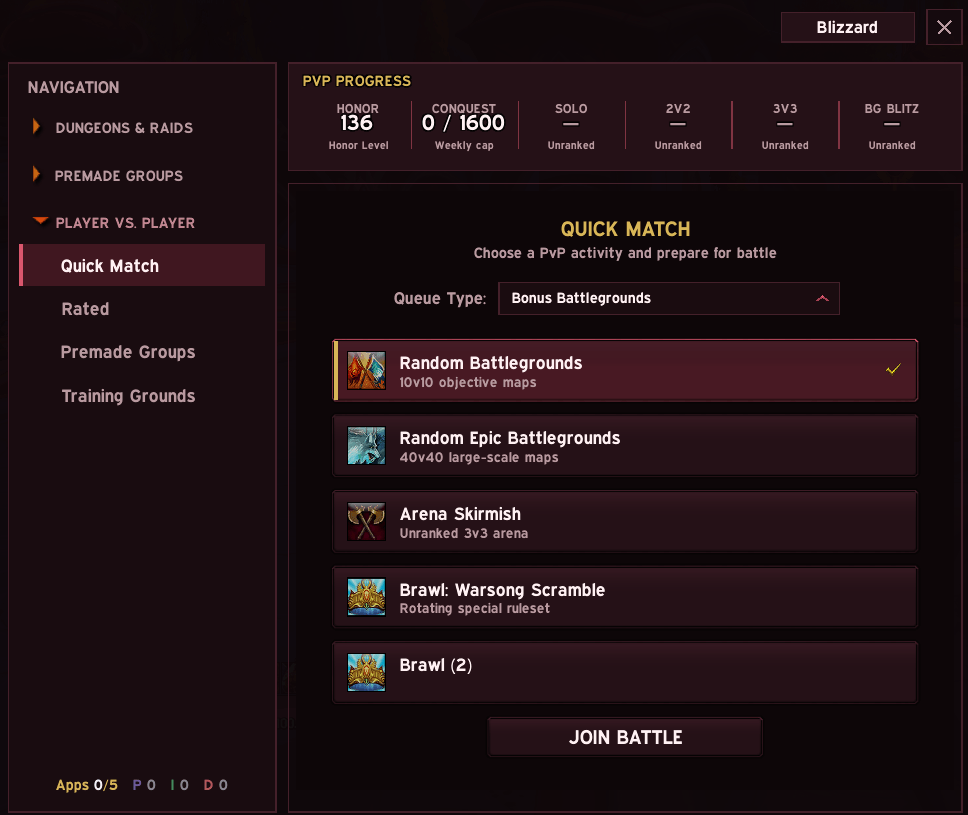
09_PvP_QuickMatch_addon.png
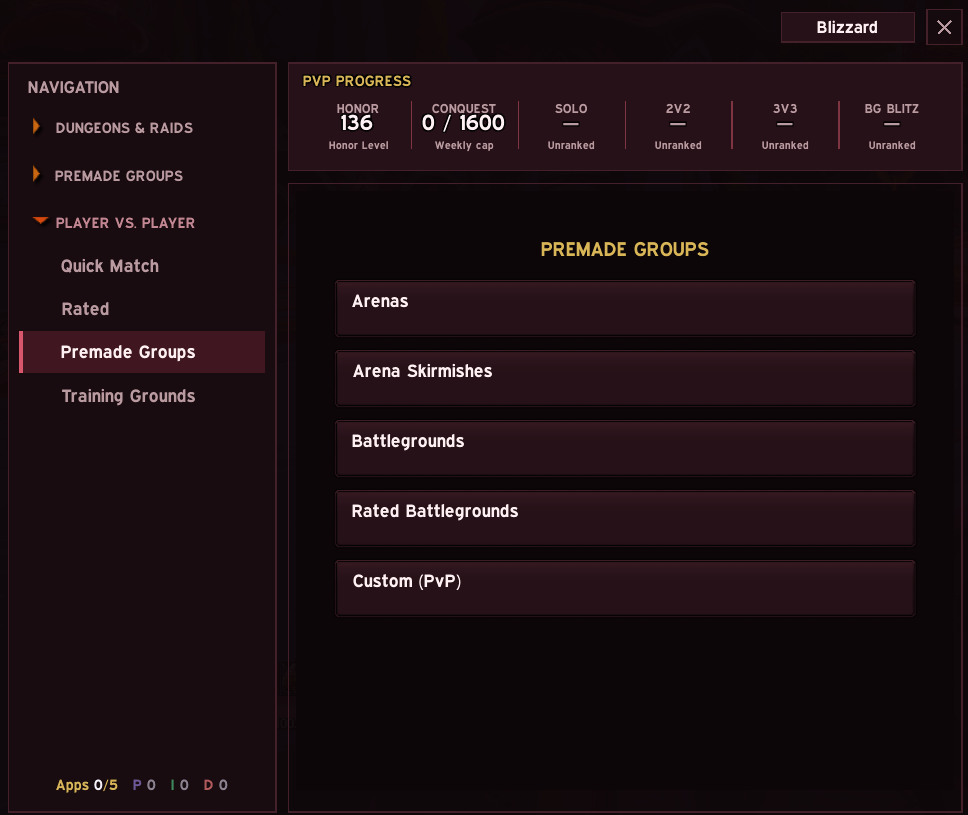
10_PvP_Premade_addon.png
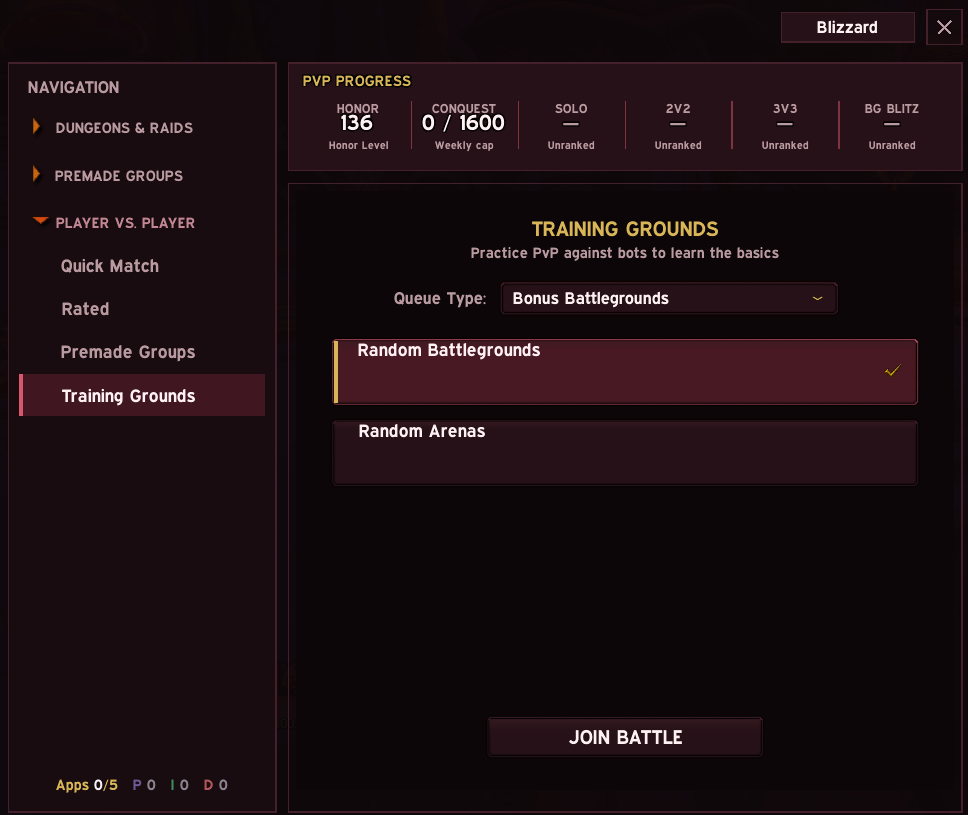
10b_PvP_Training_addon.png
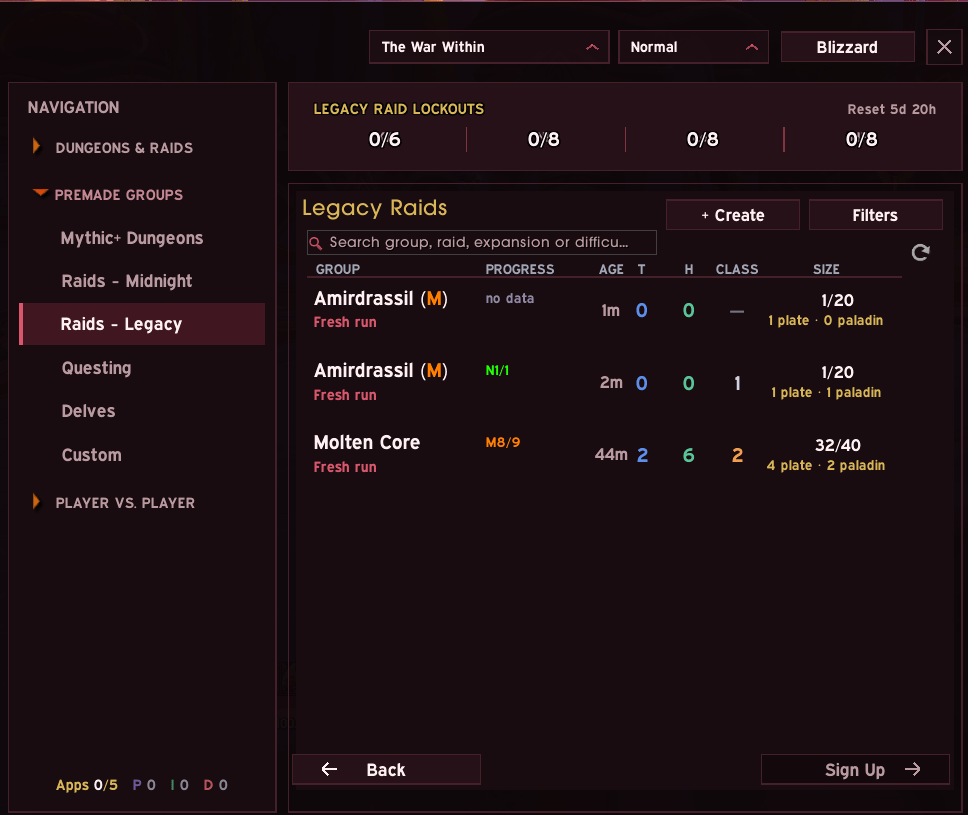
11_LegacyRaid_addon.png
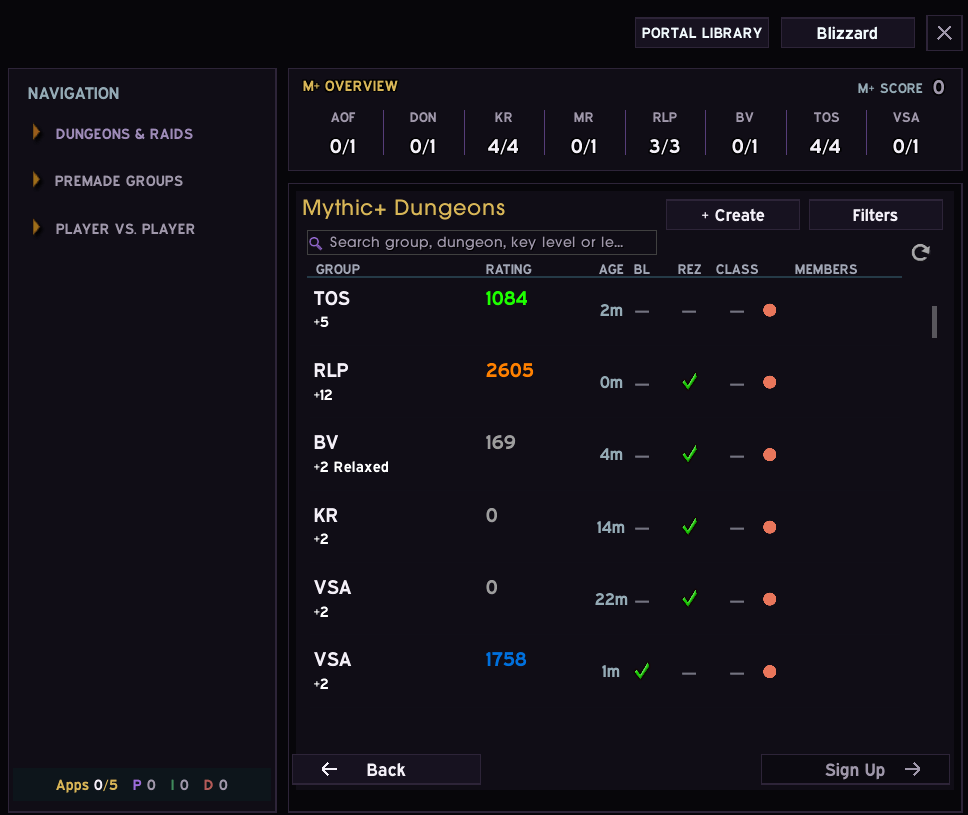
13_Theme_VoidAmethyst_closeup.png
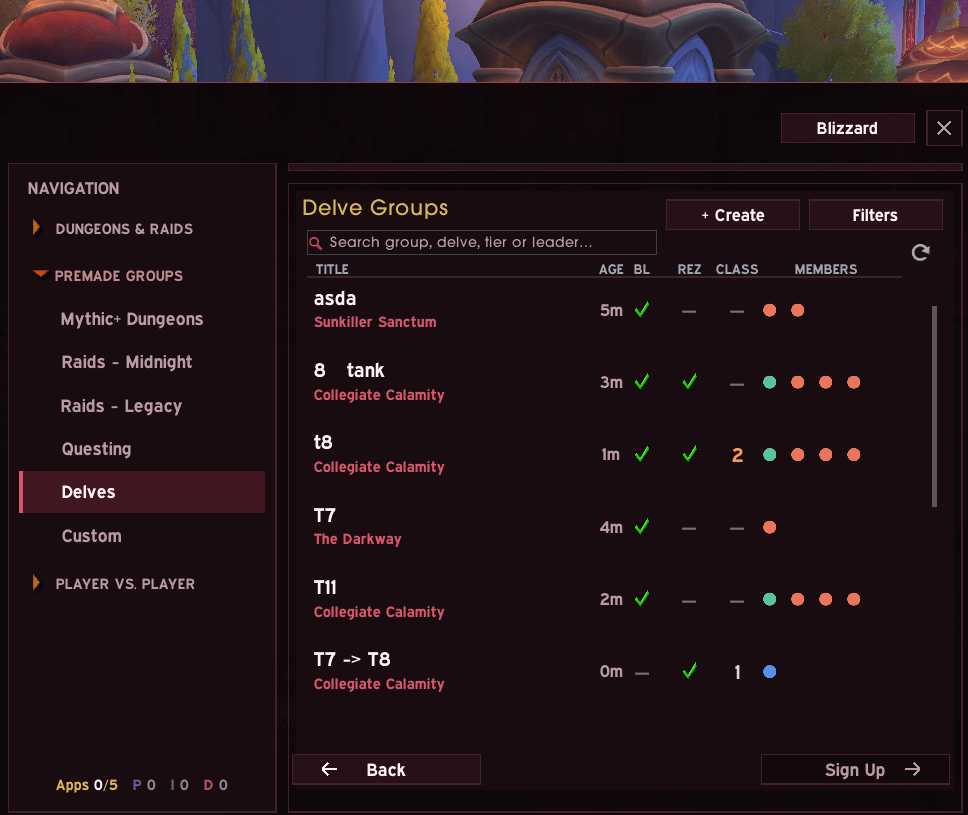
14_Delves_addon.png
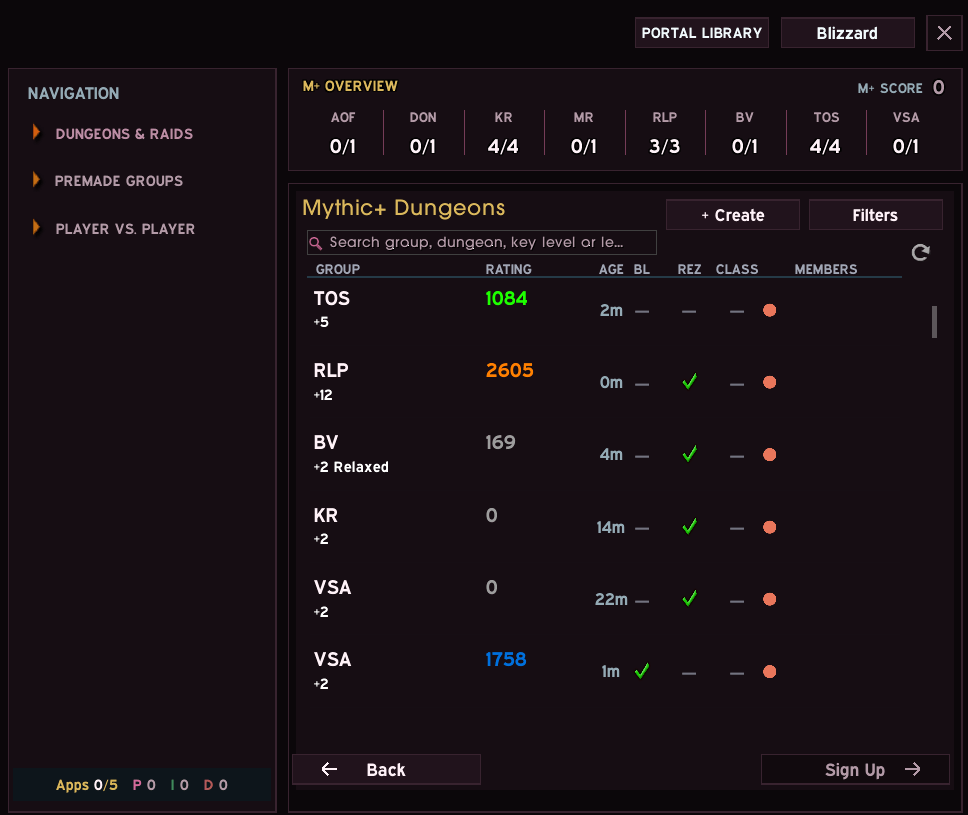
14_Theme_RoseQuartz_closeup.png
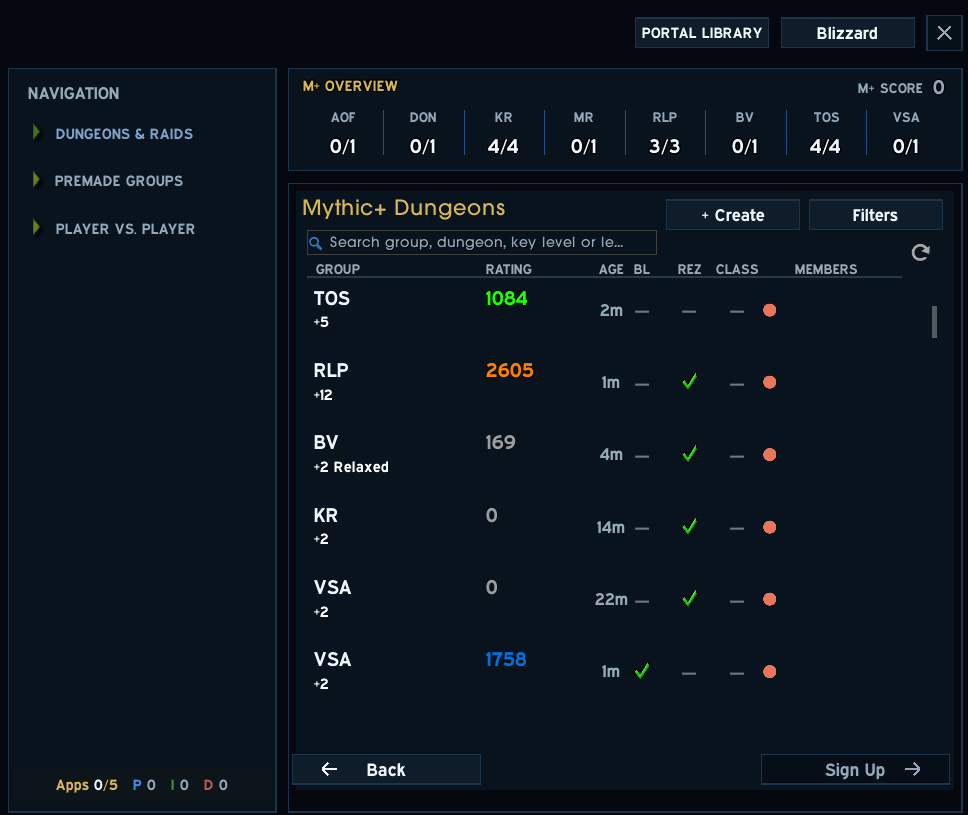
15_Theme_ArcaneSapphire_closeup.png
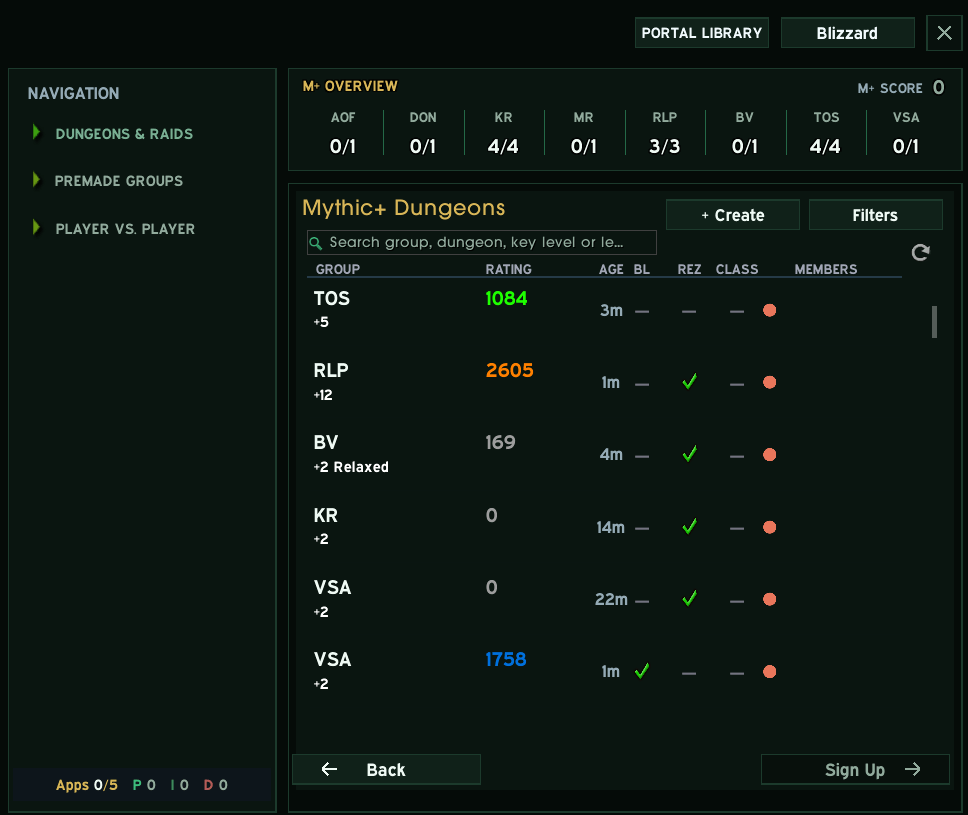
16_Theme_EmeraldDream_closeup.png
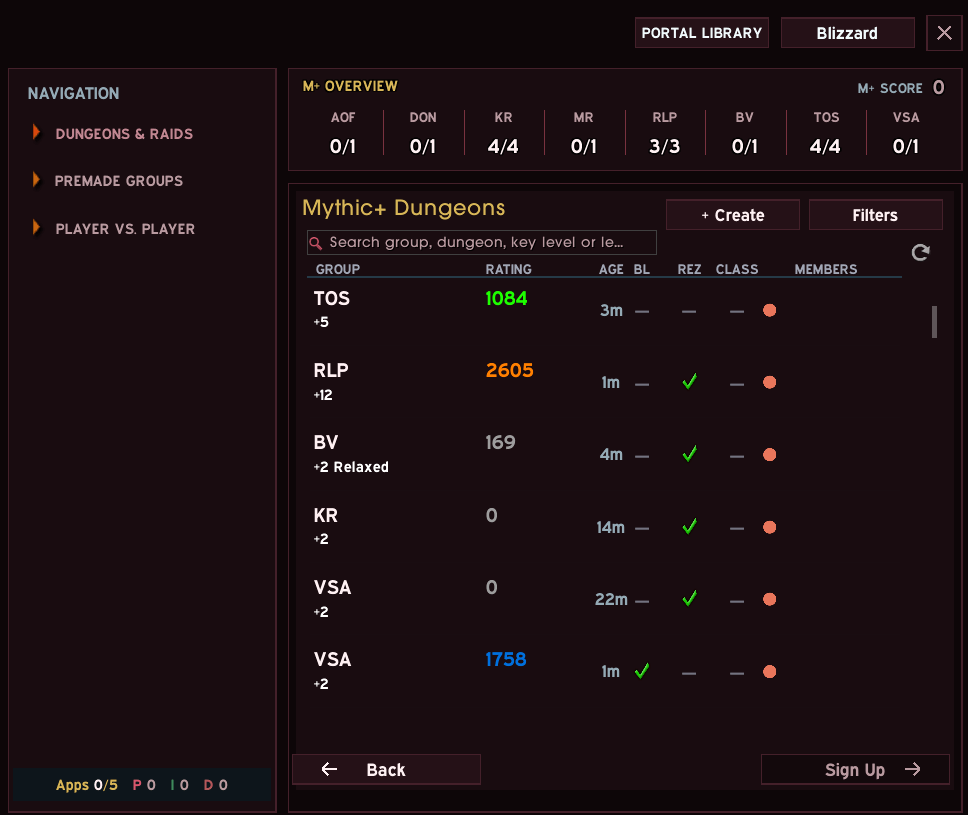
17_Theme_BloodRuby_closeup.png
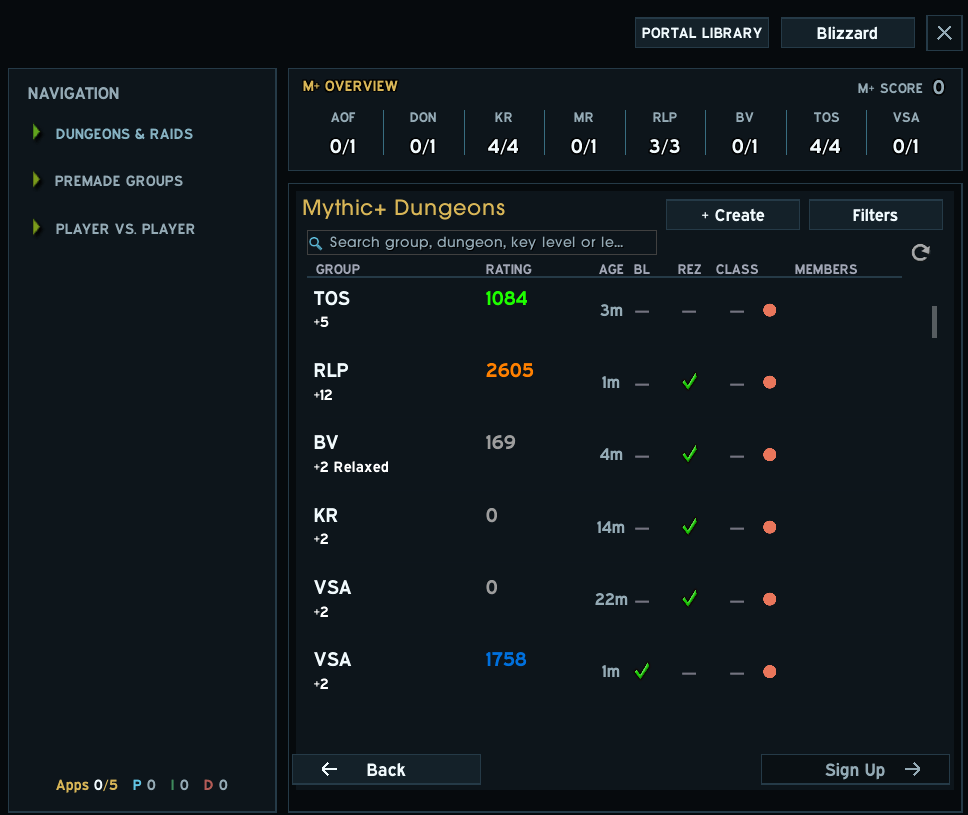
18_Theme_Froststeel_closeup.png
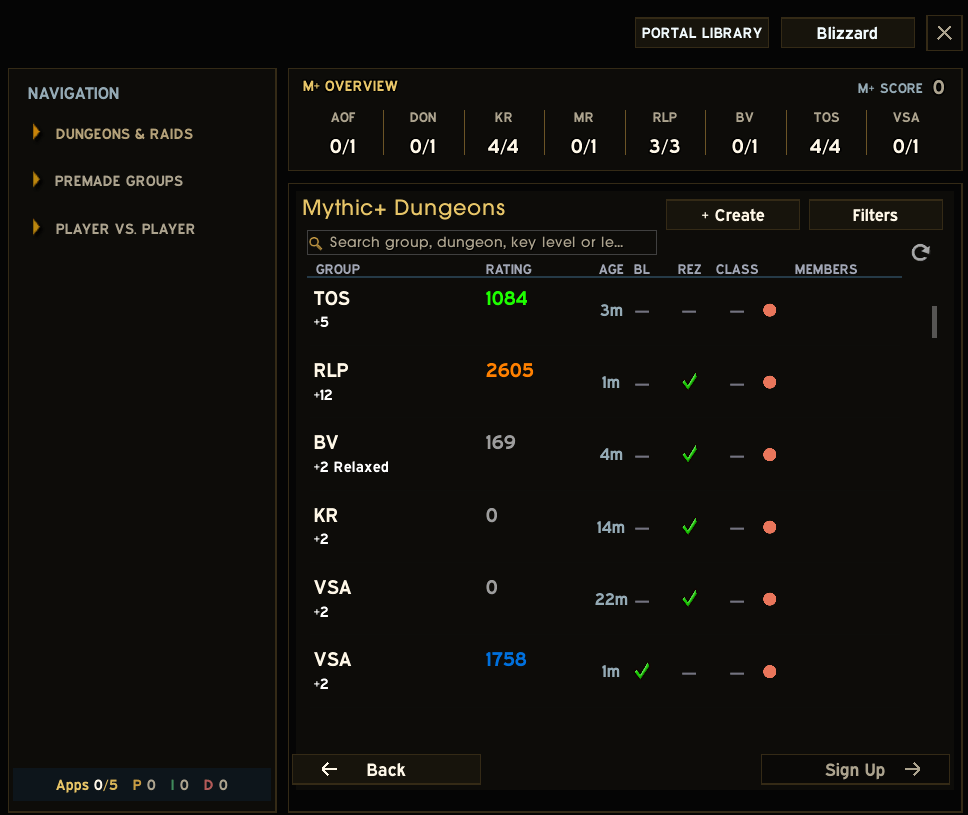
19_Theme_ObsidianGold_closeup.png
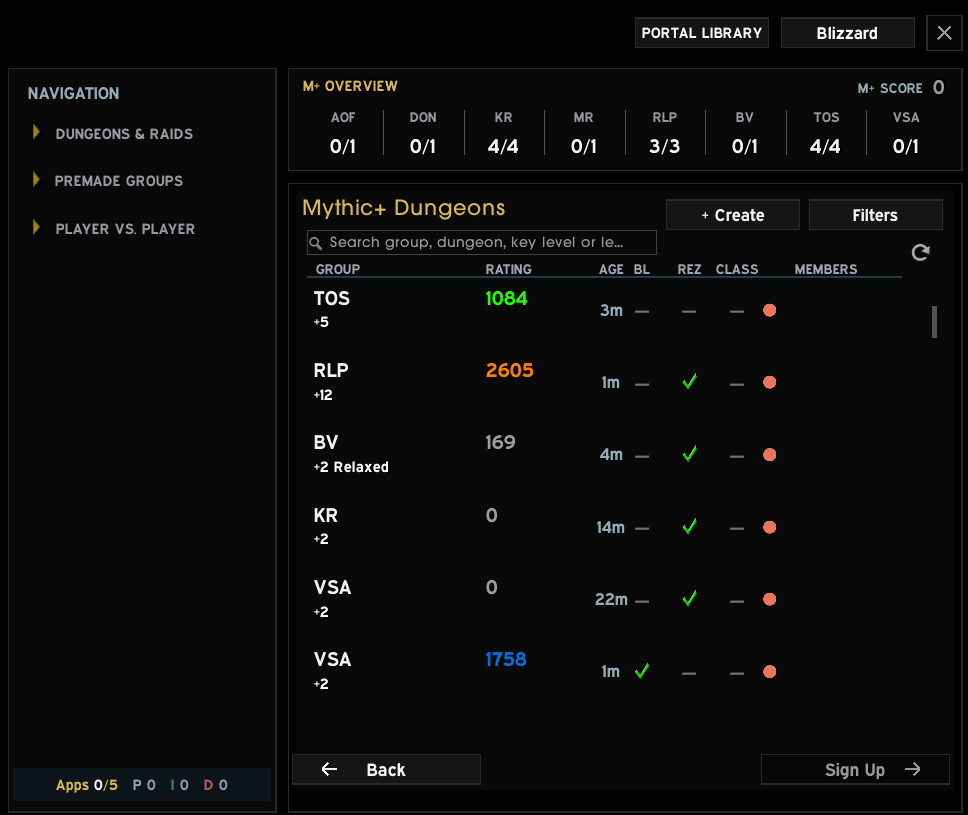
20_Theme_Noir_closeup.png
Description
Advanced LFG
I built Advanced LFG because Blizzard's Group Finder always felt like three different tools bolted together — dungeons here, premade groups there, PvP somewhere else — and none of it looked like it belonged in the same window. This is my attempt to wrap all of it in one clean, themed shell that actually feels like a single, coherent piece of UI.
It's not a replacement for the Group Finder. It sits around the real thing — same listings, same sign-ups, same everything Blizzard gives you — just organized into one window with a proper sidebar, so you're never hunting for where a mode lives. Mythic+, raids (current and legacy), delves, questing, and every PvP bracket are all one click away down the left.
What you get:
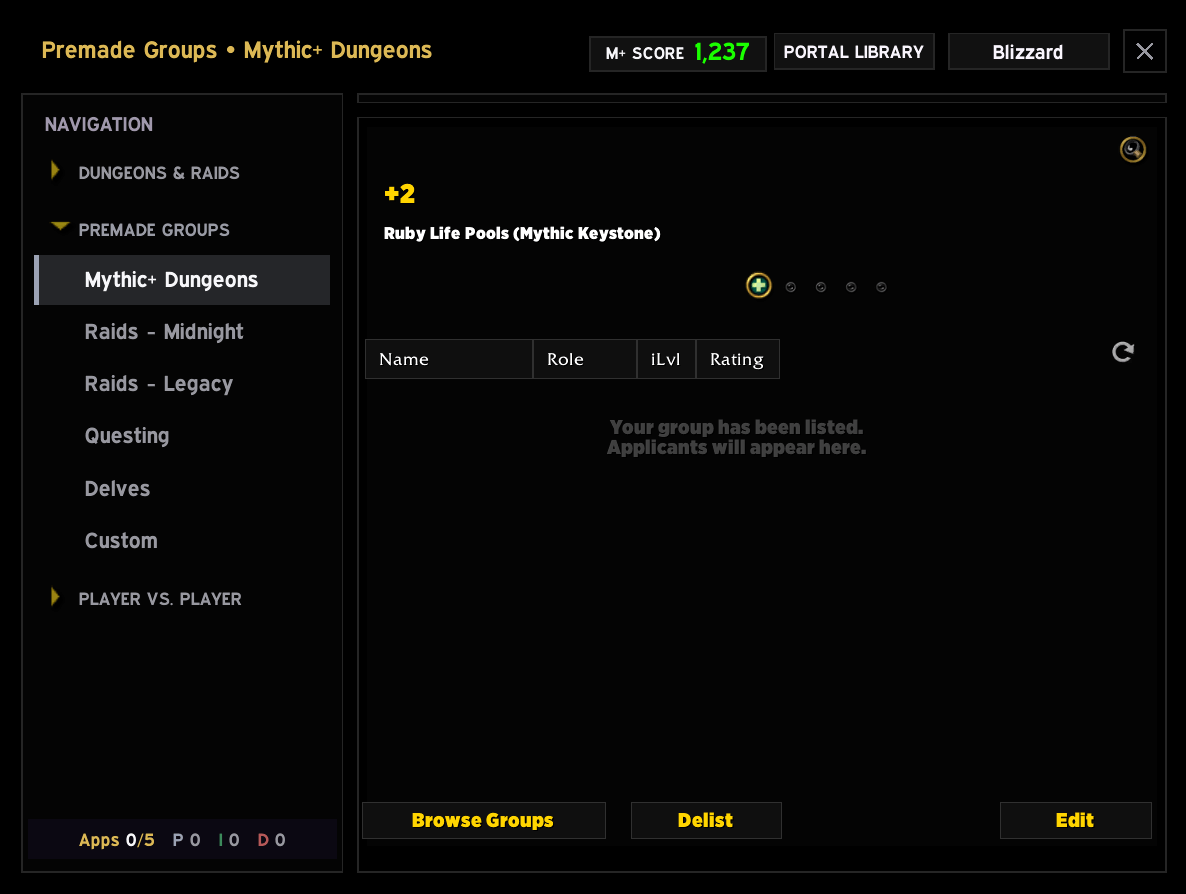
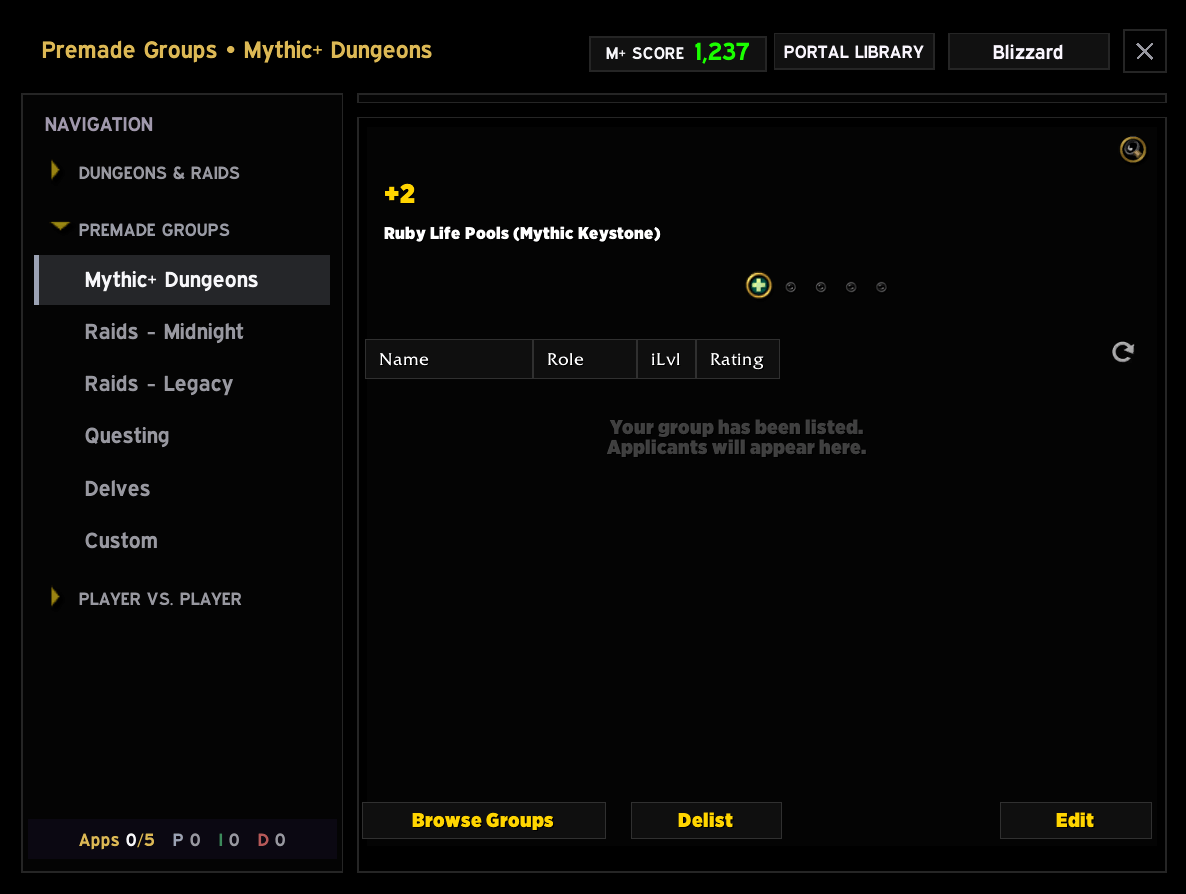
- One window, one layout. A navigation rail on the left, your results in the middle, and a header that stays consistent no matter which mode you're in.
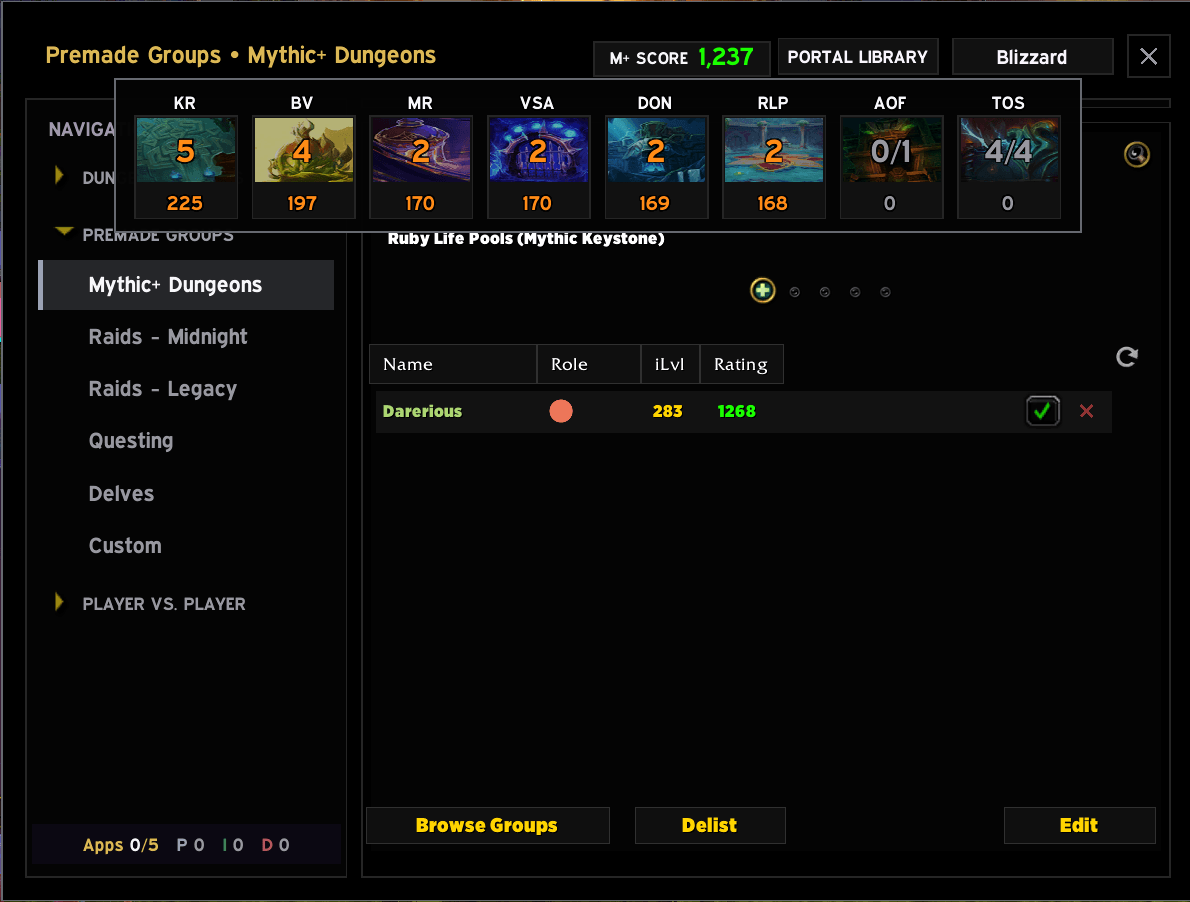
- A Mythic+ page that respects your time. Your score and per-dungeon best runs sit right above the group list, and the filters apply live — pick a dungeon, a role, a rating floor, and the list narrows as you click. No "Apply" button, no waiting on a search.
- Real filtering that isn't fiddly. Everything's text-based and readable — select a role, set who you're looking for (need healer, has tank, hide declined…), sort how you like. It all reads clearly in every theme.
- Cleaner applicant management. When you're running your own group, the applicant list gets tidied up — proper role coloring, a decline button that doesn't look like a placeholder, and it stays clean as people come and go.
- Legacy raids that actually show legacy raids. The expansion picker only lists the old stuff, and Create hands you the right raid list for wherever you are.
- Eight built-in themes. Void Amethyst, Rose Quartz, Arcane Sapphire, Emerald Dream, Blood Ruby, Froststeel, Obsidian Gold, and Noir — plus you can point the accent at your class color if you'd rather. Pick one and the whole window follows.
- A Portal Library for quick teleports, and optional navigation help for "okay, but how do I actually get to this dungeon from here?"
Type /lfga for options. It plays nicely with LibSharedMedia, ElvUI_JiberishIcons, and BlizzMove if you have them, and works fine without them.
Made for World of Warcraft: Midnight (12.1). If something breaks or feels off, tell me — I use this every day myself, so I'd rather know.
Advanced LFG Team