Advanced Character Panel
- By
Custom character and Inspect panels with 3D models, 26 backgrounds, gear upgrades, stat priorities, talent trees, and Raid, Mythic+ and PvP progression.
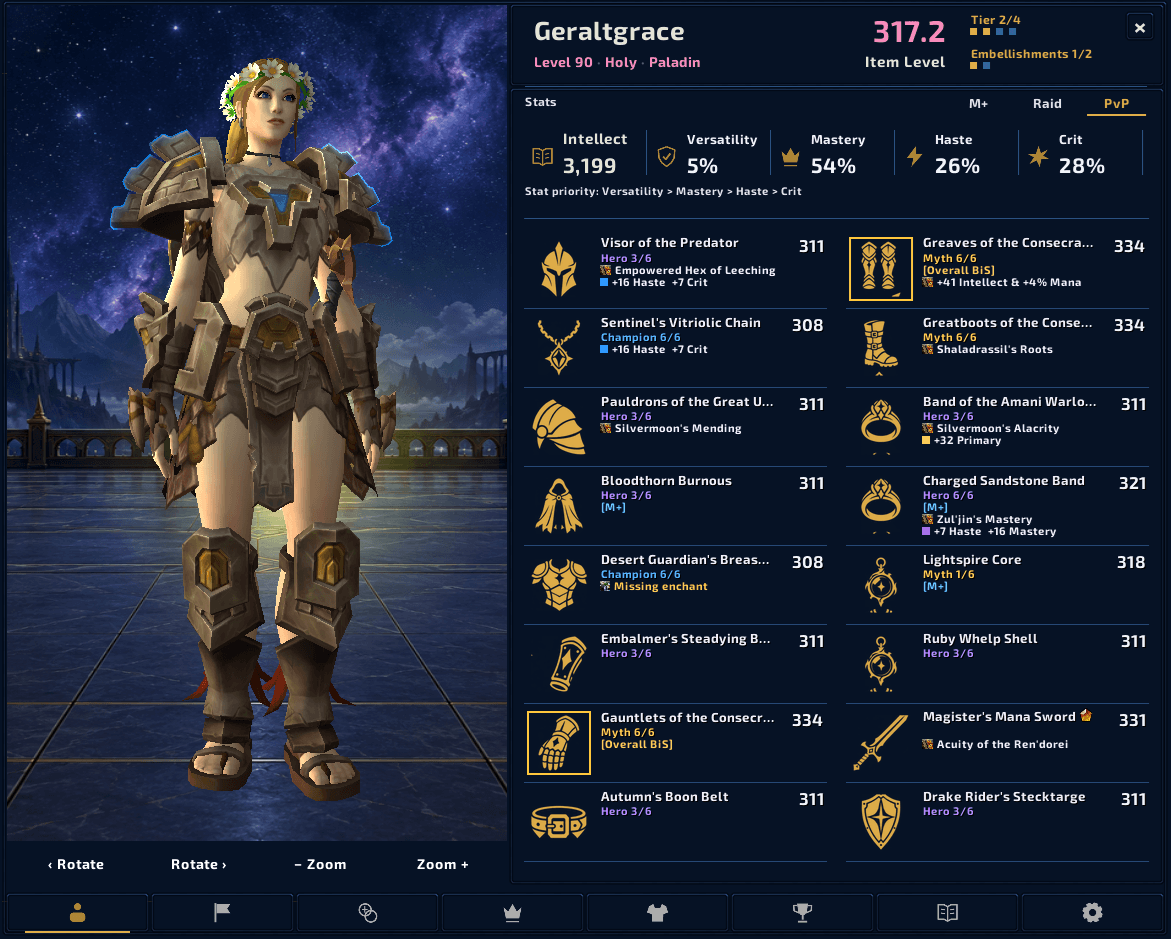
A full character view with equipment details and stats against a custom background.
2.png
3.png
4.png
5.png
6.png
7.png
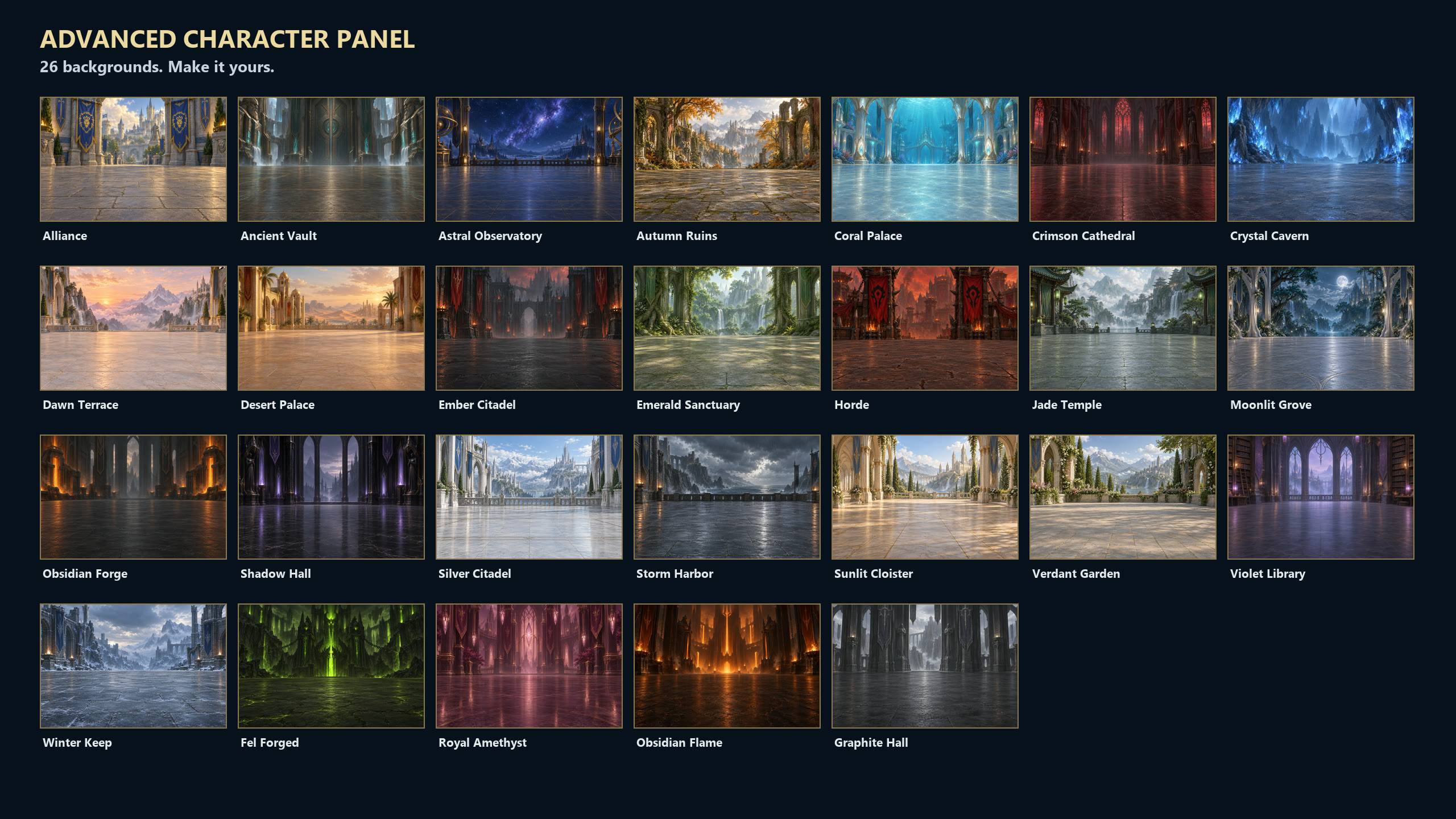
Choose a backdrop for your character, including Alliance and Horde scenes.
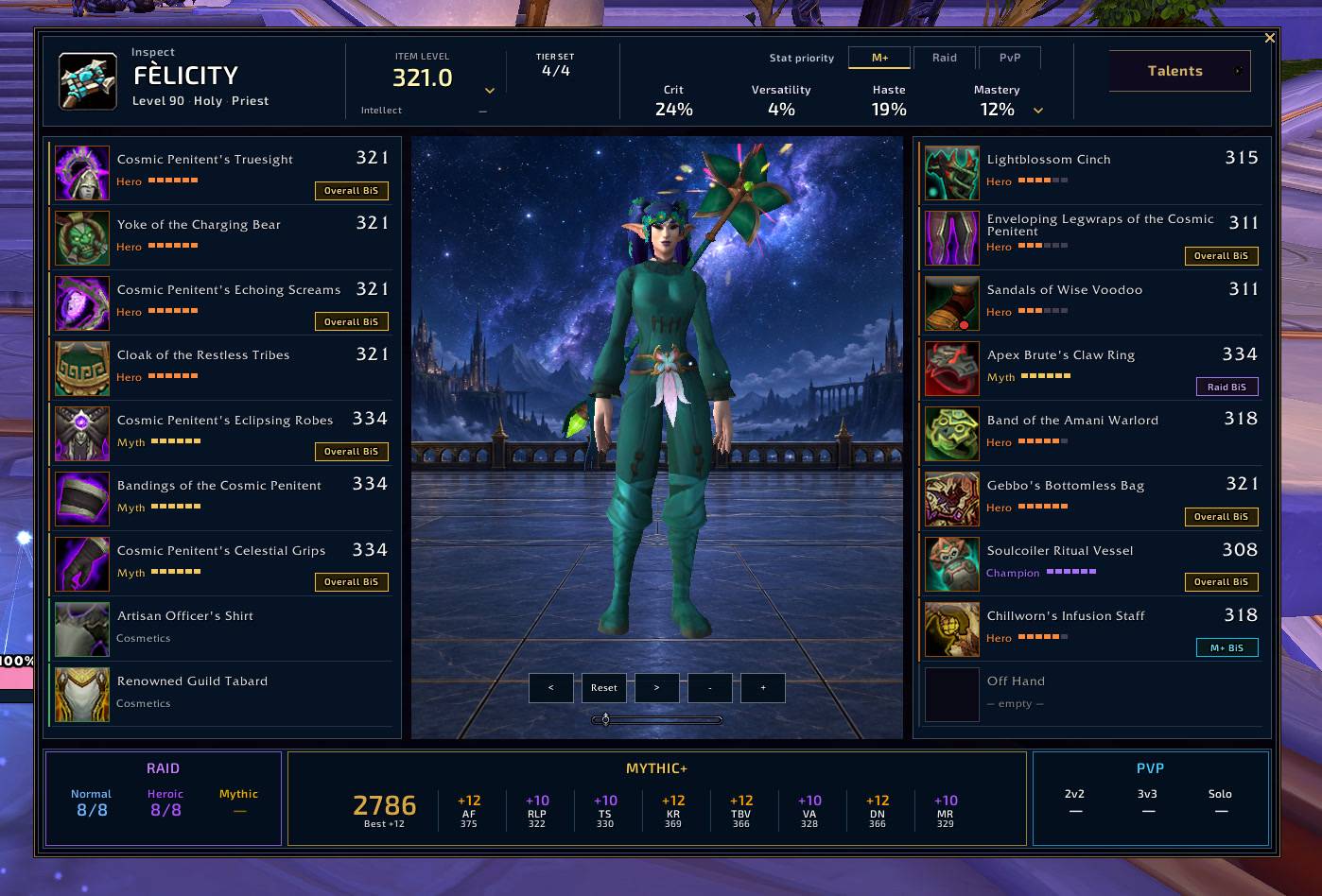
Inspect equipment and compare Raid, Mythic+ and PvP progress in one panel.
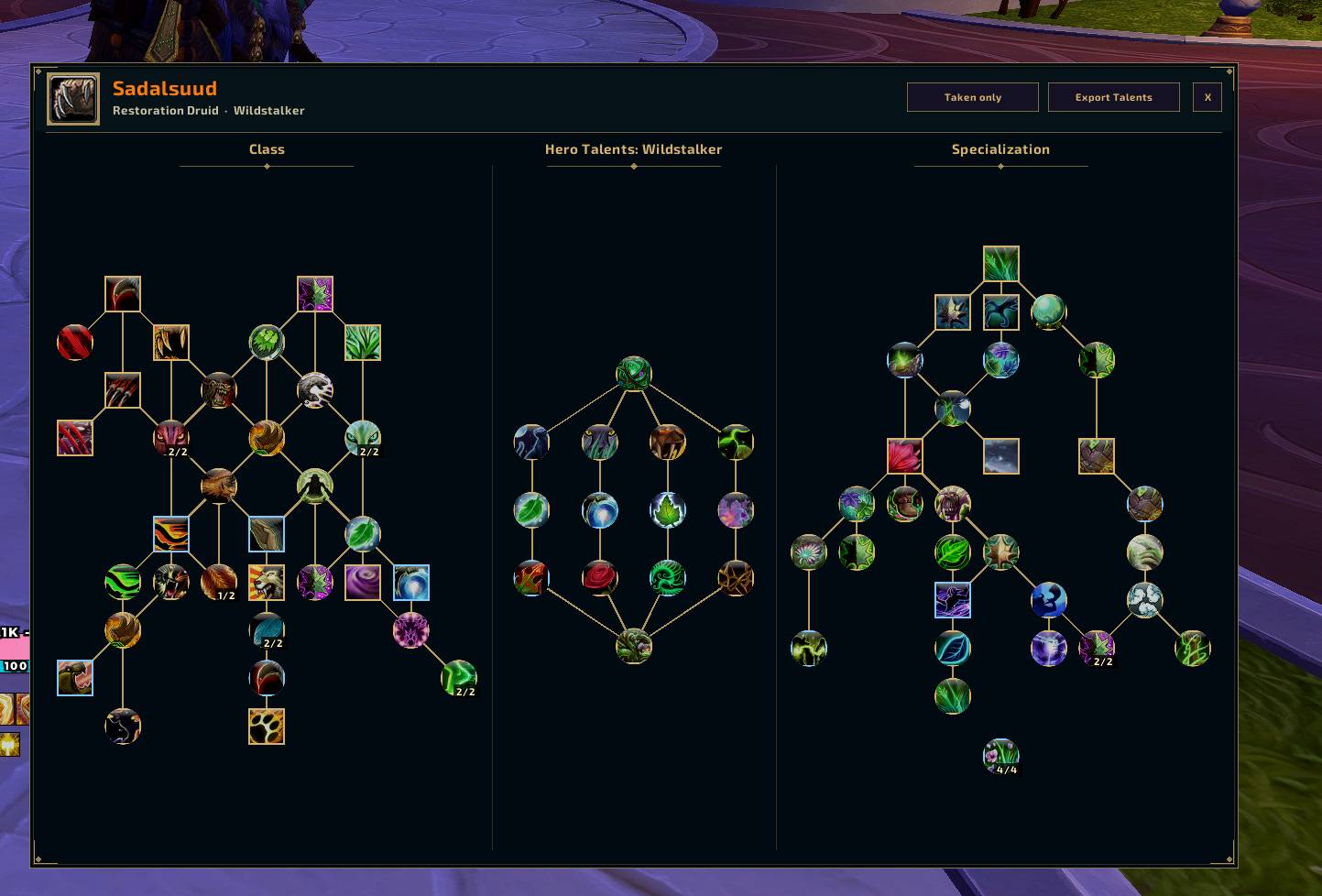
View inspected talent builds, switch between taken talents and the full tree, and export builds.
Description
Your character, gear and progress in one view
Advanced Character Panel replaces the standard character window in WoW Retail with an equipment-focused panel, a 3D character model, and quick access to stats and progression.
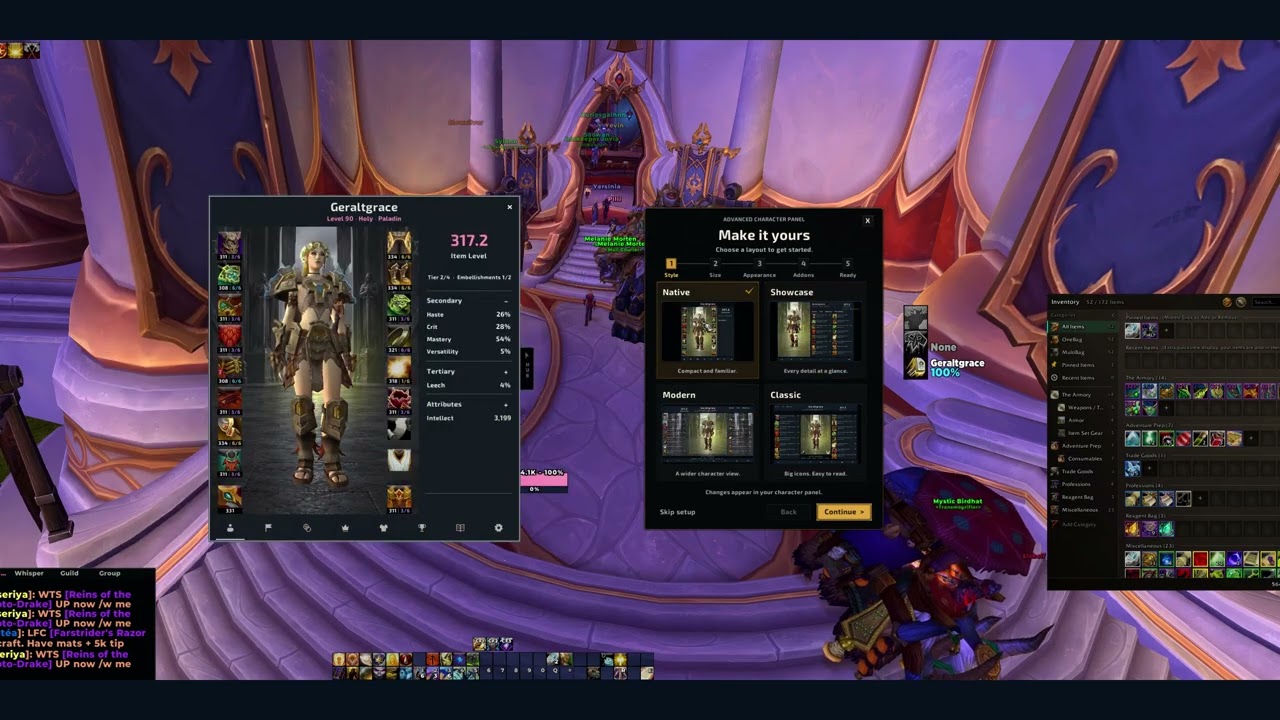
Watch the 1:42 video: setup, styles, Inspect and talents
Make it yours
Use the setup wizard to choose a panel style and background. Choose from Native, Showcase, Modern and Classic styles, with 26 backgrounds including Alliance and Horde scenes. Rotate and zoom the character model to see your transmog.
Gear and progression
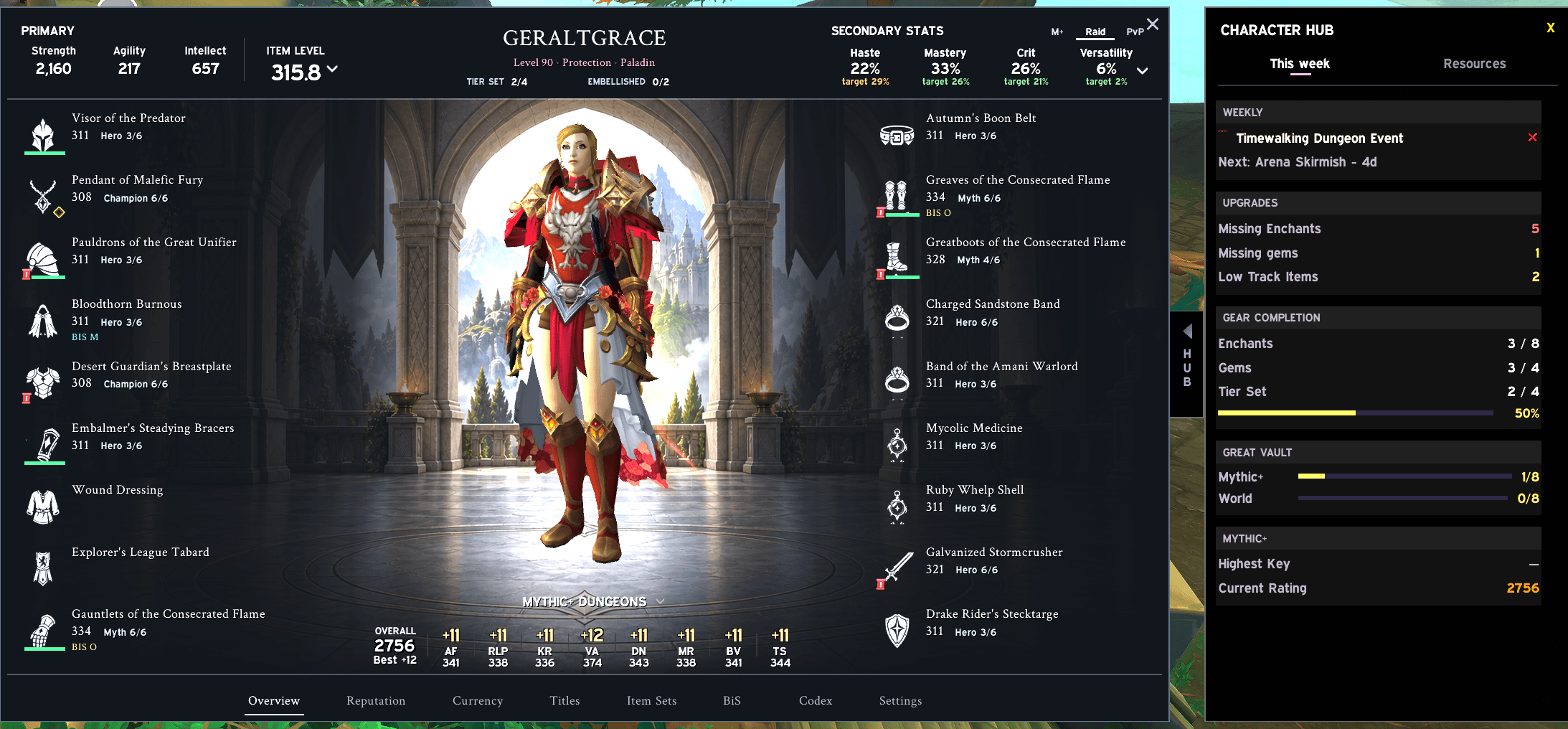
- See item levels, upgrade tracks, tier-set counts and equipment tooltips.
- Spot missing enchants and empty sockets.
- Check primary and secondary stats, with stat priorities for Mythic+, Raid and PvP.
- Open Character Hub for weekly activities, Great Vault progress and character resources.
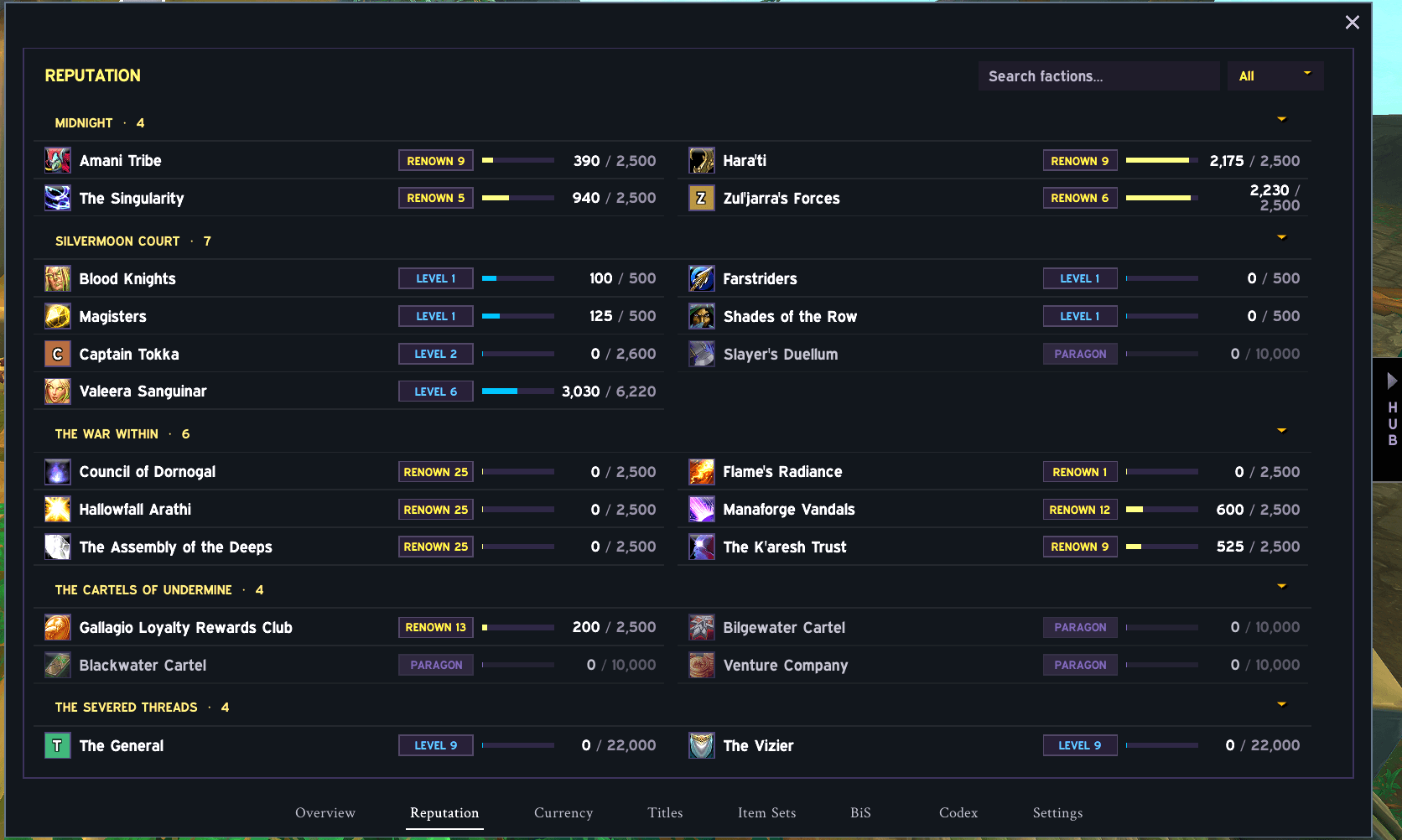
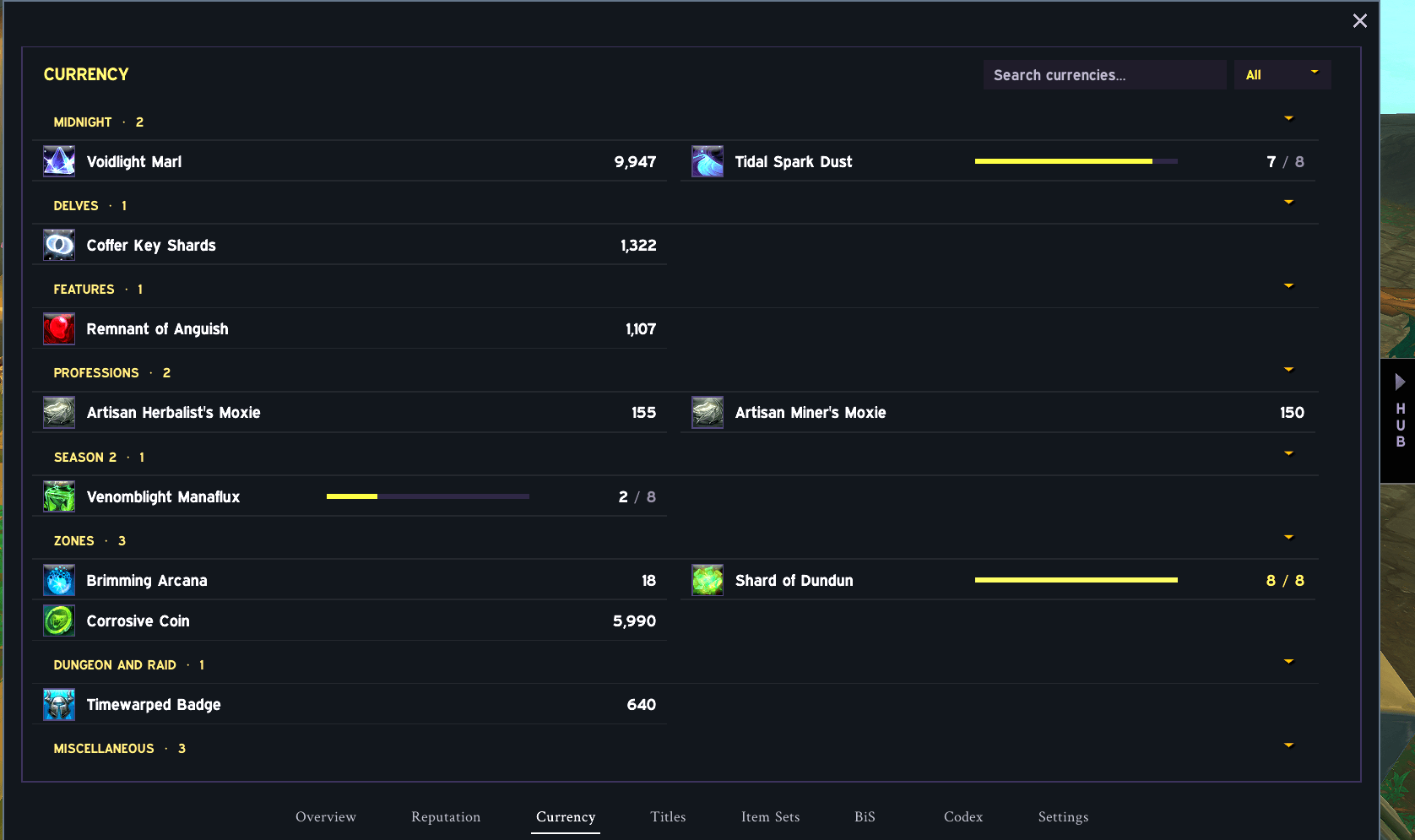
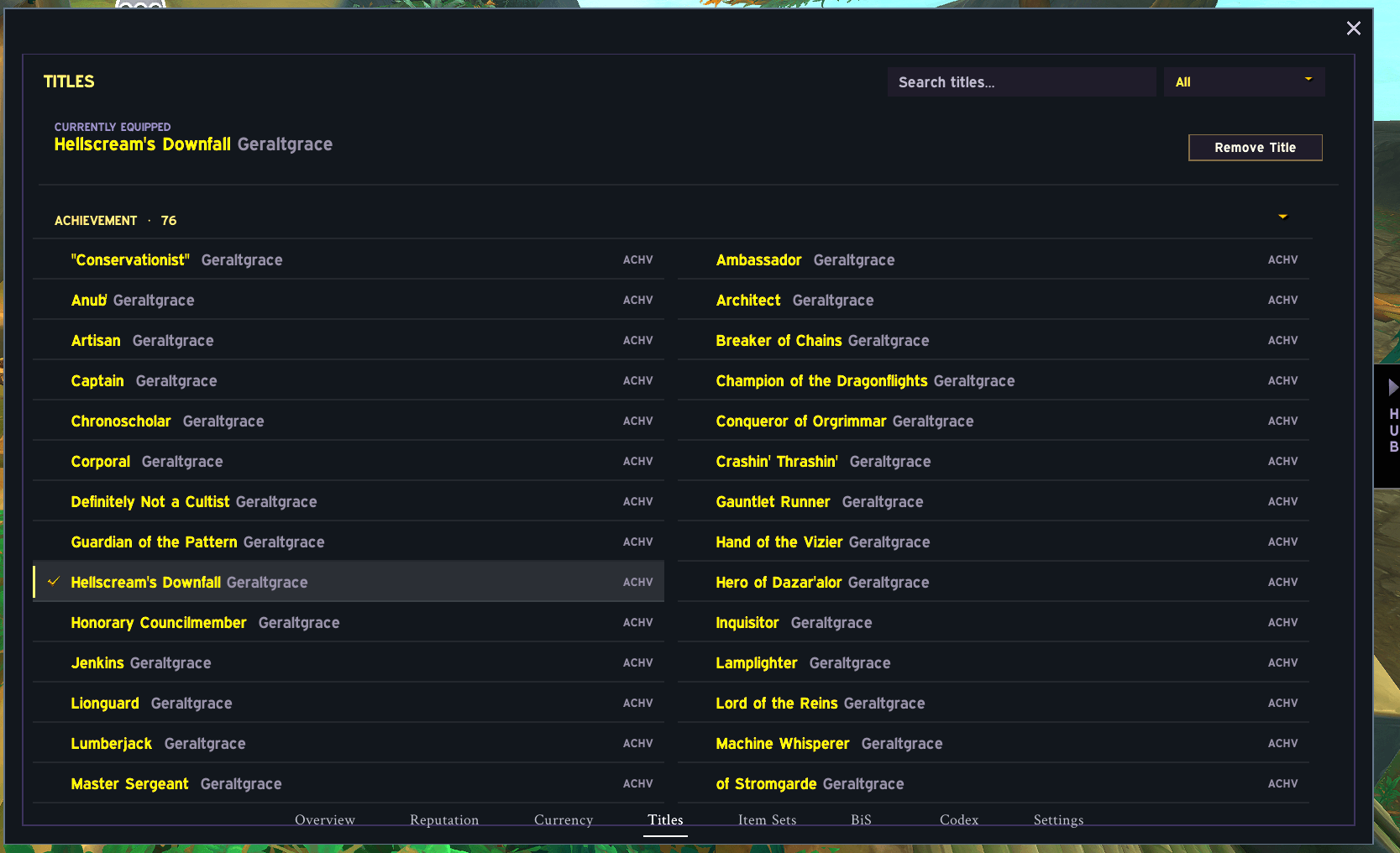
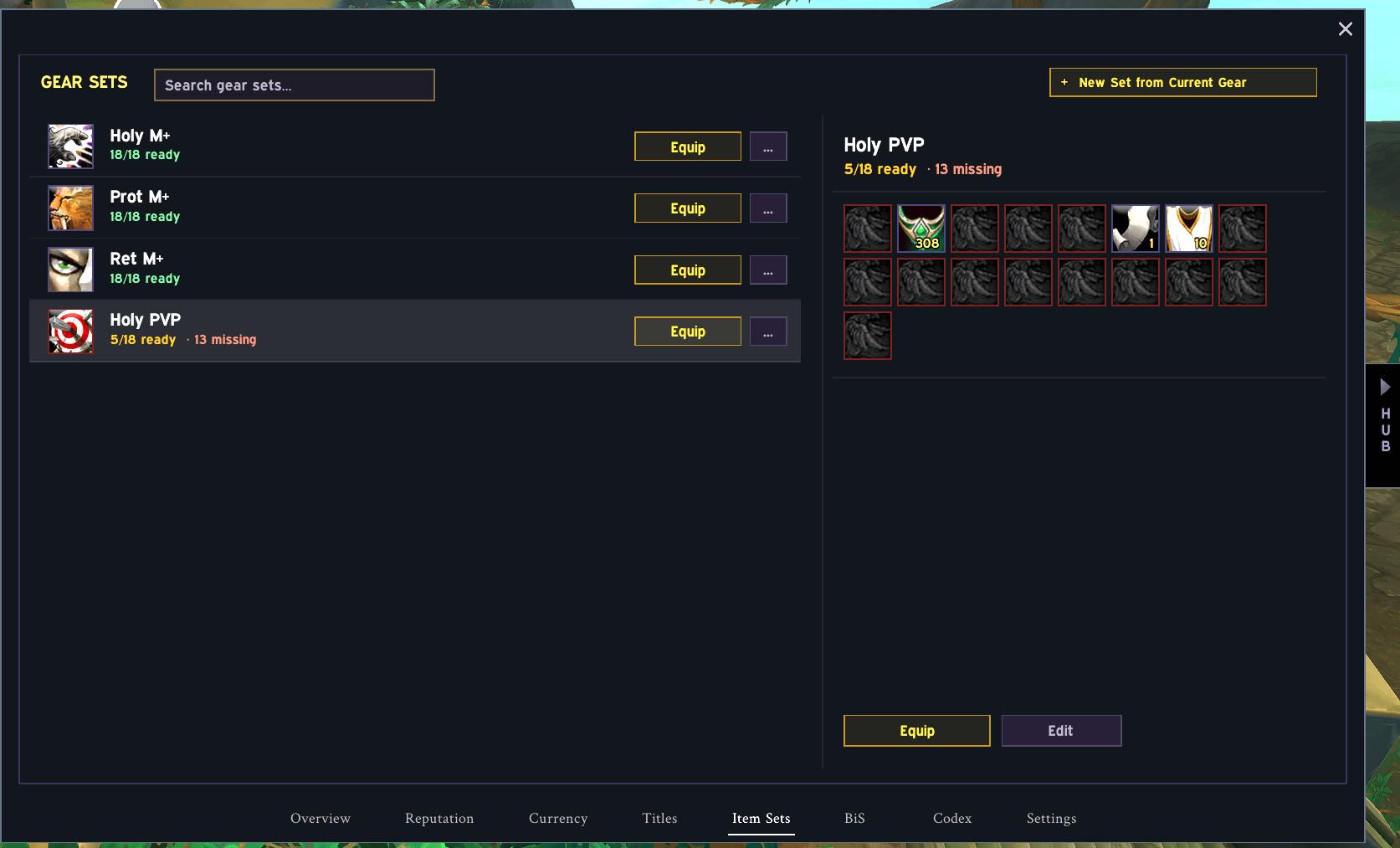
- Access reputation, currencies, titles and equipment sets from the panel.
Inspect and talents
The Inspect panel brings another player's equipment, stats and Raid, Mythic+ and PvP summaries into one window.
The talent viewer separates Class, Hero and Specialization trees. Read talent tooltips, switch between taken talents and the full tree, and export a build. Inspect details depend on the data available from the game.
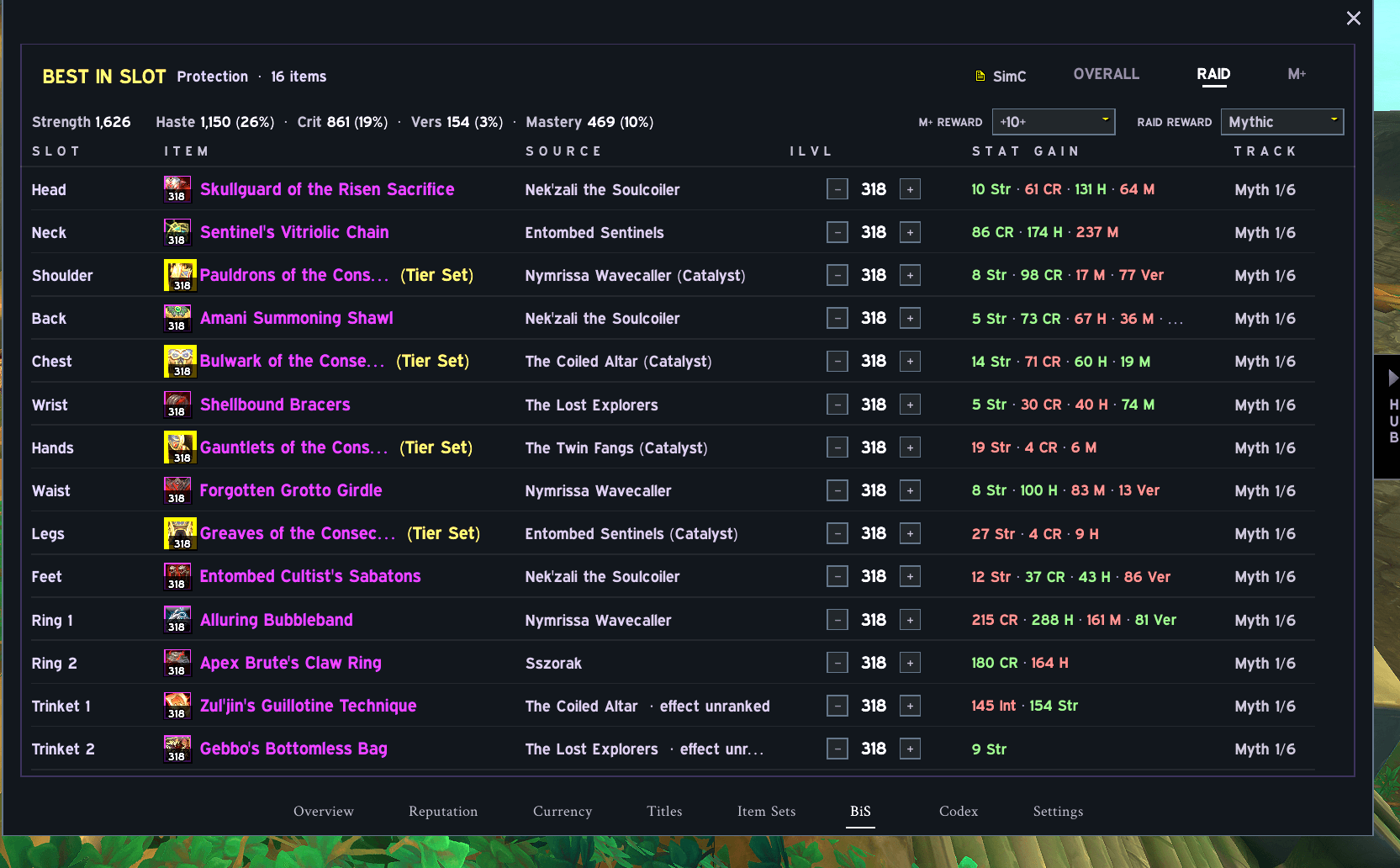
Best-in-Slot recommendations: beta
The BiS module is still being tested. Recommendations may be incomplete or incorrect. Check important gear decisions against your class resources or simulations.
When reporting a BiS issue, include your class, specialization, content type and the items involved.
Getting started
Install with the CurseForge app, then open your character window. Use Settings to change the style, theme or background.
For a manual installation, place the AdvancedCharacterPanel folder in World of Warcraft/_retail_/Interface/AddOns, then restart the game. When replacing an older version, remove only the old addon folder first; keep your WTF folder to preserve saved settings.
Feedback
Found a problem? Leave a comment with your addon version, class/spec, what you were doing, and any Lua error or screenshot. Reports about Inspect should also mention the inspected class/spec.
Advanced Character Panel Team