Achievements Forever
- By
A retail-style achievement window for WoW Forever, with progress bars, criteria tooltips and statistics. Early alpha, in heavy development.
1.png
2.png
3.png
Description
Description
Heavy development notice. Achievements Forever is an early alpha. It changes often, features are incomplete, and you will run into bugs and rough edges. Settings or saved data may change between versions. Please report problems, but do not expect a finished product yet.
Achievements Forever gives WoW Forever a dedicated achievement window with a flat wood-and-gold look inspired by retail. It reads the client's own achievement data, so what you see is what the game tracks for your character.
Features
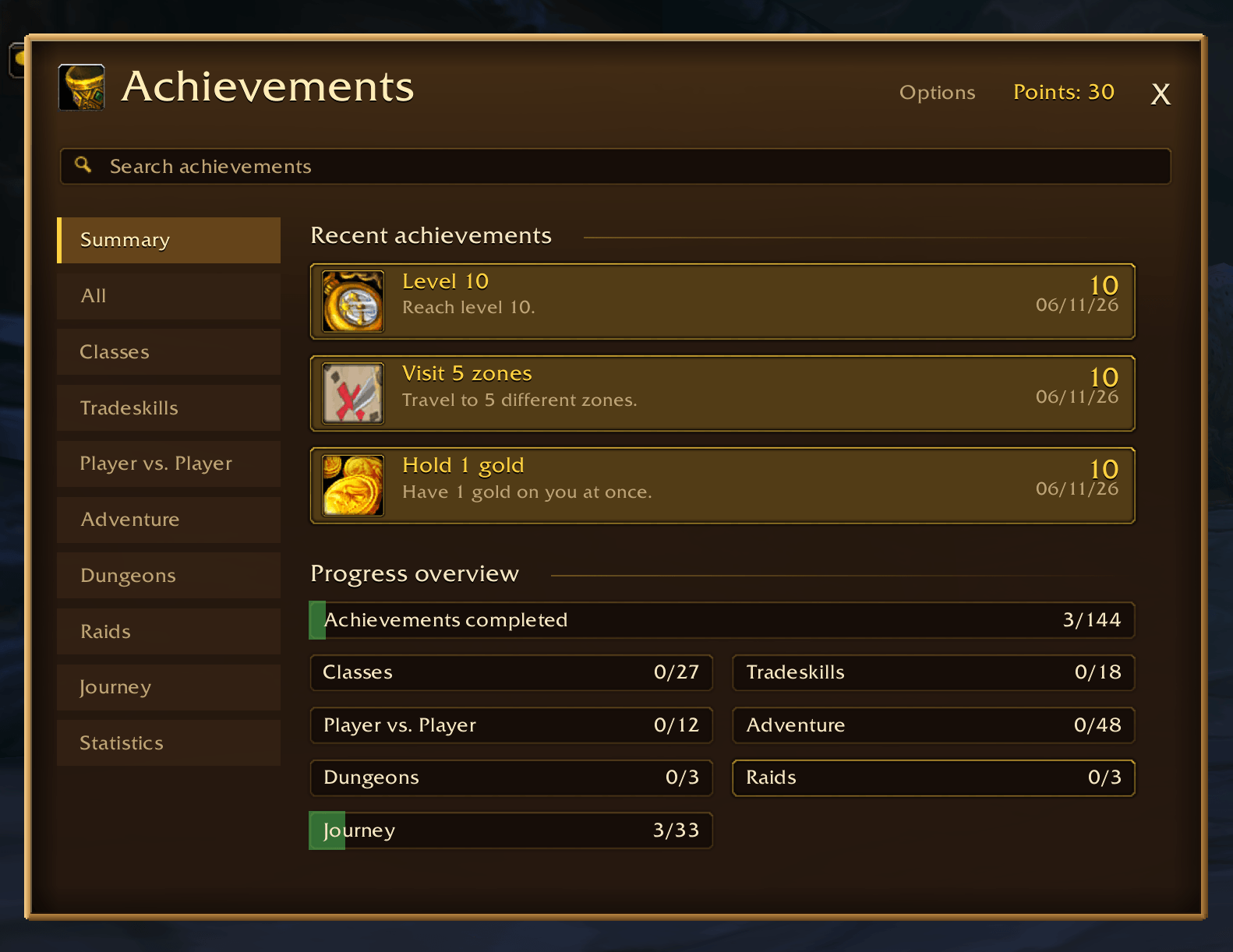
- Summary landing page like retail's: your three most recent achievements and a progress overview with a total bar and one bar per category (click a bar to jump to that category).
- Achievement window with the game's own categories as tabs (Adventure, Classes, Tradeskills, Dungeons, Raids, Player vs. Player).
- Icons, points and progress bars on every row. Completed achievements are highlighted in gold.
- Criteria tooltips: hover a row to see each criterion and whether it is done, for example every zone for an exploration achievement.
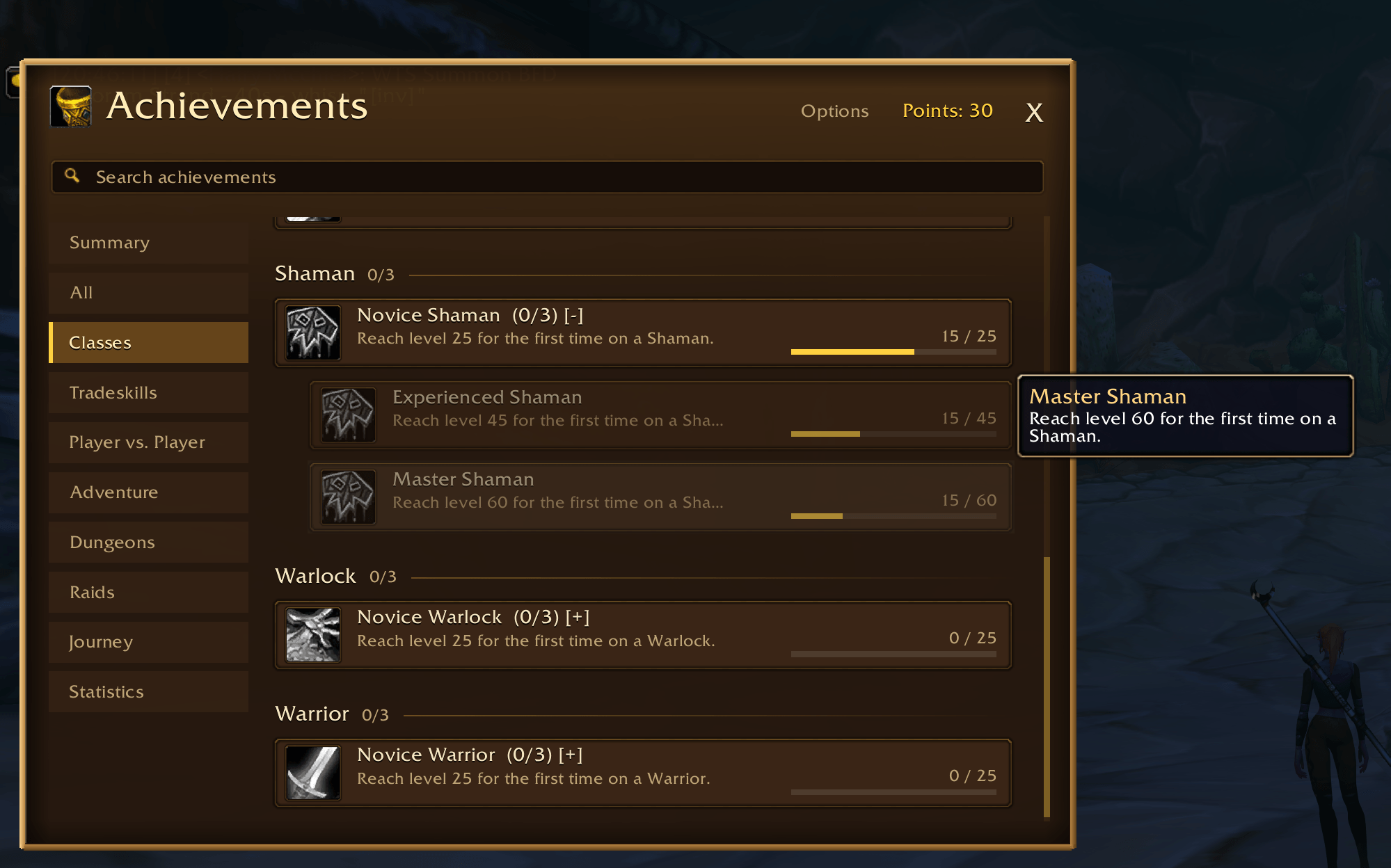
- Tiered achievements stack into one row showing your next tier (Novice, Experienced, Master). Click it to see the other tiers. Expanded rows are remembered.
- Class milestones show your level against the goal.
- Journey achievements (a Journey tab, tracked by the addon and saved per character): levels, playtime, quests turned in, zones visited, gold held, gear quality and creatures slain. Each is a tiered chain with its own toast.
- Titles (graduation-cap tab under the window): about 60 titles earned from Journey and game achievements, such as "the Explorer" or "Master Mage". Click one to wear it; it shows on your own tooltip and the Character window. Titles are local and cosmetic, other players cannot see them.
/af titleworks too. - Search box to filter by name or description.
- Statistics tab with the game's statistics and their current values.
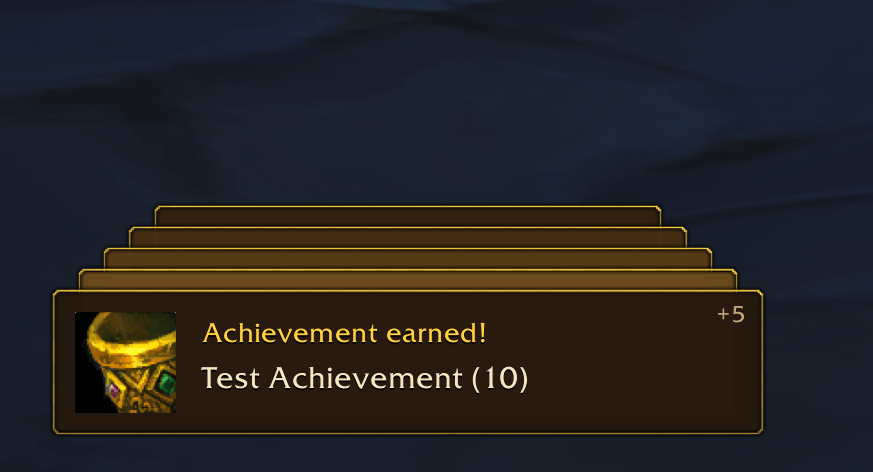
- Achievement toast with the achievement's icon and the game's achievement sound when you earn one.
- Minimap button (LibDataBroker / LibDBIcon, so button collectors such as HidingBar can pick it up).
- Options in the game's Options > AddOns (Interface and Debug tabs): hide completed achievements, show or hide the minimap button, remember the window position between sessions.
- Listed under Collections in the AddOn List.
How to open it
- Minimap button (left click)
- Shift+Y (set on first login if free; rebind under Key Bindings > AddOns)
/afor/achievements/af optionsopens the options page/af titlelists your titles;/af title <text>wears one,/af title offclears it
The window opens at the top left, like retail's panels. It remembers where you drag it until you log out; turn on "Remember window position" in the options to keep it between sessions.
Compatibility
- Built for WoW Forever. It relies on the client's own achievement and statistics data, so it will not work on a client without it.
Known limitations
- Early alpha: expect bugs and visual glitches.
- Class milestone progress reads the English description text, so it is English-only for now.
- The interface text is English only.
- Not tested on other game versions or languages.
Feedback
Bug reports and suggestions are welcome in the comments or issue tracker. When reporting an error, please include the full error text from your error display addon and your game version.
Credits
Embeds LibStub, CallbackHandler-1.0, LibDataBroker-1.1 and LibDBIcon-1.0.
Achievements Forever Team