Absorb Bar Overlay
- By
Replaces Blizzards Absorb bar with a custom Overlay layered on top of the player & Target's health bars. With full custimsation options such as colour, opacity, background, and animation options, and with a few hand drawn textures to choose from..
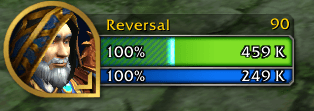
Player Shield Bar
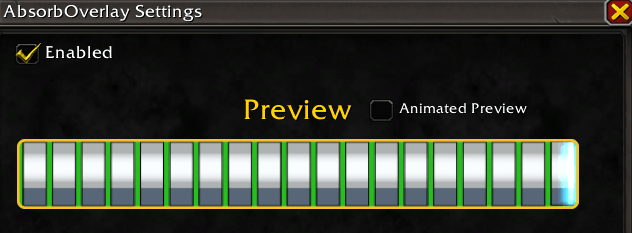
Texture Preview
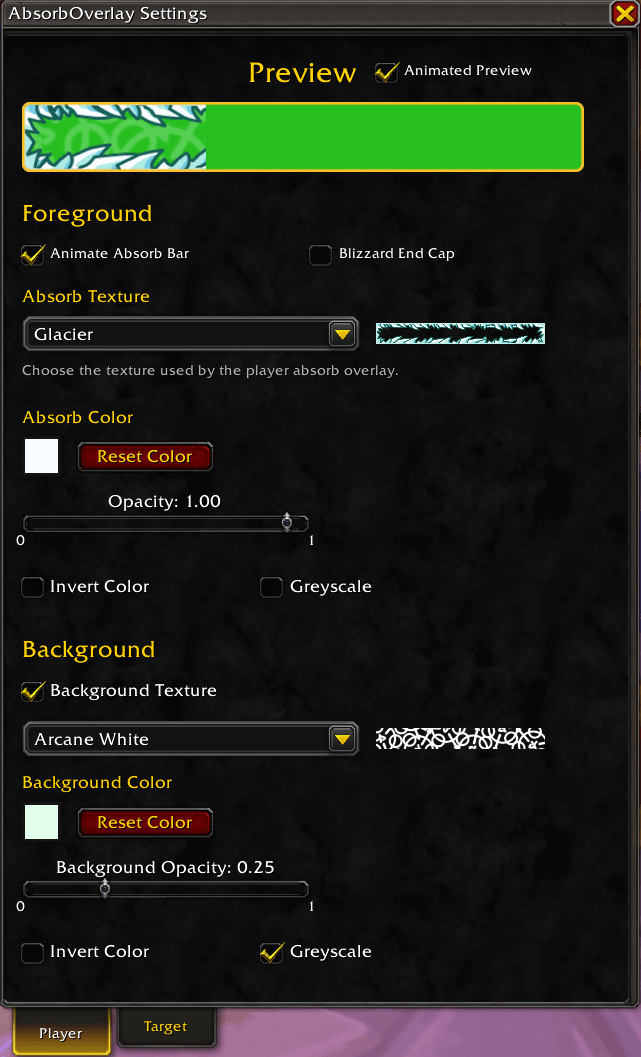
Settings panel 1
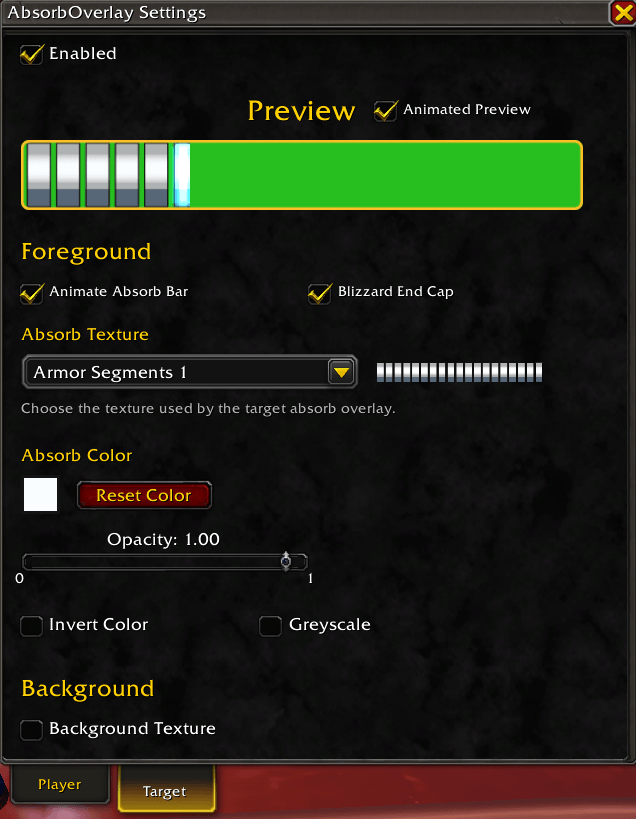
Settings Panel 2
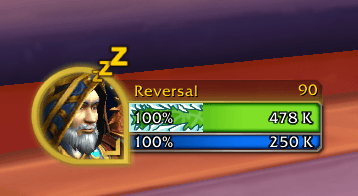
Custom Texture Preview
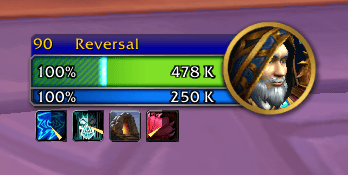
Target frame preview
Description
Hides Blizzard’s default absorb bar and replaces it with a custom overlay on the player’s health bar, with optional support for the target’s health bar too. Anchored to the left, it fills towards the right as absorb and shield effects increase.
Features
- Player & Target - Configure each overlay separately.
- Colour & Opacity - Adjust the overlay’s colour and transparency, with greyscale and invert options.
- Background Texture - Support for a second texture beneath the overlay, with separate colour and opacity controls for more customisation.
- A few custom absorb bar Textures - i've drawn a few custom textures to choose from, or use Blizzard’s default absorb texture.
- Smooth Animation - Enable to smooth transitions as the absorb amount changes.
- Appearance Preview - Preview textures and colours in the settings panel, with optional animation.
- Character Settings - Customisation is saved separately for each character.
Setup & Configuration - Open the settings using the minimap button, the Addon Compartment, or by typing/ao
/absorboverlay.
Use the Player and Target tabs to customise each overlay.
The Absorb Bar Overlay Team