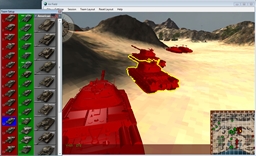
Useful tool
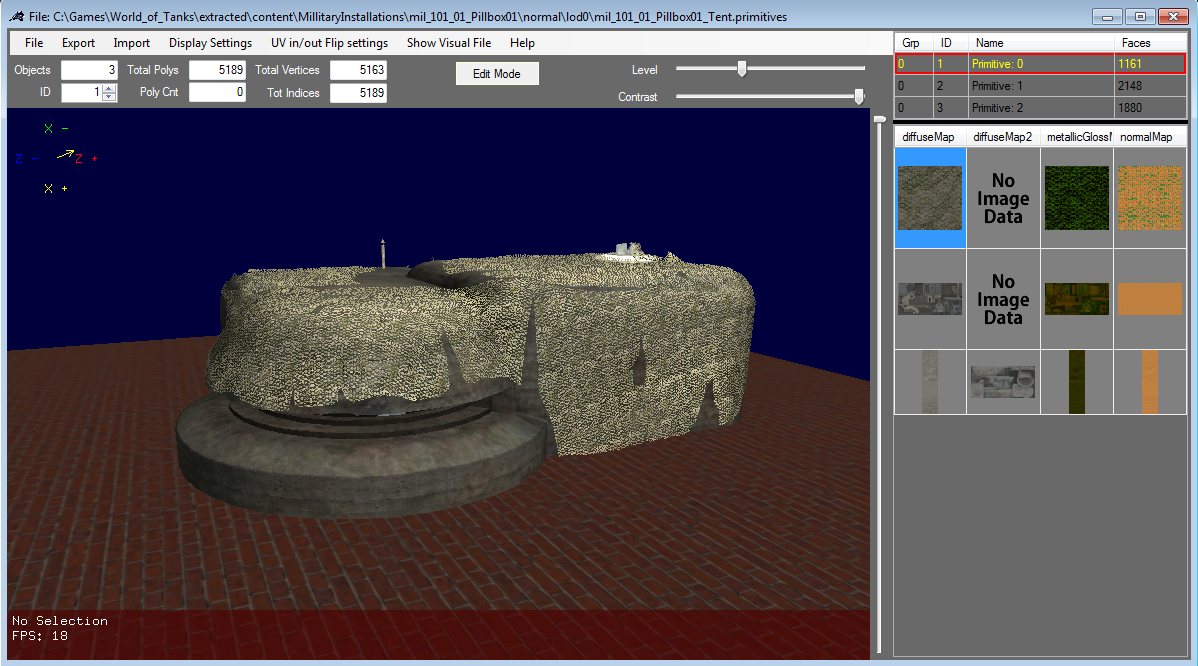
Another model
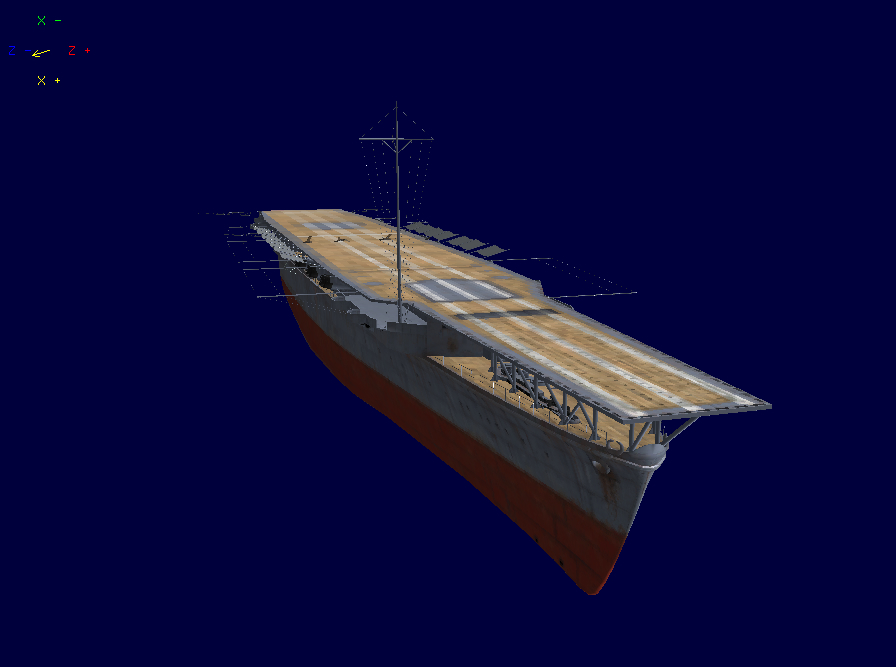
The editor can now load and export WoWs primitives just as WoTs.
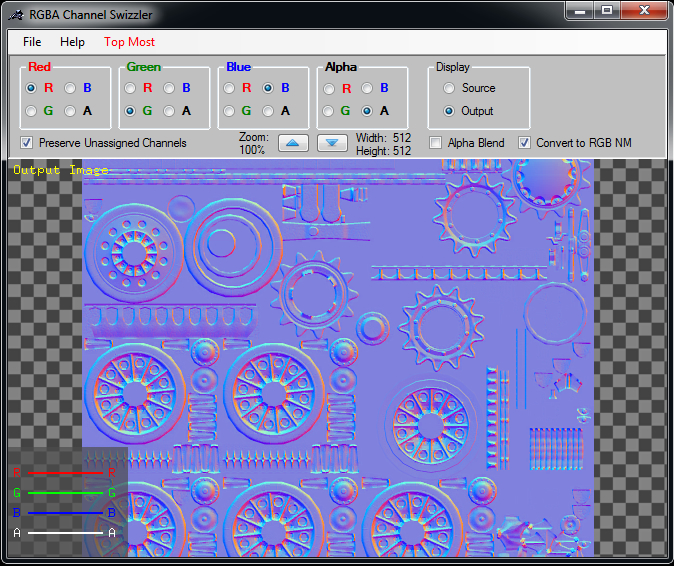
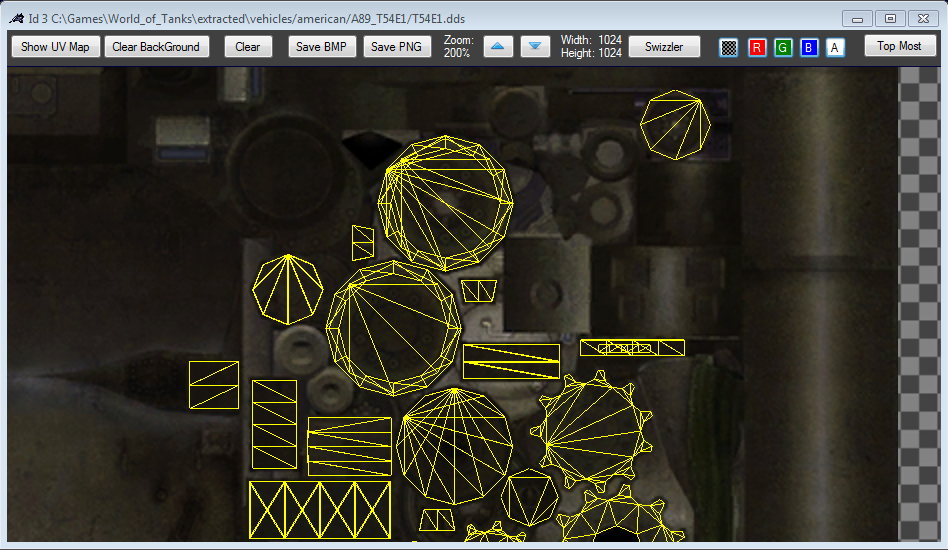
Use this to re-assign the RGBA channels in a texture.
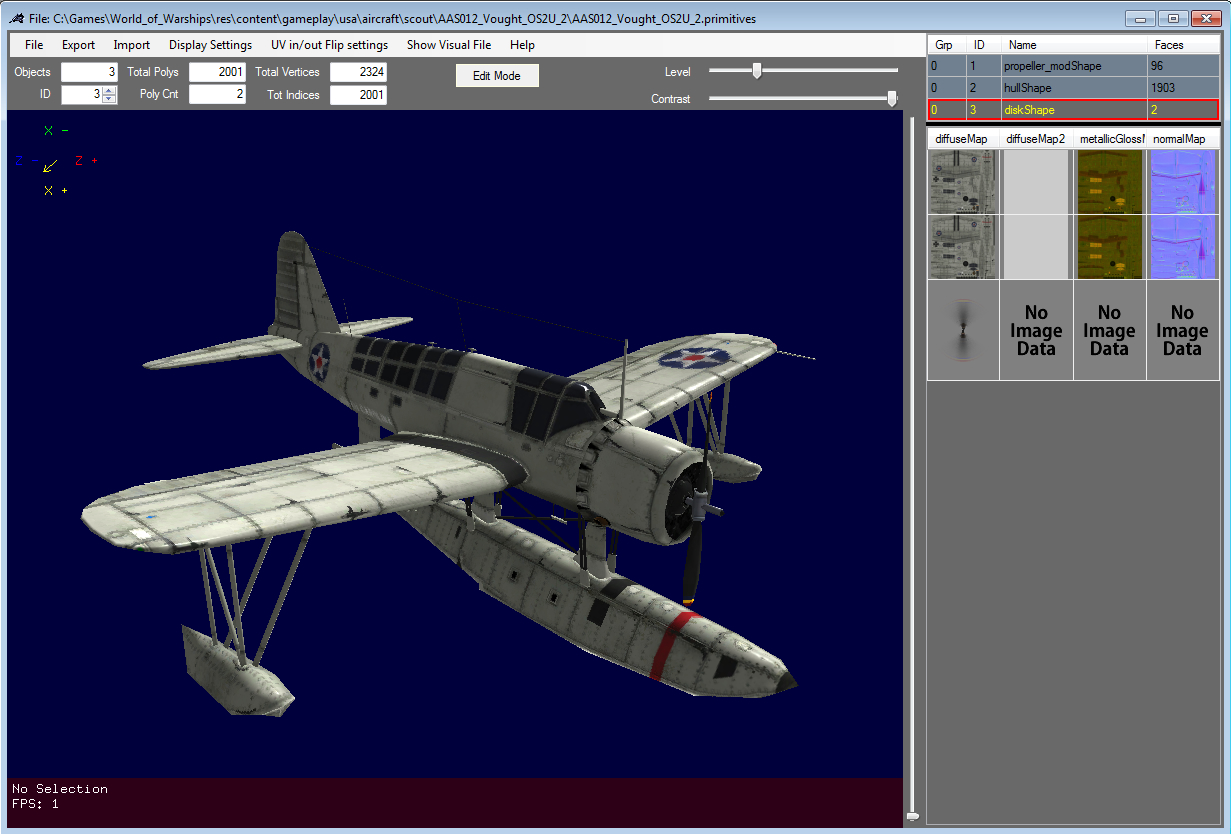
One of the planes from World of Warships.
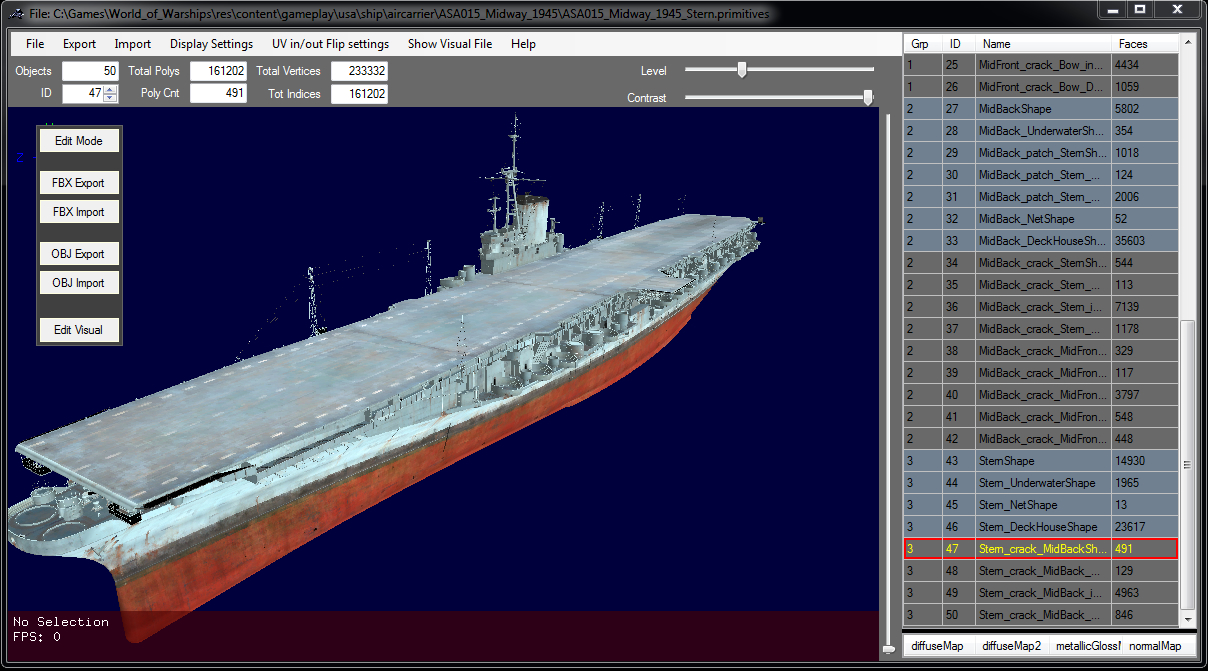
This is the Midway Carrier.. Probably one of the largest ship, poly count wise in the game.
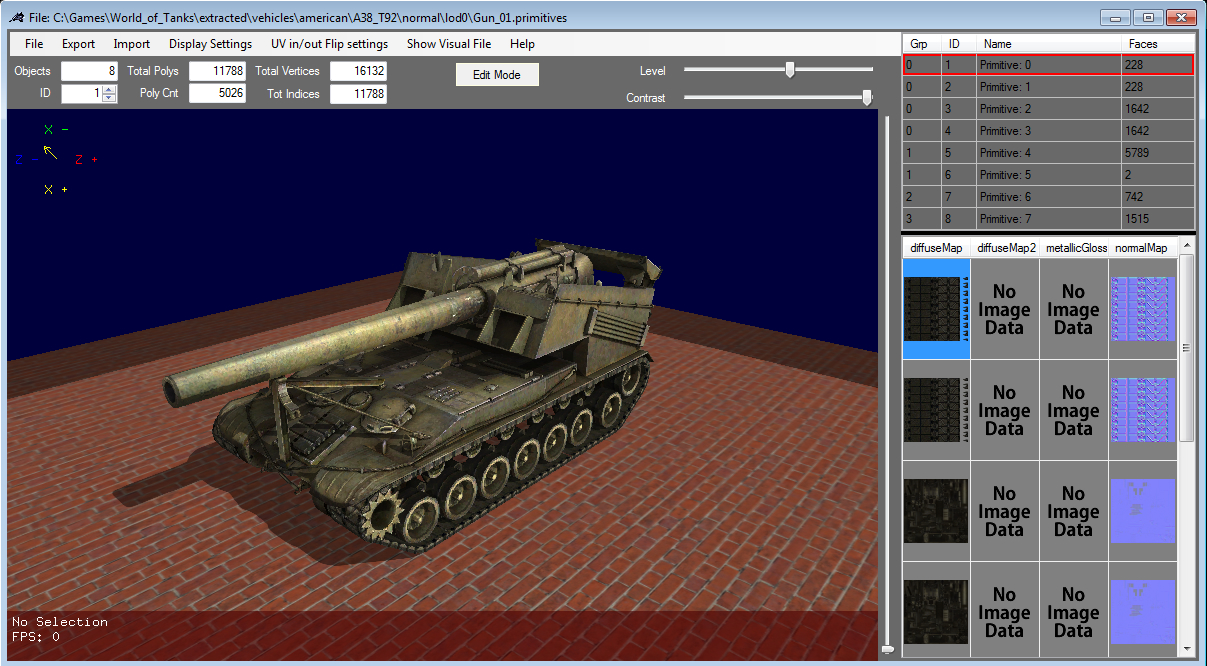
Main app window
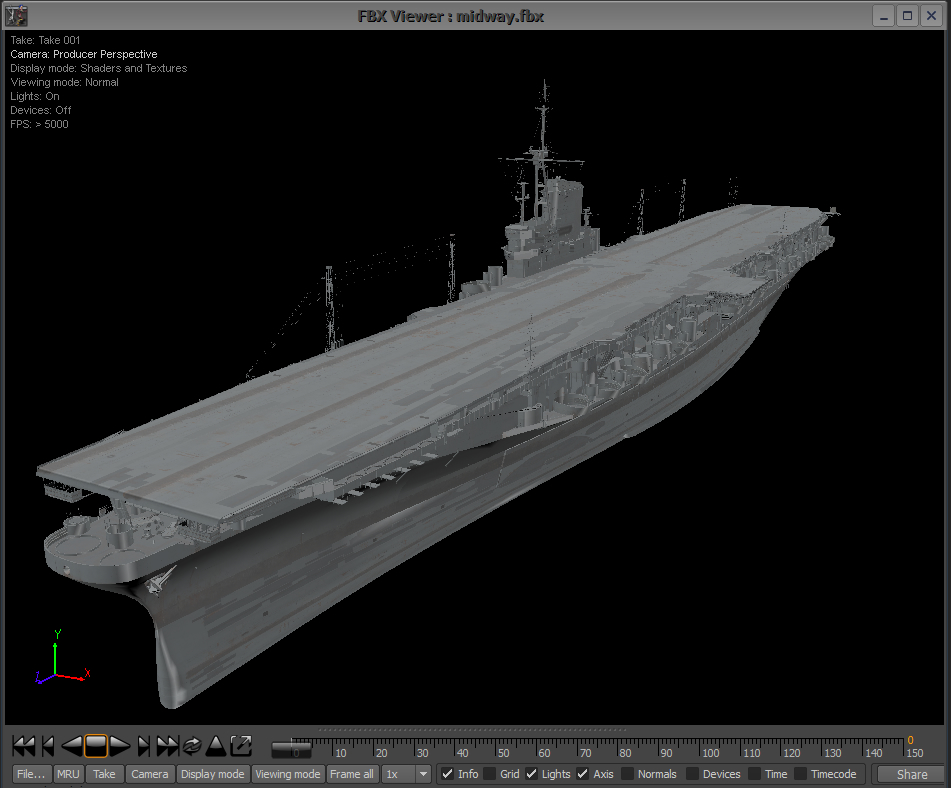
This was imported in to Autodesk's FBX converter as one single FBX file.
It was exported from WoT Editor as one FBX file.
Description
The new .primitives_processed files will not work with this version.
I am looking for help with this.
The files vertex format has changed on these type of models.
The main problem is the normals, tangents and Binormals.
I can't figure out how to convert them.
They are stored as 4 bytes which only 3 of are used.
If anyone can figure this out, It would help a lot with getting this working again.
This is a (almost) Total rewrite of the Model Editor.
Please help keep me and my projects alive!
This app will allow you to:
- Works with World of Warships Now!
- Open all models in the game for conversion.
- Export in FBX or OBJ format.
- Import.. FBX or OBJ format models.
- Write WoT models in the .primitives file format.
- Edit the content of that model's .visual file.
- Has a built in text editor for editing .visuals
- You can now associate .primitives with the editor to open then by double clicking them.
- Save the .visual in easy to read and edit ASCII text.
- View Textures and UV coordinates...
- Save PNG and BMP of UV coords for Texture modding...
- Move, Rotate, Scale a model.
- I Fixed and Added new features including the Swizzler RGBA tool.
Works with HD models now!
For Tutorials go here
NOTICE: Anything you export from the World of tanks game is owned by WarGaming.net
This program is intended to allow you to make cosmetic changes to the tanks or to your hangar and to make modding skins a whole lot easier.
Warning: Use at your own risk!
Updates come as I have time so be sure and check for them every so often.
Note: As far as I can tell, WoTs client does NOT check for replacement buildings in the res_mods folder.
This does not mean you can't repack a .pgk file with the new model(.primitives) Just extract the entire contents.. make you changes to the .primitives and then repackage everything back up in to the .pkg.
You had better back that .pkg up first or you may be downloading the entire game again!!! You can NOT cheat by changing the size of the buildings... The hit information is SERVER SIDE and you can't defeat it.
I added a forum for this app so you can help each other resolve issues.
Go to the site link and click the Forum tab.
My in Game name has changed.. It is now Coffee_
If you want this to keep improving, show me you care.. DONATE!
If you like this App Give it a 'Thumbs up' :)


The WoT / WoW Model Editor Team