Viper's Stopwatch
- By
A sleek stopwatch with a few nice options thrown in there for good measure.
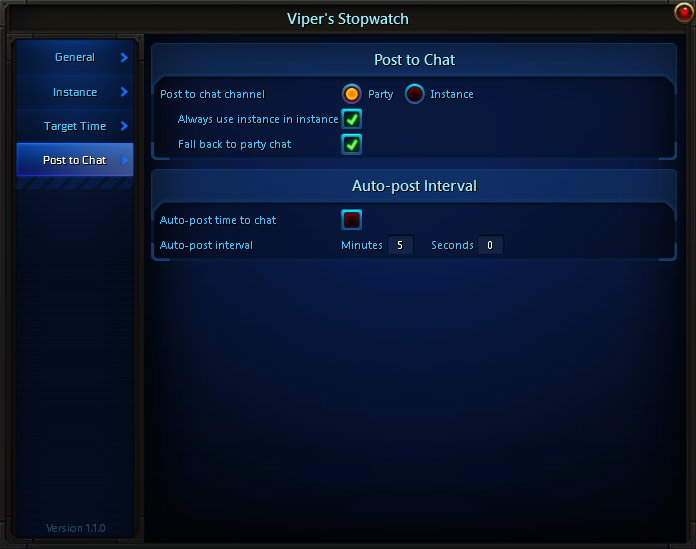
Description
What is Viper's Stopwatch?
It's a stopwatch, surprise! :P
It adds a few features (and more will come), but essentially that's it: A stopwatch.

Features
It has a few features to customize it:
-
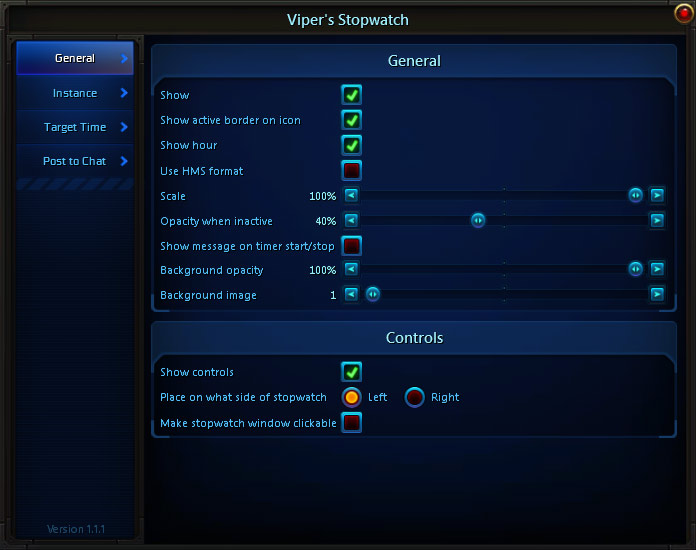
As shown above you are able to hide it, if you want to.
-
You can also hide the active border on icon (more on this later).
-
Hide the hour digits in the time output (the background graphic will adjust accordingly).
-
Set the scale of the entire thing to make it smaller.
-
Set the opacity (including hiding it) of the background graphic.
-
Set the opacity of the stopwatch window when it isn't running.
-
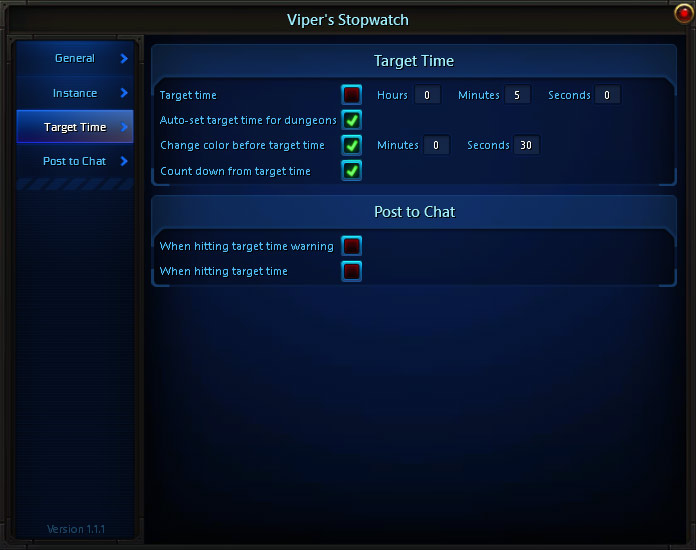
The target time allows you to set a time you want to stay below and if you go above it the time will turn red in the stopwatch.
-
Move it anywhere you like by holding down Ctrl and dragging the window around.
-
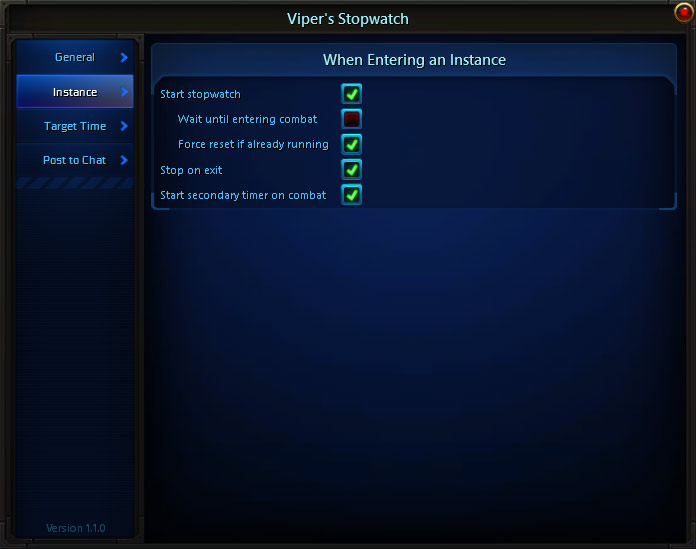
Automatic start/stop when entering/leaving an instance, including option for waiting with starting until first entering combar or a second timer when entering combat.
-
Automatically set target time for dungeon silver runs.
-
Option to count down from the target time instead of counting towards it.
-
Start/stop button can be placed on either side of the stopwatch (also doubles as reset and opening options window).
-
Persists through a /reloadui or even closing down the client if the timer is running when doing it.
A good way to control the stopwatch is to pin it to the interface menu (an icon will be made for that soon). To do this open up the interface menu (bottom left corner of your screen), find "Viper's Stopwatch" and click the little pin icon all the way to the right.
Clicking the icon will start/stop the timer (each start resets the time). If you Shift + click it it will force a time reset. If you Alt + click it you will open/close the options window.
This is also the icon that will get a border around it if the option is enabled and the stopwatch is currently running.
You can also use the start/stop button hooked to the stopwatch window and it inherits the same functionality as the interface menu button in that holding down Shift while clicking the button will reset the timer and Alt will open the options window.
You can also use the start, stop and reset commands through the slash command, ie: "/vsw start".
Moving can be done by holding down Ctrl and dragging the window around. If the options window is open you don't need to hold down Ctrl though.
Accessing the options
Type either "/sw", "/vsw" or "/stopwatch" in chat, click the button in the add-on list or Alt + click it in the interface menu list.
The Viper's Stopwatch Team