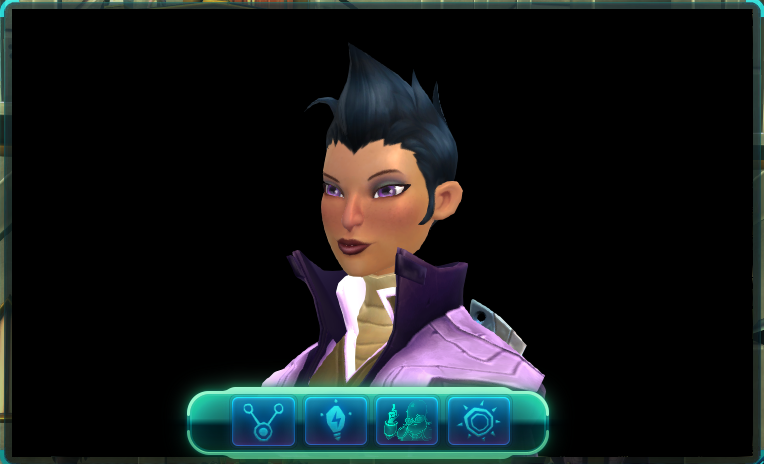
Main UI w/ visible toolbar. Left to Right: Animation Tools, Animation List, Look Tools, Main Tools. Maximize has been moved to the top right.
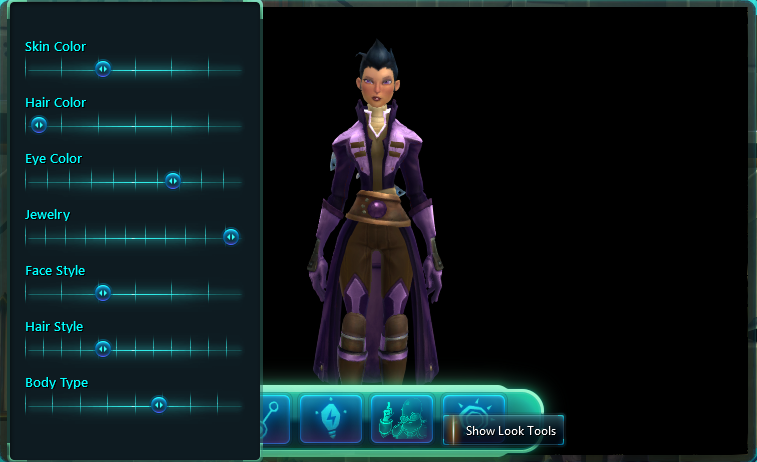
Change settings for your own character like hair and eye color.
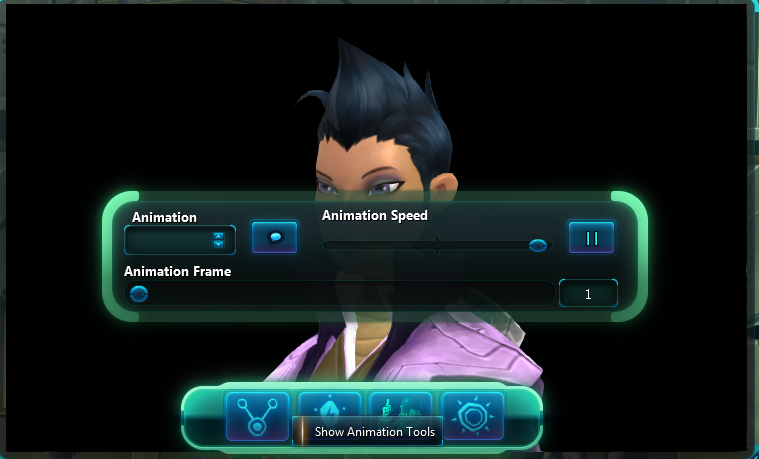
Animation Input, Animation Speed, Pause, Scrub through frames, Play Talk Sequence.
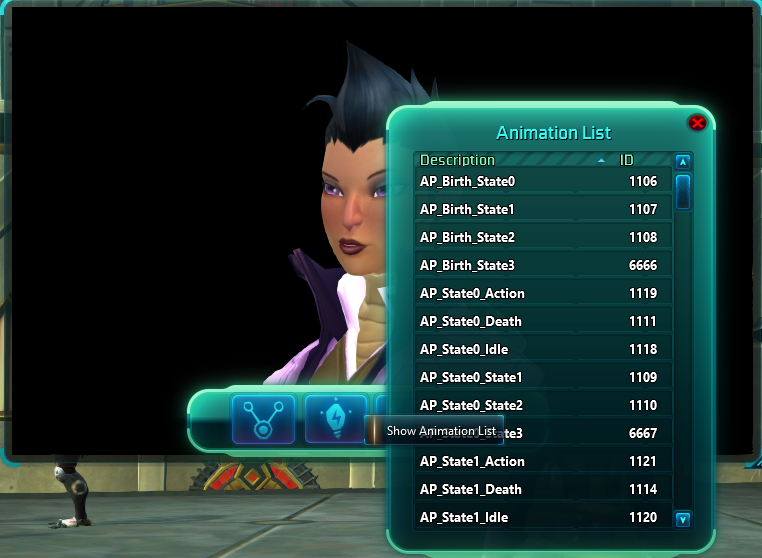
Browse animations with the list. Click to play the animation.
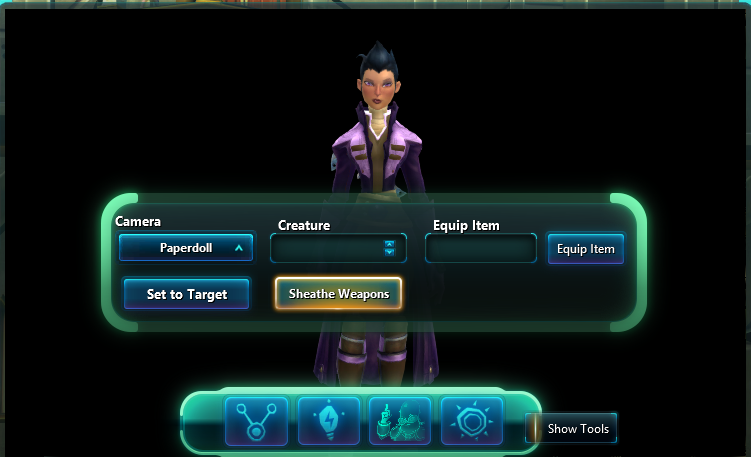
Camera Controls, Set character to target, Set character to Creature ID, Sheathe / Unsheathe Weapons, Equip item by ID.
Description
Character Shot is designed for making forum signatures and other edits easier. It puts your character on a black screen. You can choose camera and even animations to play. This is a no frills addon. Nothing fancy, just bare bones access to this stuff.

UI
- Three on screen buttons auto fade when cursor not over them.
- Click tools button to show Tool Box.
- Can set to a creature ID number
- Animation speed timer great for accurate shots
- Button to play talk sequence.
- Pause Button (resets to frame 0 of animation)
- Slider for frame scrubbing
- ANimation list / browser. Click an animation to play it.
Limitations
- You can not completely control the camera. The furthest zoom out on Paperdoll camera is as far as it goes.
- Some cameras, the Item preview ones, ONLY WORK ON HUMANS.
- I do not know what animations are what. you just have to go through the numbers. The good thing is there's nothing over 9000.
Using Character Shot
- Type /shot in the chat box.
- Controls have labels and tooltips. There is a maximize button, and the window is resizeable.
- When editing the images, use a magic wand with 0 tolerance on the black. it will trim out without taking other blacks.
Animation List
Character Shot Team