Nametag Overload
- By
Take control of the nametags with new healthbar graphics and a plethora of options.
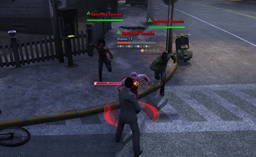
Showing the nametag being pushed to the defined anchor point because it would otherwise be off-screen.
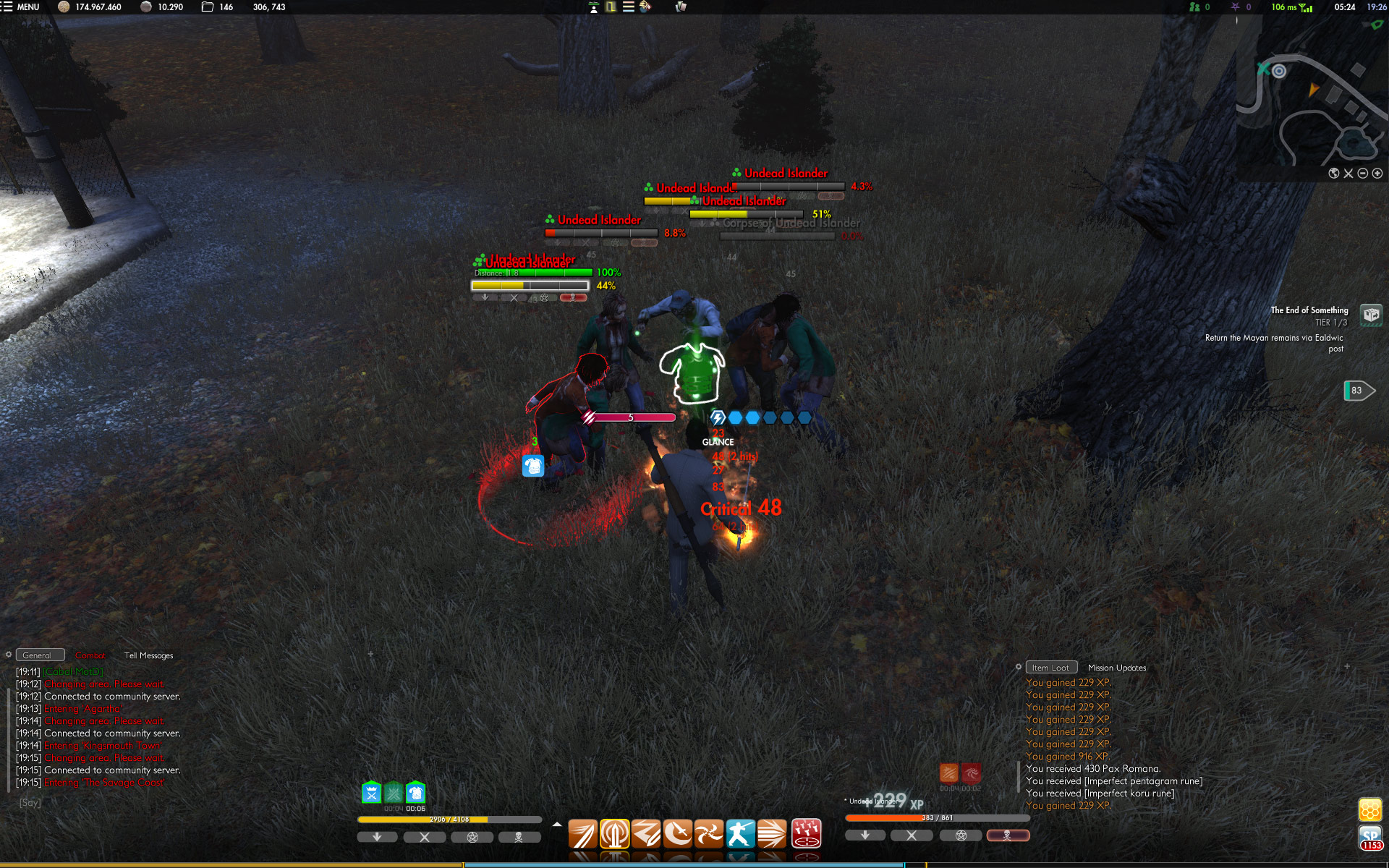
Showing target highlighting, the nametag of dead entities, percent dividers and percent to the right of the bar, states for all nametags and showing a decimal point on the percent when below 10% and no text within the healthbar.
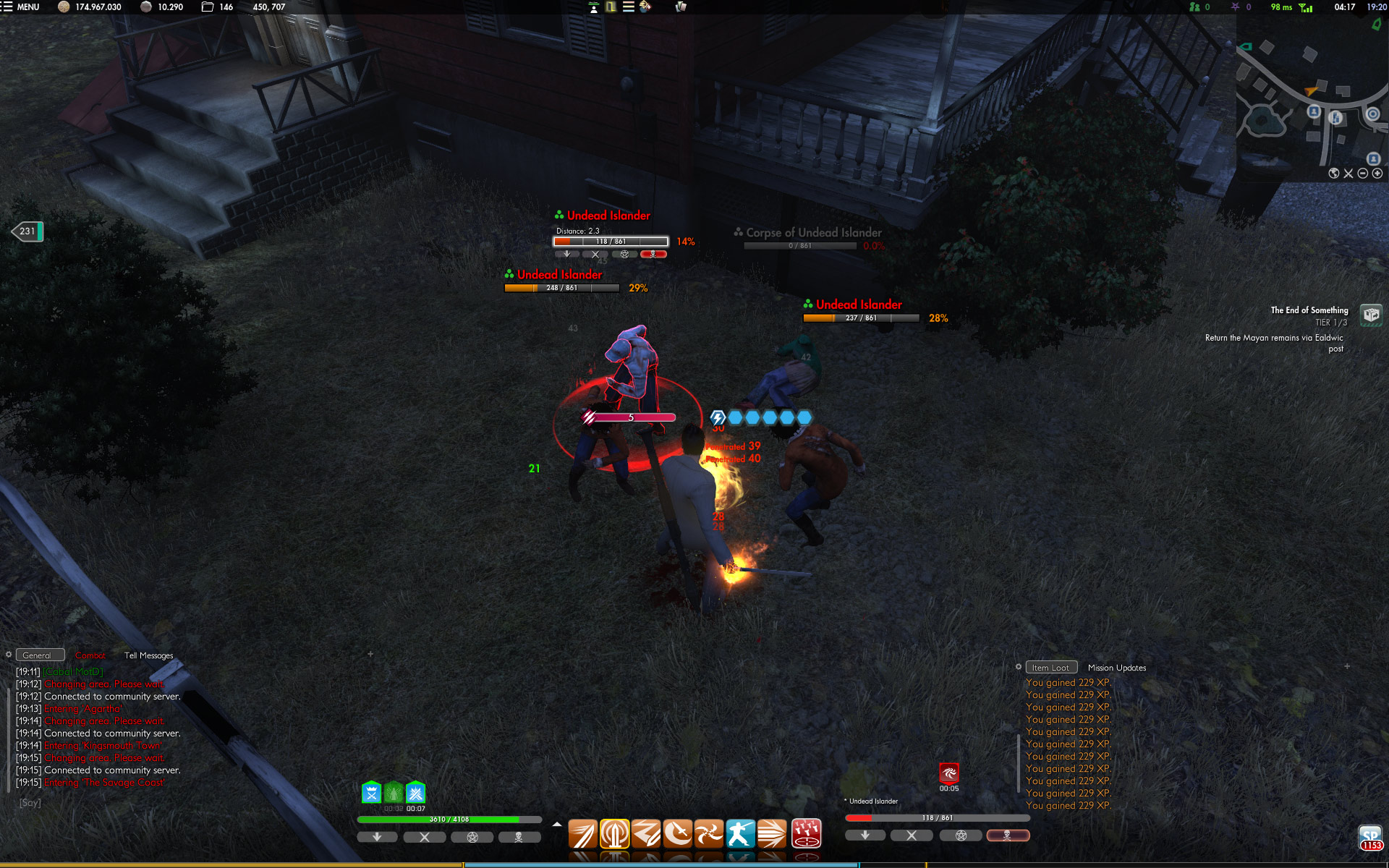
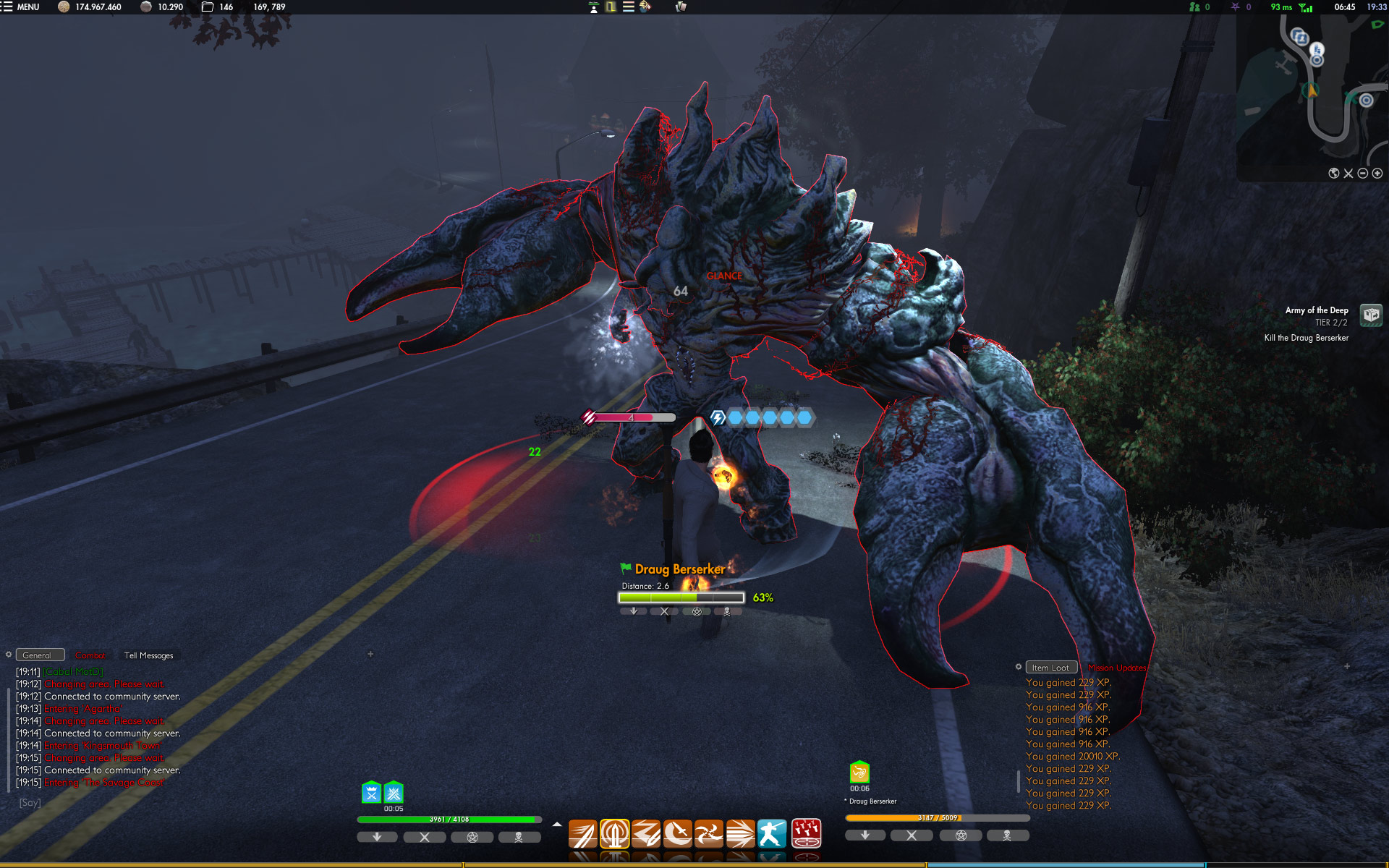
Showing the text within the healthbar (in default configuration), target highlighting, the nametag of dead entities, percent dividers and percent to the right of the bar.
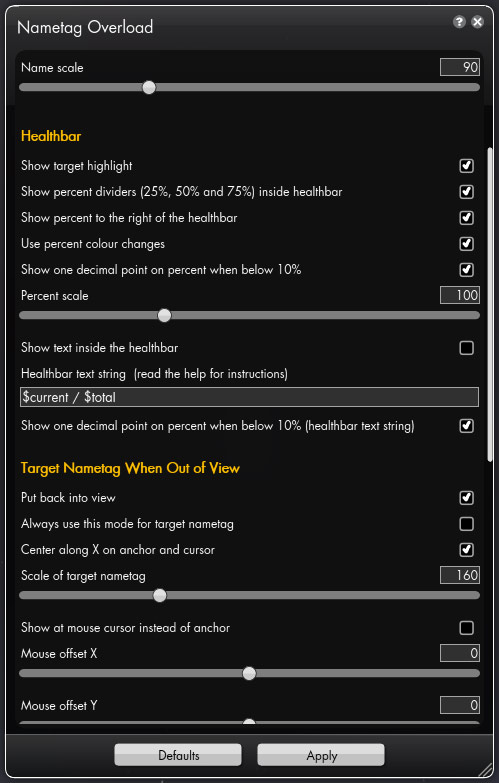
Showing some of the options available.
Description
Nametag Overload changes the nametags/healthbars to give you more information, look better and allow for greater customisation. Note that the add-on respects the nametag settings you've choosen in Interface Options for the game.
Features:
- Entirely new graphics for the healthbar.
- Option to add percent (25%, 50% and 75%) dividers within the healthbar.
- Increased the size slightly for the healthbar and text.
- Option to show text inside the bar. You can create your own string by using identifiers that will get replaced with the correct values. Read the in-game help on how to use this (click the question mark button next to the close button of the options window).
- Option to show the health percentage out to the right with different options to control it.
- Option to highlight your selected target.
- Smoother colour transition in the healthbar.
- Option to not show the healthbar for friendly NPC’s unless they’re targeted.
- Option to not show the name for friendly NPC’s unless they’re targeted.
- Option to adjust the scale of the name text.
- Option to set the draw distance for nametags.
- Option to only show healthbars for friendlies below 100% health, otherwise they are hidden.
- Reduces the alpha of the bar for dead entities.
- Grays out the text of dead entities.
- Option to remove the nametag of dead entities.
- Always puts your active target on top of the nametags.
- Option to show states, castbar and resources for all entities, not only your target.
- States graphics made clearer.
- The shield/barrier portion of the bar is now light blue/cyan instead of yellow (making it stand out more) and won't fill up the healthbar when partially off-screen to the right.
- States can now be shown even if you don't have weapon resource indicators enabled.
- Option to put enemy nametags back into view if they would otherwise be off-screen. Can be shown at a specific (freely movable) anchor or at your mouse cursor.
- Other minor options are available as well, just explore the options window.
- Performance at default settings (on my system) is the same as the standard Funcom nametags.
Nametag Overload Team