Castbar Relocator

Abandoned
Allows you to freely place the castbars anywhere + more options.
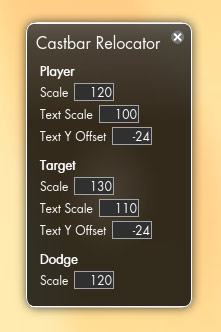
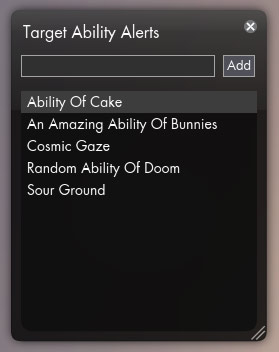
<p>Showing the available settings.</p>

Showing the available settings.

<p>It really is!</p>

It really is!

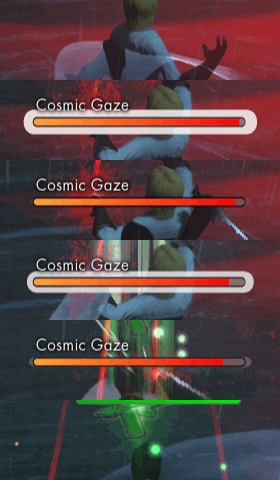
<p>The cast was interrupted but otherwise it would have pulsed for the entire duration of the cast.</p>

The cast was interrupted but otherwise it would have pulsed for the entire duration of the cast.
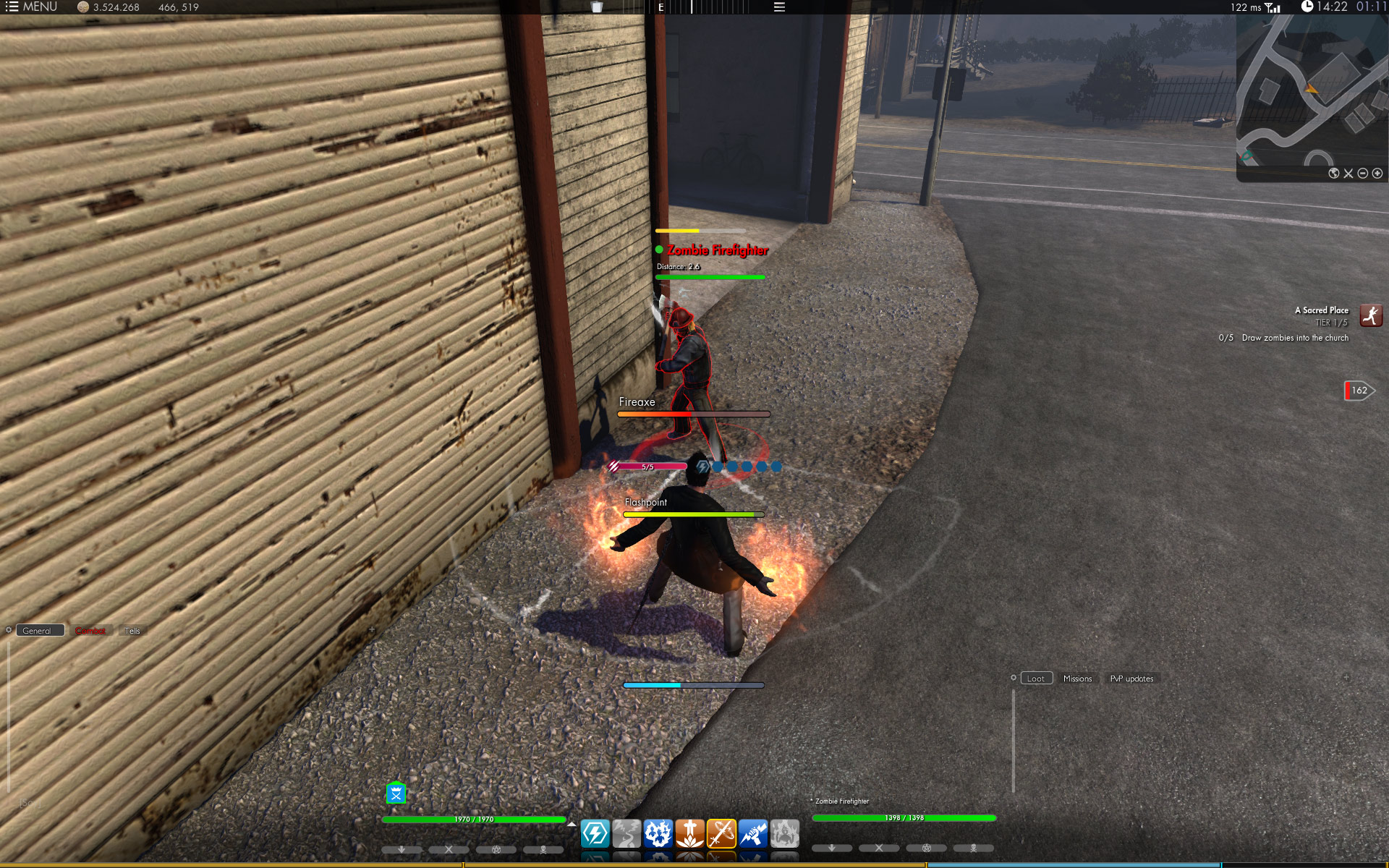
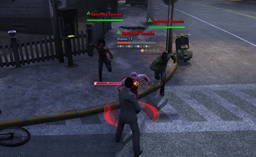
<p>Shows all the castbars with different scaling applied.</p>

Shows all the castbars with different scaling applied.

Description

Make sure to read the included readme.txt file on how to update this add-on with the 1.1 patch!

Features of this add-on:

  • Castbars are able to be placed anywhere on the screen.
  • Alerts can be setup for the target castbar using the Target Ability Alert system.
  • Individual scaling of each castbar.
  • Individual scaling of each castbar's text.
  • Possible to offset the text's Y position.
  • Tweaked graphics of the castbars.
  • The text from the dodge bar has been removed (you know what it does from the colour).

Click the icon to the right of the compass to open the settings window and allow for the bars to be moved. Clicking the icon while holding down Ctrl will open up the Target Ability Alert system window. To delete an alert Shift + click it in the list.

For moving/placing I've made a few minor helpers as well:

  • If you Ctrl + click a castbar it will center horizontally on the screen.
  • If you hold down Shift while moving a castbar it will lock its movement to the axis it moved the longest on. Basically it means that if you moved it up further than you moved it to the side, it will snap into the X position it was at when you started moving it, once you release the mouse button (while still holding Shift).

Also if you Shift + click the icon the castbars will get reset to their default positions (default for this add-on, which is the same placement used in version 1.0.0).

The Castbar Relocator Team

profile avatar
  • 20
    Projects
  • 455.0K
    Downloads
Donate

More from Forge_User_63920161View all

  • Topbar Information Overload project image

    Topbar Information Overload

    • 122.2K
    • Mods

    Adds information to the top bar, fully user configurable.

    • 122.2K
    • July 10, 2015
    • Mods
  • Resource HUD project image

    Resource HUD

    • 28.6K
    • Mods

    A customizable HUD element for the player and target resource indicators.

    • 28.6K
    • November 26, 2013
    • Mods
    • +1
  • Deck Manager project image

    Deck Manager

    • 68.6K
    • Mods

    Save and load your own custom ability decks.

    • 68.6K
    • November 13, 2013
    • Mods
  • They Come And Go project image

    They Come And Go

    • 6.9K
    • Mods

    Show messages for when friends and guild members go on- and offline.

    • 6.9K
    • June 18, 2013
    • Mods
  • Topbar Information Overload project image

    Topbar Information Overload

    • 122.2K
    • Mods

    Adds information to the top bar, fully user configurable.

    • 122.2K
    • July 10, 2015
    • Mods
  • Resource HUD project image

    Resource HUD

    • 28.6K
    • Mods

    A customizable HUD element for the player and target resource indicators.

    • 28.6K
    • November 26, 2013
    • Mods
    • +1
  • Deck Manager project image

    Deck Manager

    • 68.6K
    • Mods

    Save and load your own custom ability decks.

    • 68.6K
    • November 13, 2013
    • Mods
  • They Come And Go project image

    They Come And Go

    • 6.9K
    • Mods

    Show messages for when friends and guild members go on- and offline.

    • 6.9K
    • June 18, 2013
    • Mods