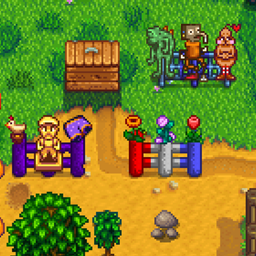
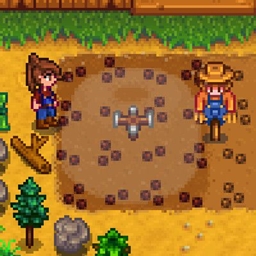
This mod lets you change the radii of vanilla sprinklers and lets non-sprinkler objects function as sprinklers by giving them radii as well.
It also lets you manually activate all sprinklers in the current location by pressing a hot key (default
Enter), or individually by hovering over the sprinkler and pressing a hot key (default
Right Mouse).
This mod is compatible with the latest version of
Immersive Sprinklers.
An example of a content pack that uses this mod to add custom sprinkler objects is
Scarecrows As Sprinklers.
Custom Radii
There are two ways to set a custom radius:
Edit the mod's config.json file, which has radii for the three vanilla sprinklers in it. Change the number to whatever whole number you like. You can also add a new entry for a custom sprinkler object.
Create a Content Pack targeting the dictionary at aedenthorn.SprinklerMod/dictionary. The dictionary has the same format as the config file dictionary.
Sprinklers with radius of 0 function like the ordinary vanilla sprinkler, with four water animations; all higher radii result in the single circular water animation.
For objects in
BigCraftableInformation, you can specify the index instead of the name, e.g.:
"Solid Gold Lewis": 5
or
"164": 5
Config
You can customize this mod by editing the config file or using
Generic Mod Config Menu.
Technical
Requires
SMAPI.
Implements a
Generic Mod Config Menu interface to change config settings in-game.
Compatible with
Mod Updater for automatic updates.
Code is at
https://github.com/aedenthorn/StardewValleyMods.
If you want to complain or ask for help or help me test my mods, you can visit
my Discord server.
A list of all my mods for Stardew Valley is available at
https://www.nexusmods.com/stardewvalley/articles/895.