Better Minecart Menu
- By
A fast-and-easy way to navigate the minecart warp menu, using a tabbed interface, with each tab for each network and full gamepad support. No need to page through dozens of destinations anymore! Integrates well with major mods.
BMM Screenshot 1.png
BMM Screenshot 5.png
BMM Screenshot 2.png
BMM Screenshot 3.png
BMM Screenshot 4.png
Description
Stardew Valley Better Minecart Menu
Have so many mods in your Stardew Valley that your minecart warp menu is unmanageable, with too many pages of destinations to navigate? Better Minecart Menu is a Stardew Valley SMAPI mod that aims to solve that exact issue to save you previous seconds each time you use the minecart.
Things this mod provides:
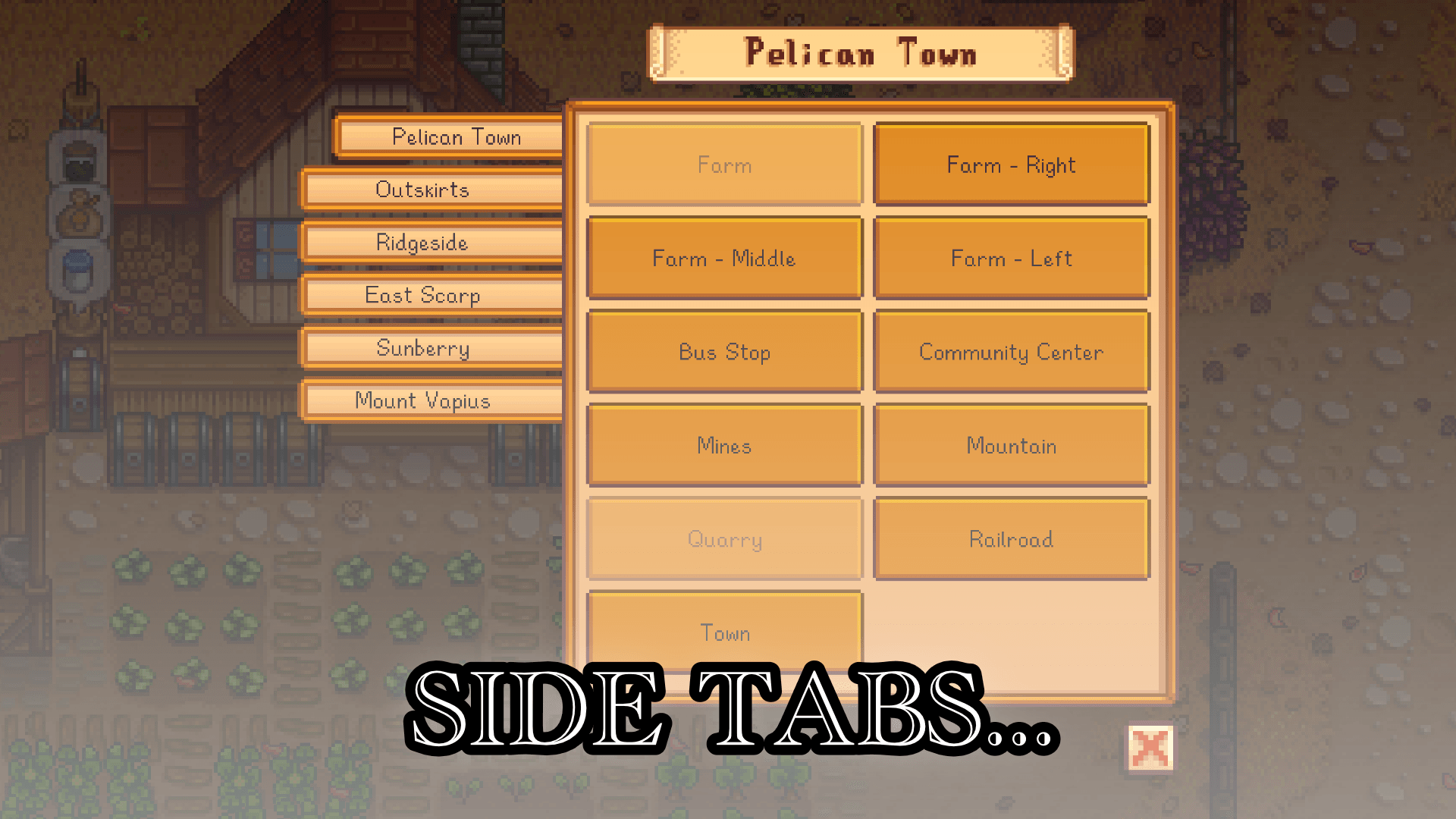
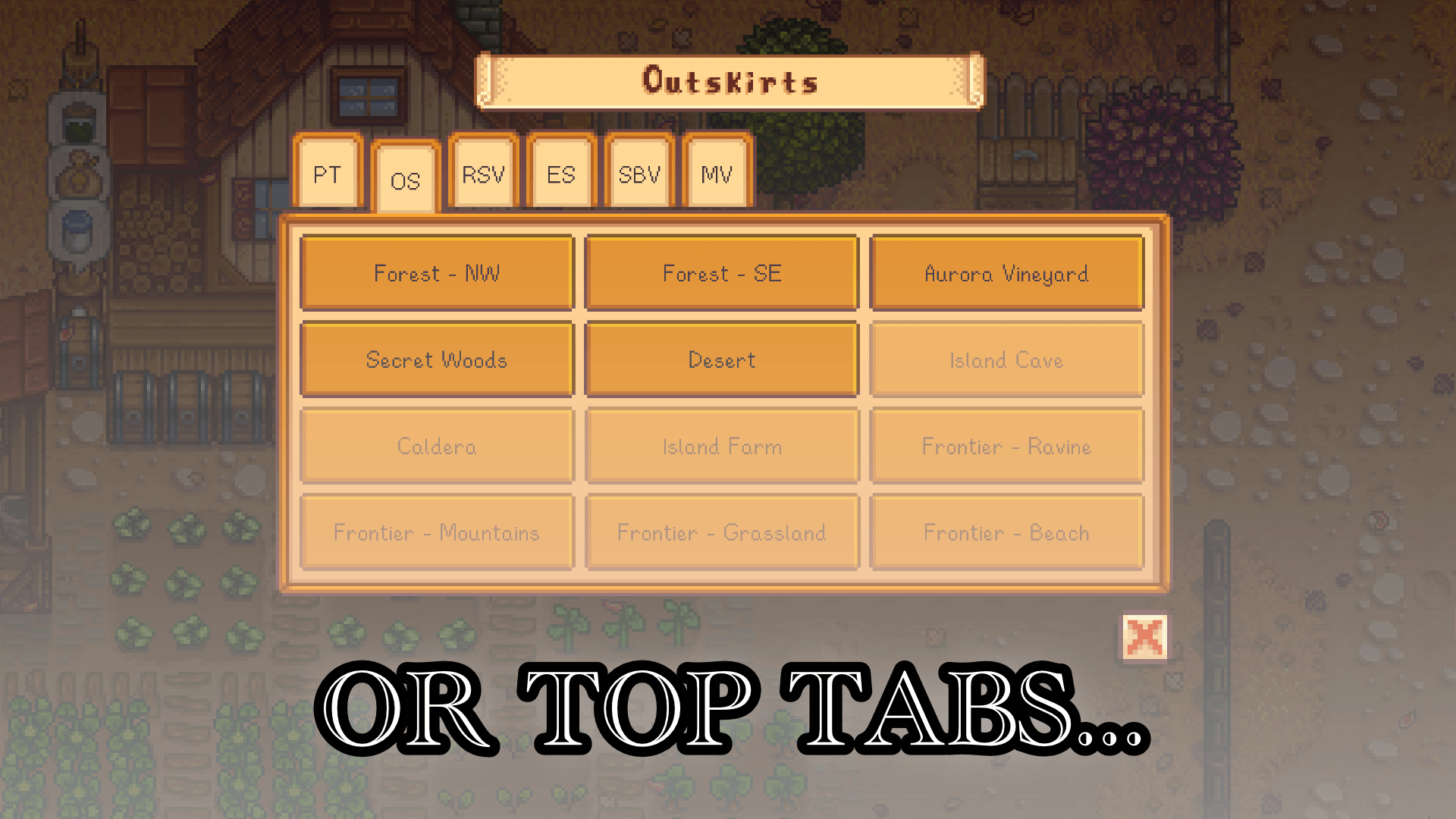
- A tabbed interface for minecart warps, with each tab assigned to each network (e.g. Pelican Town, Outskirts, Ridgeside Valley, East Scarp, etc)
- A choice between tabs on the left side (more readable network names), and tabs on the top (better fit for smaller resolutions)
- Show unavailable destinations as disabled buttons so you know what you're working towards in the future (can disable in config)
- (NEW in 1.0.0) Automatically finds the "You are here" destination since they are not always provided
- Ability to order your network tabs (have to edit config.json)
- Working integrations with major expansion and minecart mods
- Easy way to add more cross-mod integrations in the future
Features more for mod developers (and cheaters... no judgement) - these are disabled by default:
- Can show "unknown" networks i.e. networks registered by other mods but not yet integrated into this mod. Generally unknown networks work fine, though they won't have a "network name" on their tab. This would include bus and train networks.
- Can show known but "hidden" networks, which are usually trains and busses networks from other mods e.g. you can take the train to Mount Vapius from any minecart etc.
- Force-allow disabled destination buttons to be clicked on, so players can warp regardless of whether or not they meet the condition to travel there via the minecart. Buttons will still *look* disabled, but they are in fact clickable. Use with caution as it might mess up the game state.
Source code on Github
Requirements
Device Compatibility
- Tested with Stardew Valley 1.6 and SMAPI 4.5.2 on Linux/Mac/Windows/Cinderbox Android with Windows build
- Untested on native Android app (testers welcome)
- Works with keyboard, mouse, and most gamepads
- Untested on touchscreen inputs (testers welcome)
Localisation
- English
- Simplified and Traditional Chinese (thanks to JIAWANSHEN)
Cross-Mod Compatibility
- (NEW in 1.0.0) Deep integration with Minecart Travel Menu (thanks ringlord174 for providing the API)
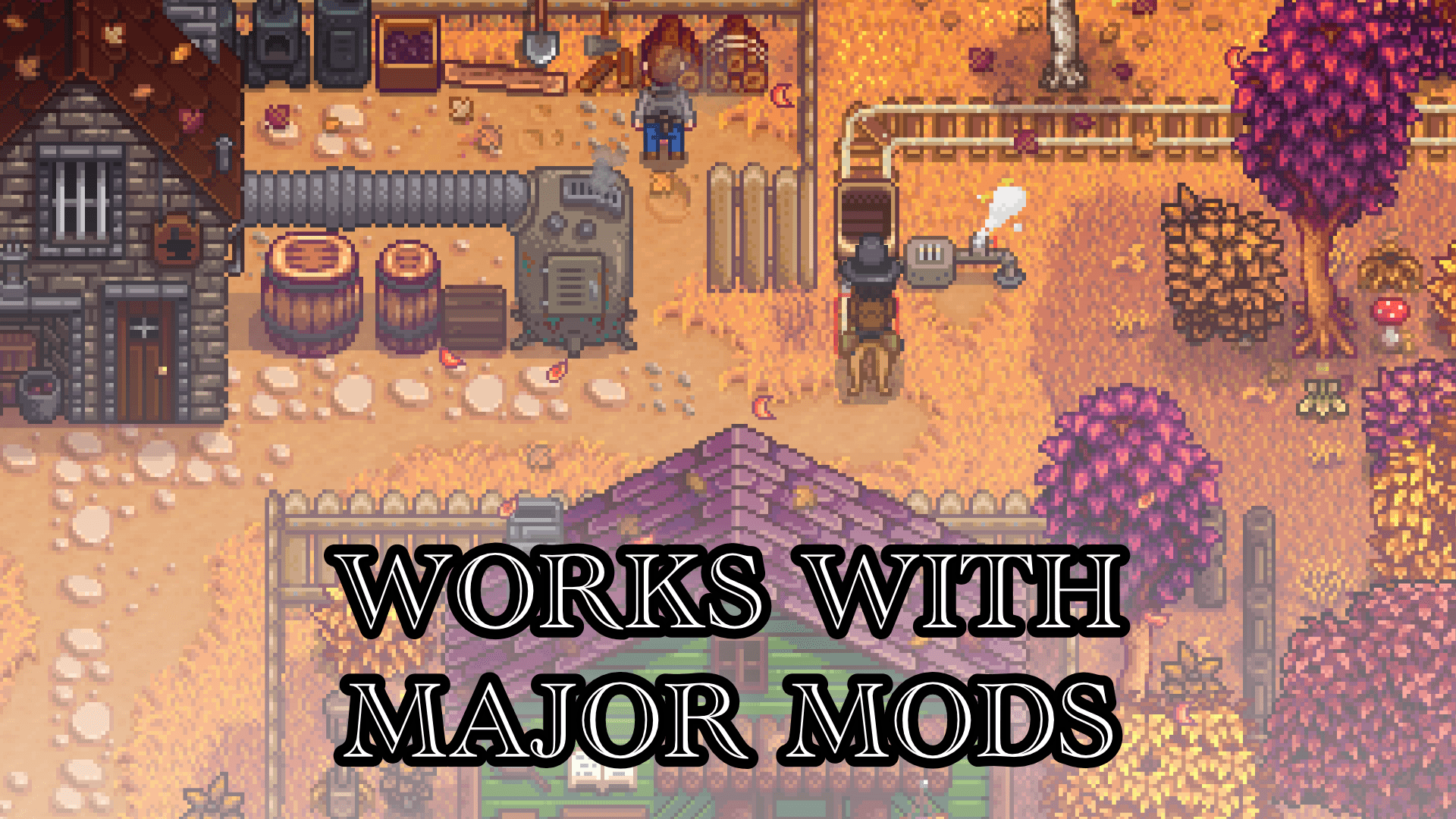
- Works with SVE, Ridgeside, East Scarp, Sunberry and Visit Mount Vapius (note on Mount Vapius - this mod modifies the minecart conditions slightly with permission from the author - please report to me if there are any issues because of it)
- Works with Integrated Minecarts, PolyCarts and Better Things (it's best to have only one of these at a time, but if you know what you're doing feel free to add all three)
- Works with my Smart Horses mod (able to use the Better Minecart Menu while mounted with Smart Horses)
- Please report any cross-mod issues you find - I will try to fix them as soon as possible.
How to Add Cross Mod Support
There are three options to cross-mod support with your mod:
- Do it yourself in your own mod, using Content Patcher to perform EditData on the target: Sagittaeri.BetterMinecartMenu/MinecartNetworkEdits
For example:
This will add new metadata on a custom minecart network called "CustomNetworkID", with the following fields:{
"Action": "EditData",
"Target": "Sagittaeri.BetterMinecartMenu/MinecartNetworkEdits",
"Entries": {
"CustomNetworkID": {
"DisplayName": "Custom Network Name",
"TabName": "CNN",
"RemoveNetwork": false,
"RedirectNetwork": "",
"RemoveDestinations": [],
"AppendDestinations": [],
"OrderFromTop": ["CustomDestinationID.3", "CustomDestinationID.2", "CustomDestinationID.1"],
"OrderFromBottom": []
}
}
}
DisplayName = Text that you see on the tab in side tab mode, and in the tab popup of the top tab mode
TabName = Text that you see on the tab in the top tab mode - recommend at most 3 letters
RemoveNetwork = Remove this network from the minecart UI (network still exists, it's just hidden, and can still be seen if users choose to "show hidden networks" in their config)
RedirectNetwork = When opening a minecart menu, redirect the input network ID to another
RemoveDestinations = List of destination IDs to remove from this network
AppendDestinations = List of destination IDs to add to this network - note that this removes these destinations from all other networks
OrderFromTop = List of destination IDs to order from the top, if they exist
OrderFromBottom = List of destination IDs to order from the bottom, if they exist
If all you want to do is to add a localisable name to your network, do this:
This will register the display name and tab name from "Network.CustomNetworkID" and "Network.CustomNetworkID.Tab" localisation keys respectively. Feel free to browse some examples in my source code on Github.{
"Action": "EditData",
"Target": "Sagittaeri.BetterMinecartMenu/MinecartNetworkEdits",
"Entries": {
"CustomNetworkID": {
"DisplayName": "{{i18n: Network.CustomNetworkID}}"",
"TabName": "{{i18n: Network.CustomNetworkID.Tab}}"
}
}
} - Create the CP as above but instead of running it in your own mod, have it run on mine for whatever reason. If that's the route you want to take, fork my source code on Github and then submit a PR when you're done, and I'll merge it in as soon as I've tested them.
- Ask me to integrate it for your mod. If you do so, contact me in this forum on in Discord.
Installation
Follow the usual installation procedure for SMAPI mods:
- Install SMAPI
- Download the latest release of this mod and unzip it into the `Mods` directory
- Run the game using SMAPI
The Better Minecart Menu Team